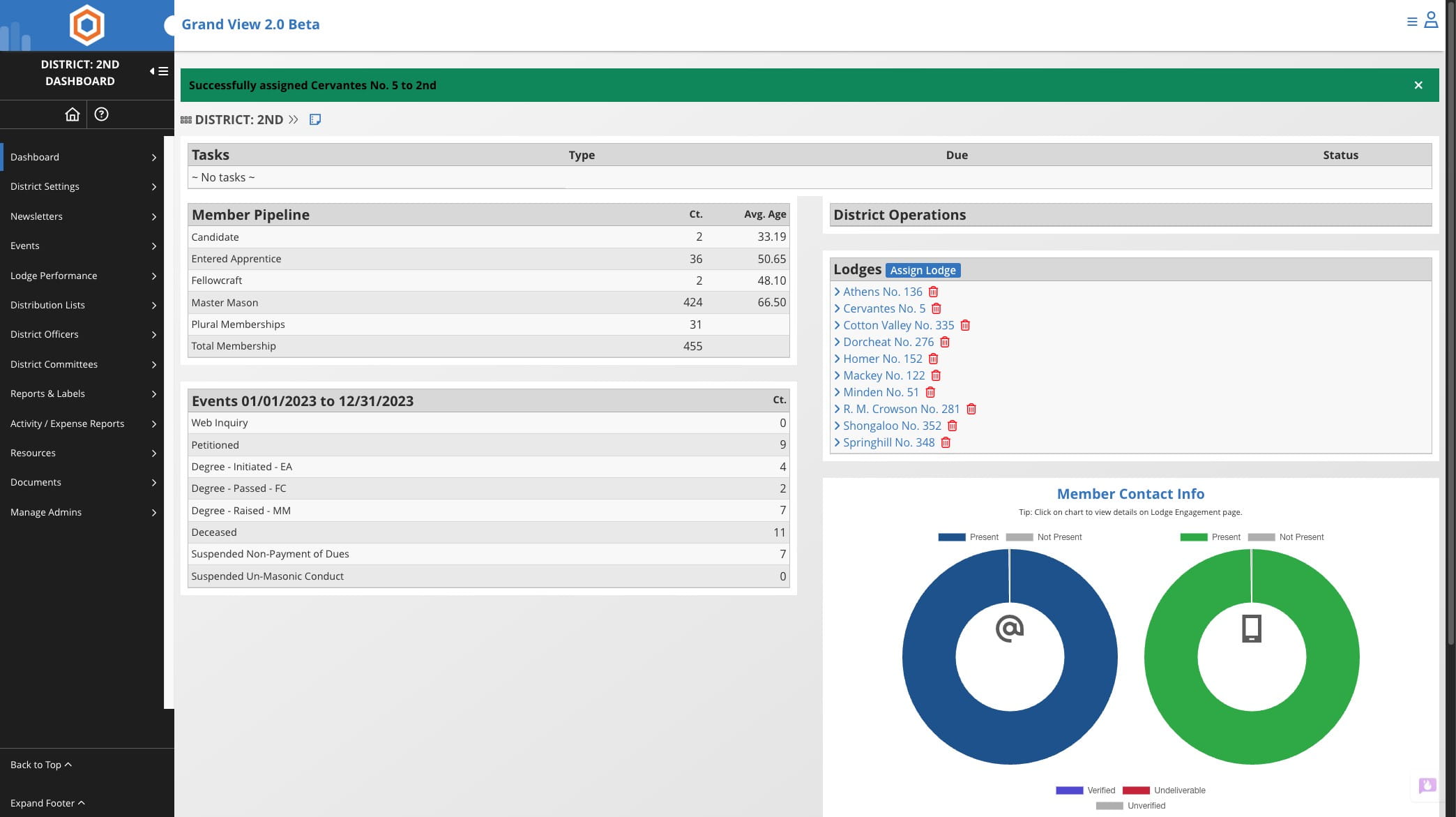
Assign Lodge to District
May 28, 2026●
1
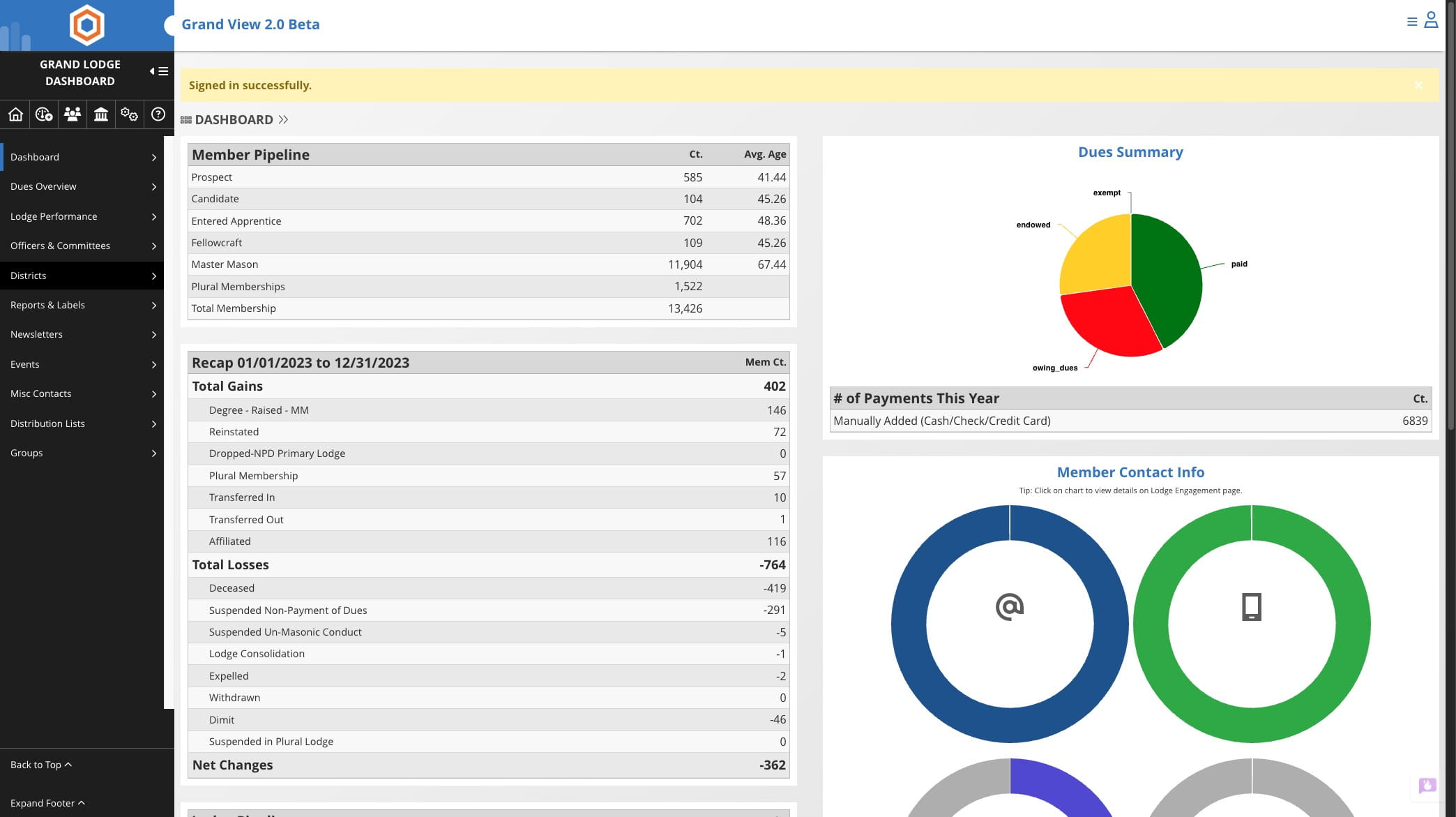
Click on "Districts" from the Grand Lodge Dashboard

2
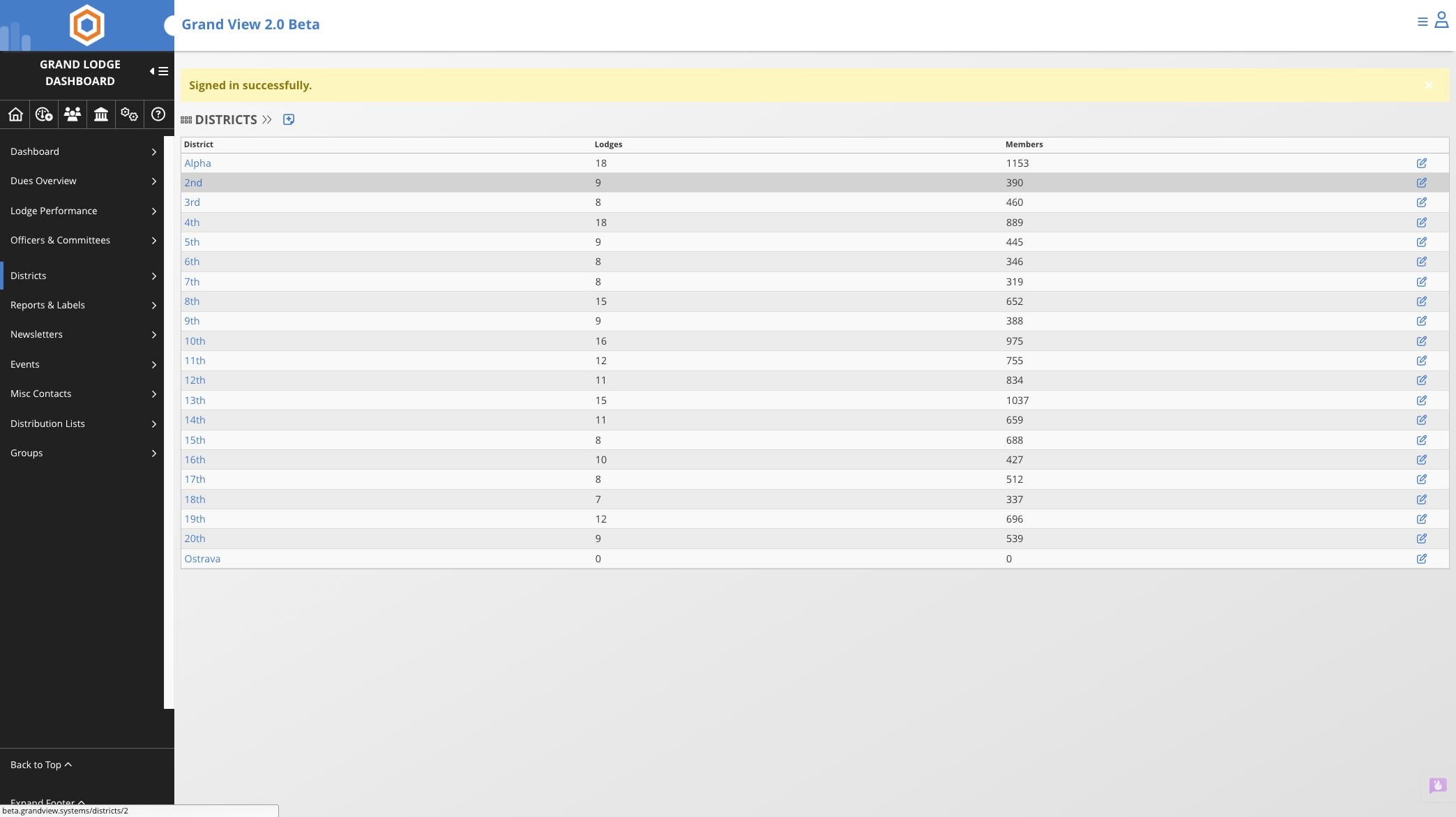
Select the District in which you'd like to add a lodge
3
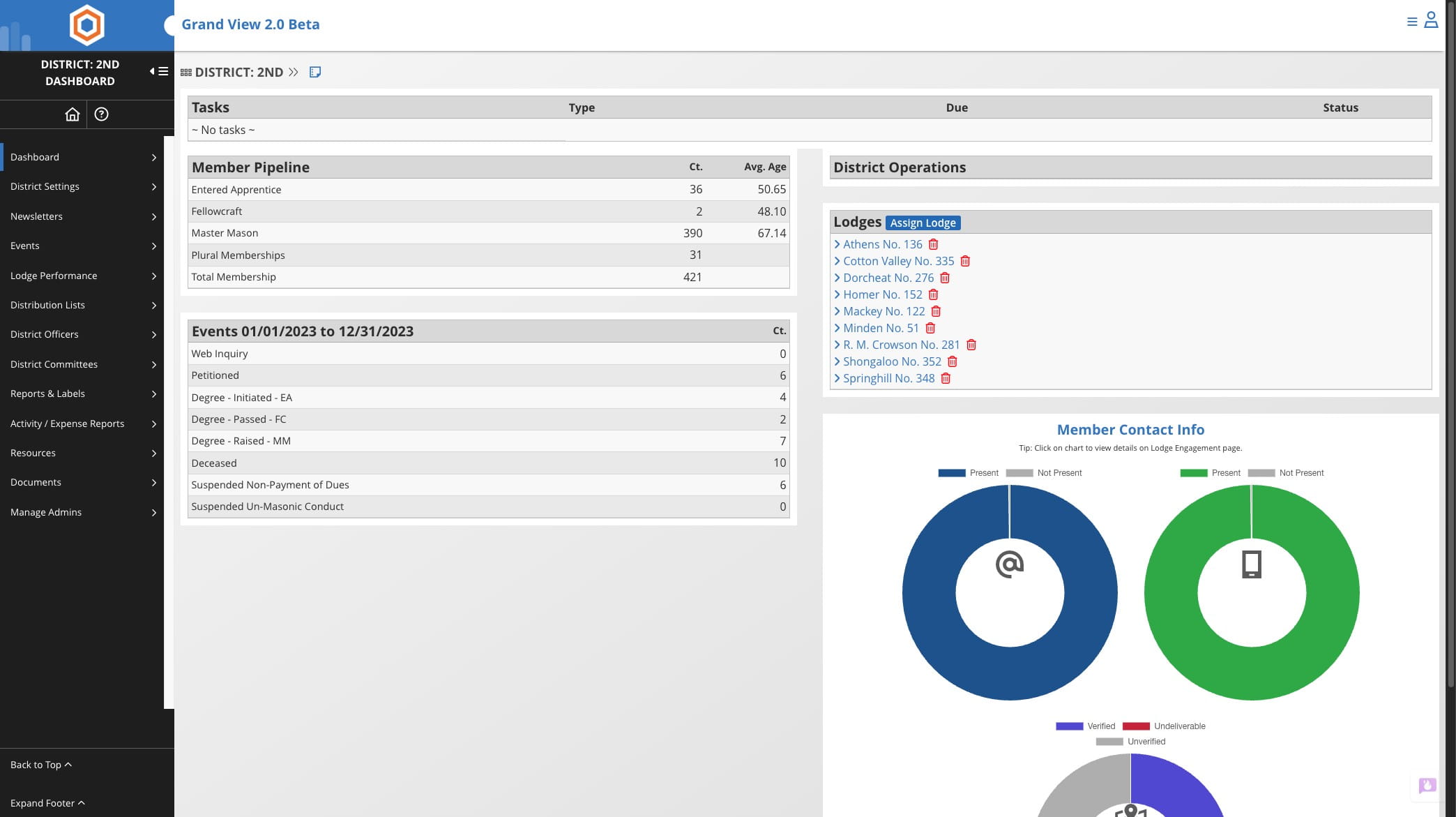
Click on "Assign Lodge"
4
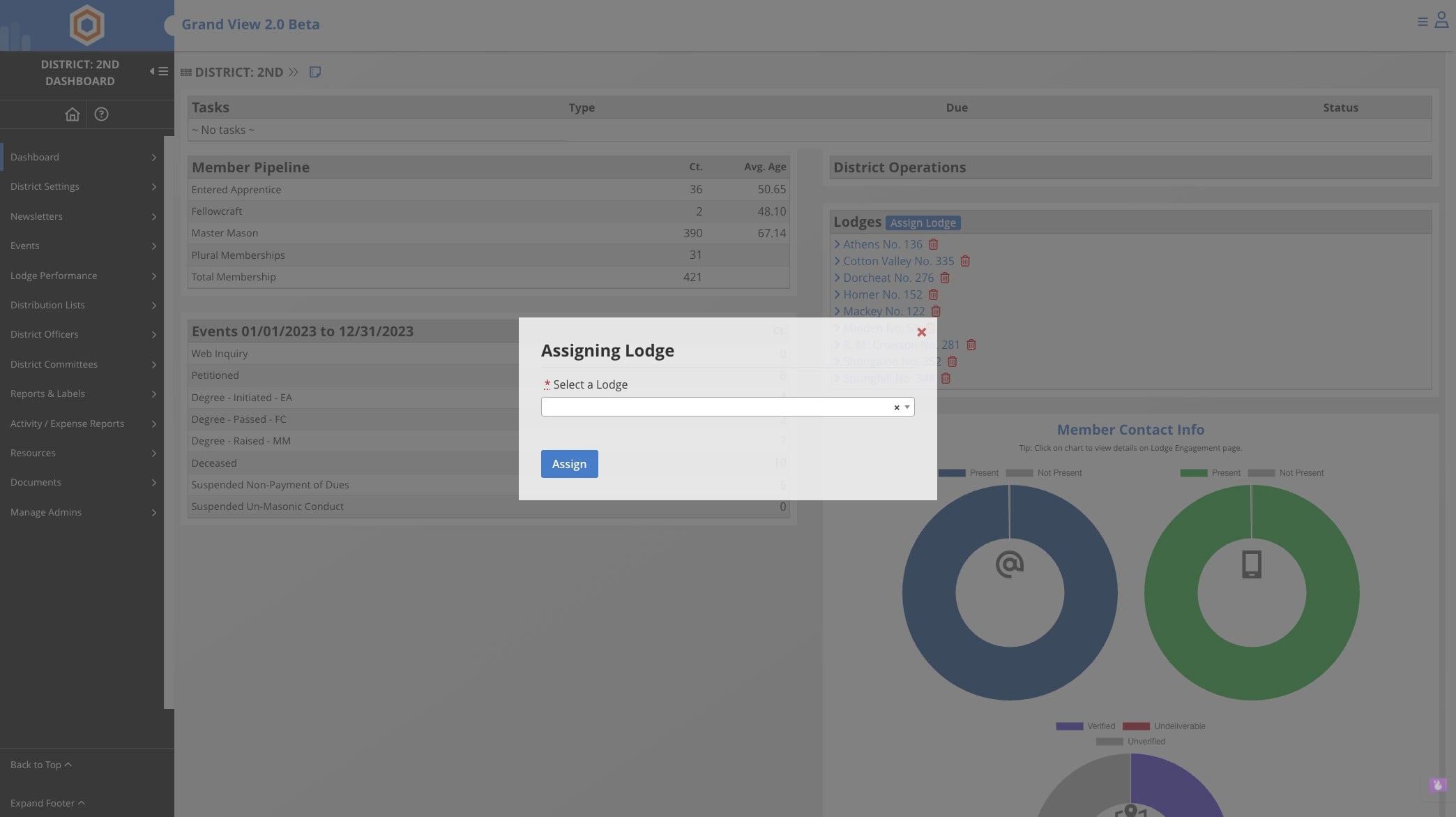
Click on drop down menu
5
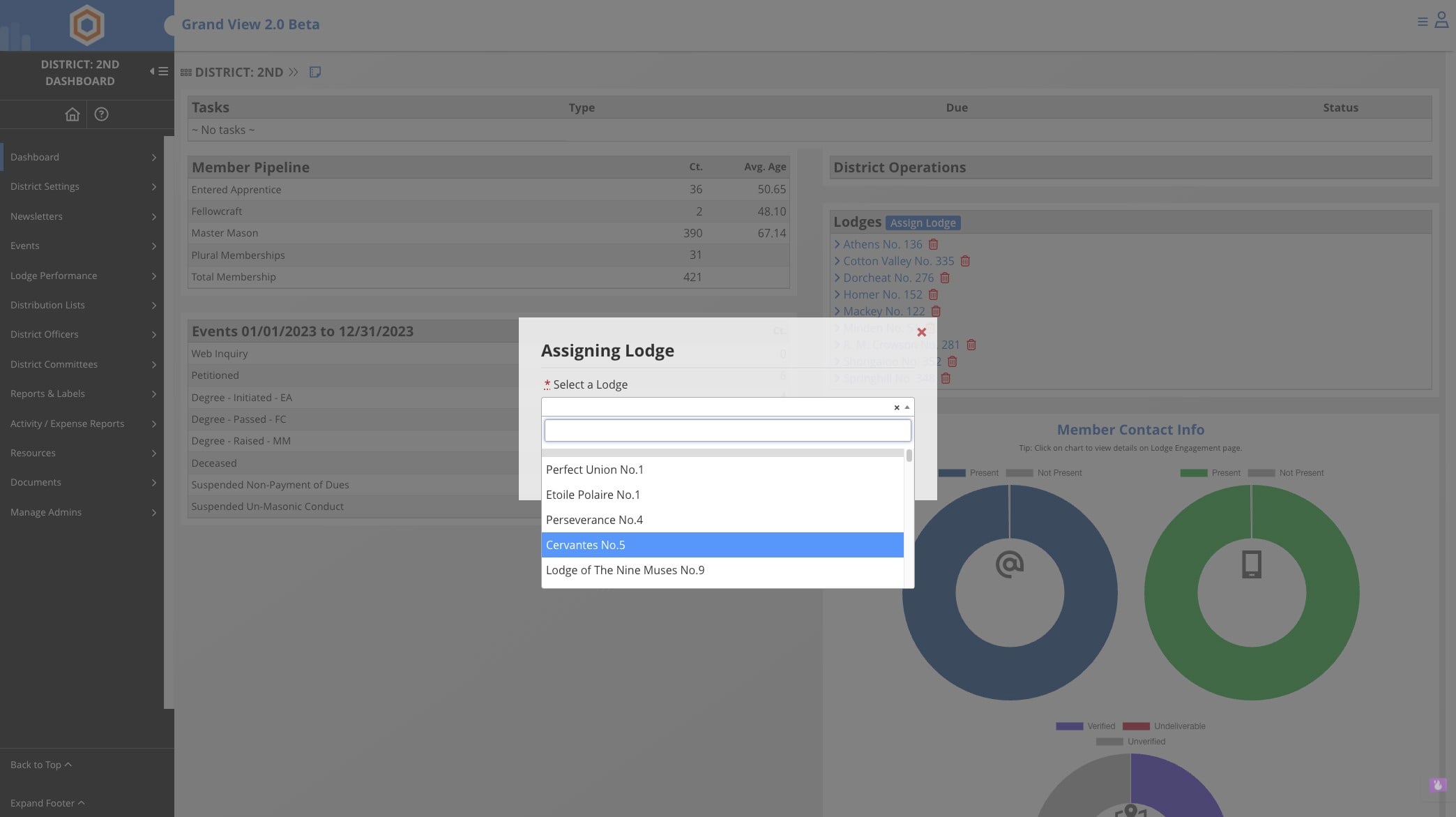
Either type or select the lodge from the list
6
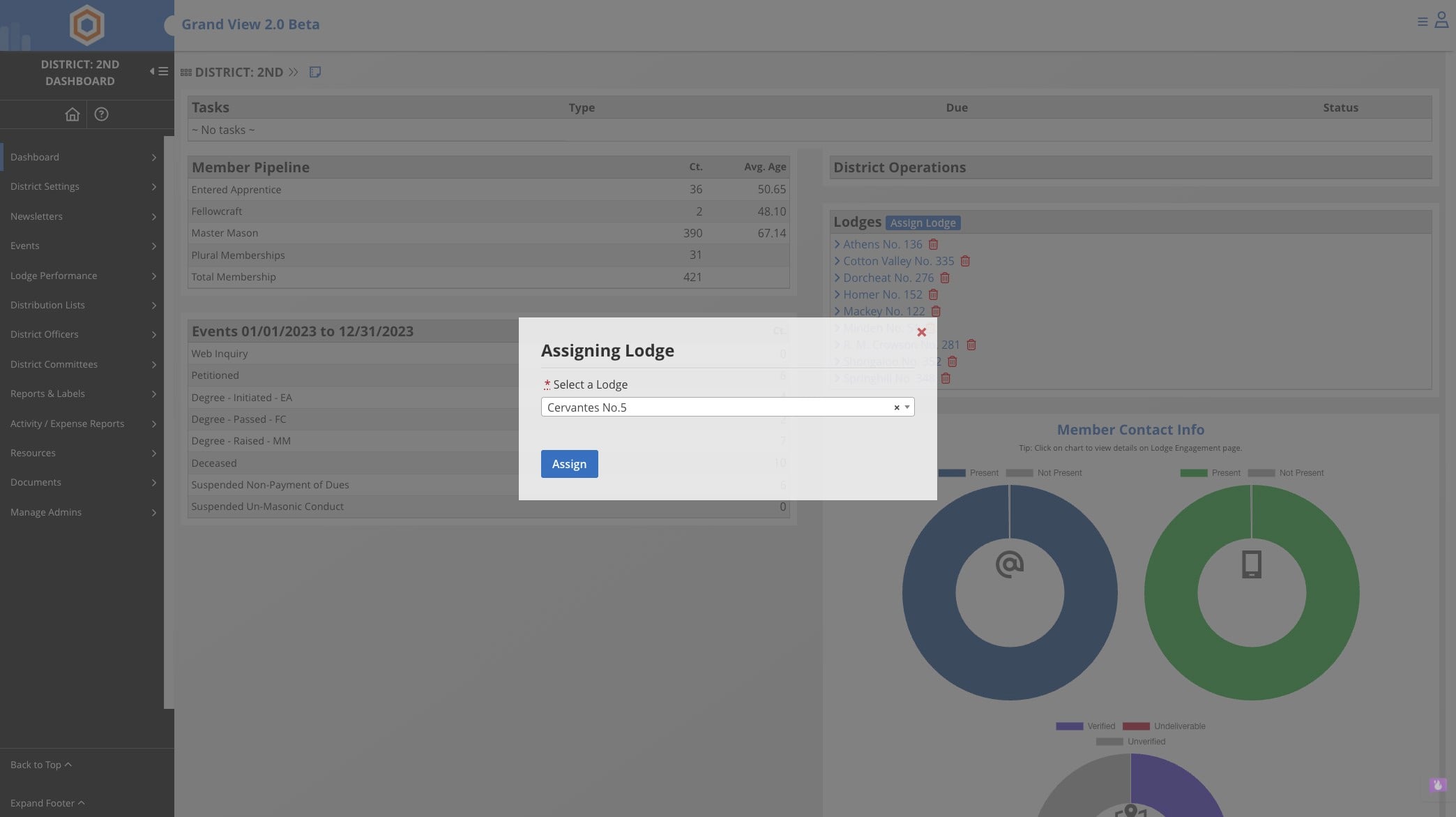
Click Assign
7
Done 🚀