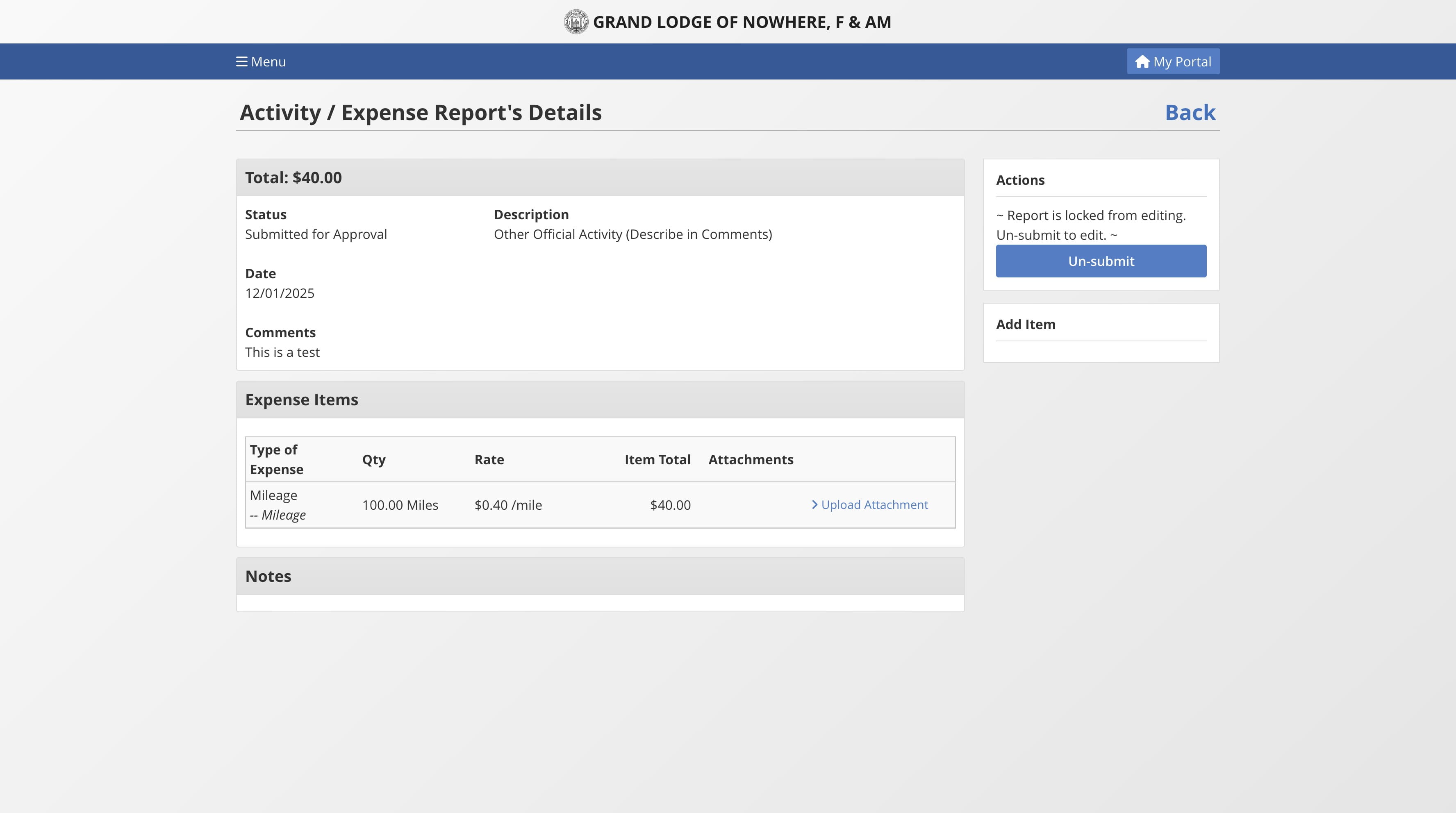
Expense Reports - How to submit report
Dec 10, 2025●
1
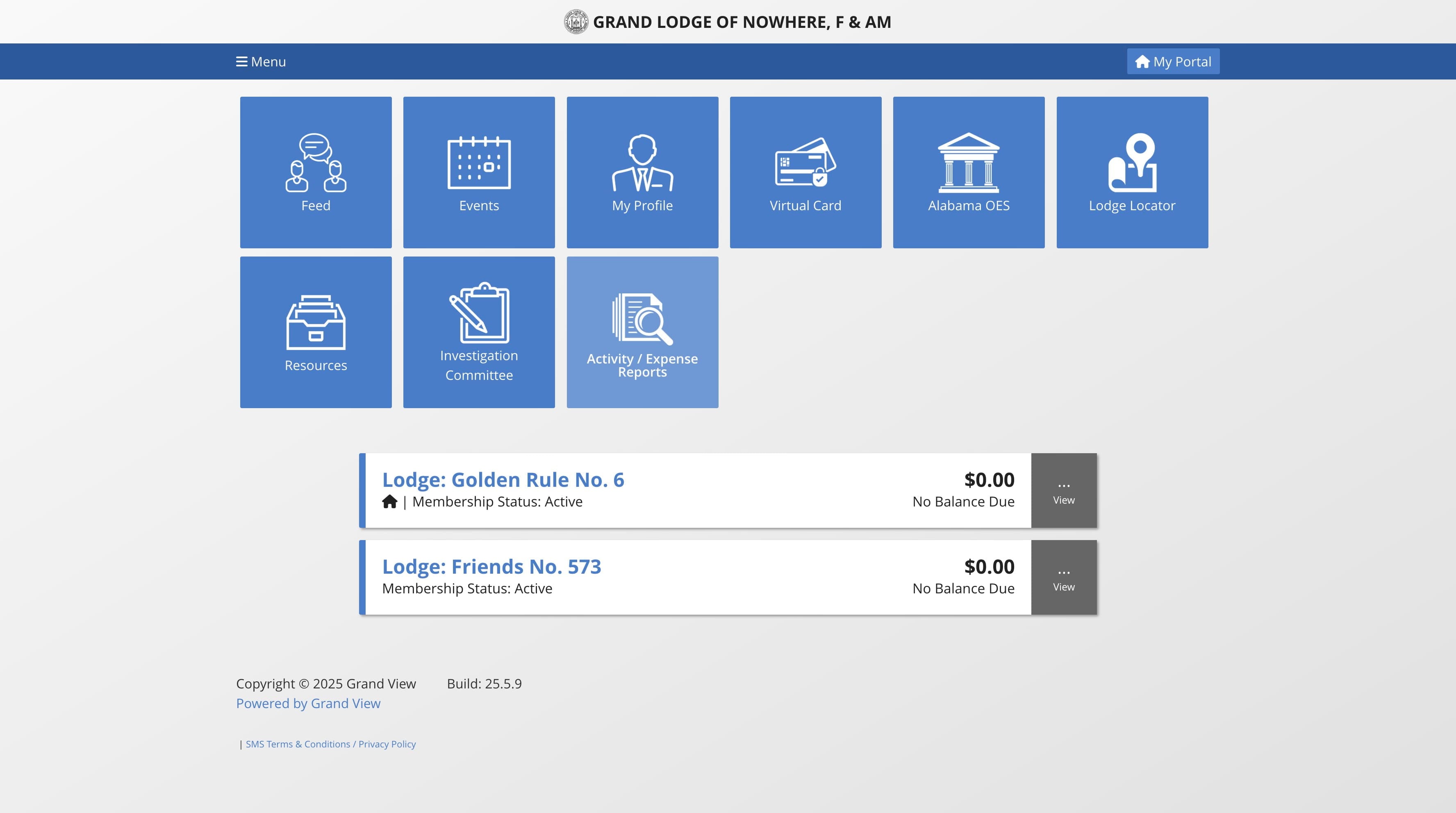
Navigate to My Portal
2
Click this image

3
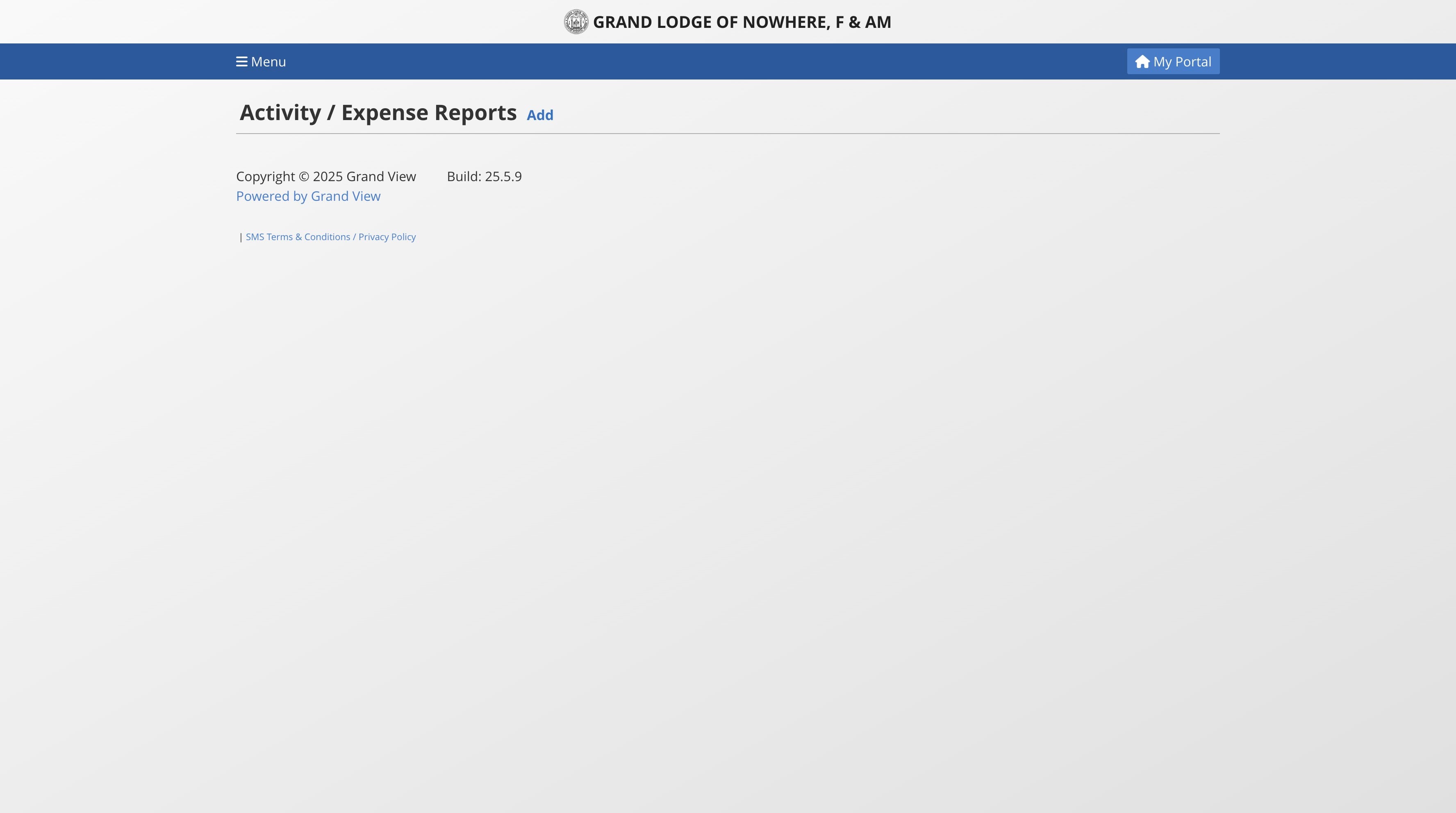
Click on "Add"
4
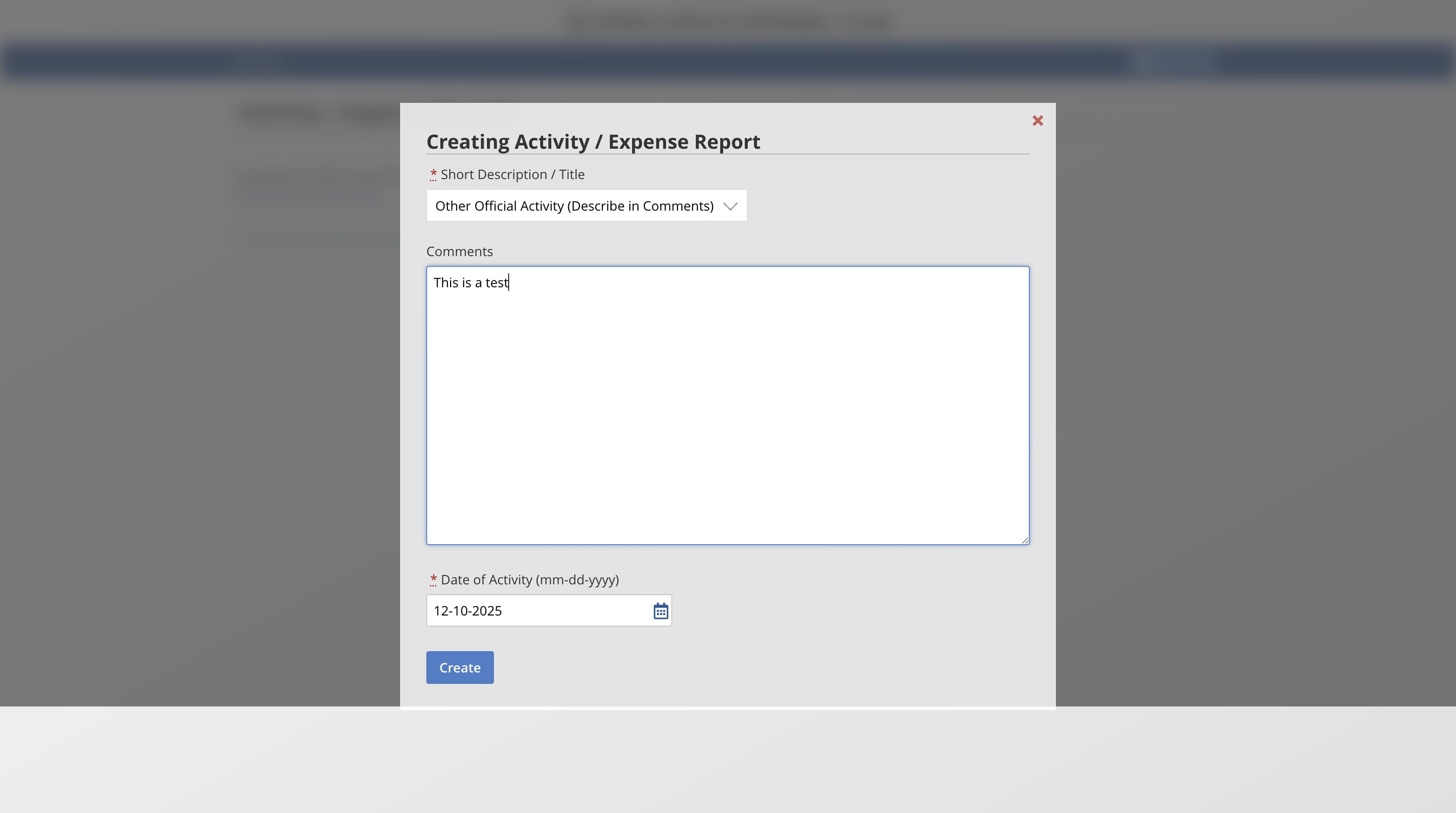
Fill out the form and click Create
5
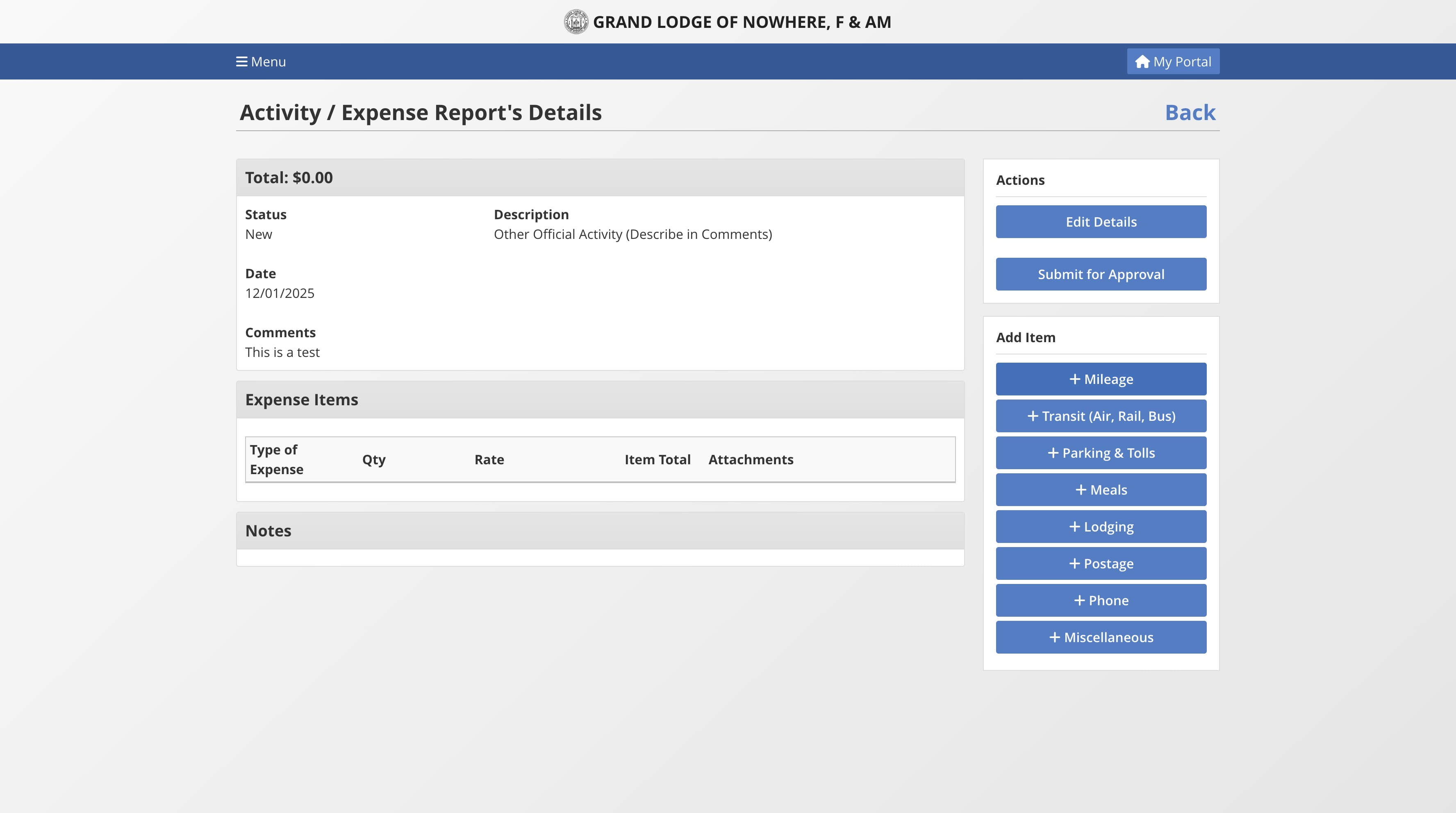
Selecy an item to add for reimbursement
6
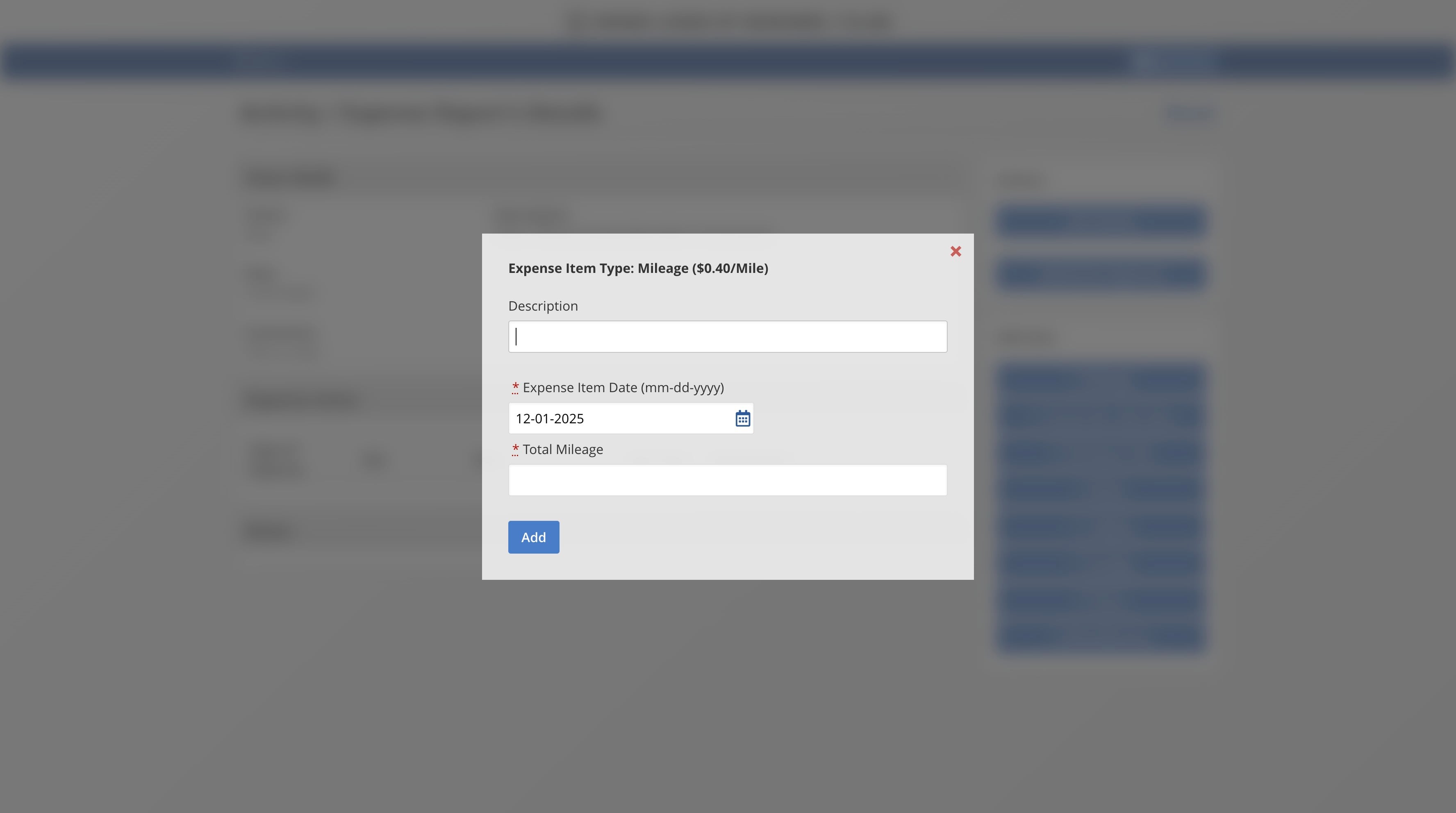
Enter the details of this item.
7
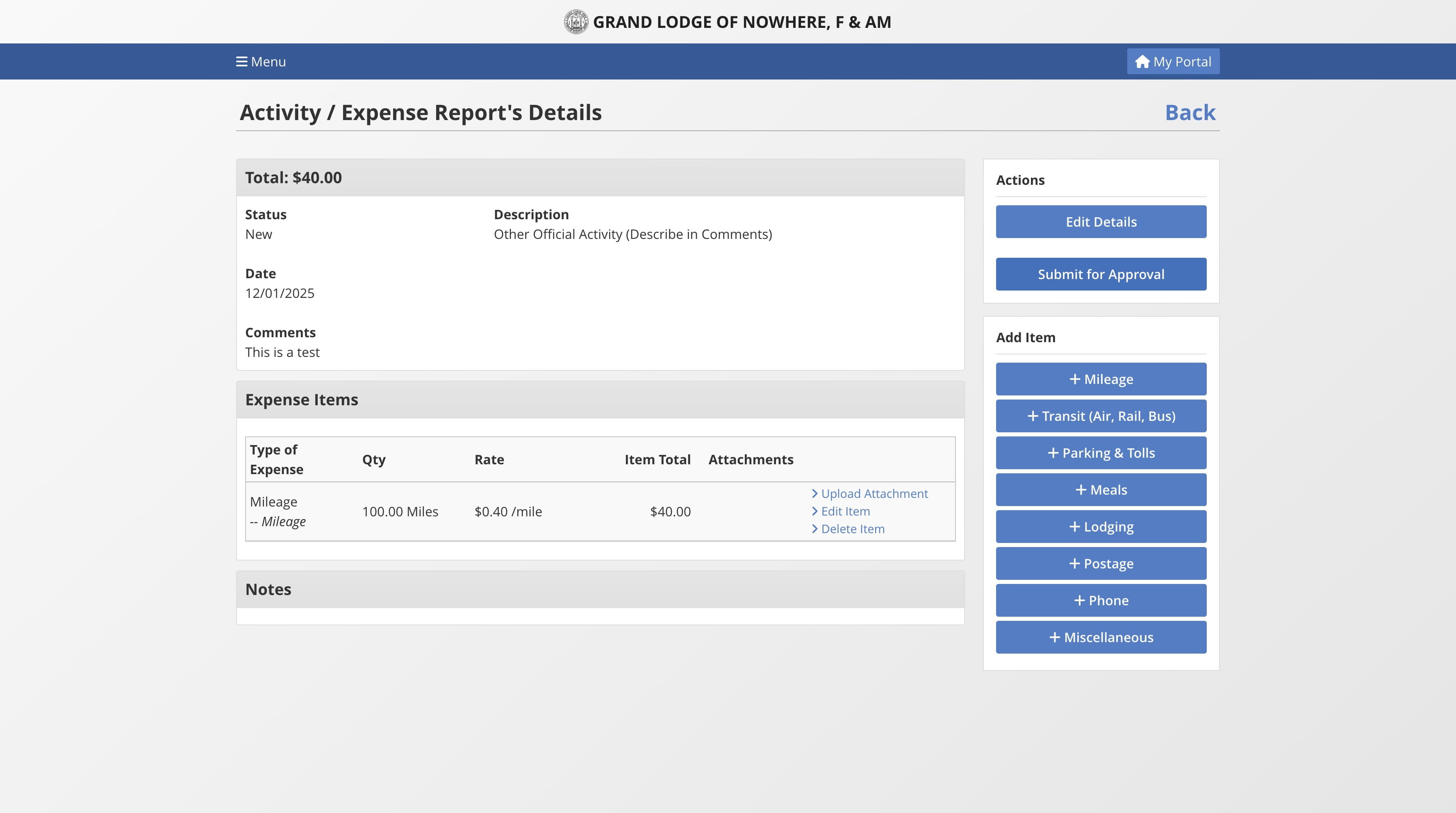
Upload documents to the items if required. Then click on "Submit for Approval" to submit.
8
Done 🚀