

Add/Edit Historical Event
Learn how to add and track historical events for Lodge members in your membership management system. This guide walks you through the complete process, from navigating to a member's profile to recording important events like initiations, degrees, and other significant milestones.
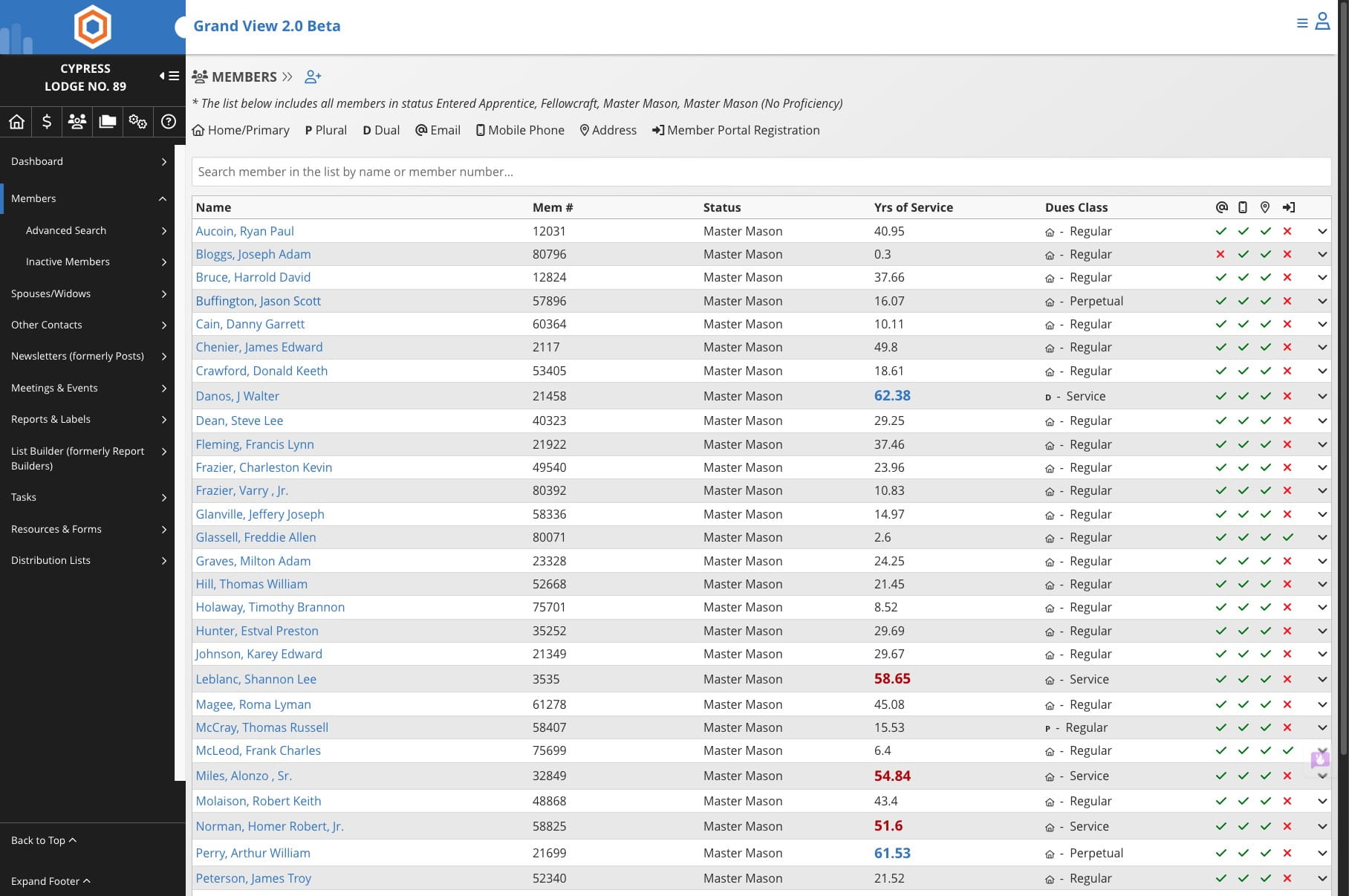
Go to the member directory for the specific Lodge where this member holds their membership
Click on the name of the member

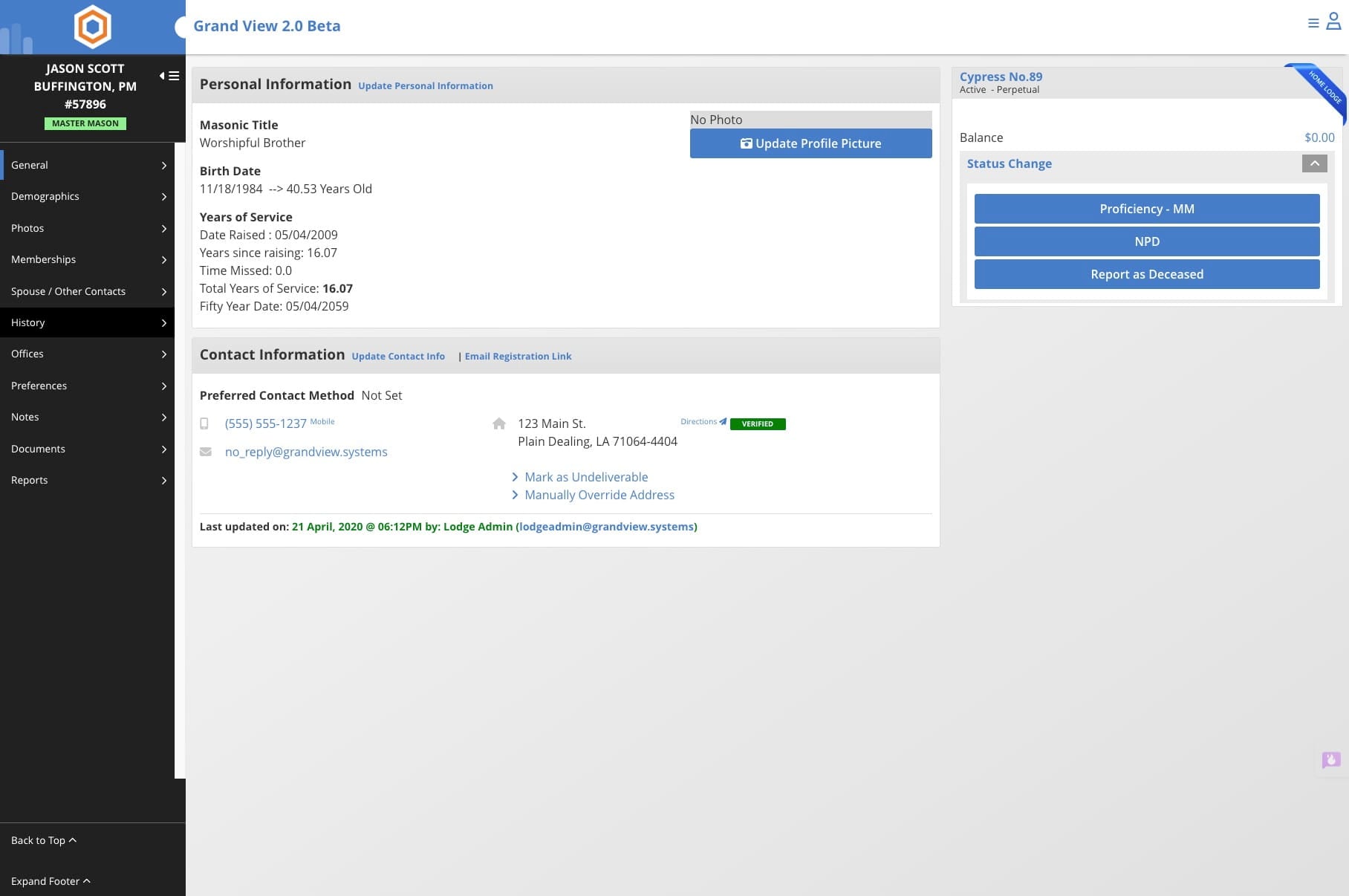
Click on "History"
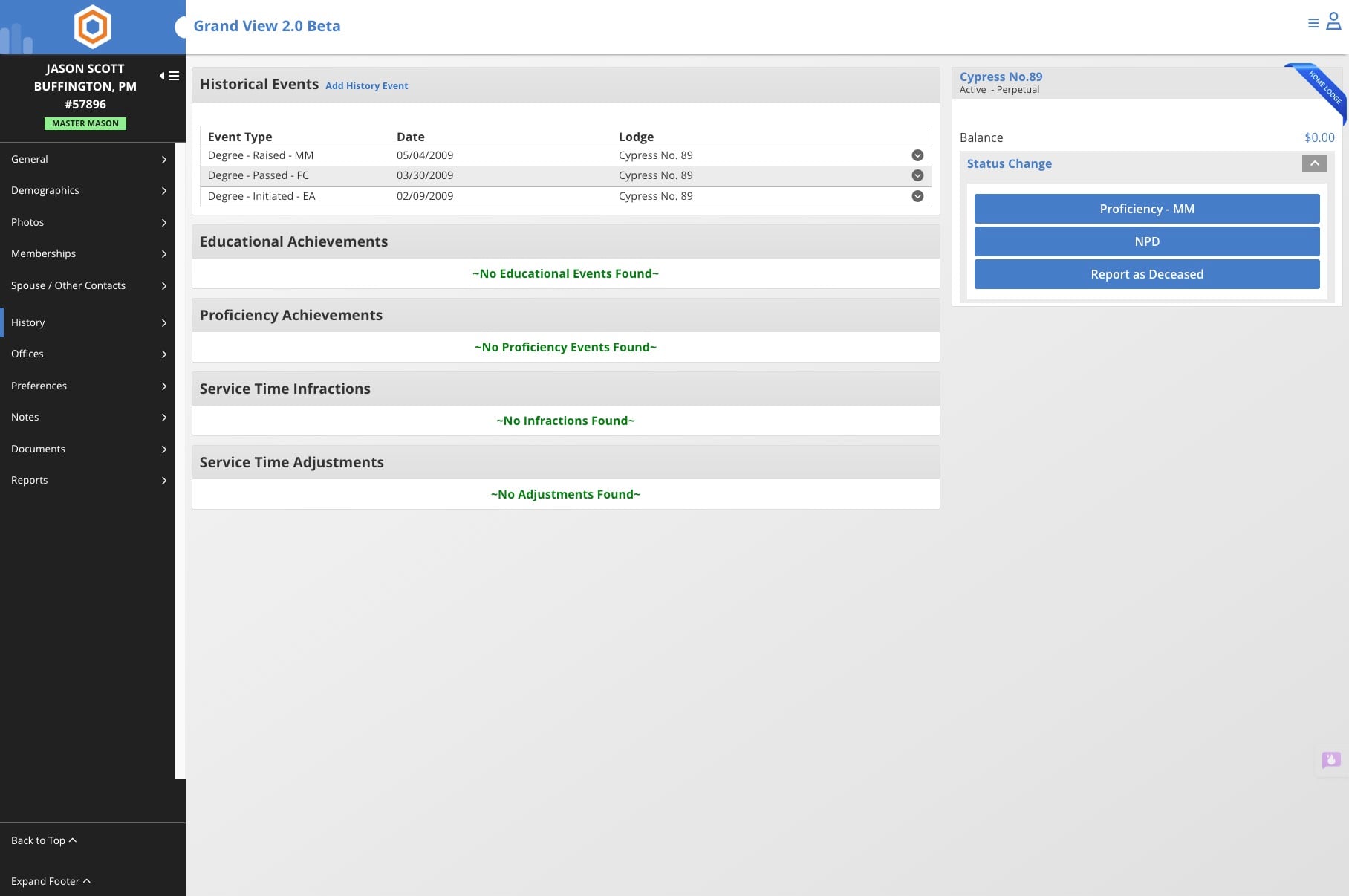
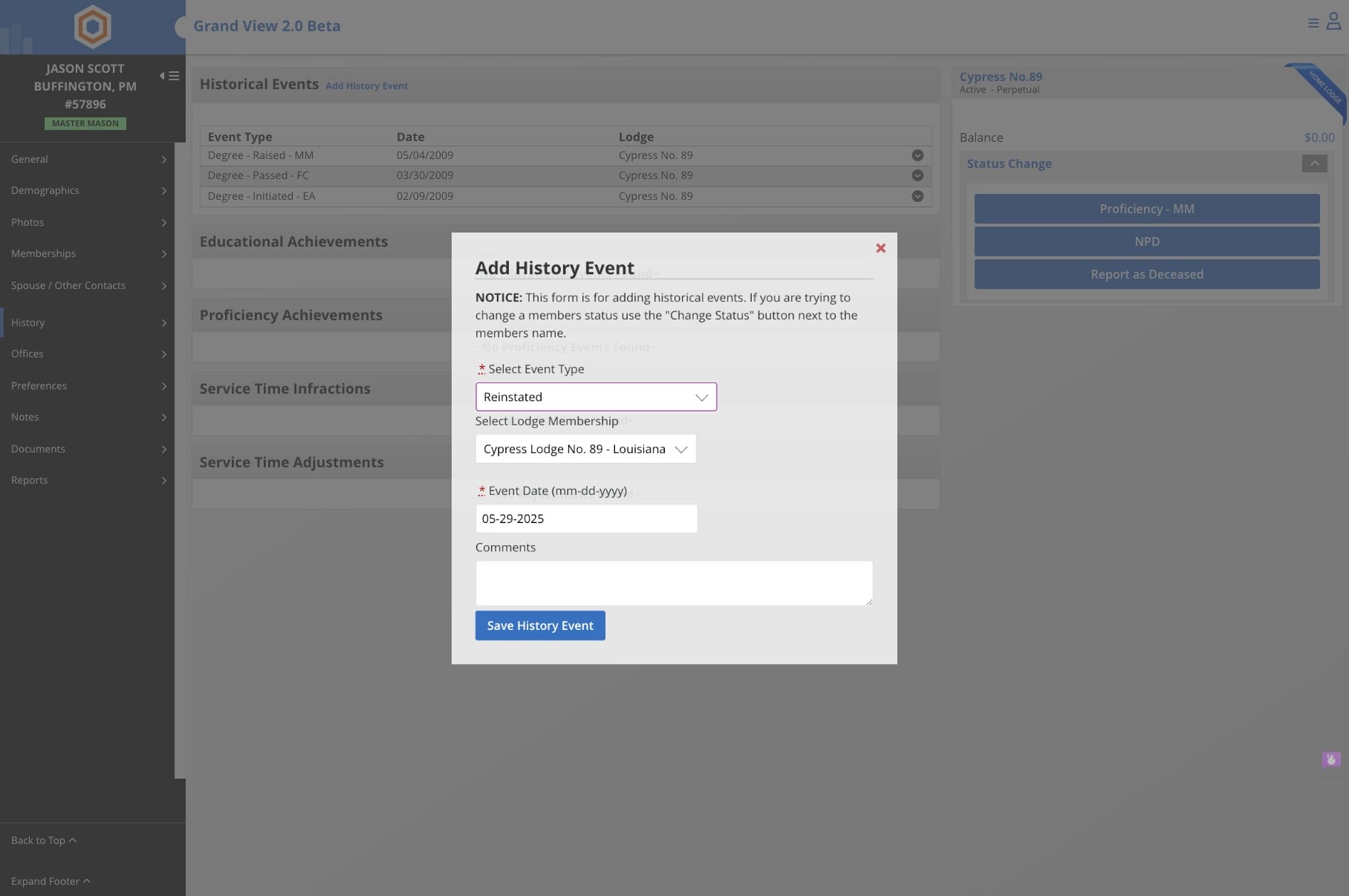
Click on "Add History Event"
Click on 'Select Event Type'. Choose the Event Type from the dropdown menu, select the appropriate Lodge if needed, and enter the date when the event took place.
Note: The system automatically sets today's date, so be sure to verify and update this if the event occurred on a different date.
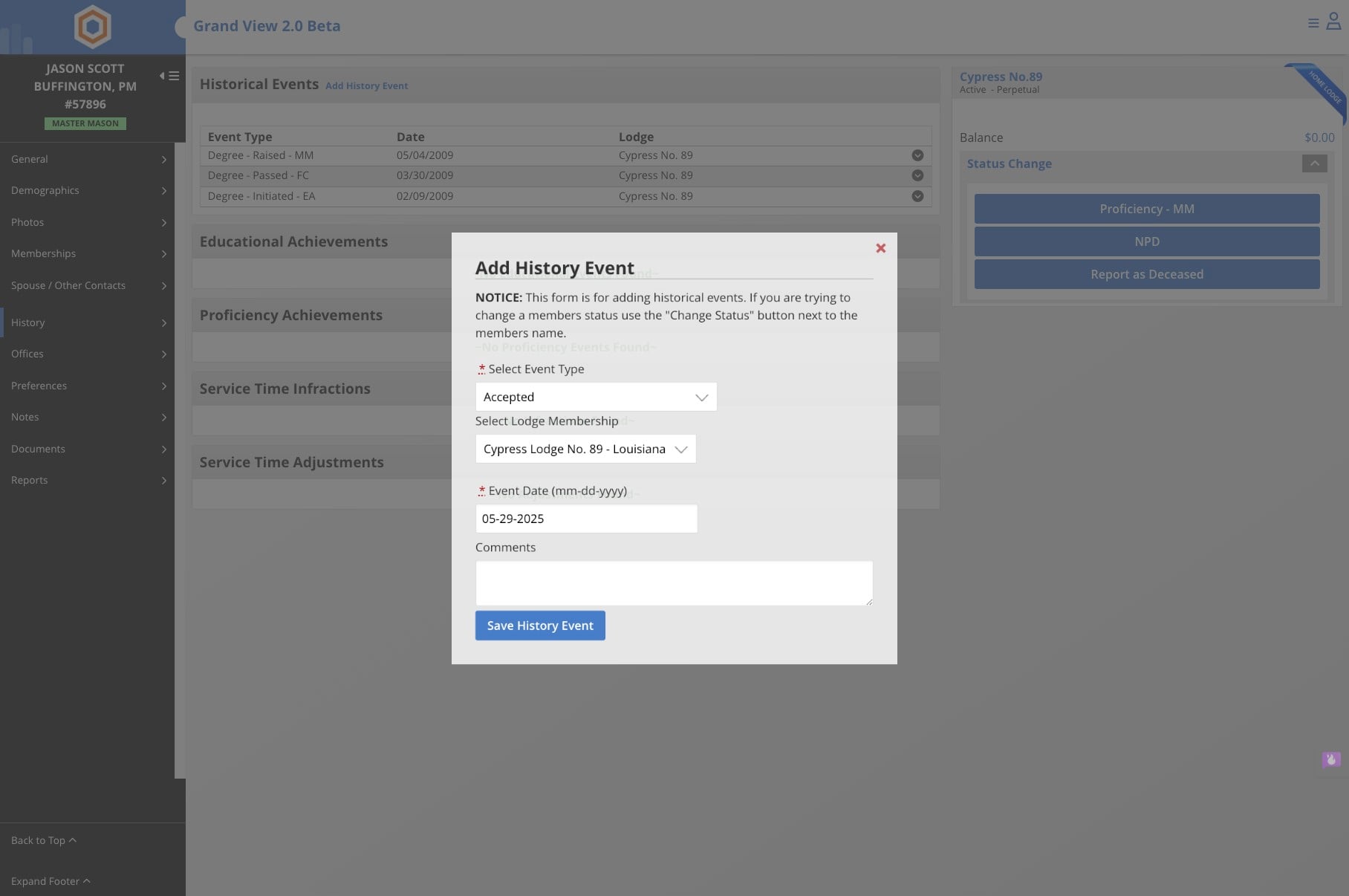
Click on 'Save History Event'
Done 🚀