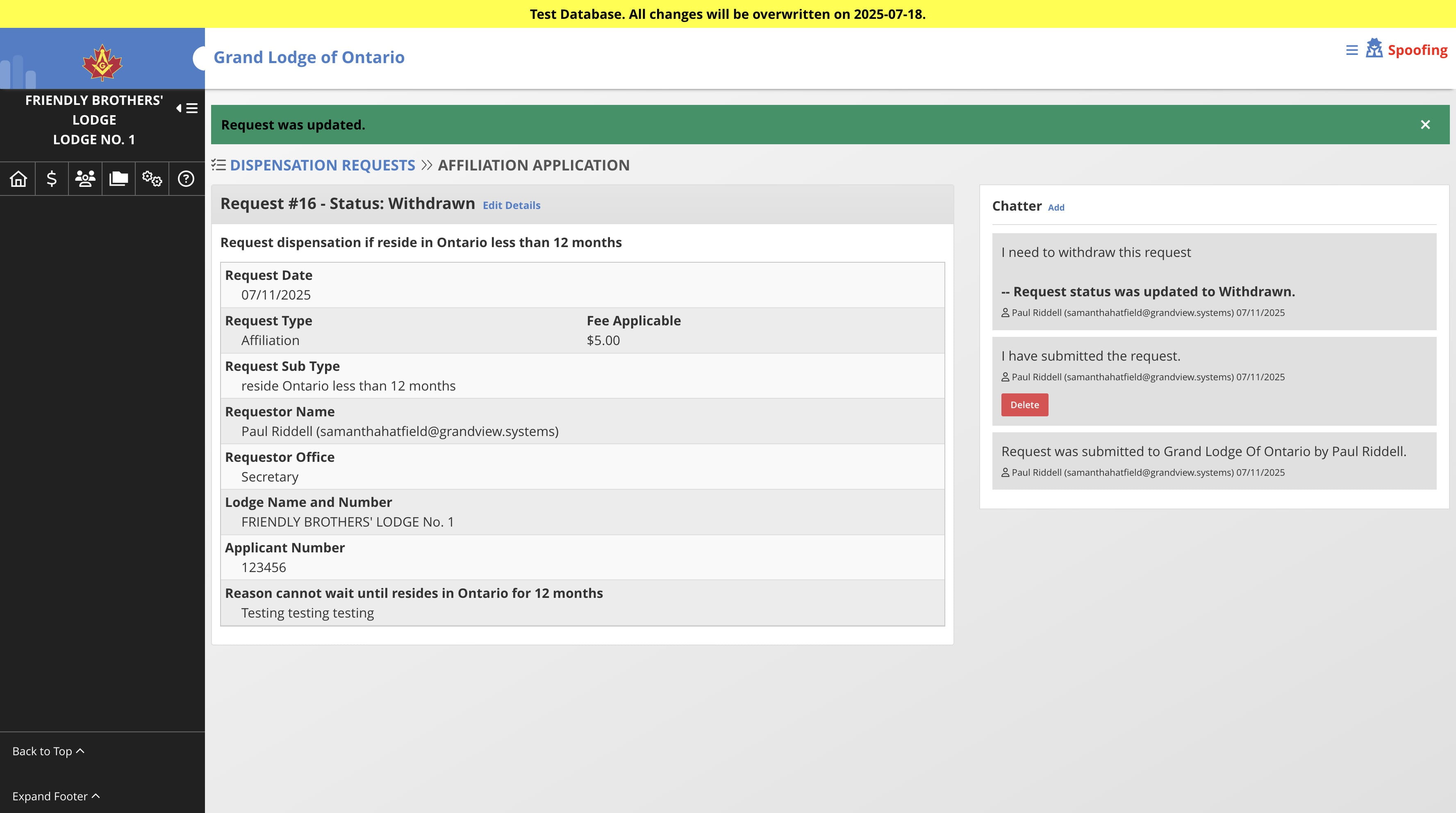
How-to: Dispensation Request - Withdraw a Request (Lodge/Chapter)
Jul 11, 2025●
1
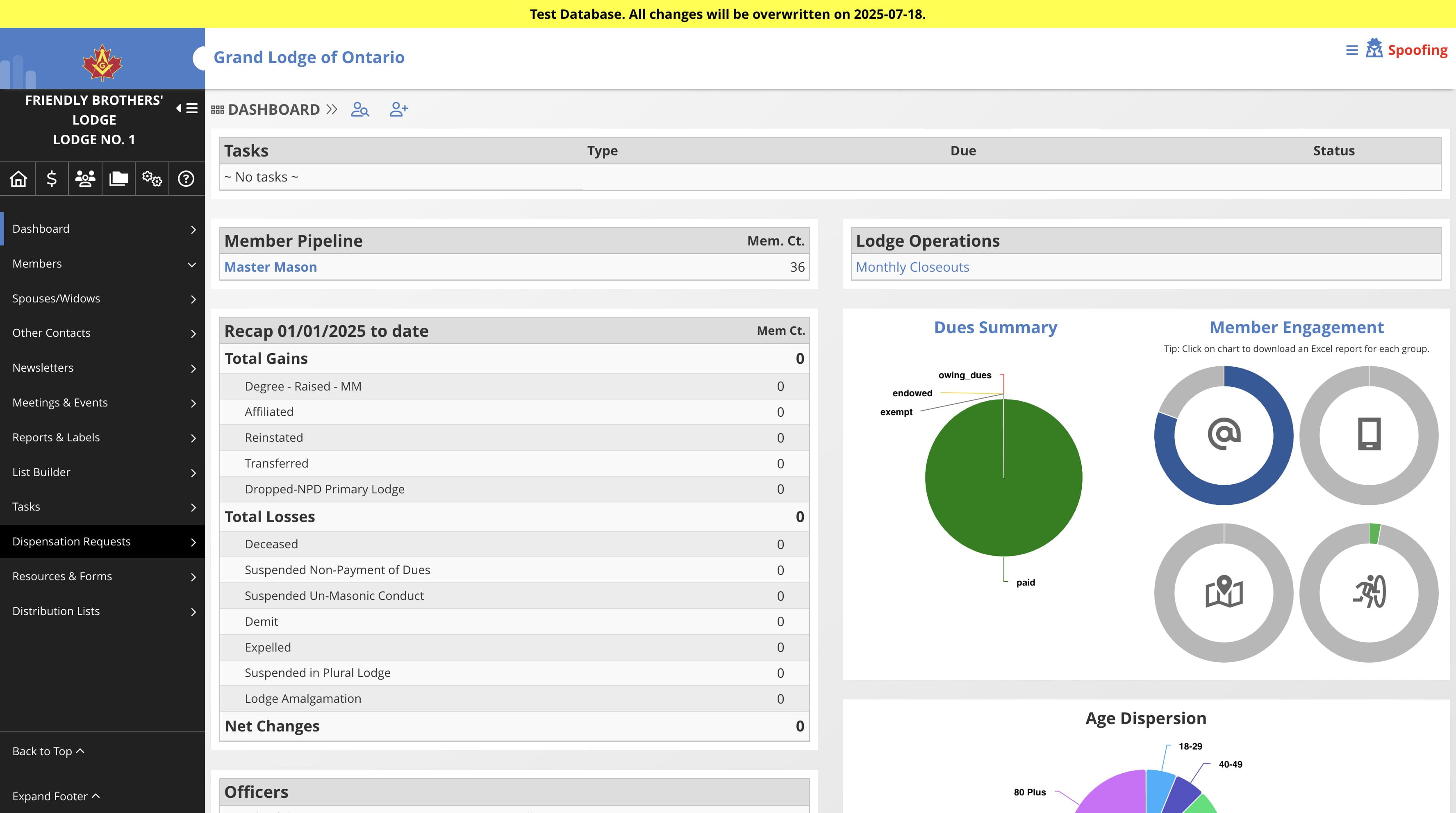
Navigate to the lodge/chapter dashboard
2
Click on "Dispensation Requests"

3
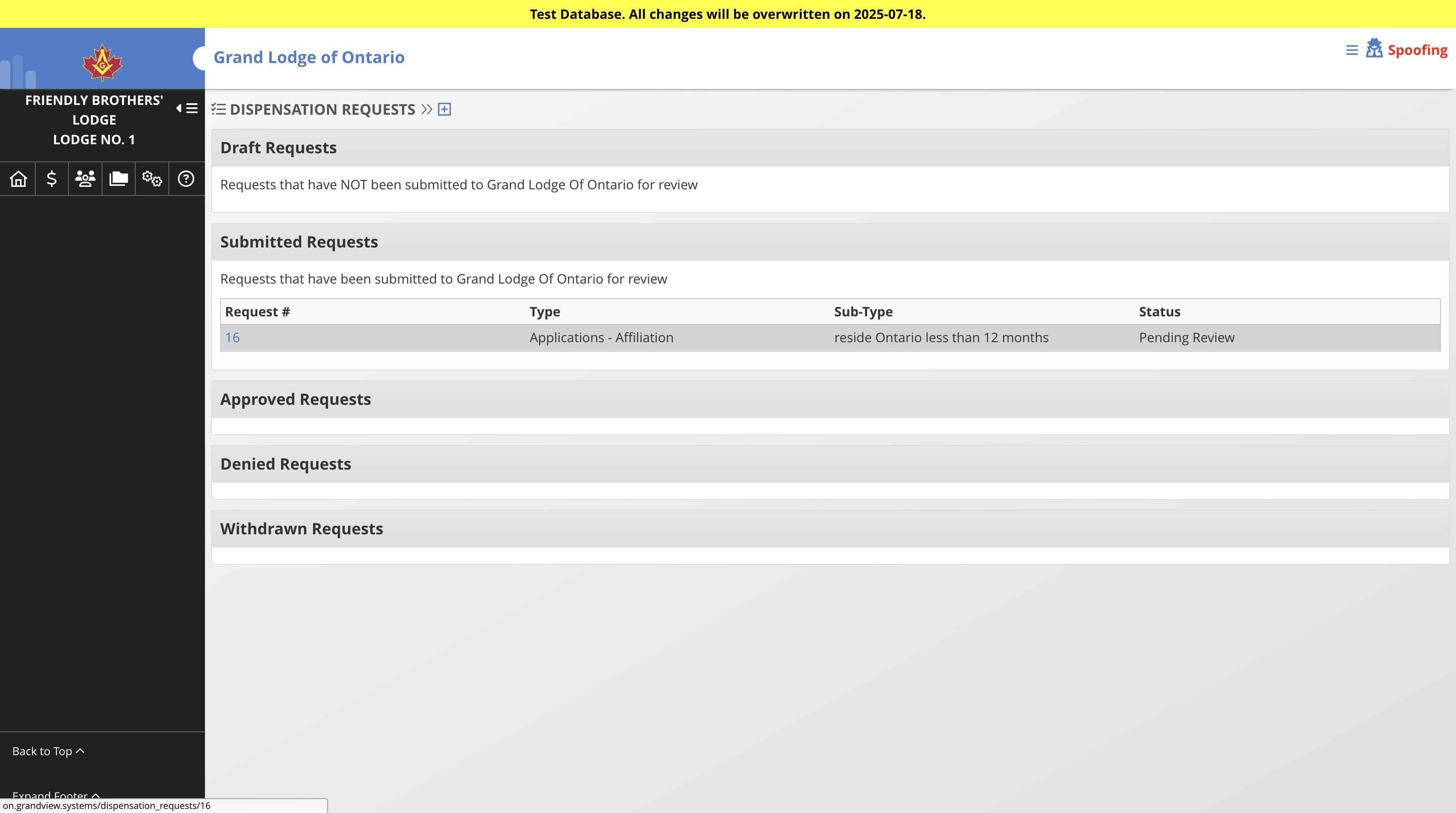
Click on the request you want to withdraw
4
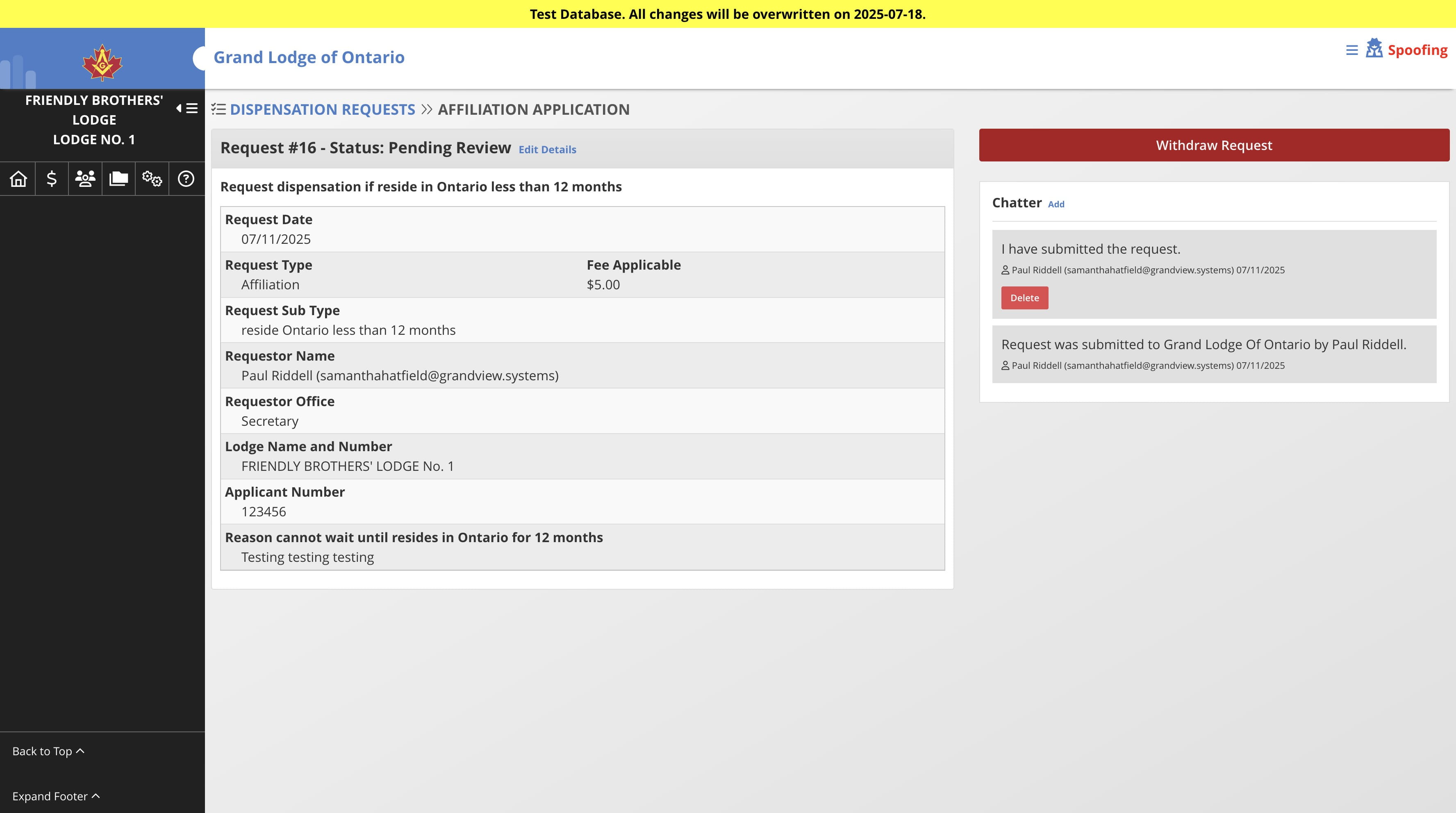
Click on "Withdraw Request"
5
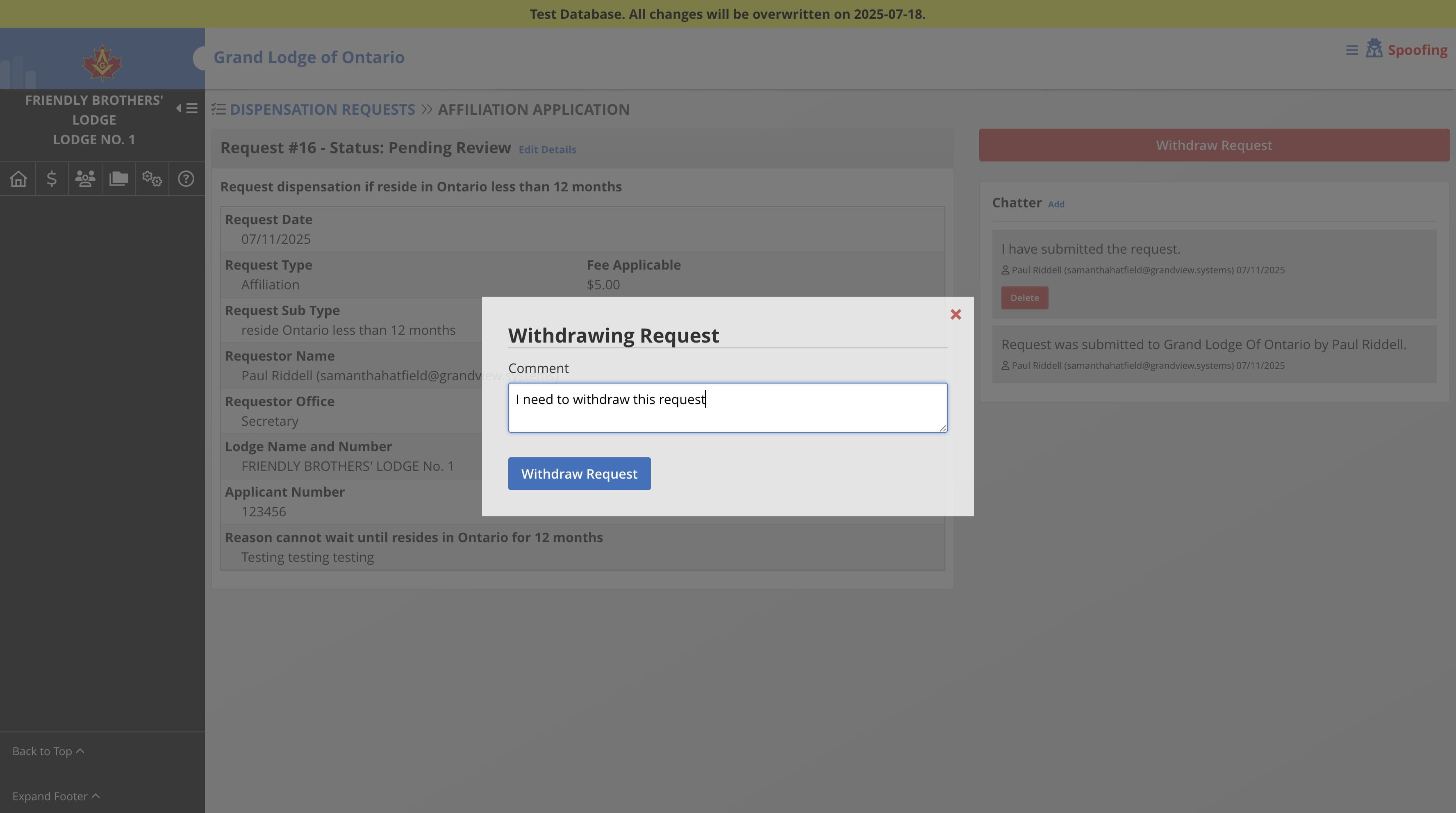
Enter a message, i.e. reasons for withdrawing. Then Click Withdraw Request
6
Done 🚀