Adding Missing Lodge Officer Records
Learn how to add historical lodge officer records to the system for past positions that are missing from member records.
This procedure is intended only for adding historical offices that are missing from the system. For current officers, please use the Elections feature instead. Not following this guideline will result in officers not receiving the proper system access permissions.
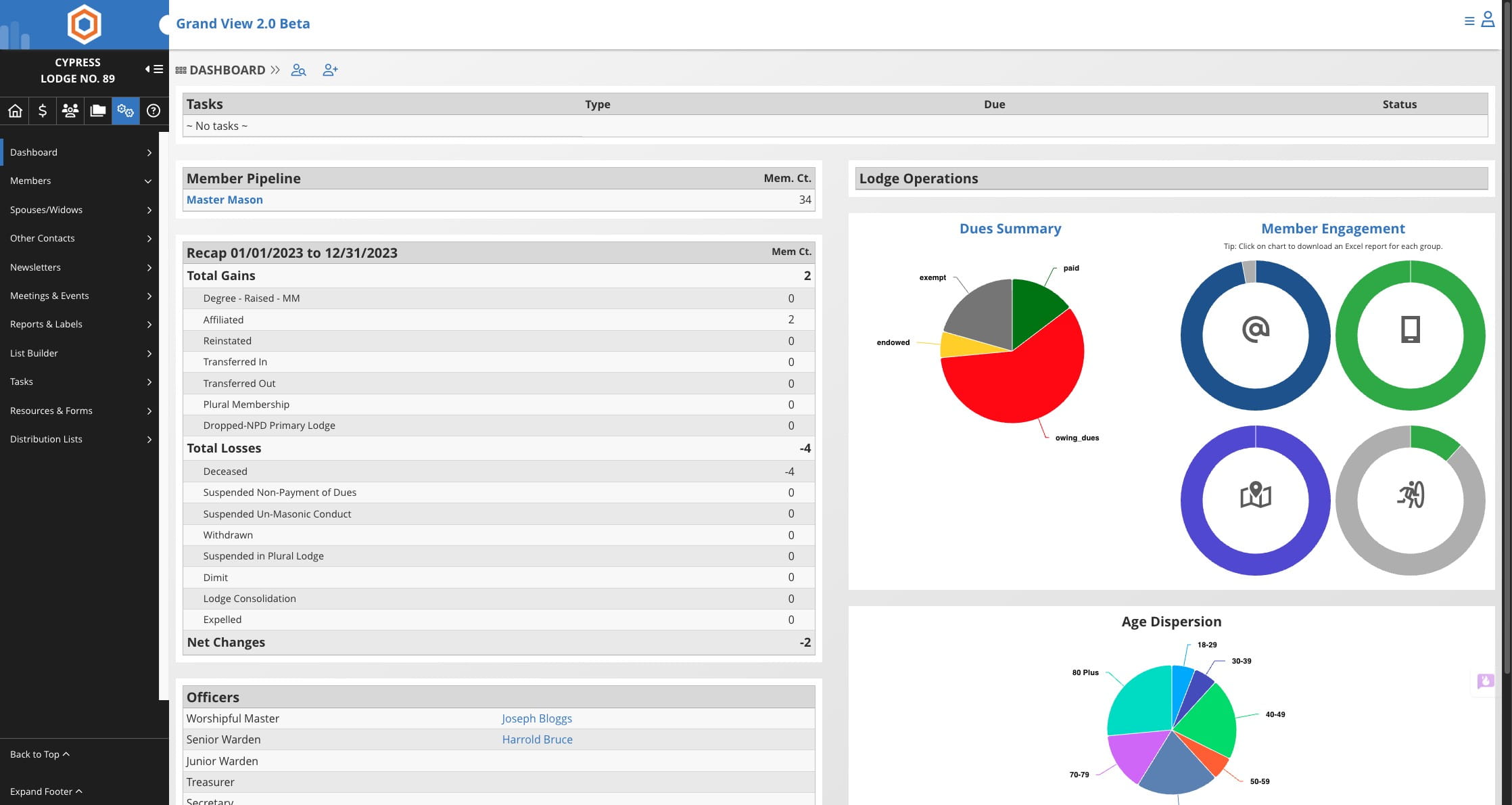
Click on "Settings" icon

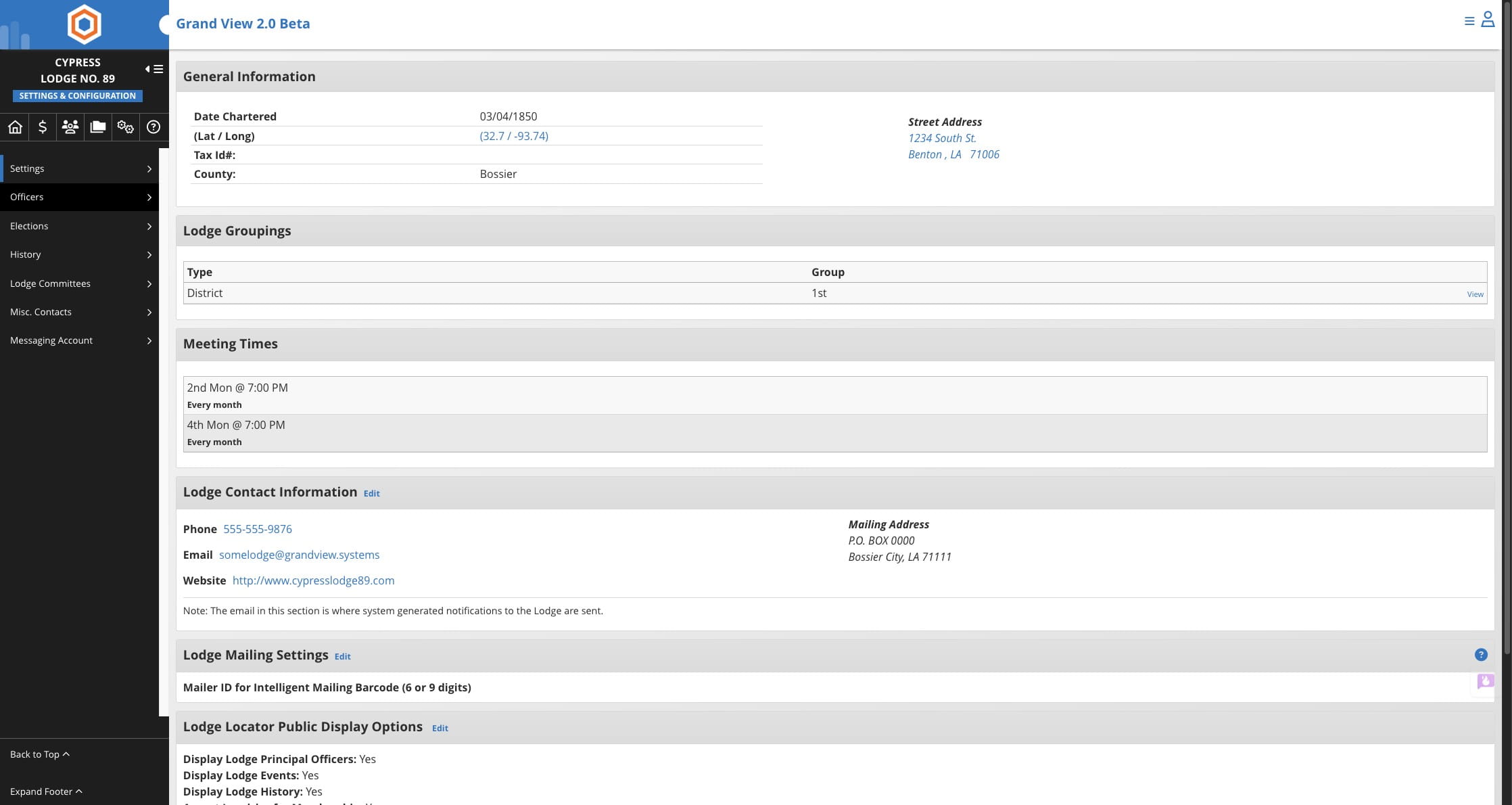
Click on "Officers"
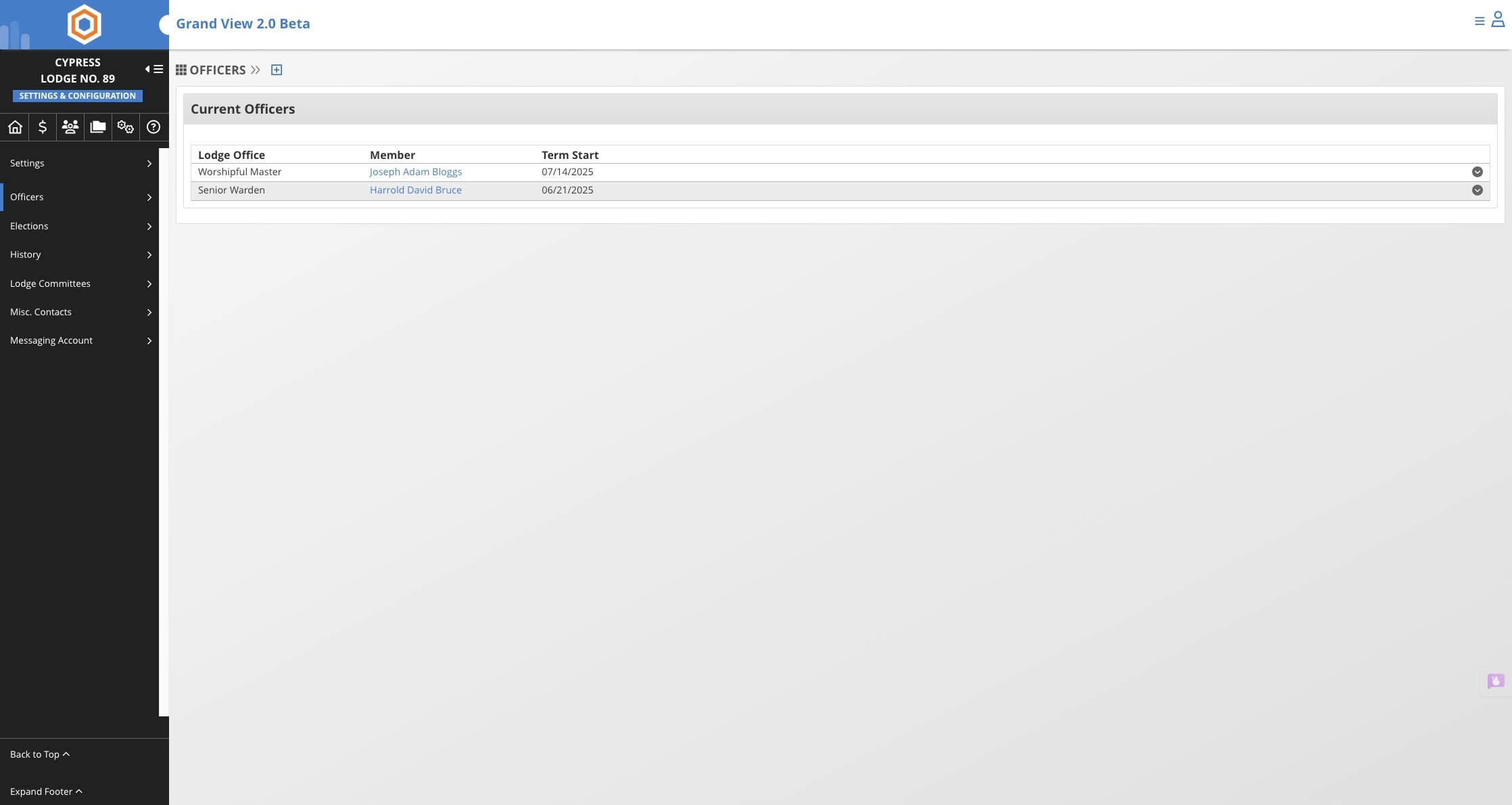
Click on + icon
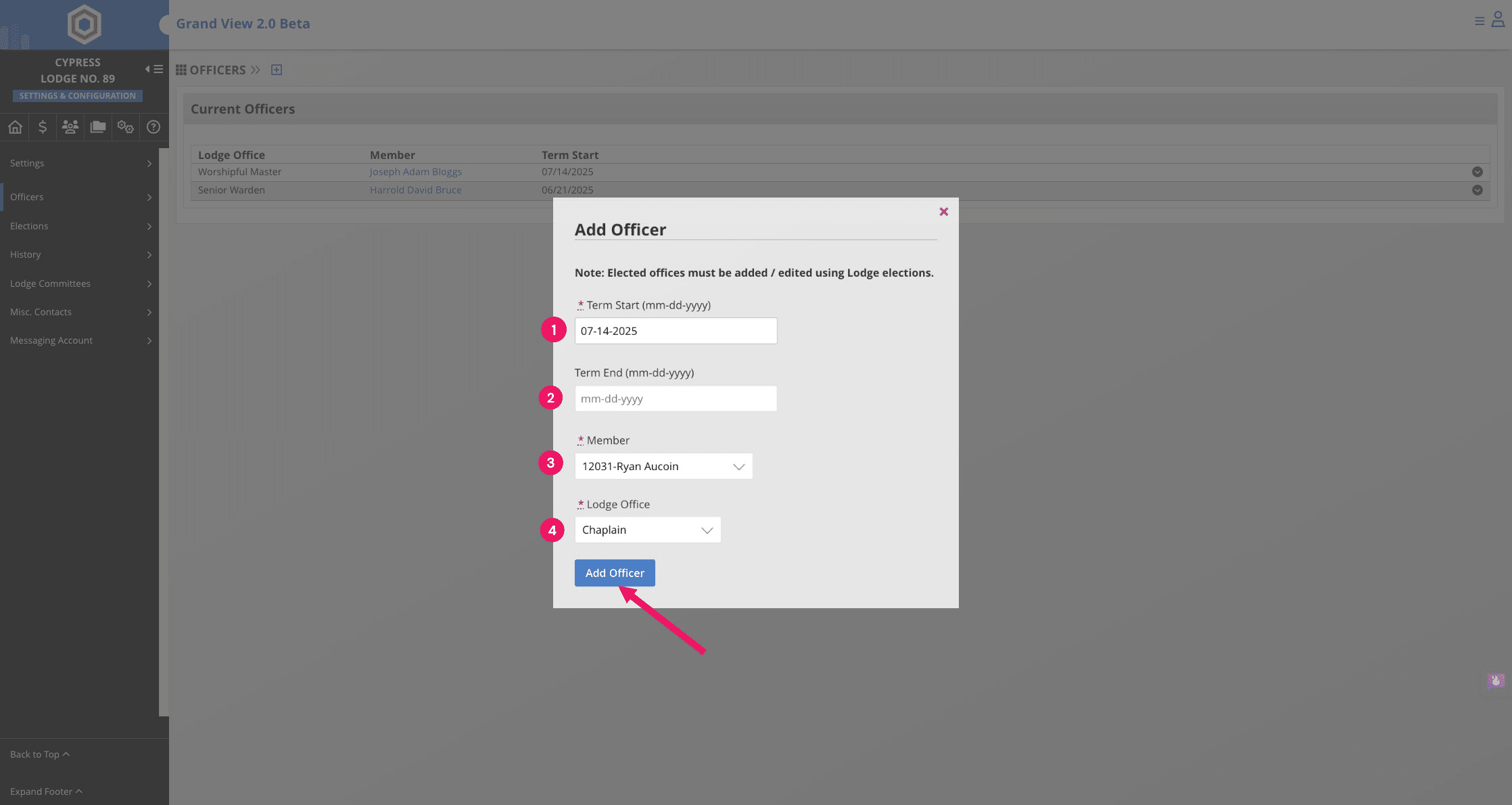
Choose the term start date, then the end date, select the member for the position, and specify the Lodge Office
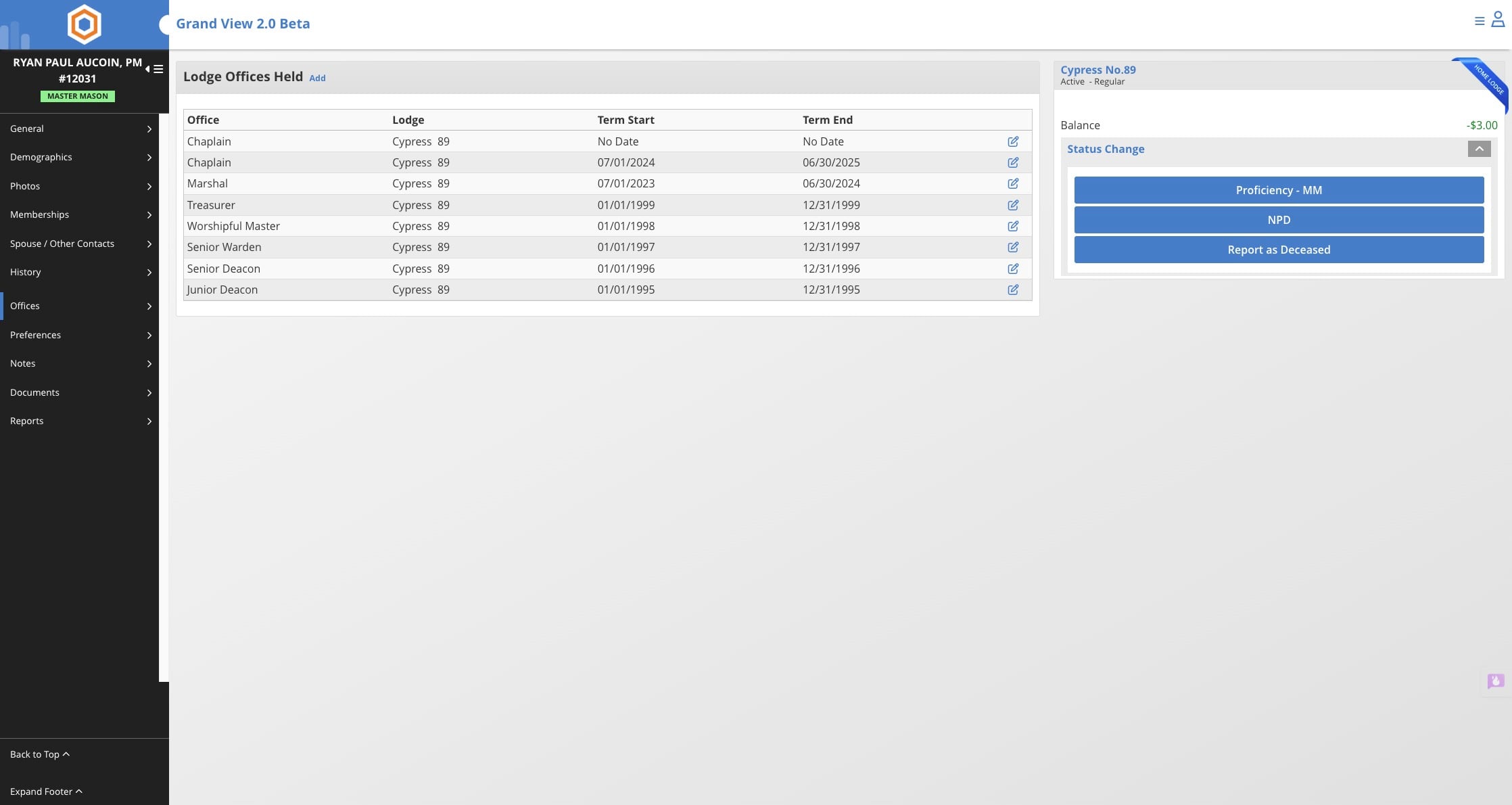
Alternatively, historical offices can be added from the member record directly
Click on "Members"
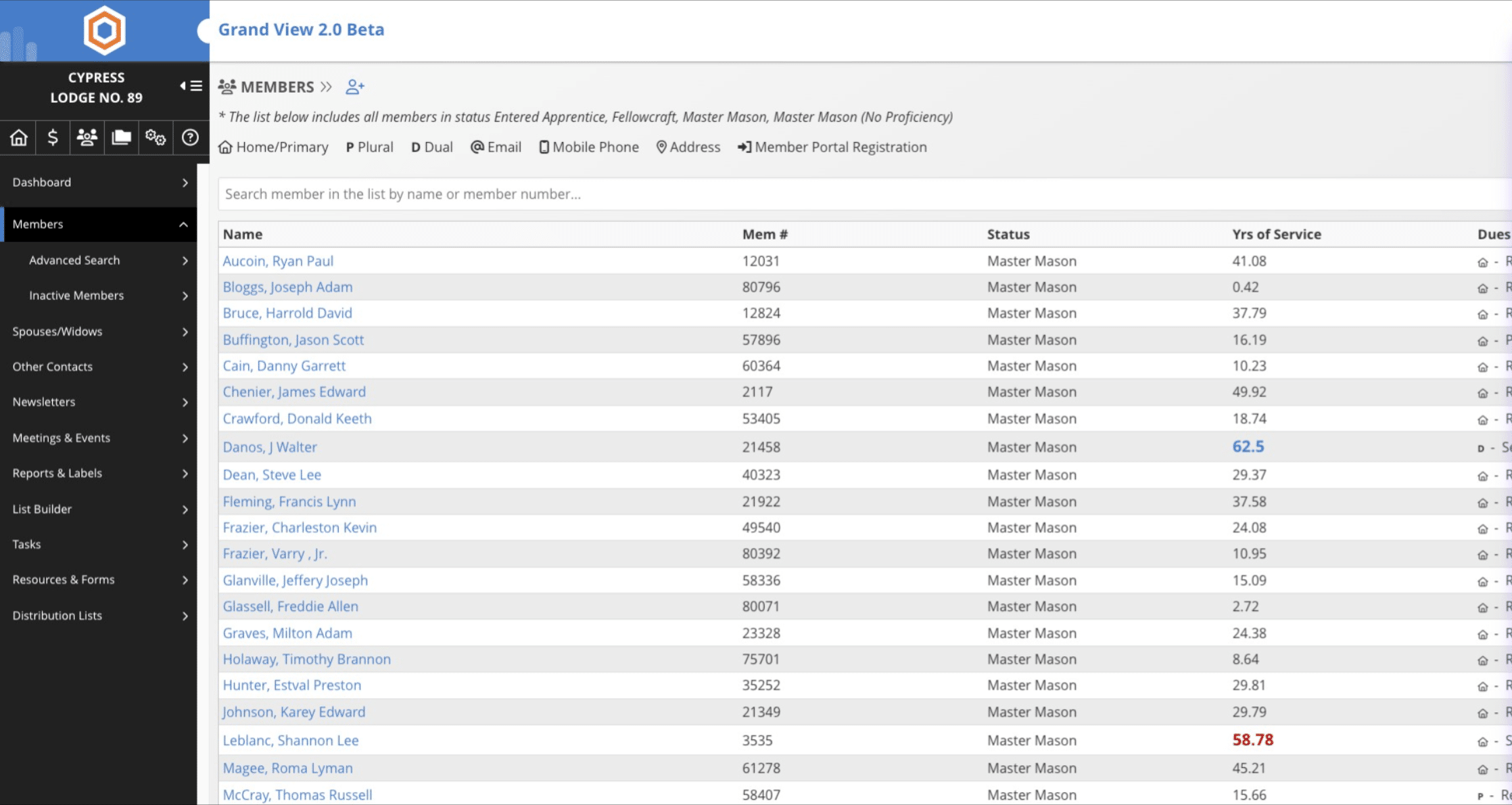
Search for member and click on member's name
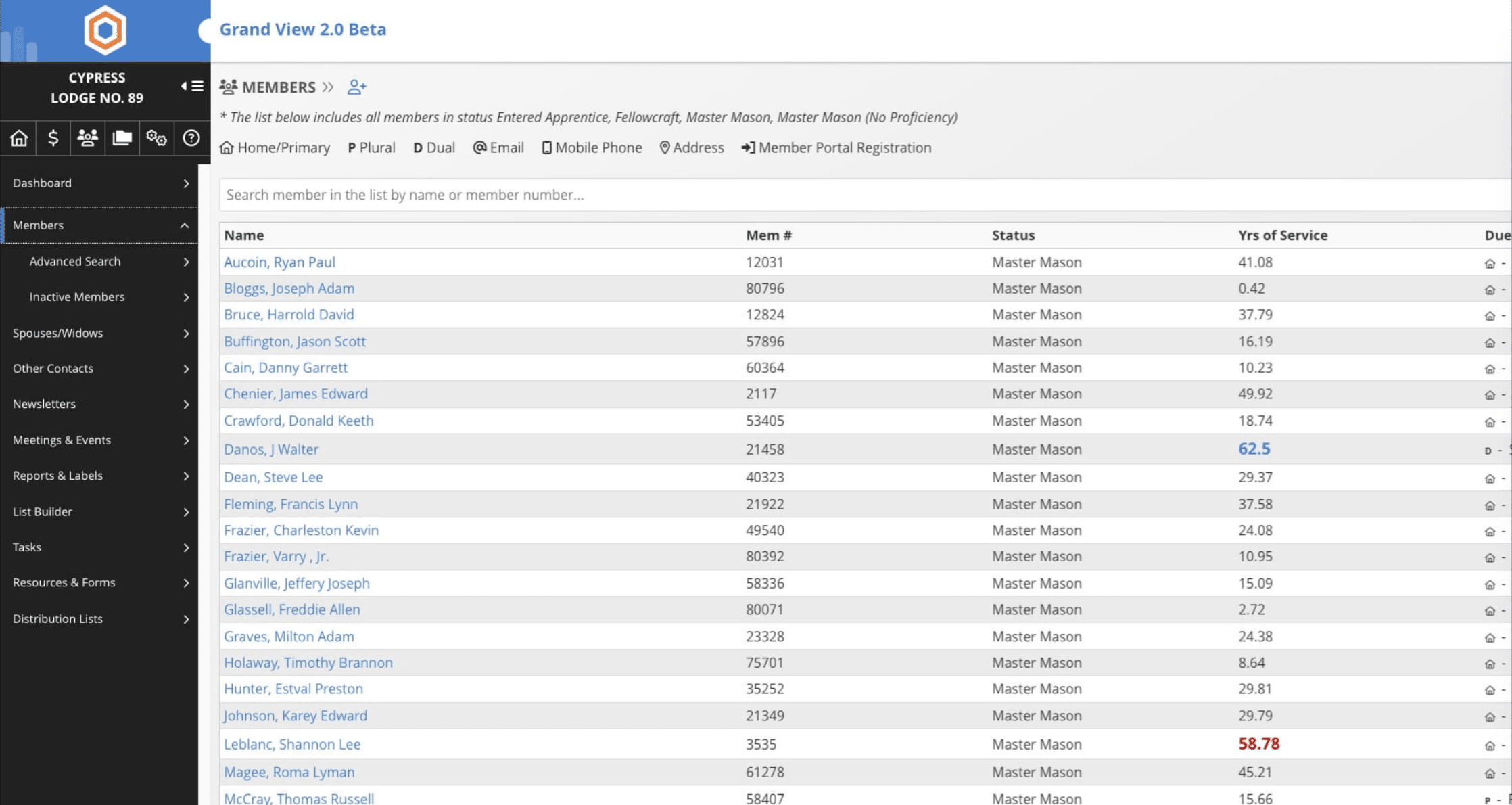
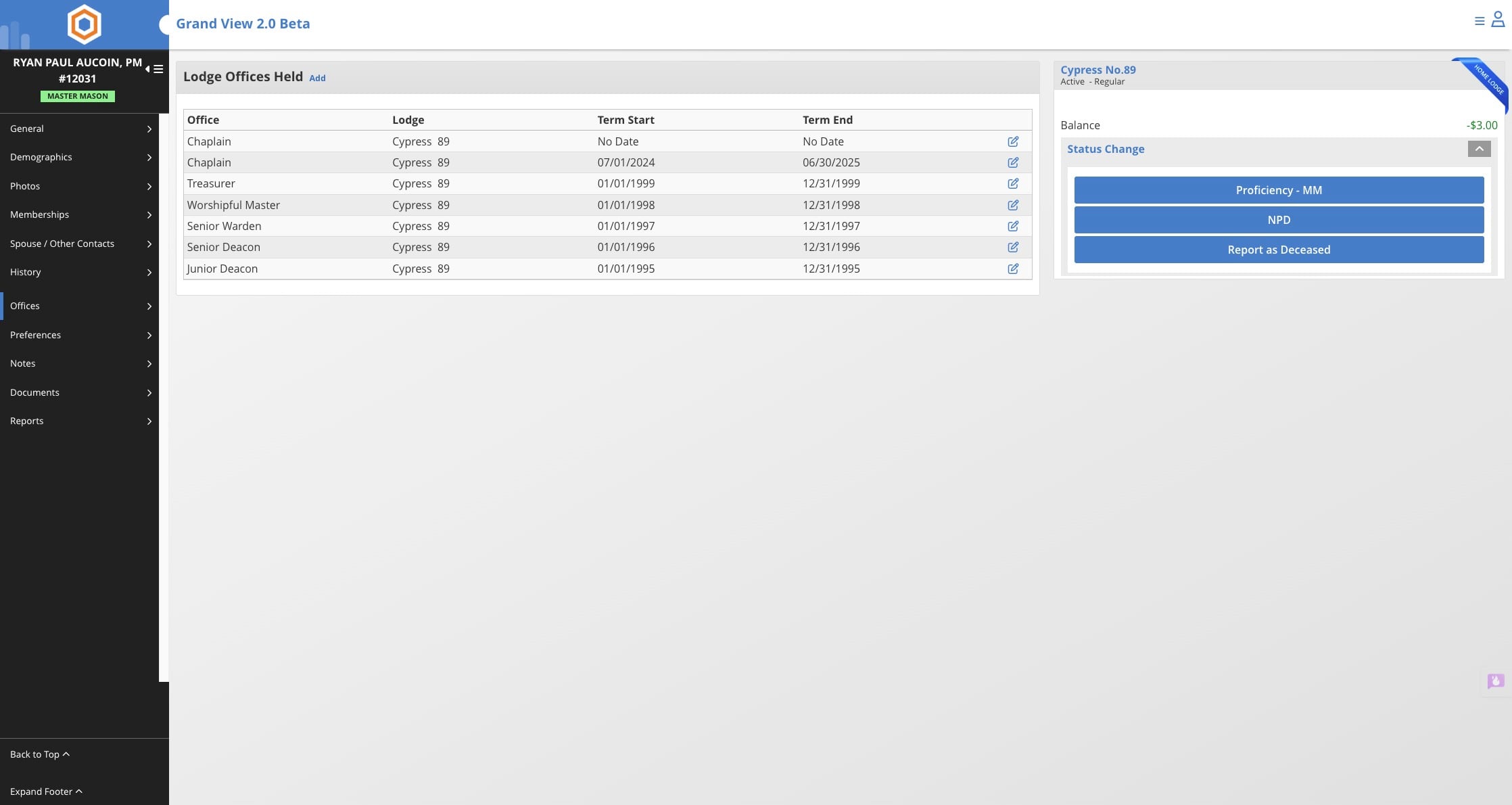
Click on "Offices"
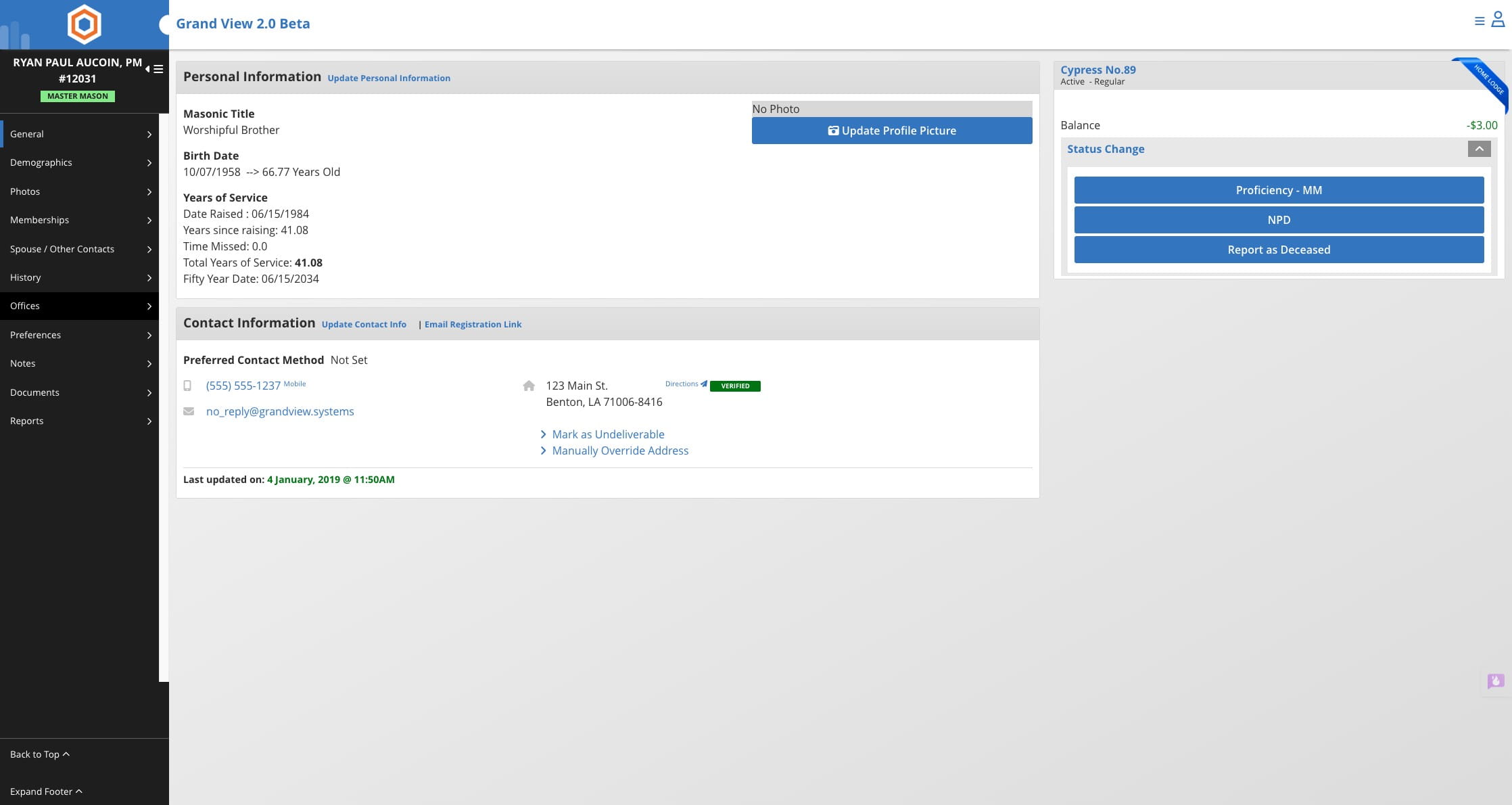
Click on "Add"
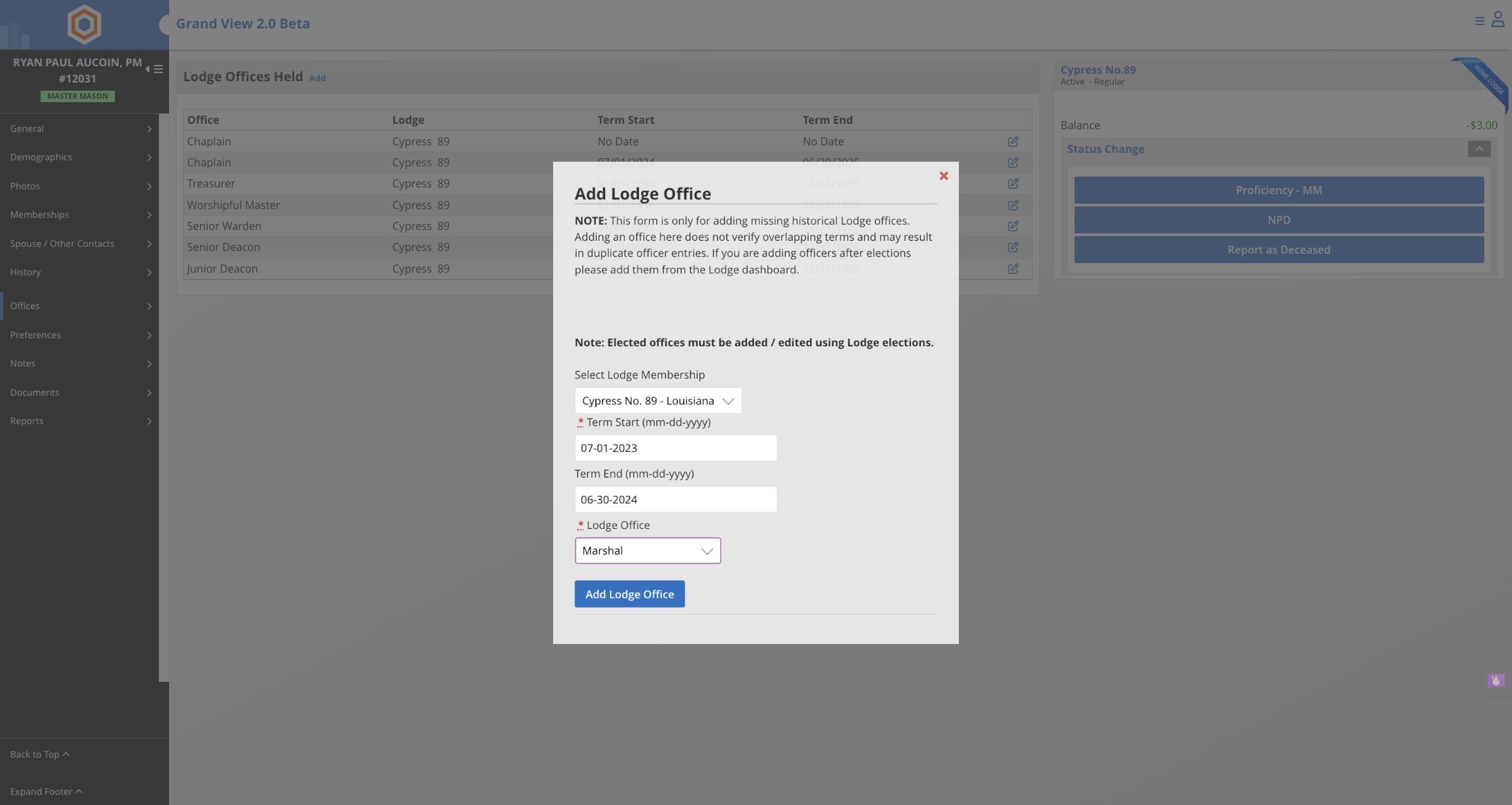
Complete the information on the pop up regarding the office, start and end dates, and the lodge.
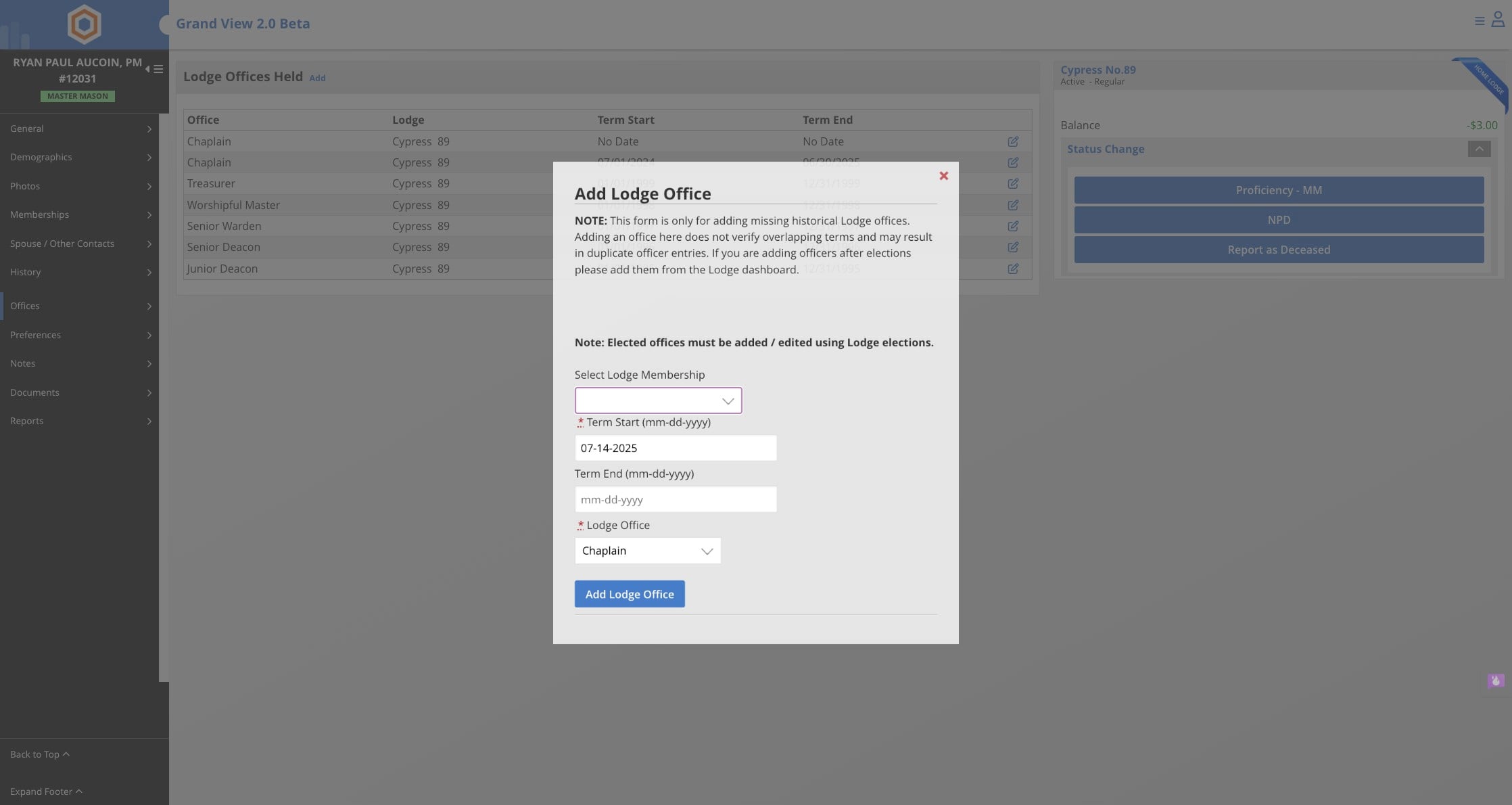
Click on Add Lodge Office
Done 🚀