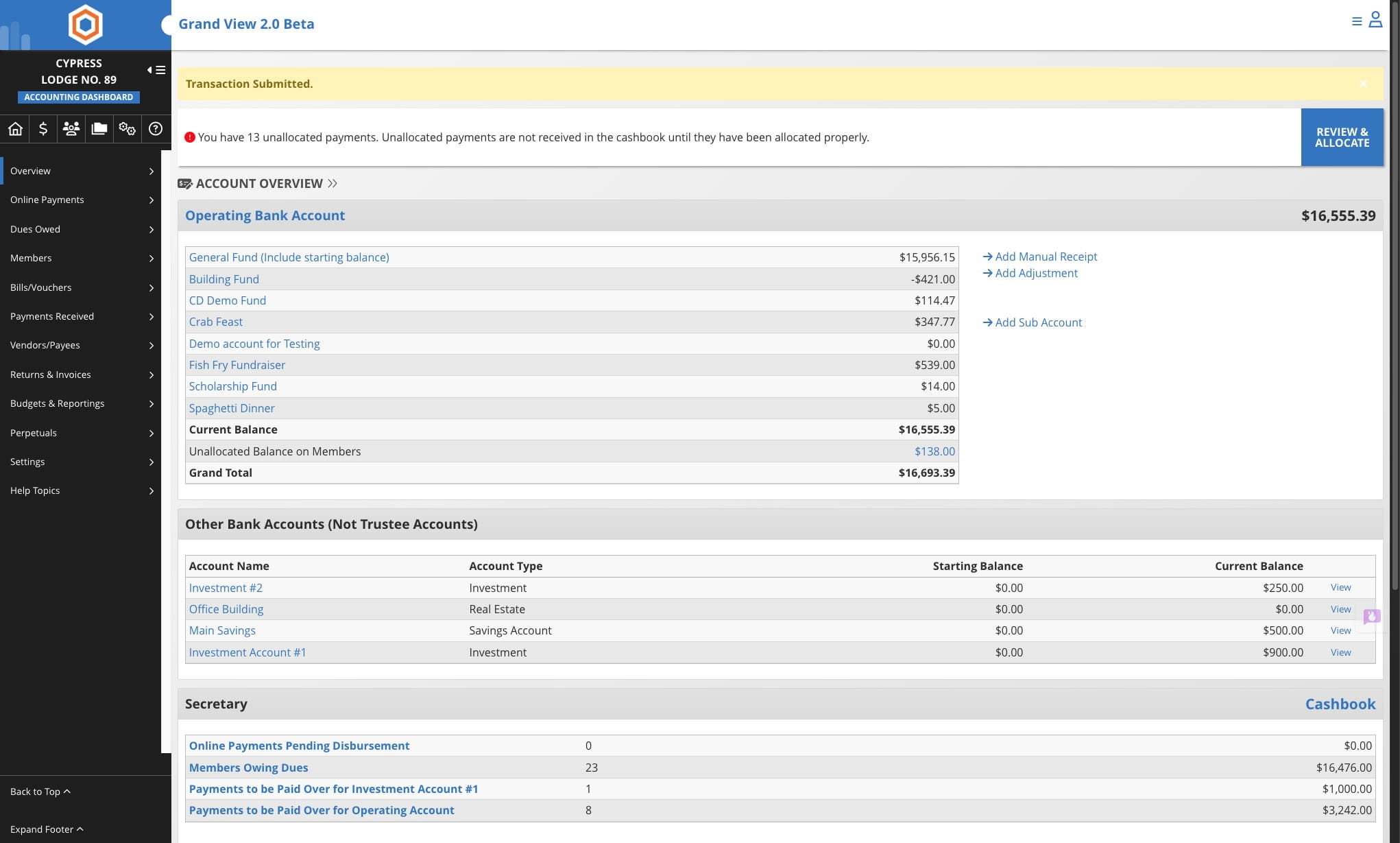
Record Charitable Donations from Non-Members
Learn how to record charitable donations from non-members in your Lodge management system using the Accounting section's manual receipt feature.
Jun 22, 2026●
1
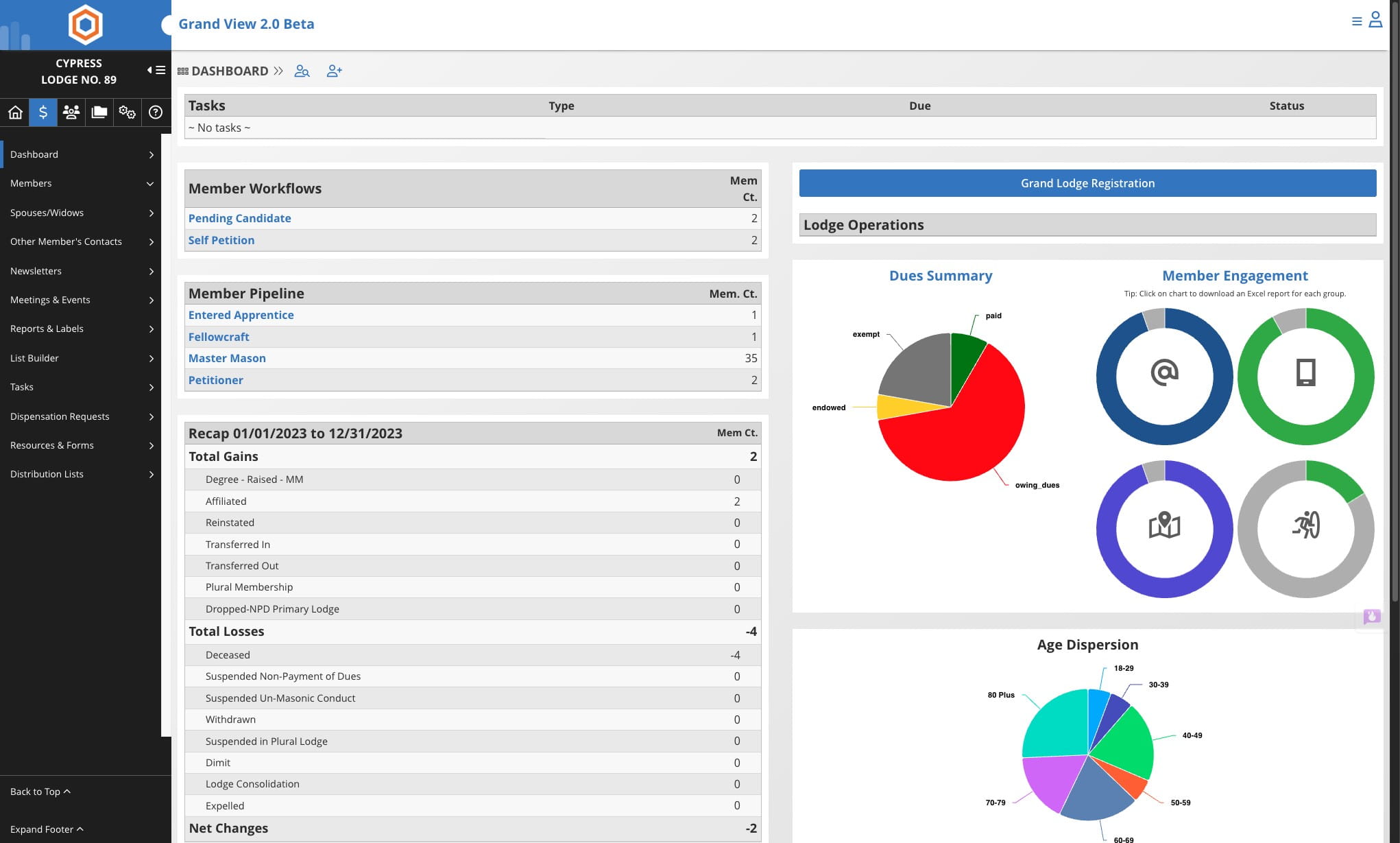
From the Lodge Dashboard
2
Click on the Accounting icon

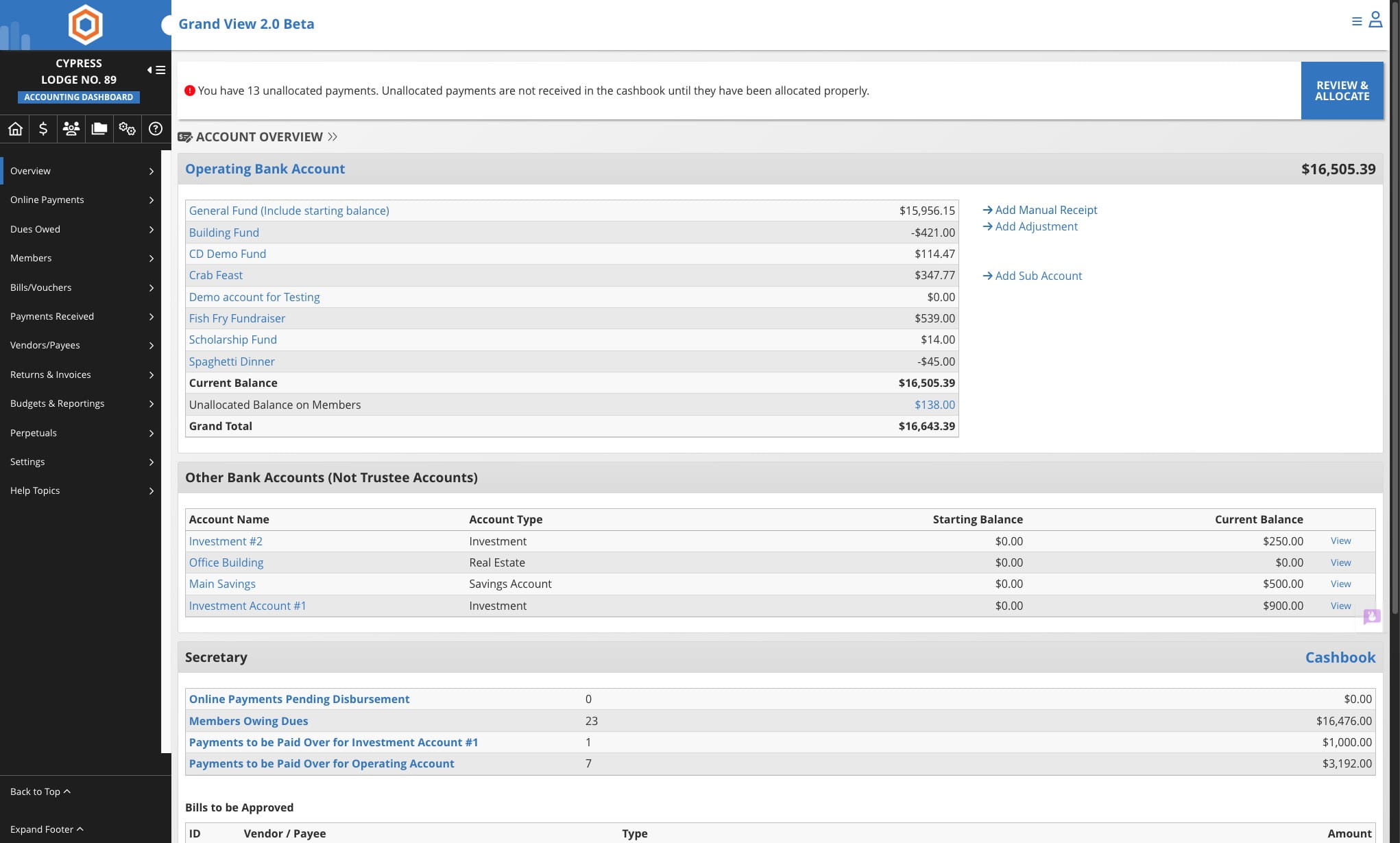
3
Click on Add Manual Receipt
4
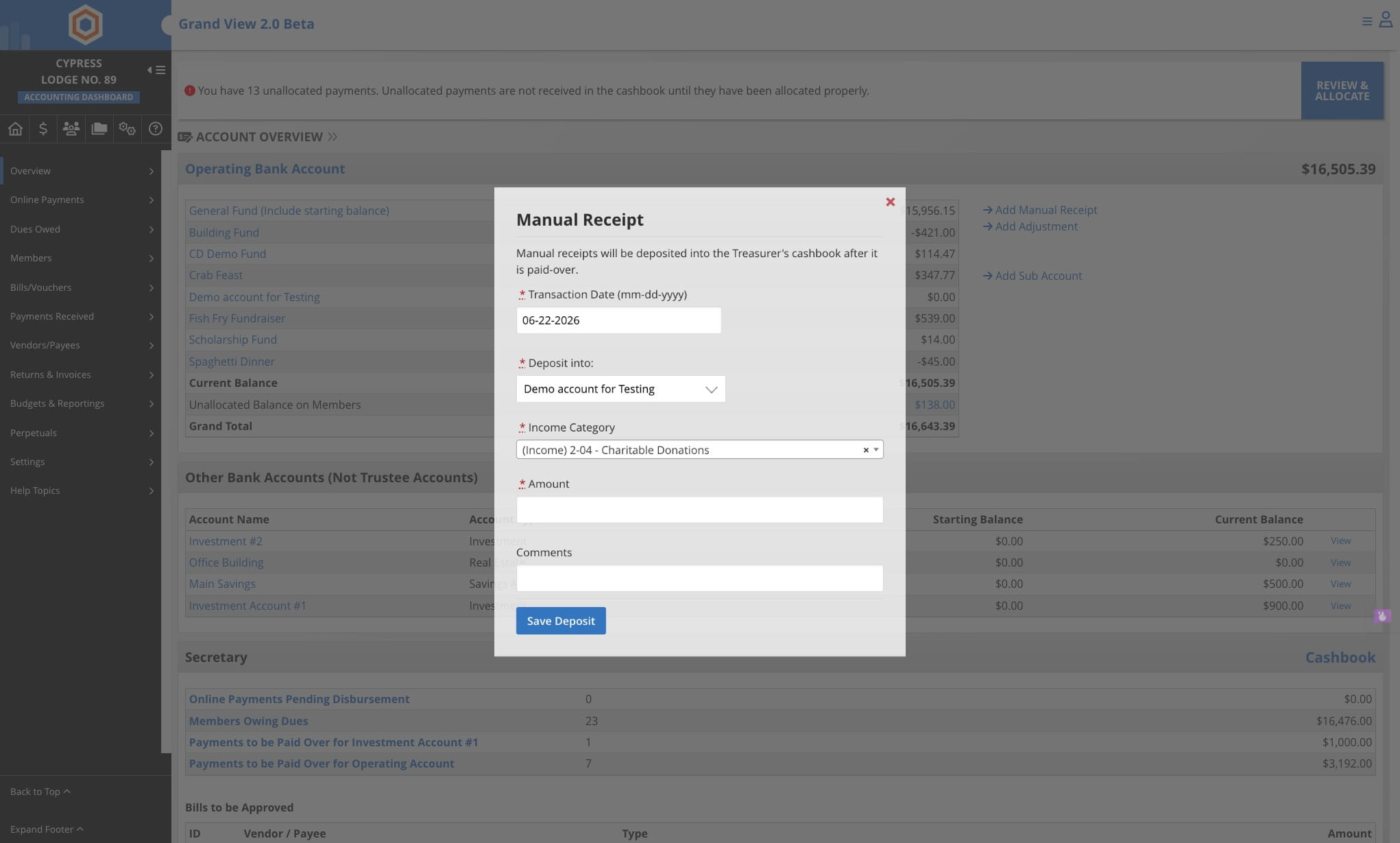
Select the Income Category
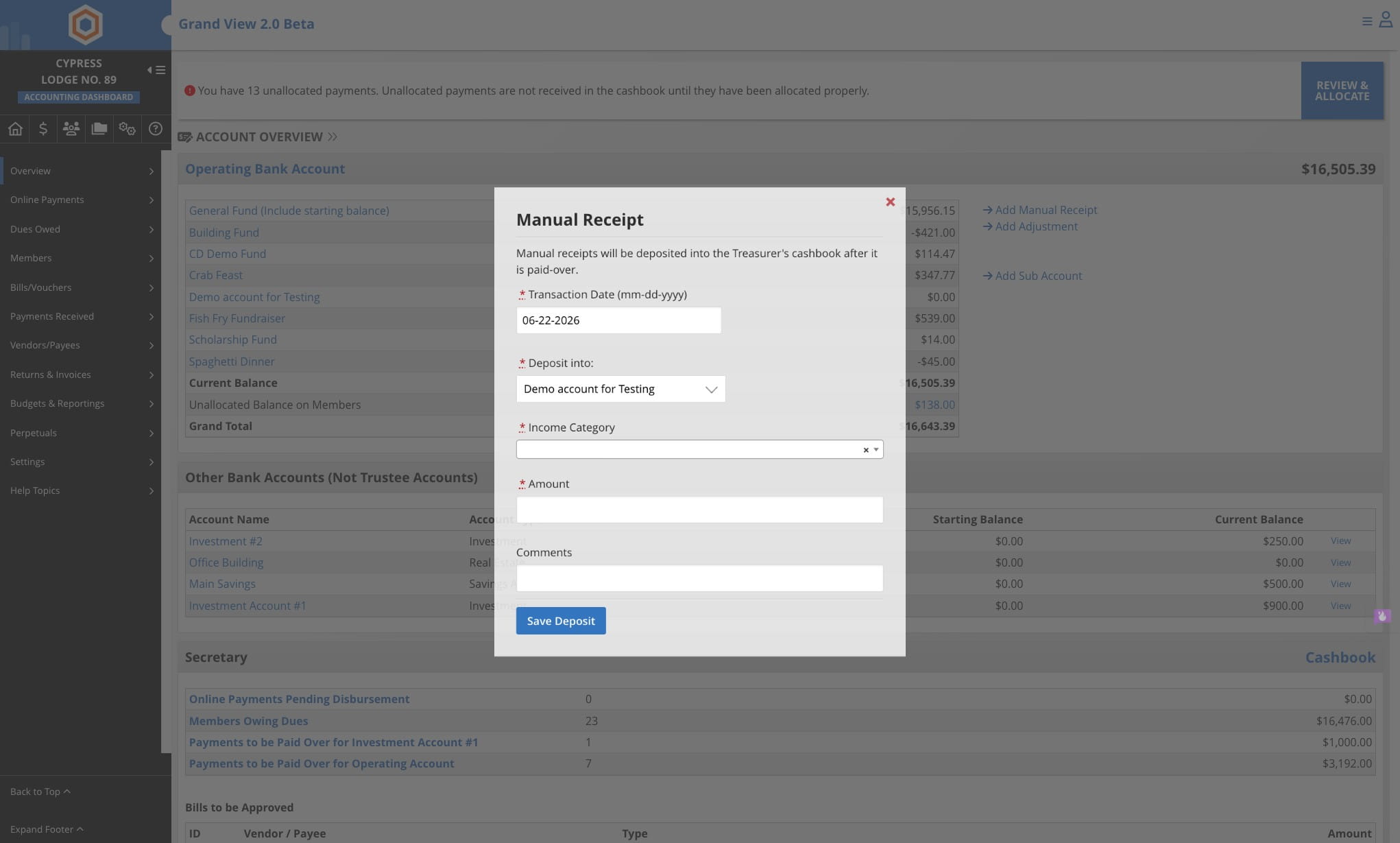
5
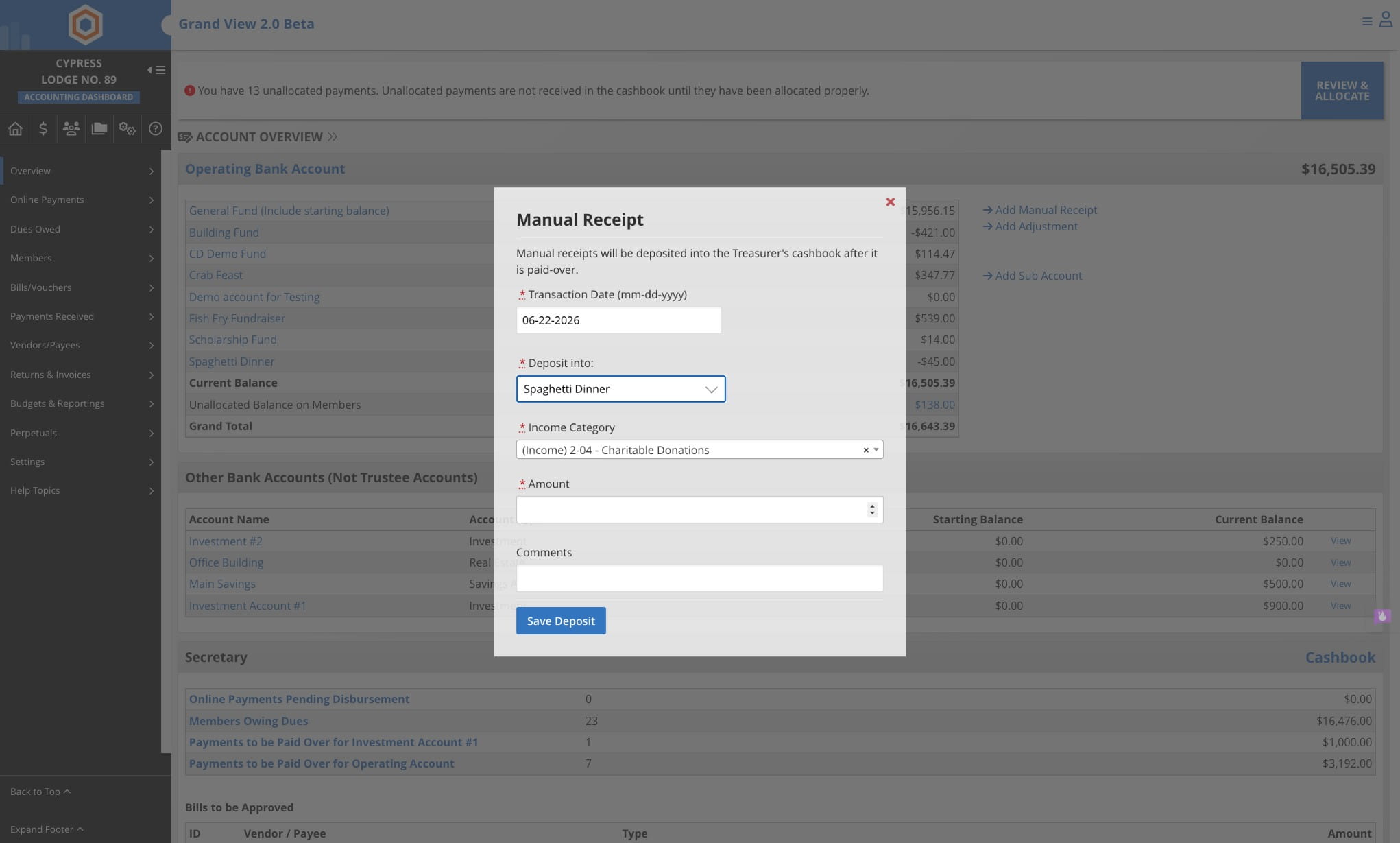
Select the account to deposit funds into
6
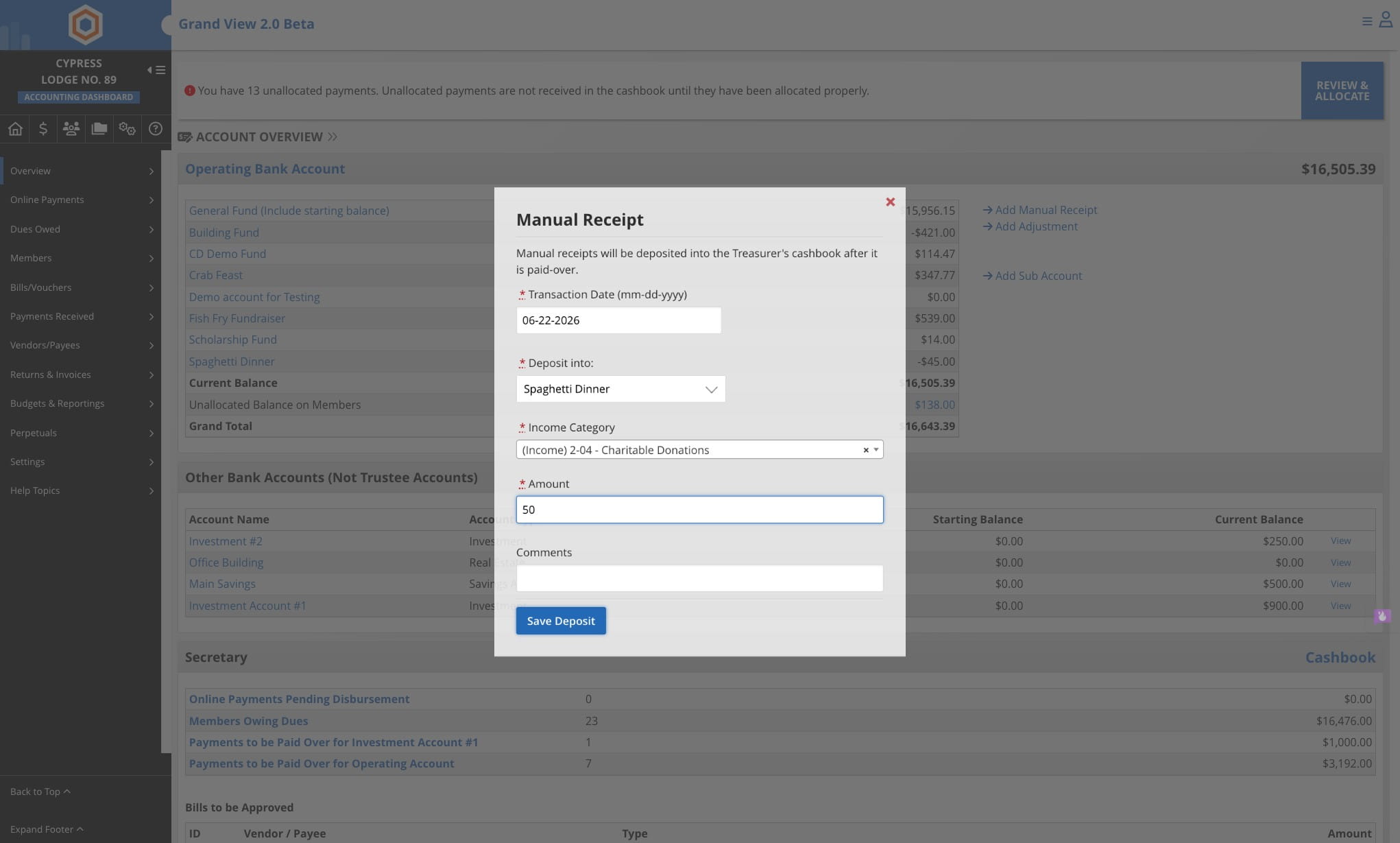
Enter the amount of the dontation
7
Click on Save Deposit
8
Done 🚀