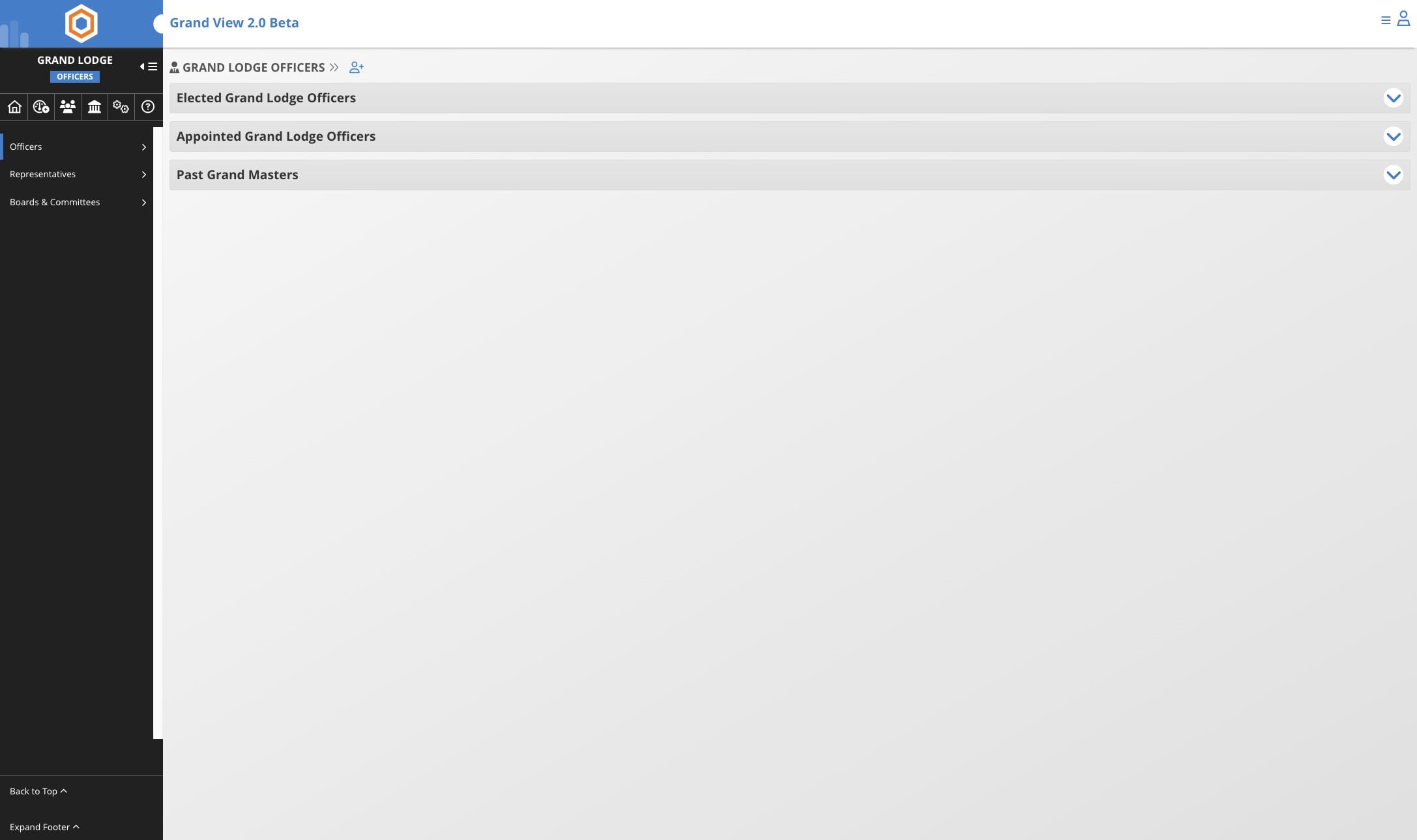
Add Grand Lodge Officer Record
Jun 02, 2026●
If a member is missing a Grand Lodge Office, either current or historical, you can follow the same process listed to add the office.
1
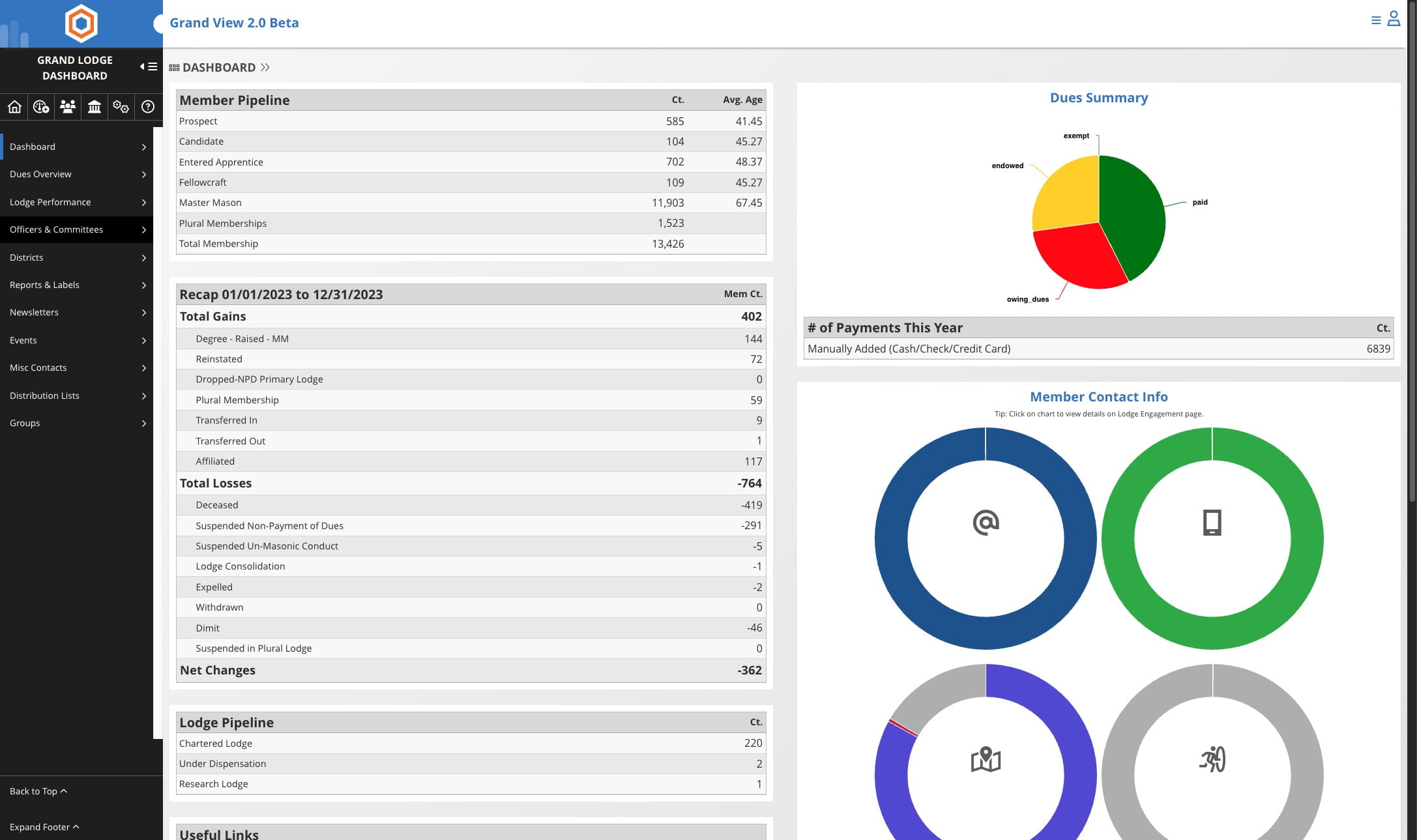
Click on "Officers & Committees"

2
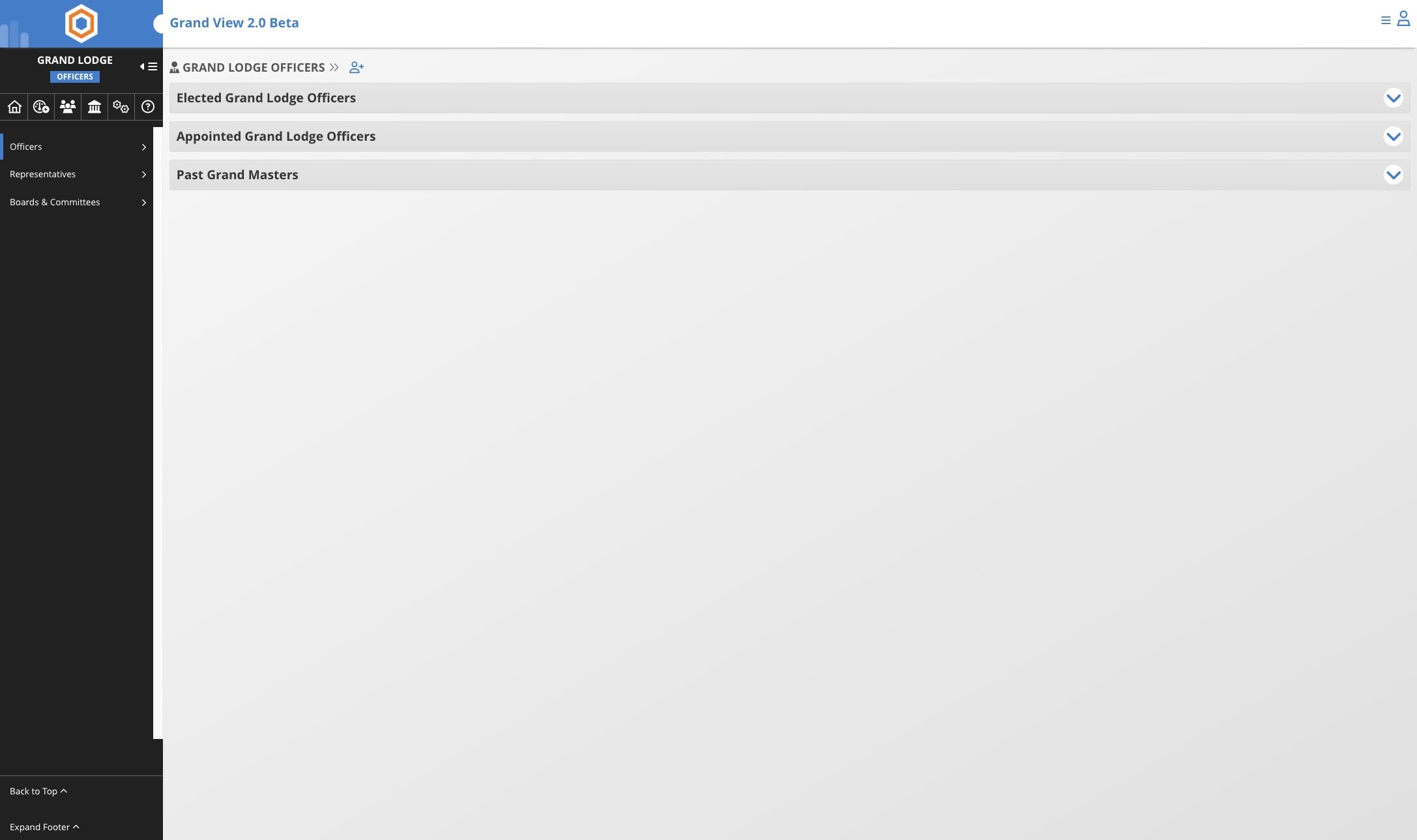
Click on Add icon
3
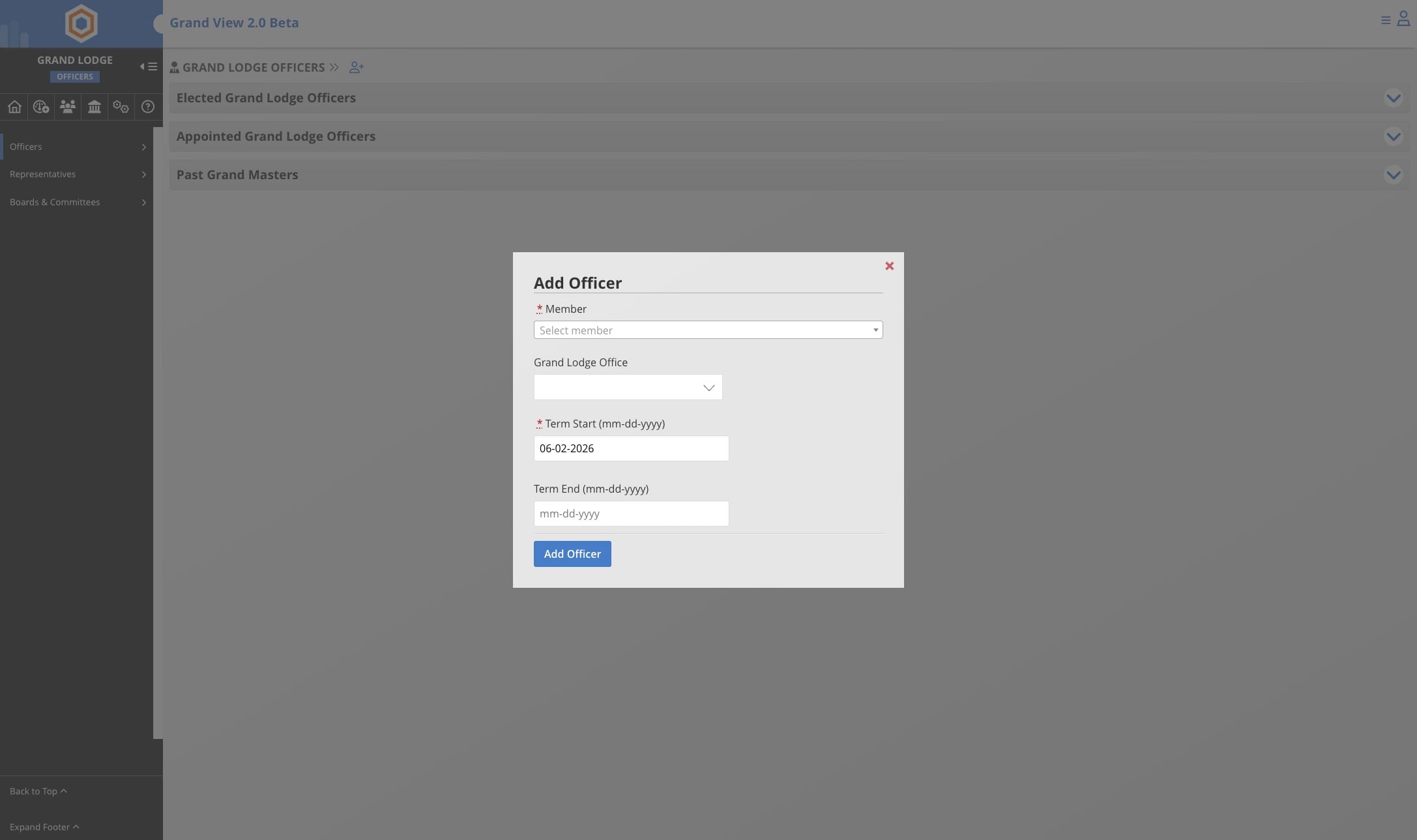
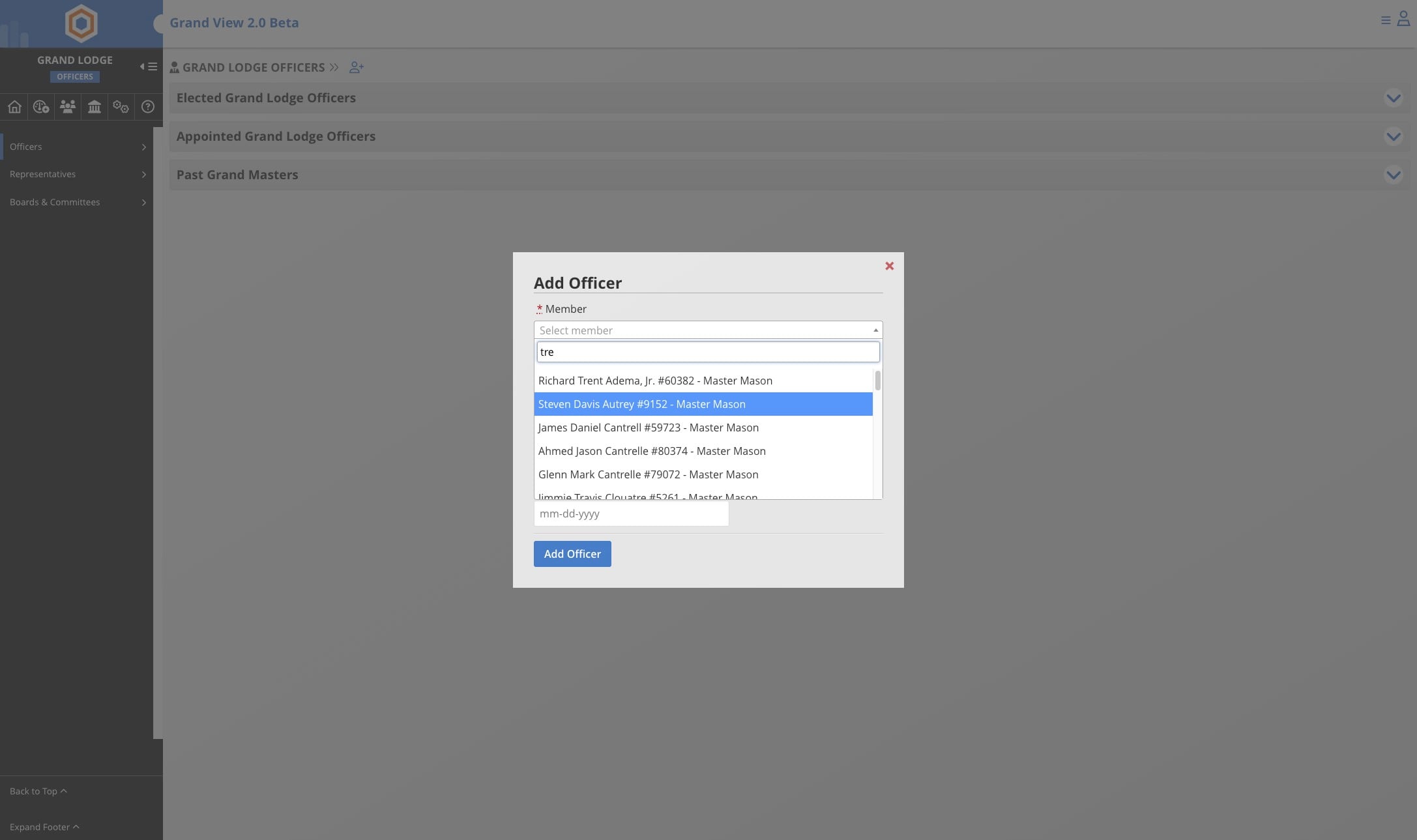
Click on "Select member"
4
Use the search to locate the member you wish to add
5
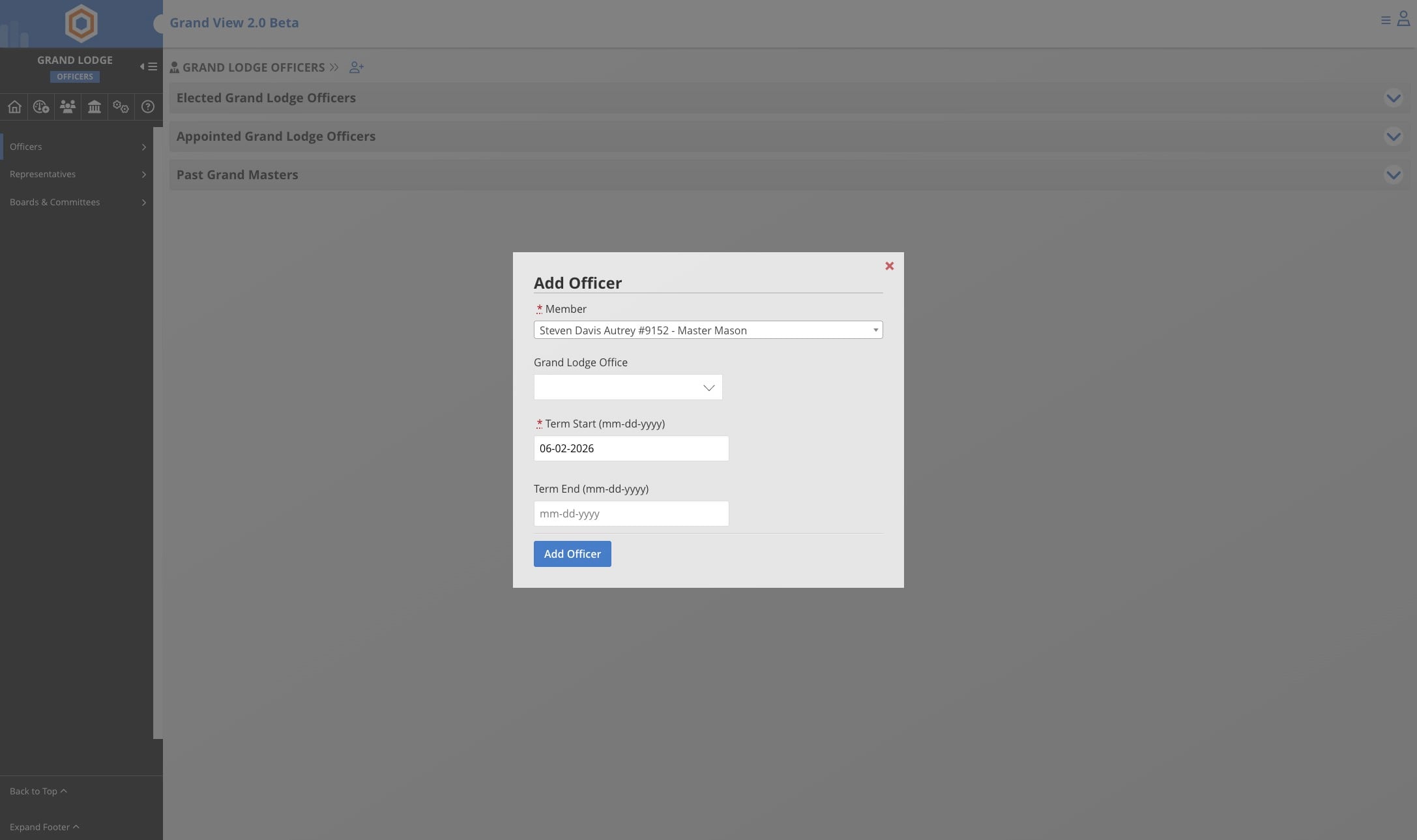
Select the office for the member
6
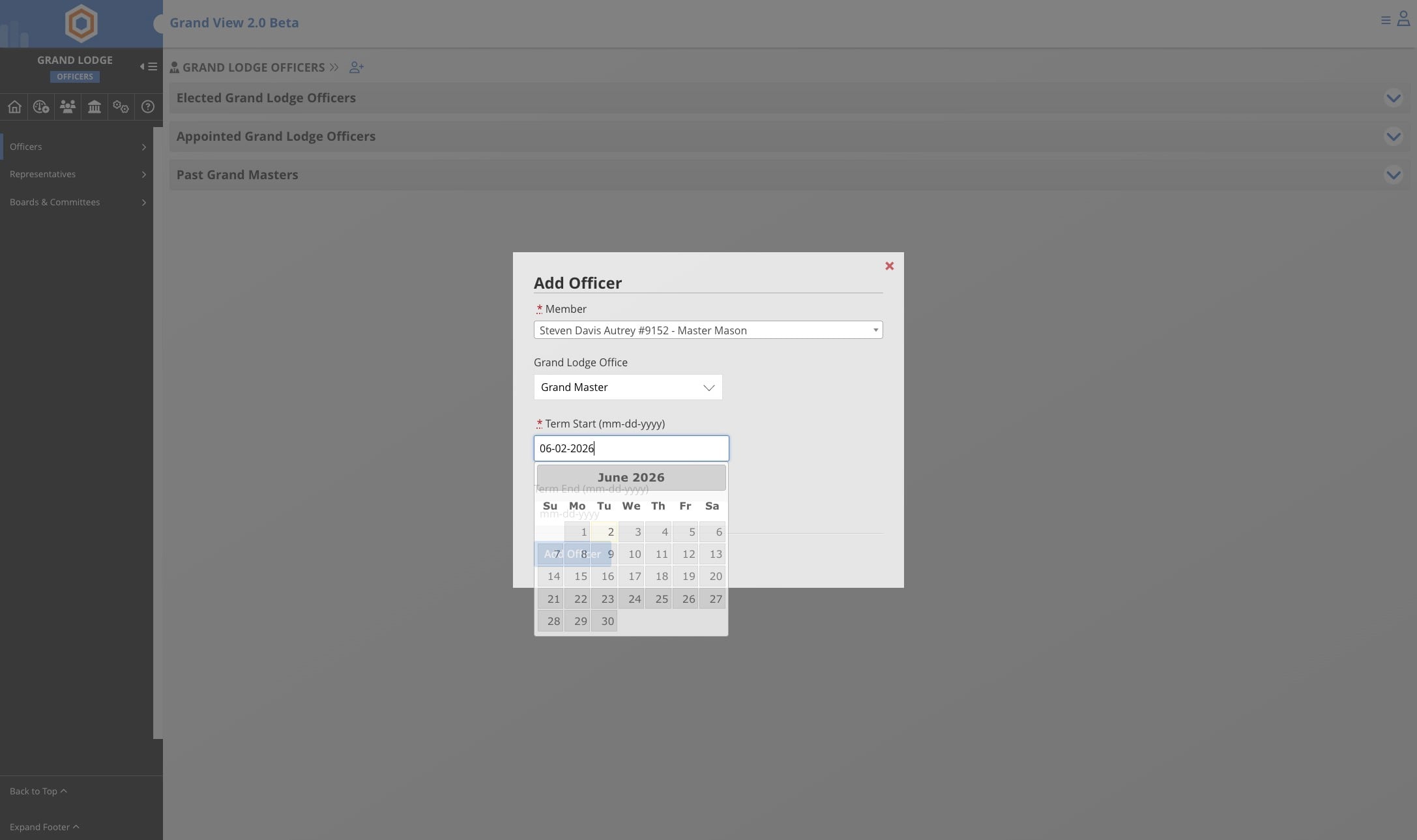
Update the start and end date for the office
7
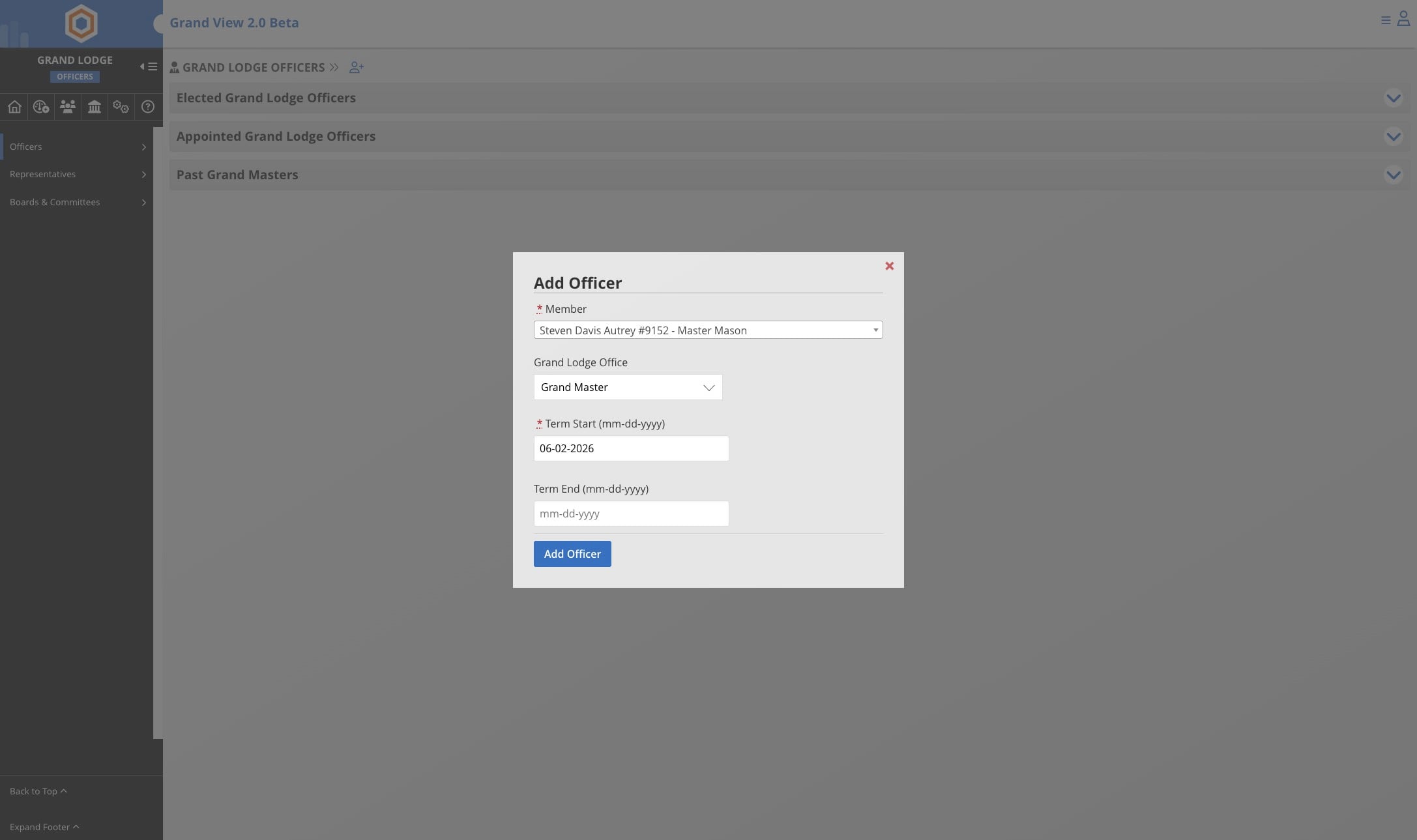
Click here
8
Done 🚀