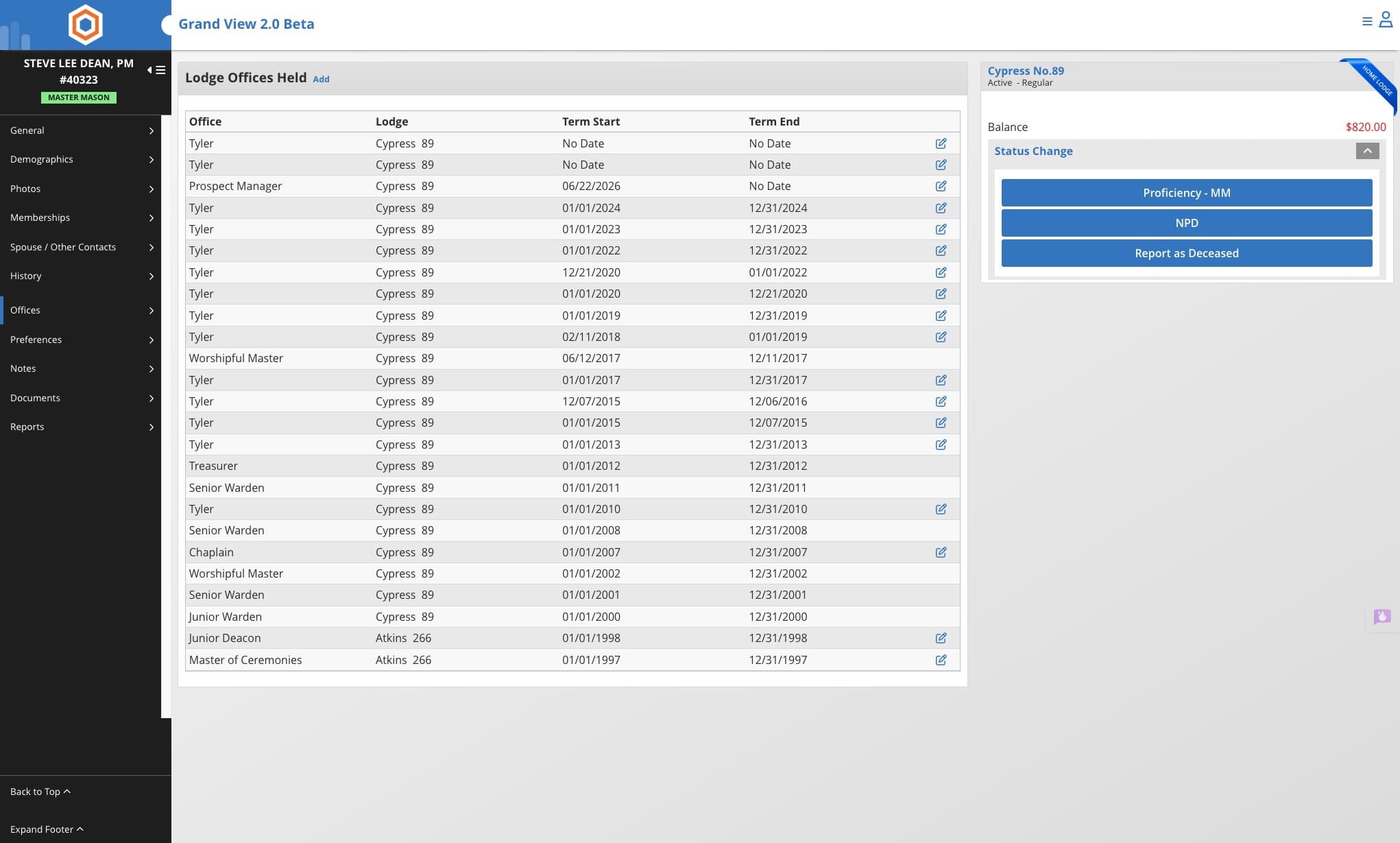
Add Multiple Prospect Managers in the Lodge
Learn how to add multiple Prospect Managers to a Lodge office. Follow the steps to navigate to the member’s record, choose “Offices,” add a Lodge Office with the Prospect Manager option, and confirm permissions by logging out and back in if needed.
Jun 22, 2026●
1
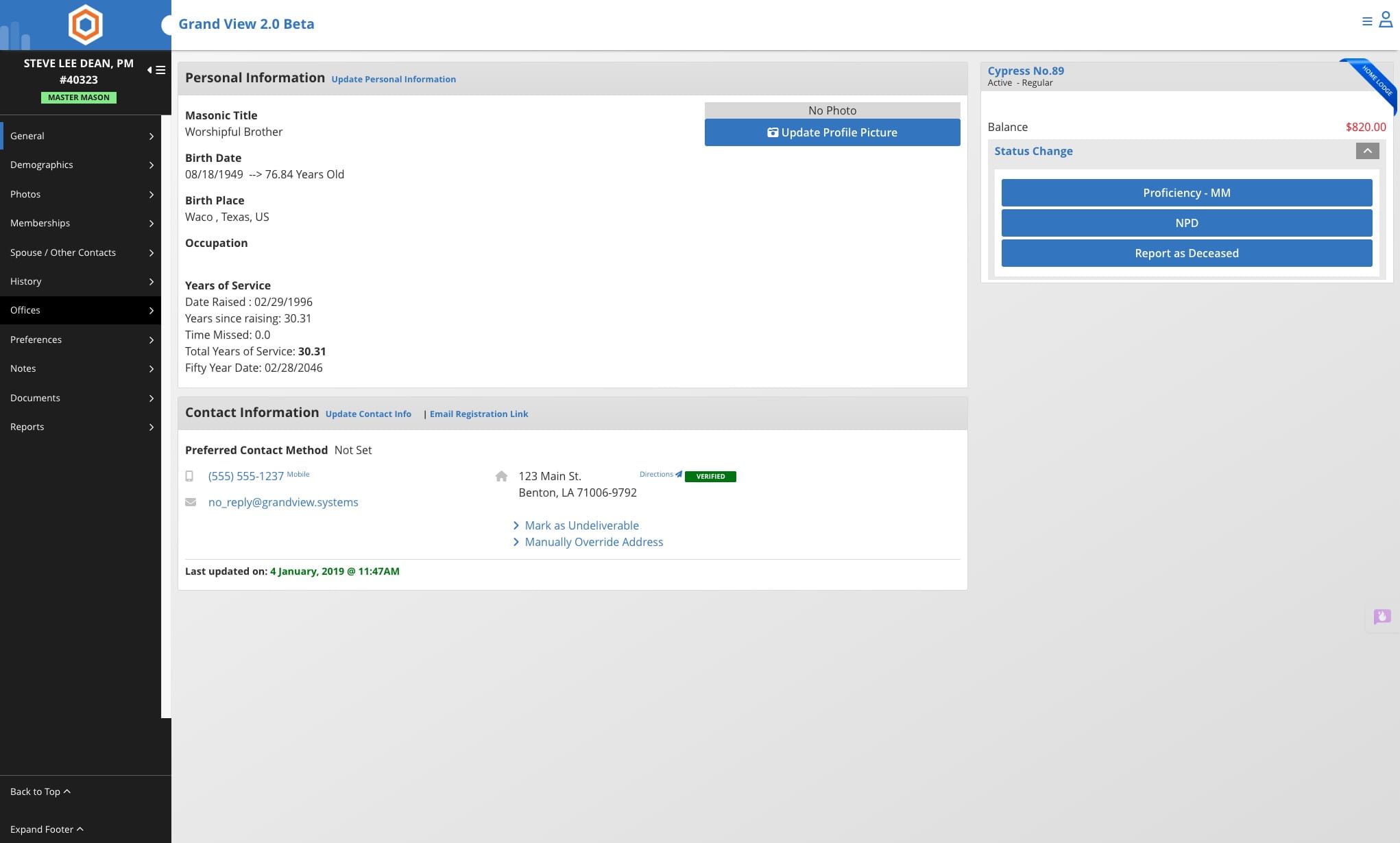
Navigate to the member's record
2
Click on "Offices"

3
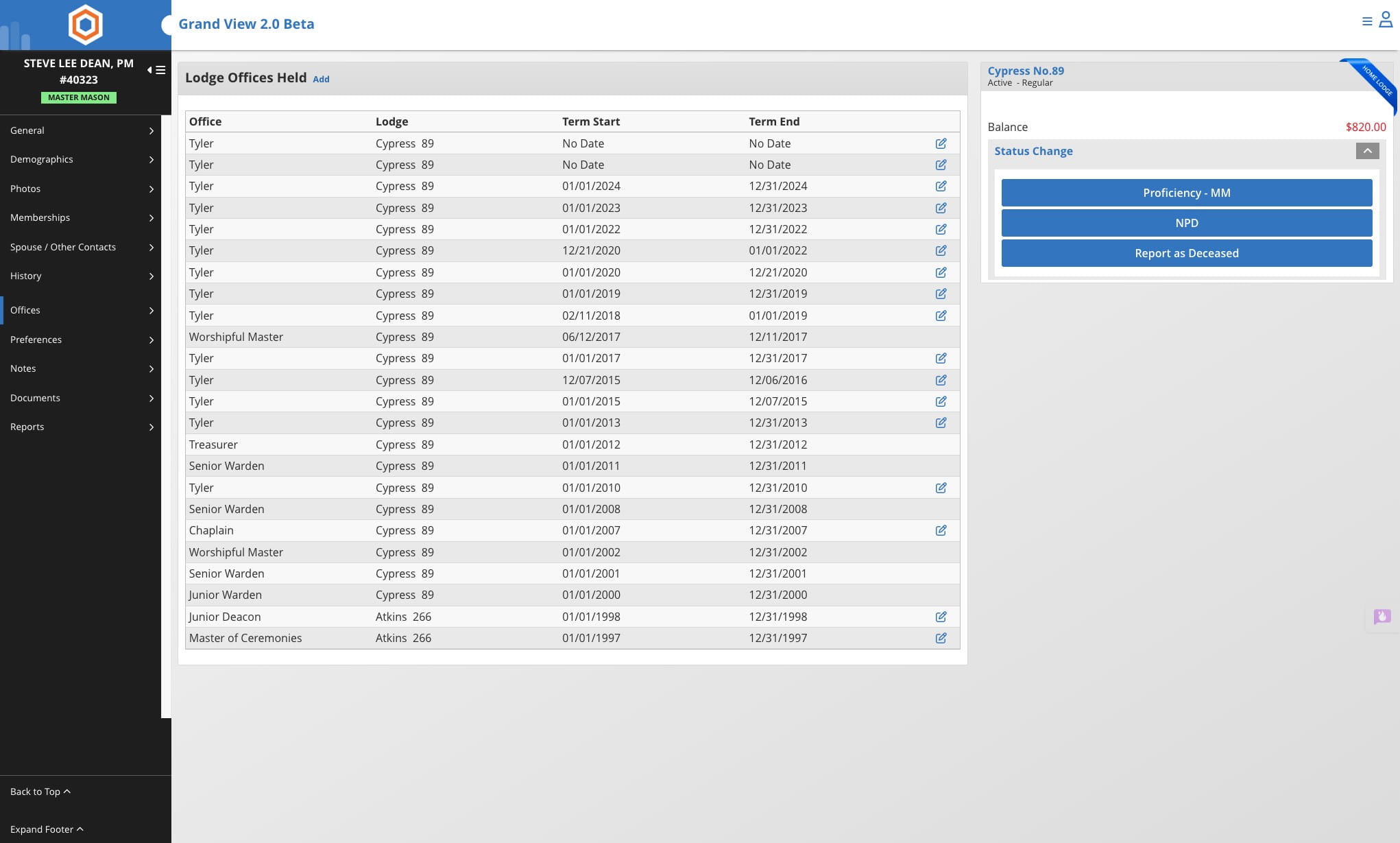
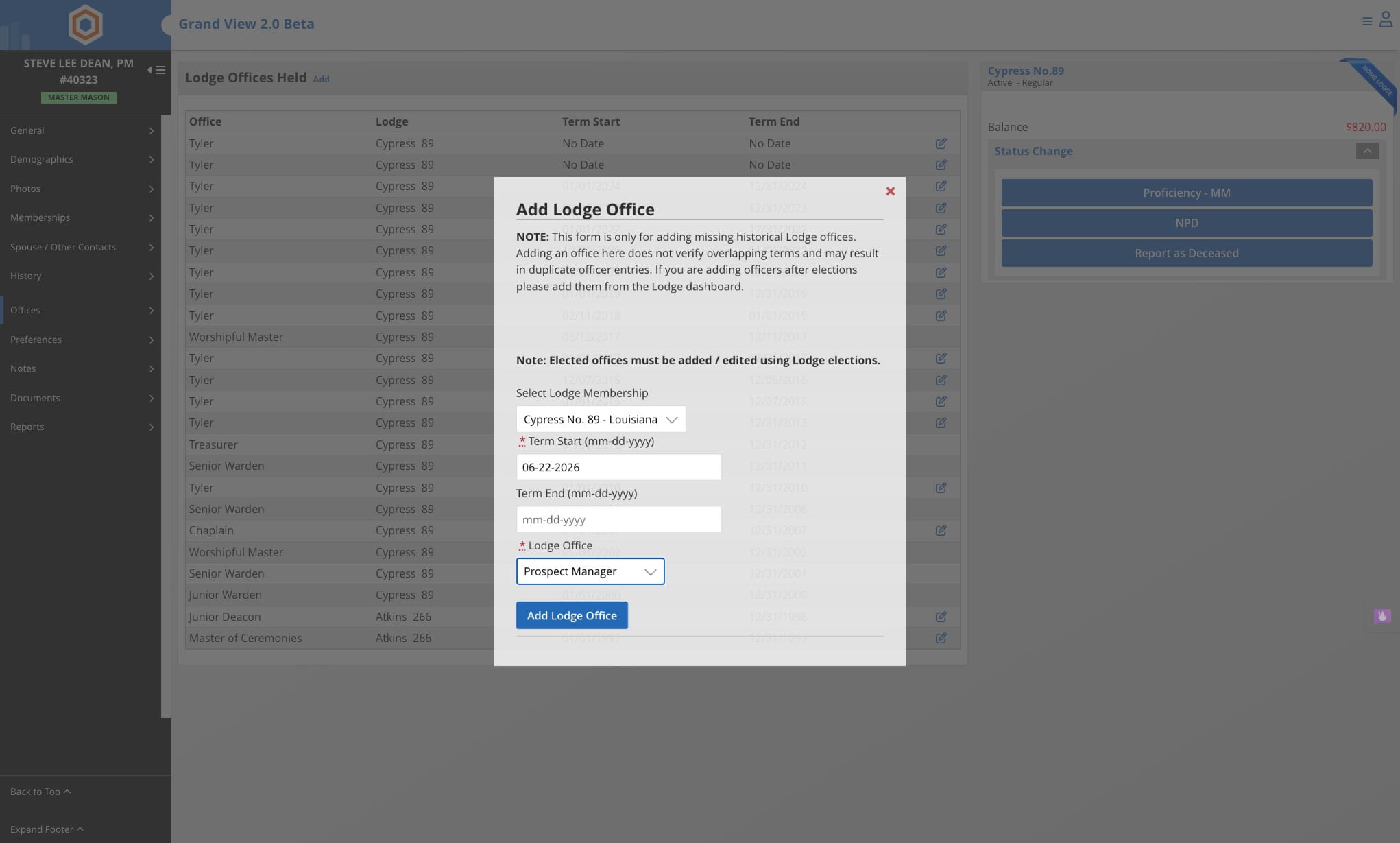
Click on "Add"
4
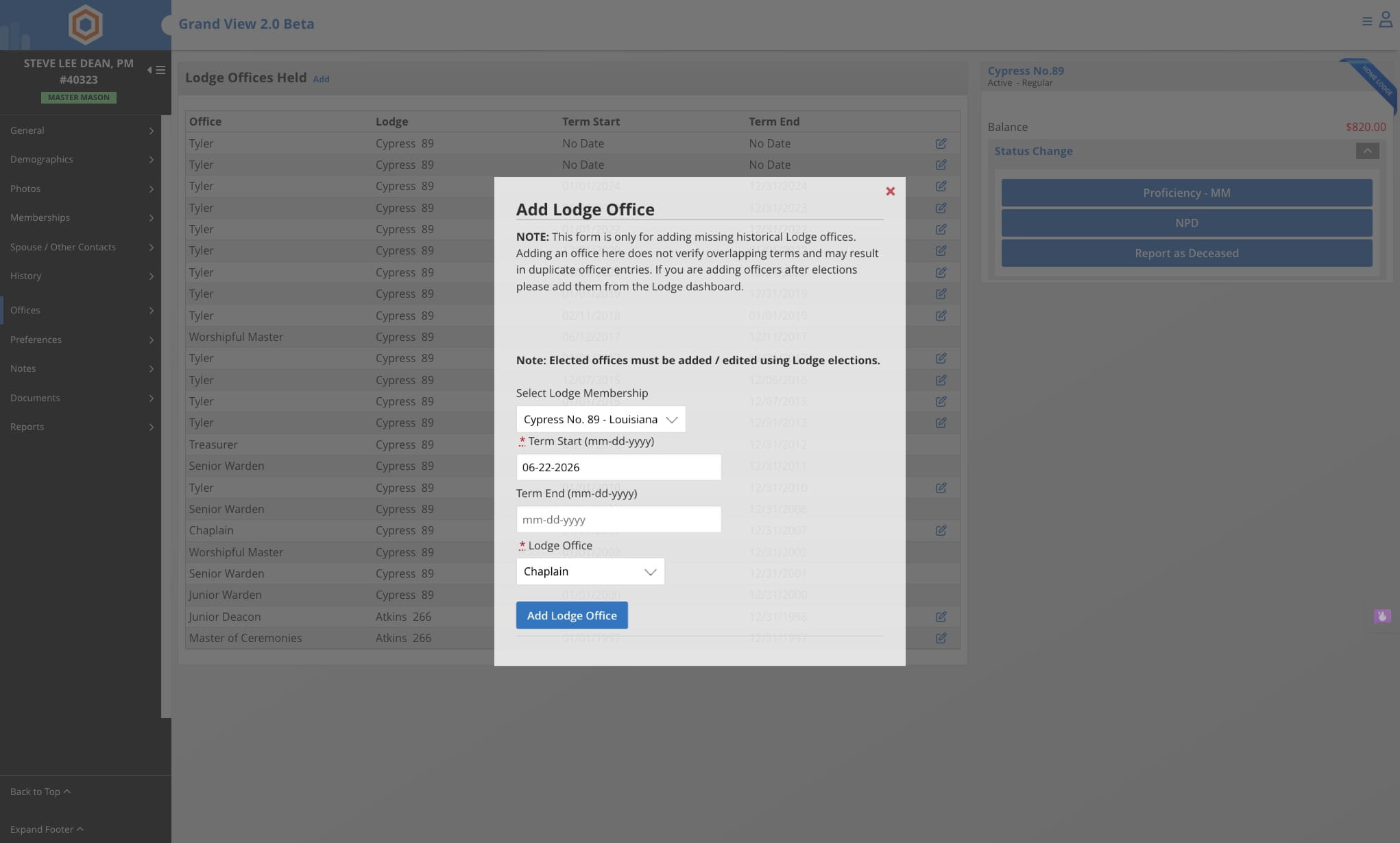
Click on the Lodge Office dropdown and select Prospect Manager
5
Click on Add Lodge Office
Have the member log out of Grand View using the Log Out option and then login to the system to be granted permissions.
6
Done 🚀