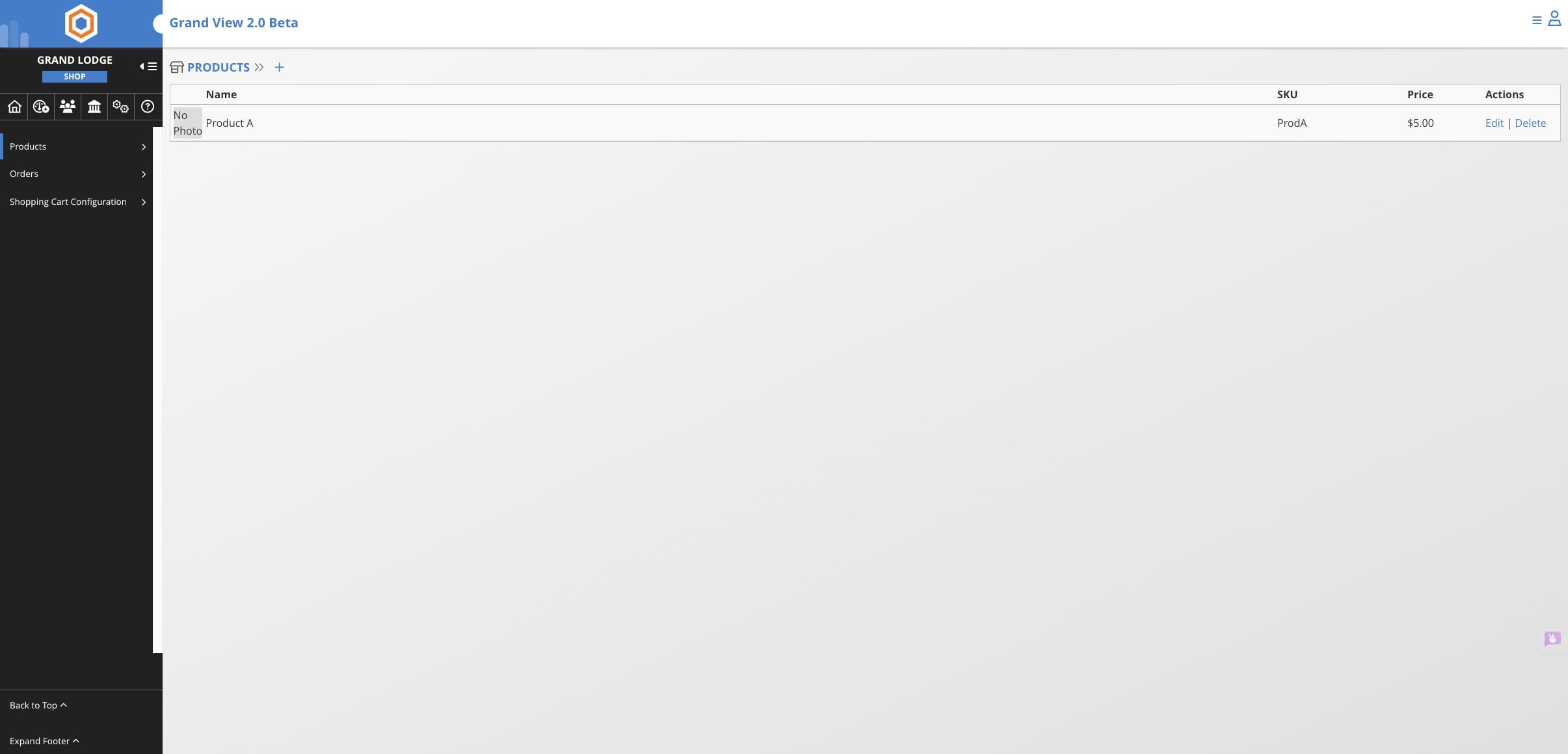
Add Products in the Online Store
Learn how to set up and manage products in your Grand View Shopping Cart system. This comprehensive guide walks you through the complete process, from accessing the System Administration panel to creating new products with detailed information like pricing, SKUs, and shipping costs. You'll also discover how to configure purchasing permissions for different offices and add featured images to make your products more appealing in the store.
Only available at the Grand Lodge level and requires Grand Lodge Admin or Super Admin access.
Navigate to the dashboard for your jurisdiction
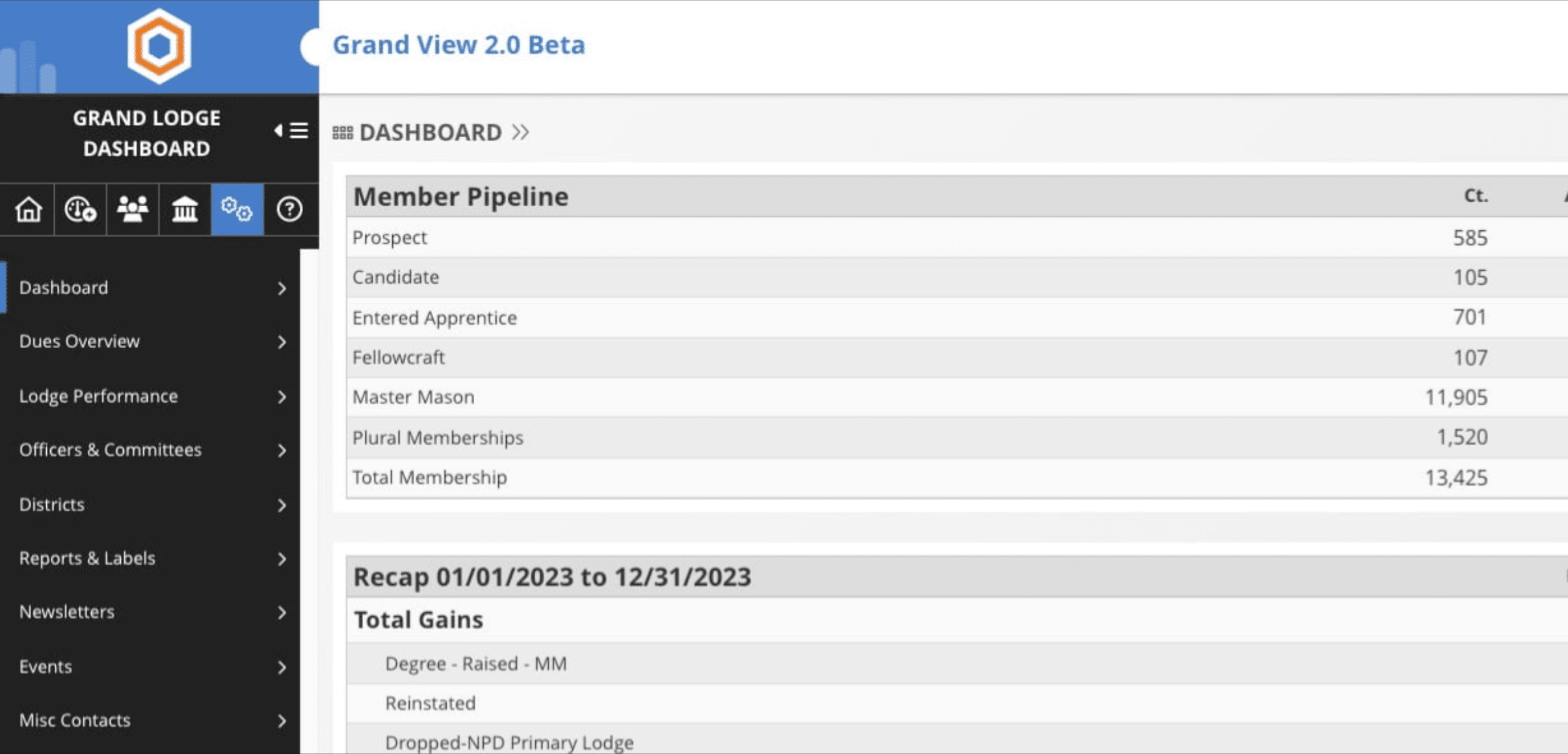
Click on System Administration icon

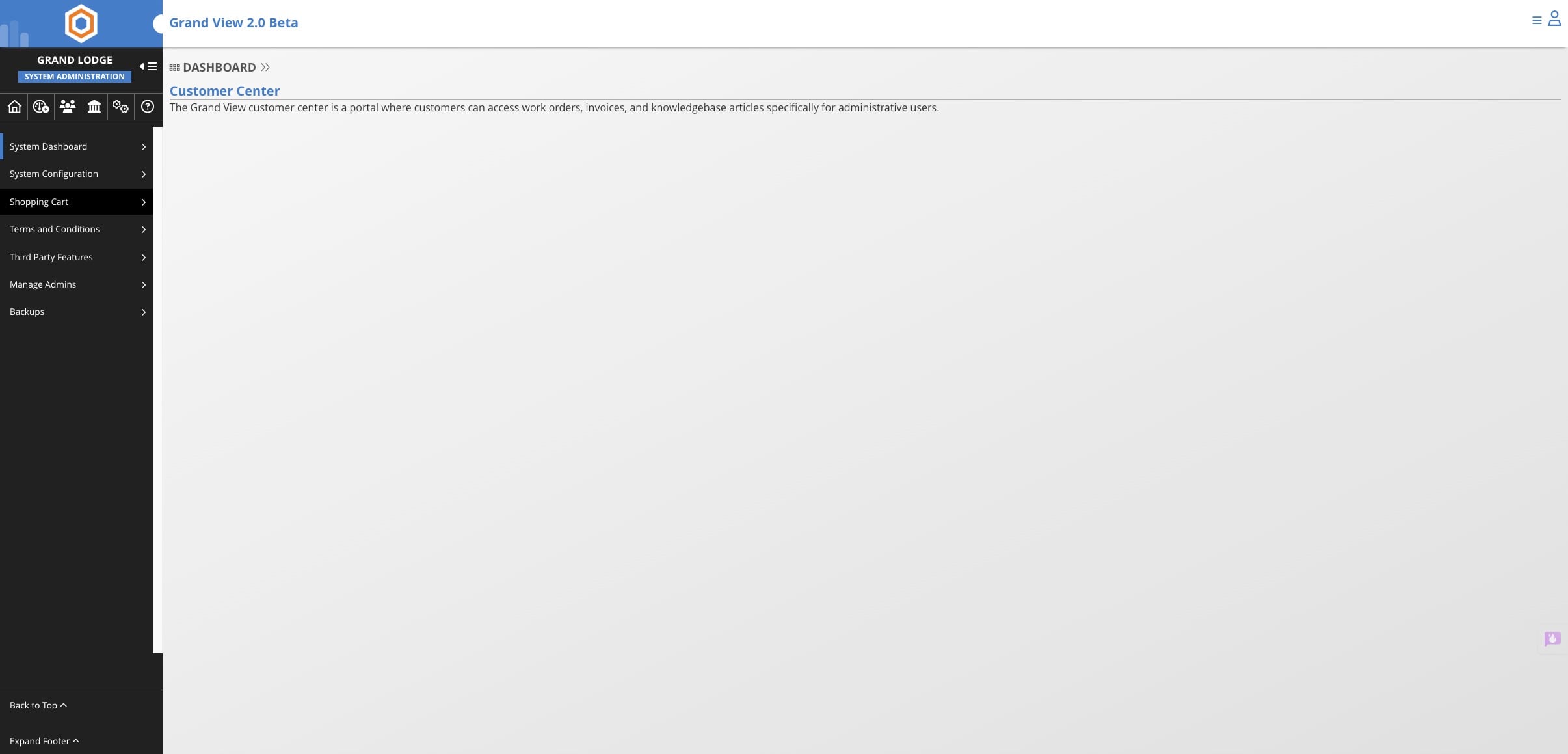
Click on "Shopping Cart"
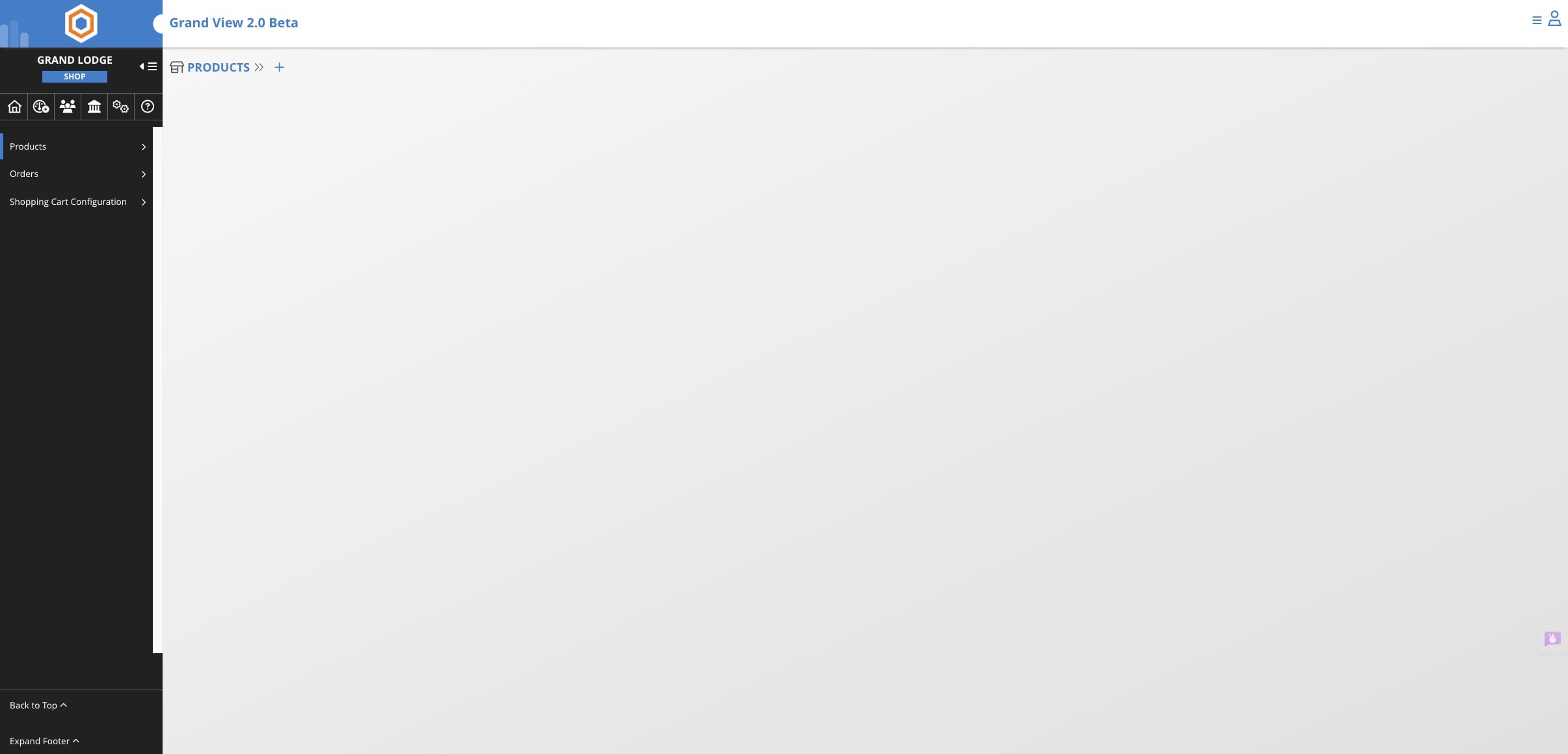
Click on + (plus sign)
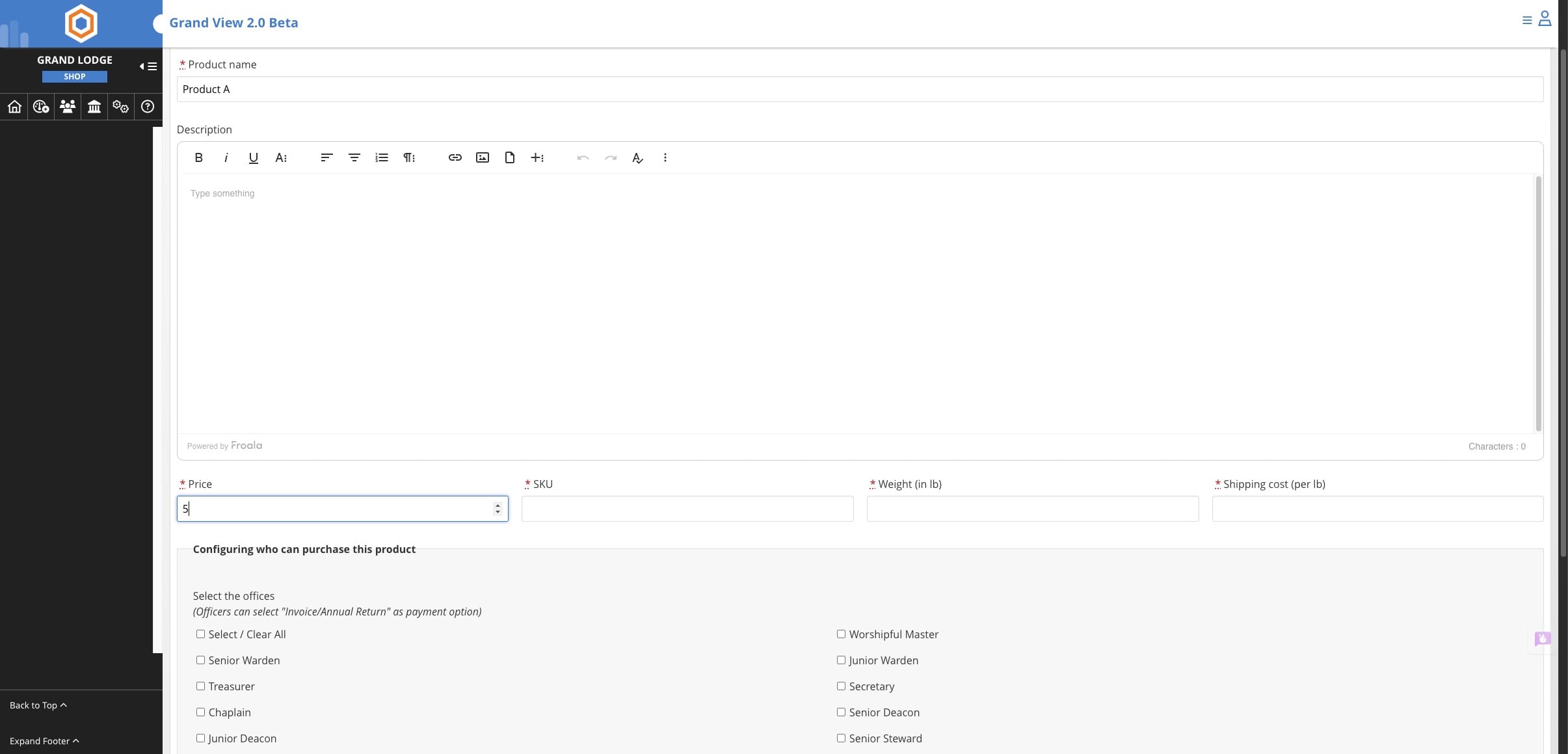
Add product info: Name of product, Price (per), SKU (unique identifier), Weight, and Shipping Cost.
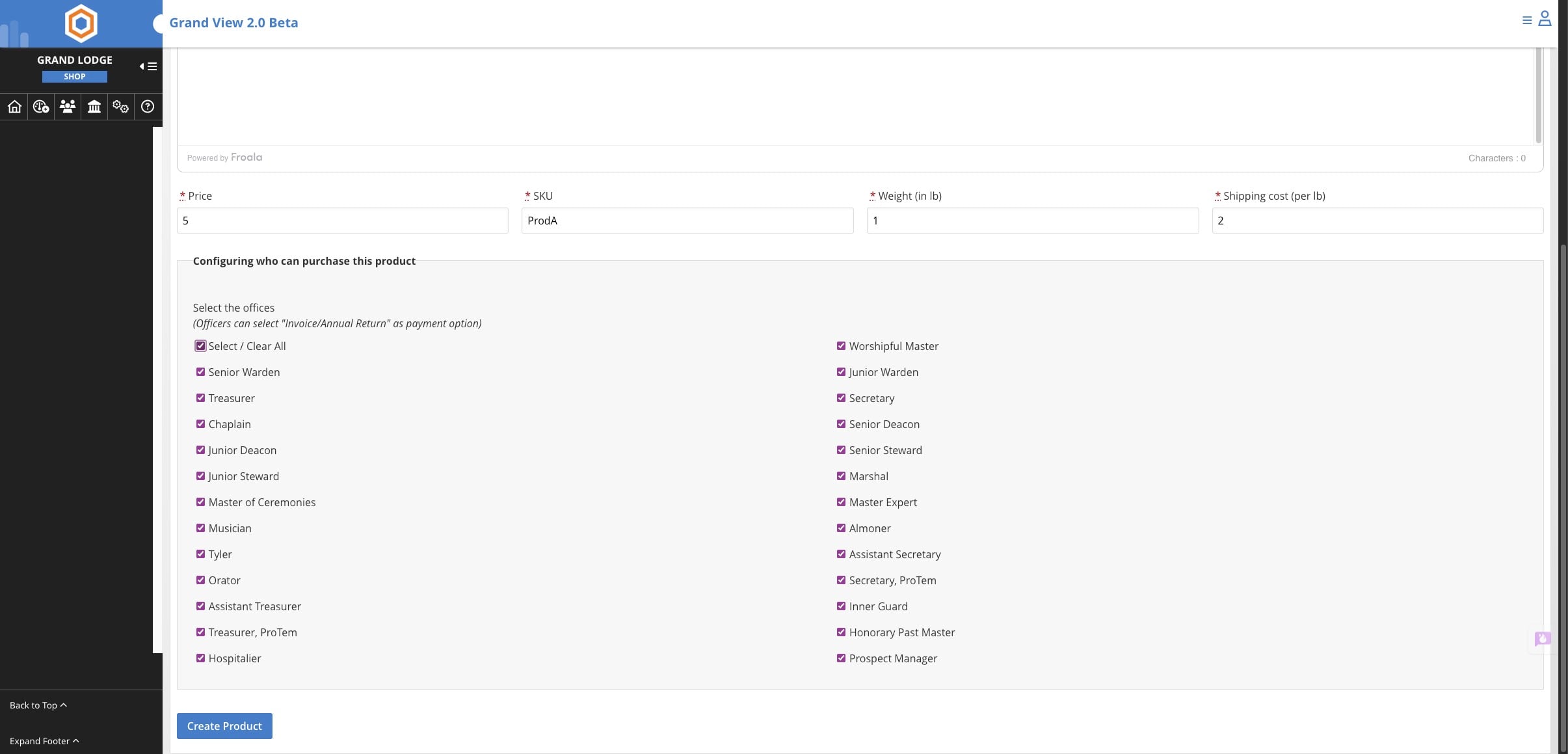
Select all offices that will have purchasing ability and then click on Create Product
After creating the product you can add a featured image that will show on the item in the store.
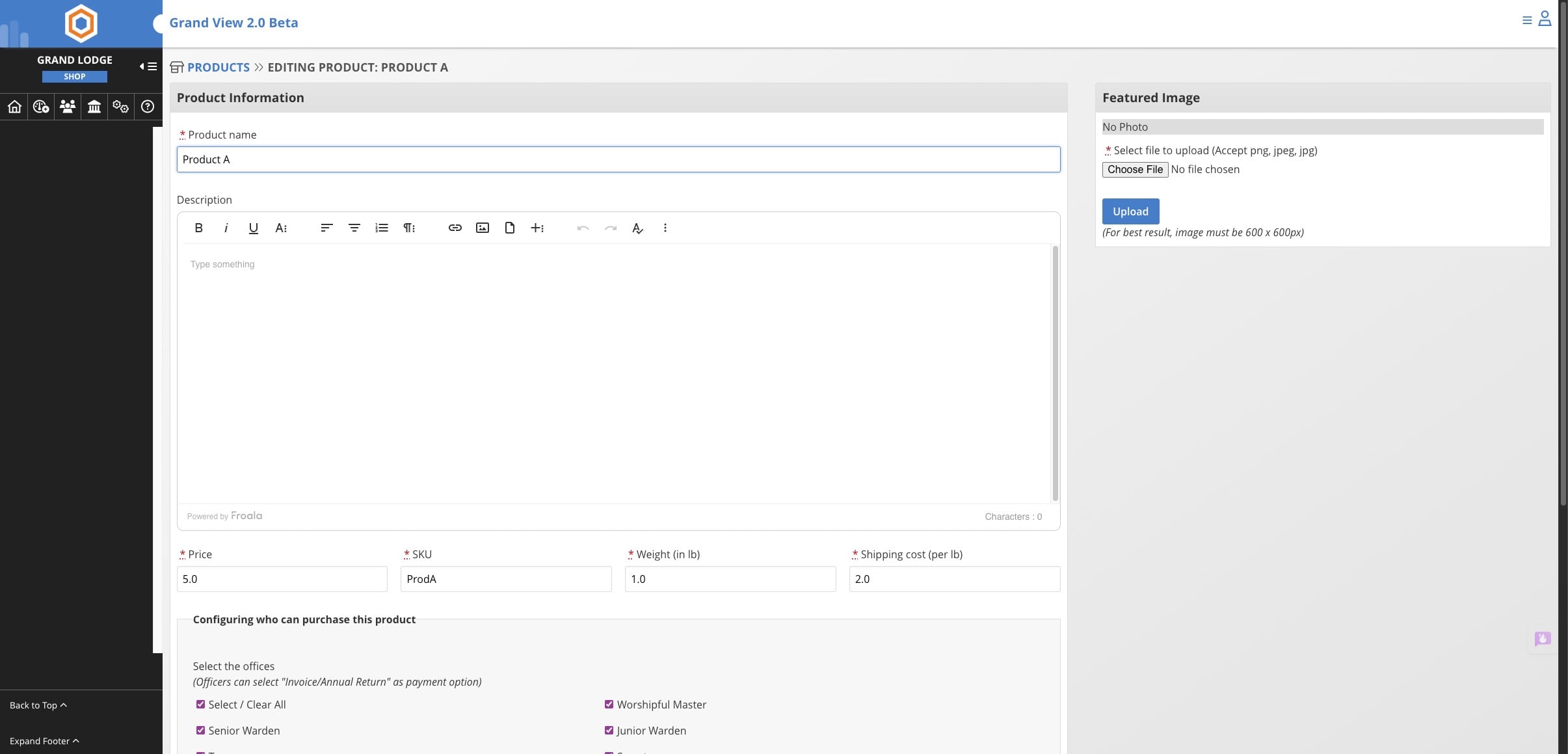
Click on "Products" to go back to the product page where the newly created item is visible.
Done 🚀