Creating Bulk Dues Charges
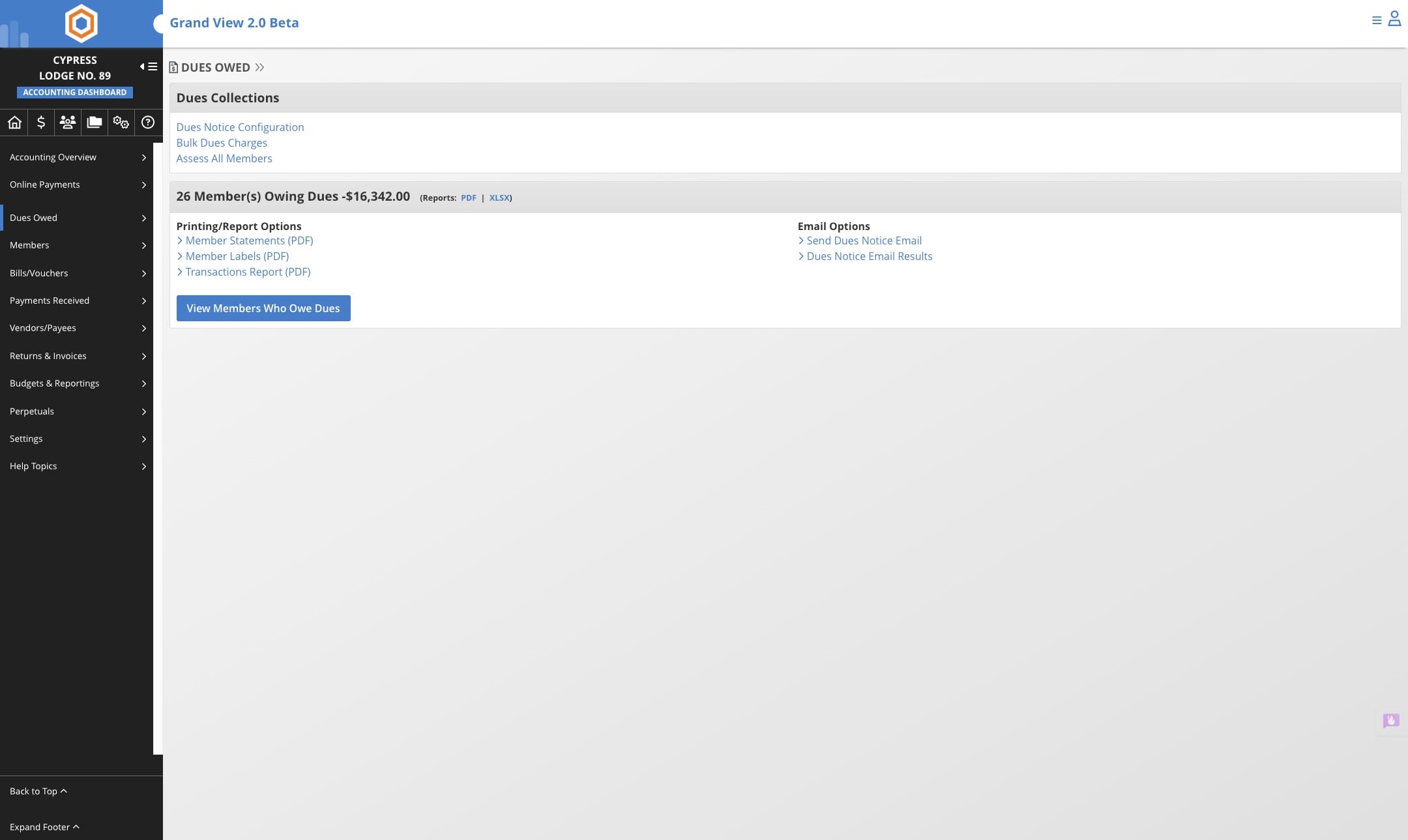
Navigate to your lodge dashboard
When using the Bulk Dues Charge feature, the system will apply the charge to the member's account based on the dues class assigned to each member. **Hint **- Dues classes must be already assigned to the member in order to create a Bulk Dues Charge. If you have not set up the Dues Classes please do so. (For example, Regular will get charged the amount that you have set for Regular Dues amount, Exempt will not be charged)
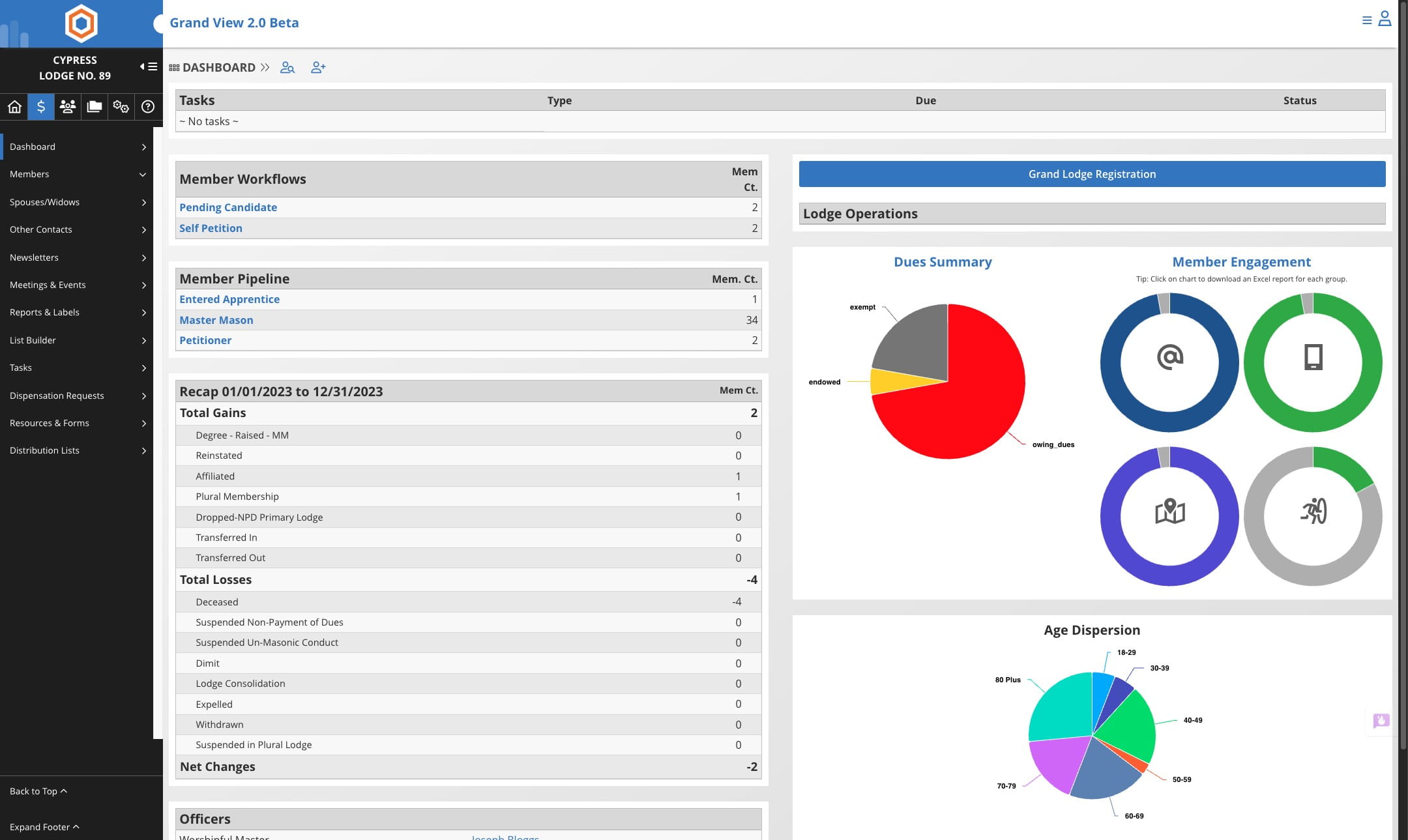
Click on the $

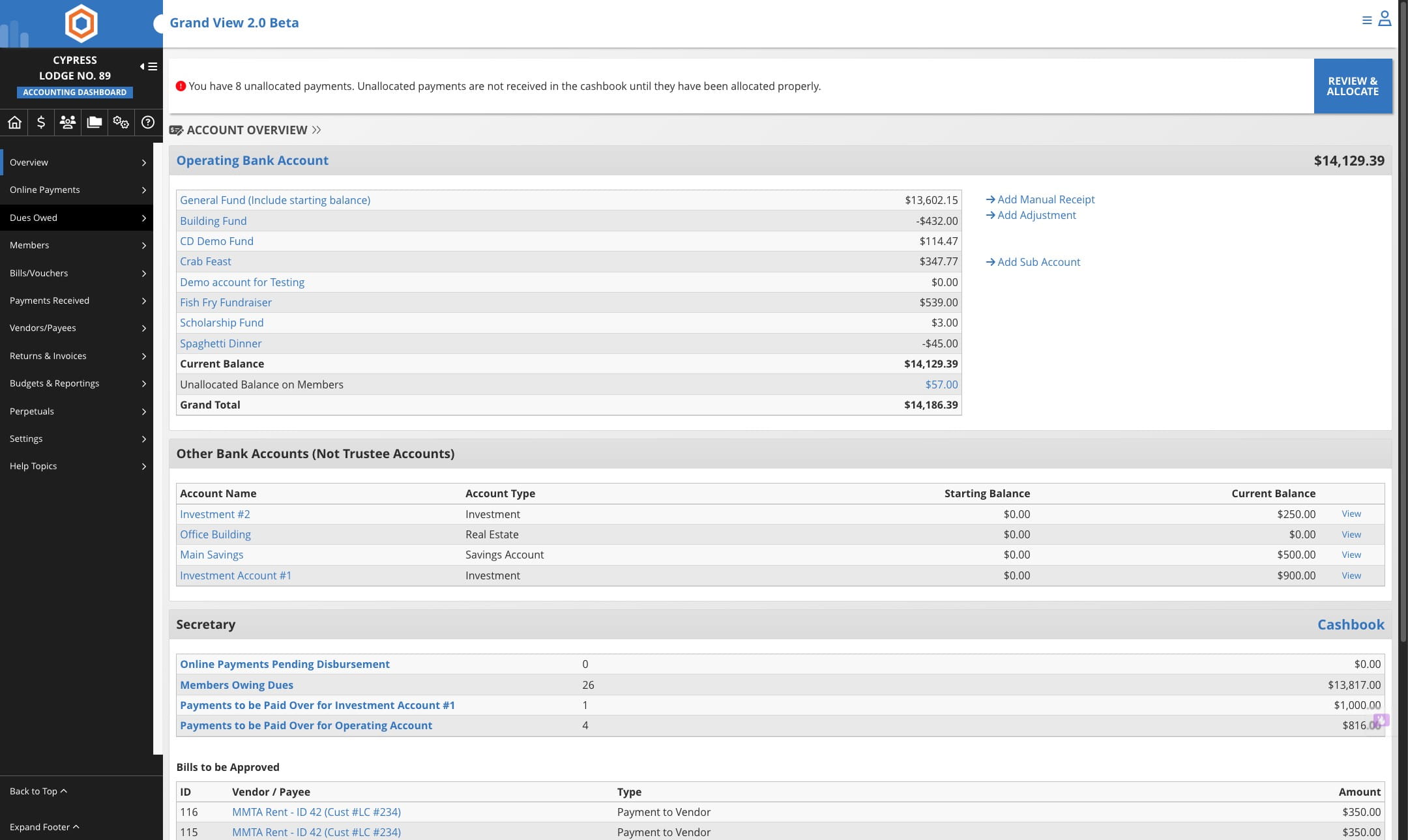
Click on "Dues Owed"
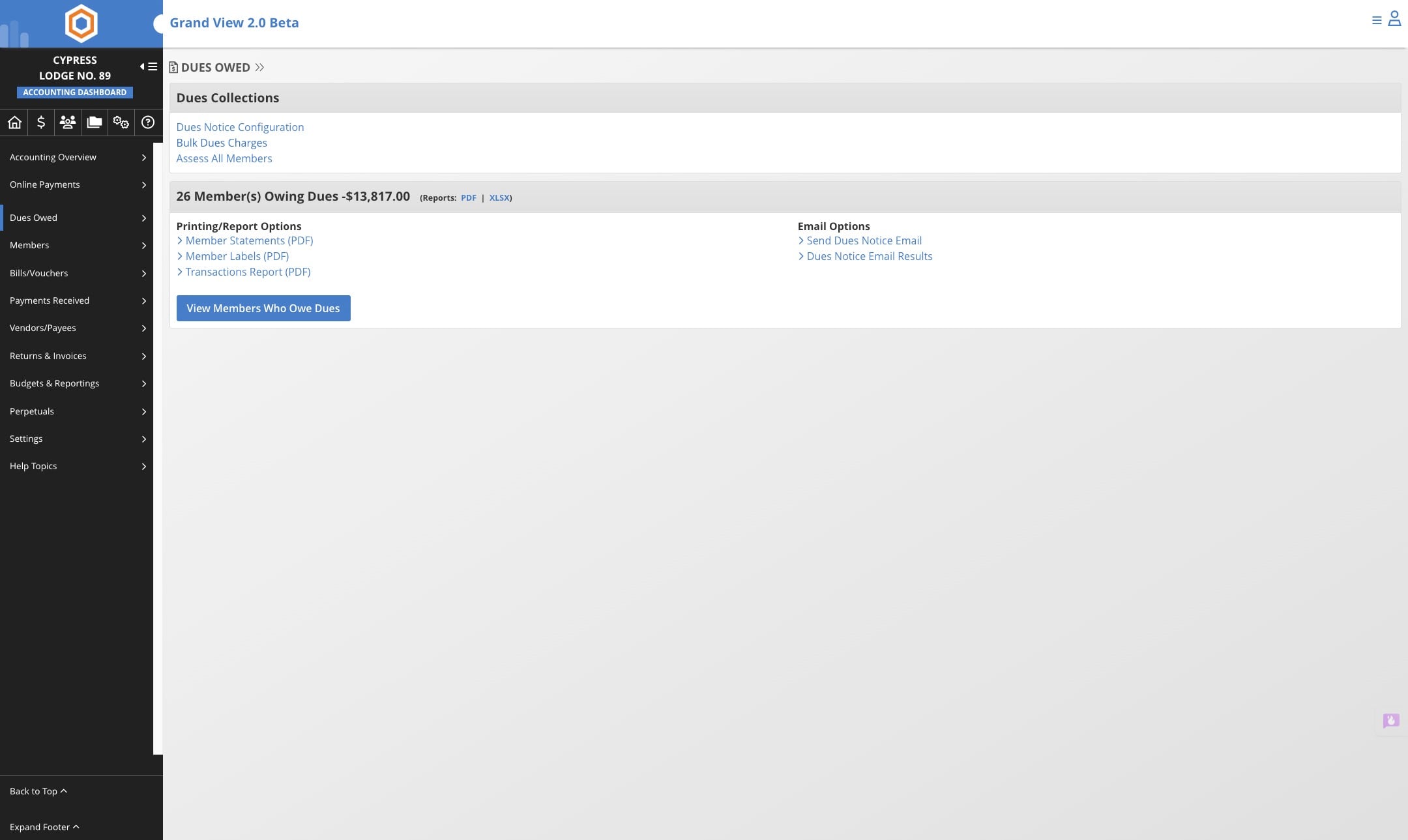
*Bulk Dues Button may only show during specific months that are set by the jurisdiction.
Note: Not all jurisdictions allow lodges/chapters to create bulk charges. Some create the charges on behalf of the lodge/chapter. If you do not see the "Bulk Dues Charges" option than contact your jurisdiction for assistance.
Click on "Bulk Dues Charges"
Verify the current dues. If this is different you may need to contact your Grand Lodge to change however, some Grand Lodges permit this to be changed by the lodge secretary.
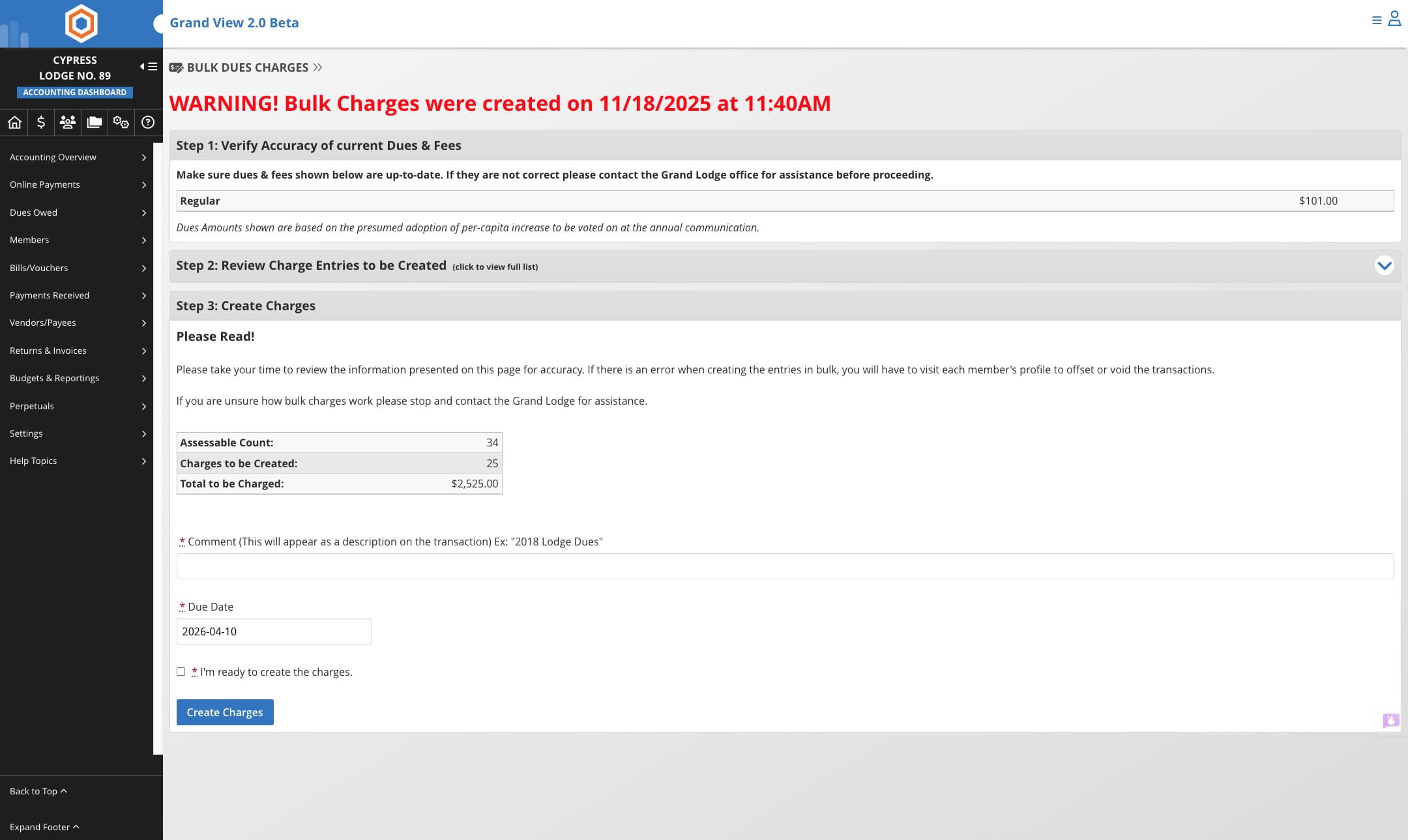
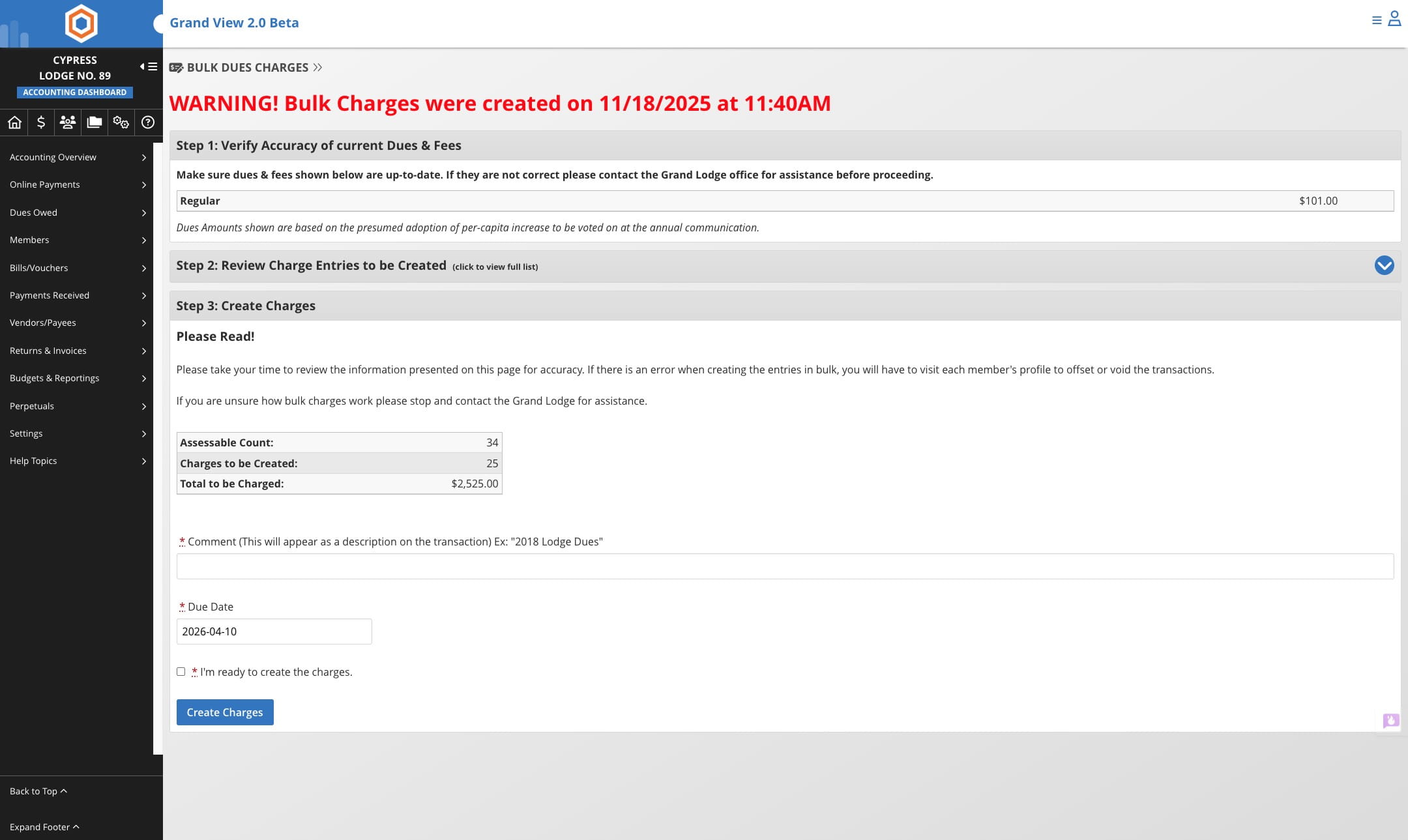
Click on "Step 2: Review Charge Entries to be Created"
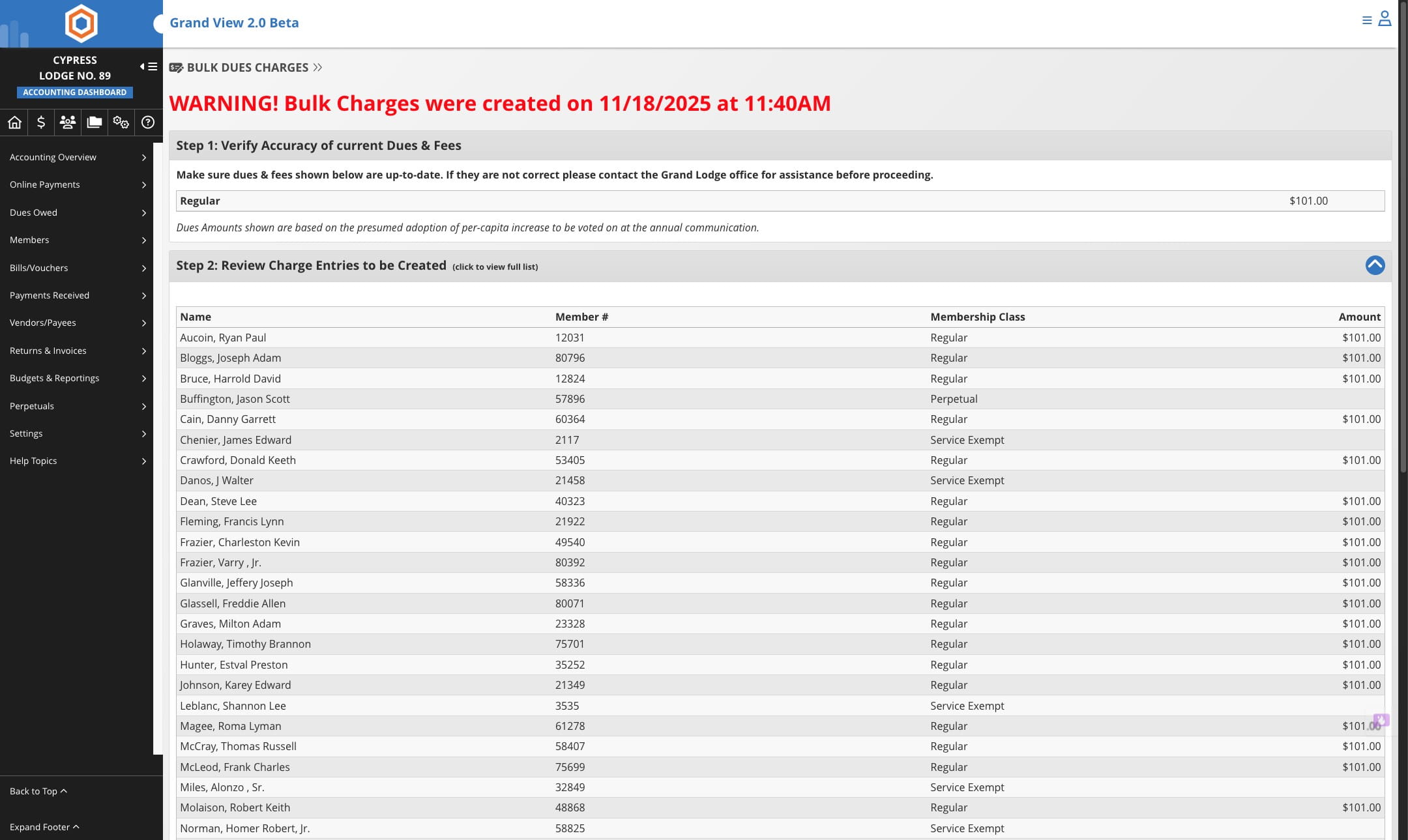
Verify the members who will be assessed. This is the time to check life members and service exempt members.
Insert a comment for the charge, typically the year followed by Lodge Dues is used, example 2026 Lodge Dues
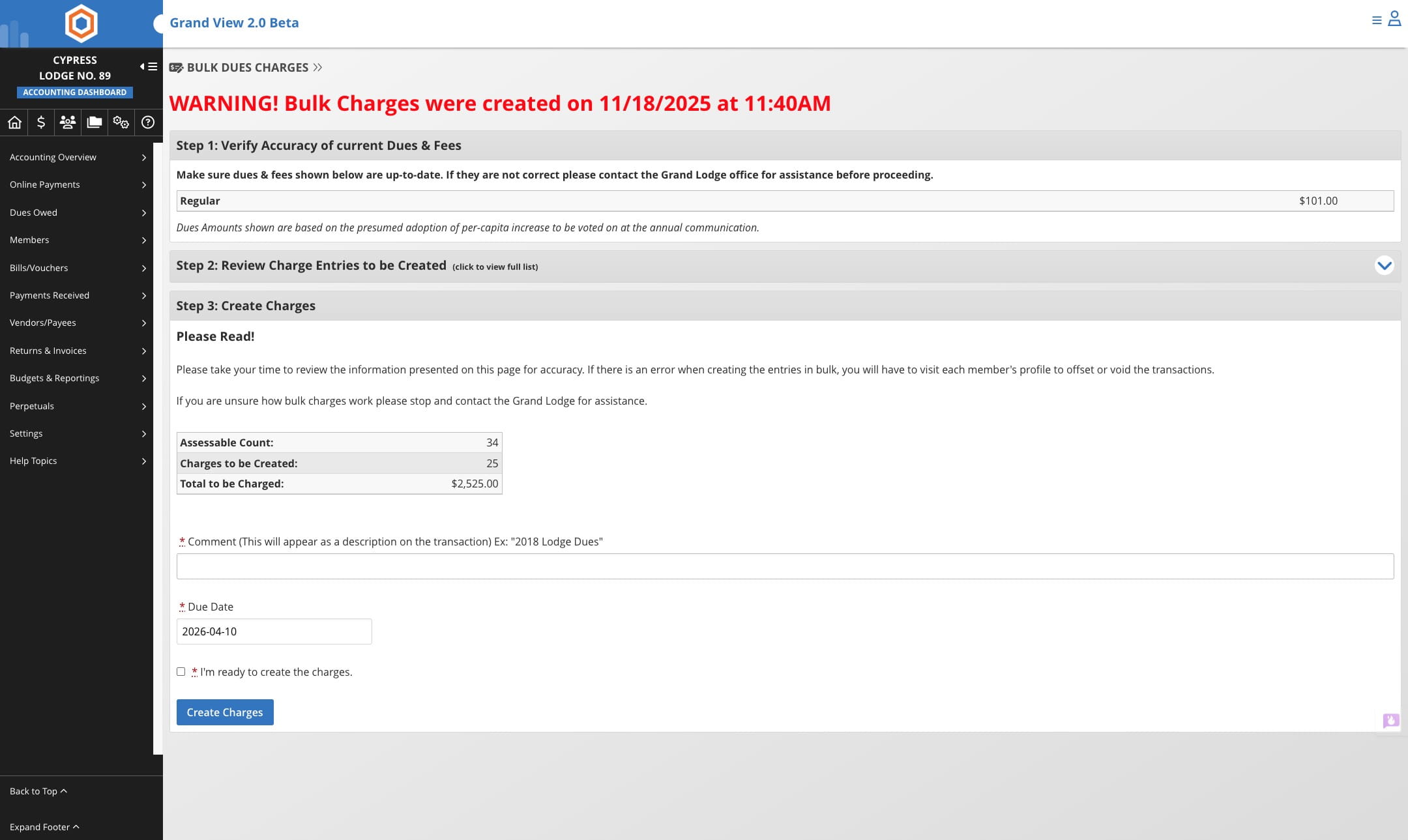
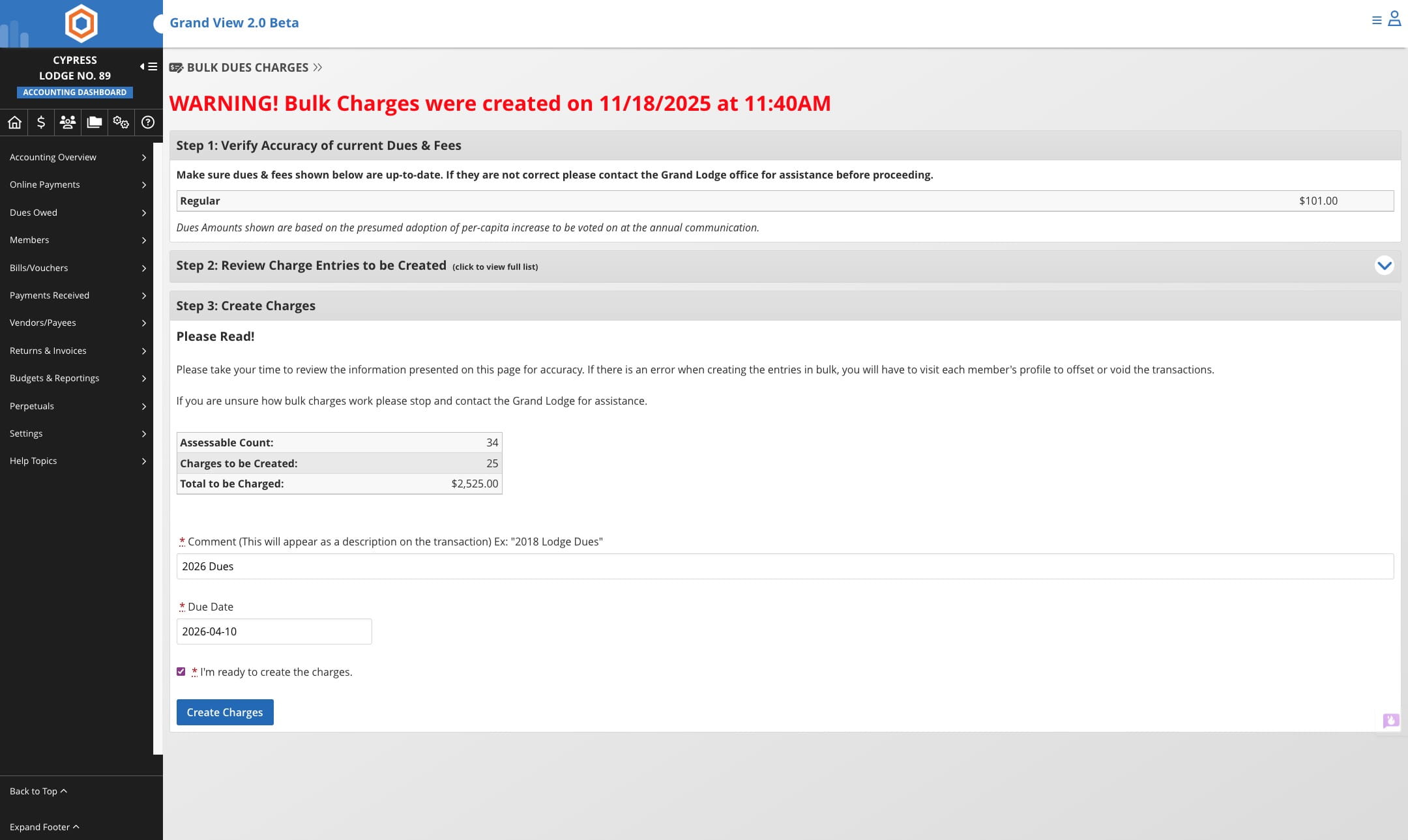
Once everything is verfied please check the box that you are ready to create charges.
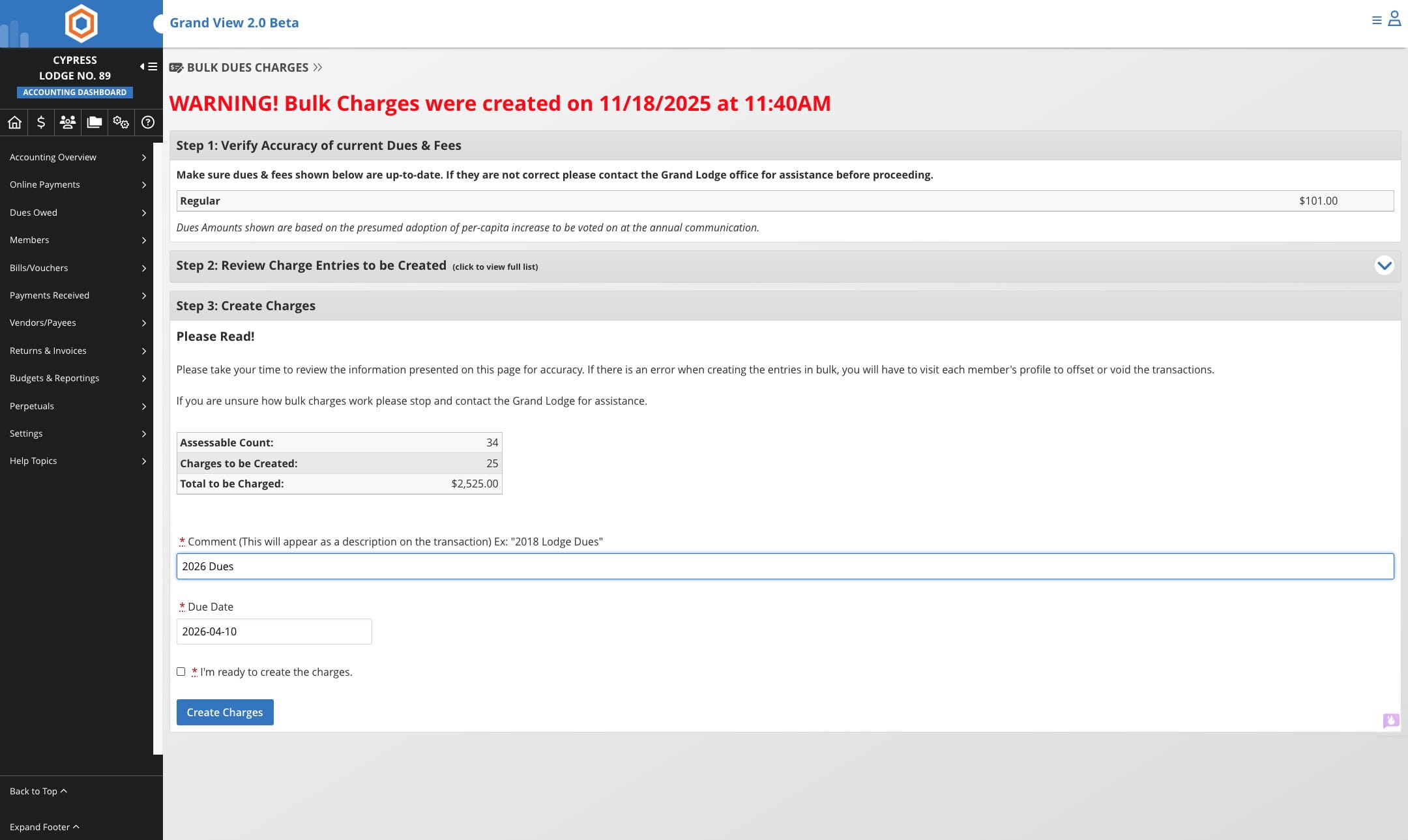
Click here on "Create Charges" to assess the members
Done 🚀