Change a Member's Password
This guide walks super admins through the quick and easy process of changing a member's password. In just a few steps, you'll learn how to locate a member on the lodge dashboard and update their password directly from the Super Admin menu.
Jun 05, 2026●
1
Locate the Member on your lodge dashboard
2
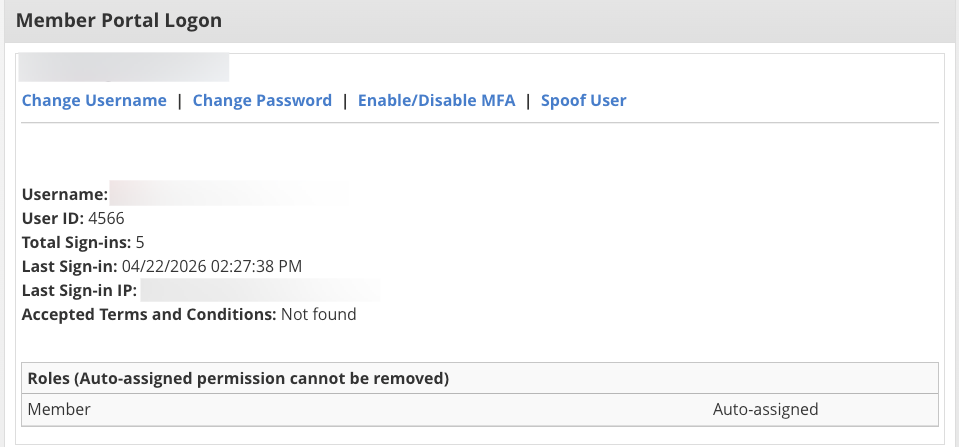
Click on Super Admin in the left menu
3
Click on Change Password

4
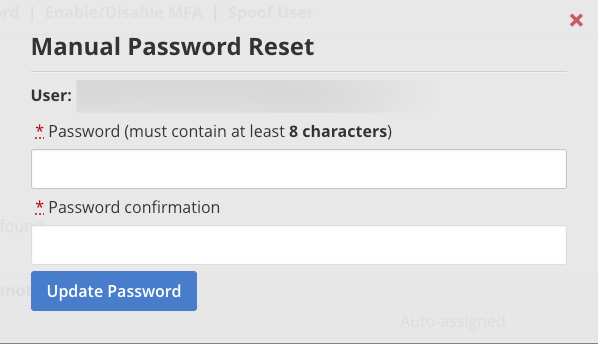
Enter in the new password and click Update Password