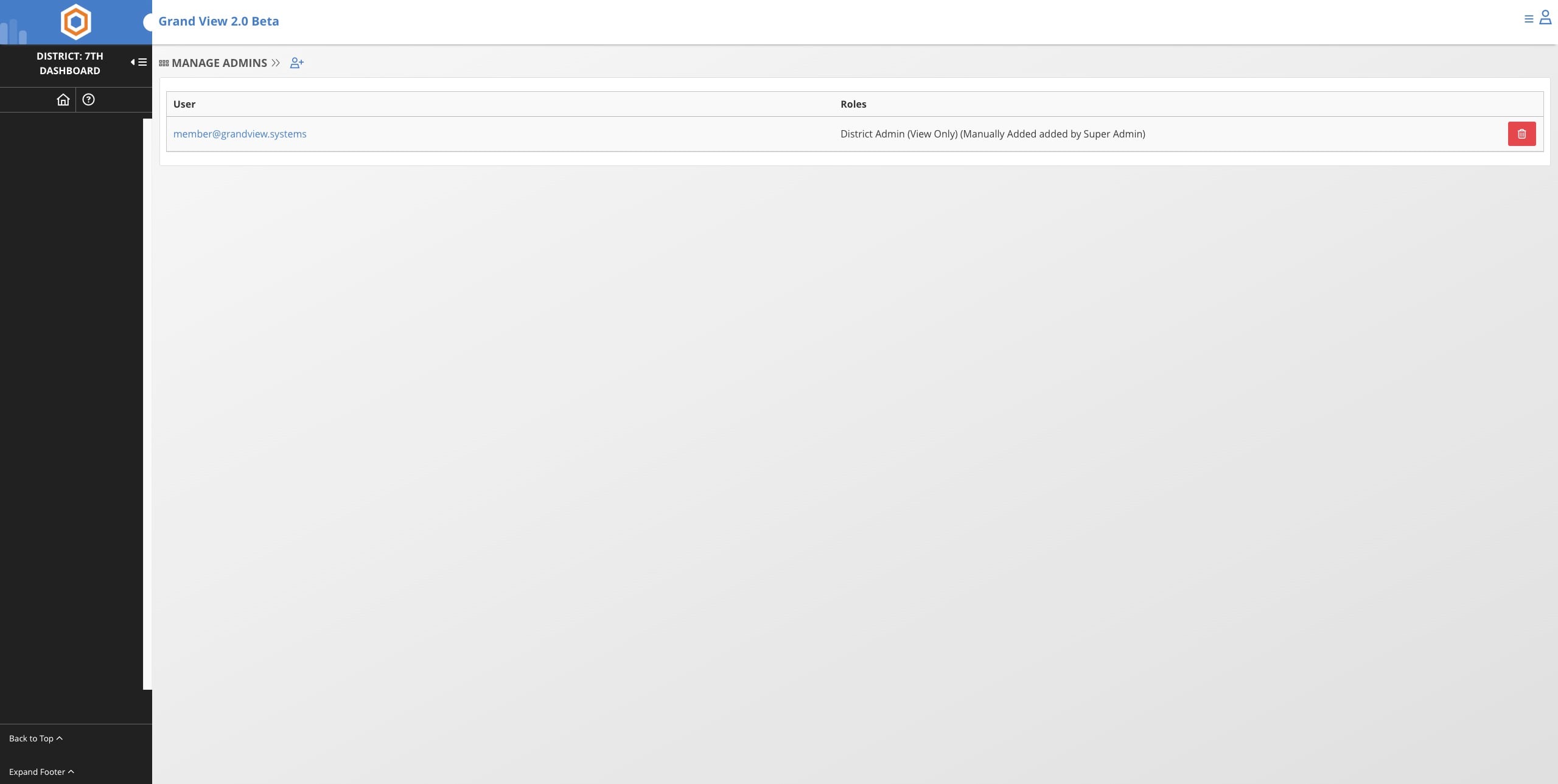
Change District Admin Permissions
Use this guide if you wish to edit a current district admins permissions. Commonly used to change from View Only to Full Access or Full Access to View Only
Jun 02, 2026●
1
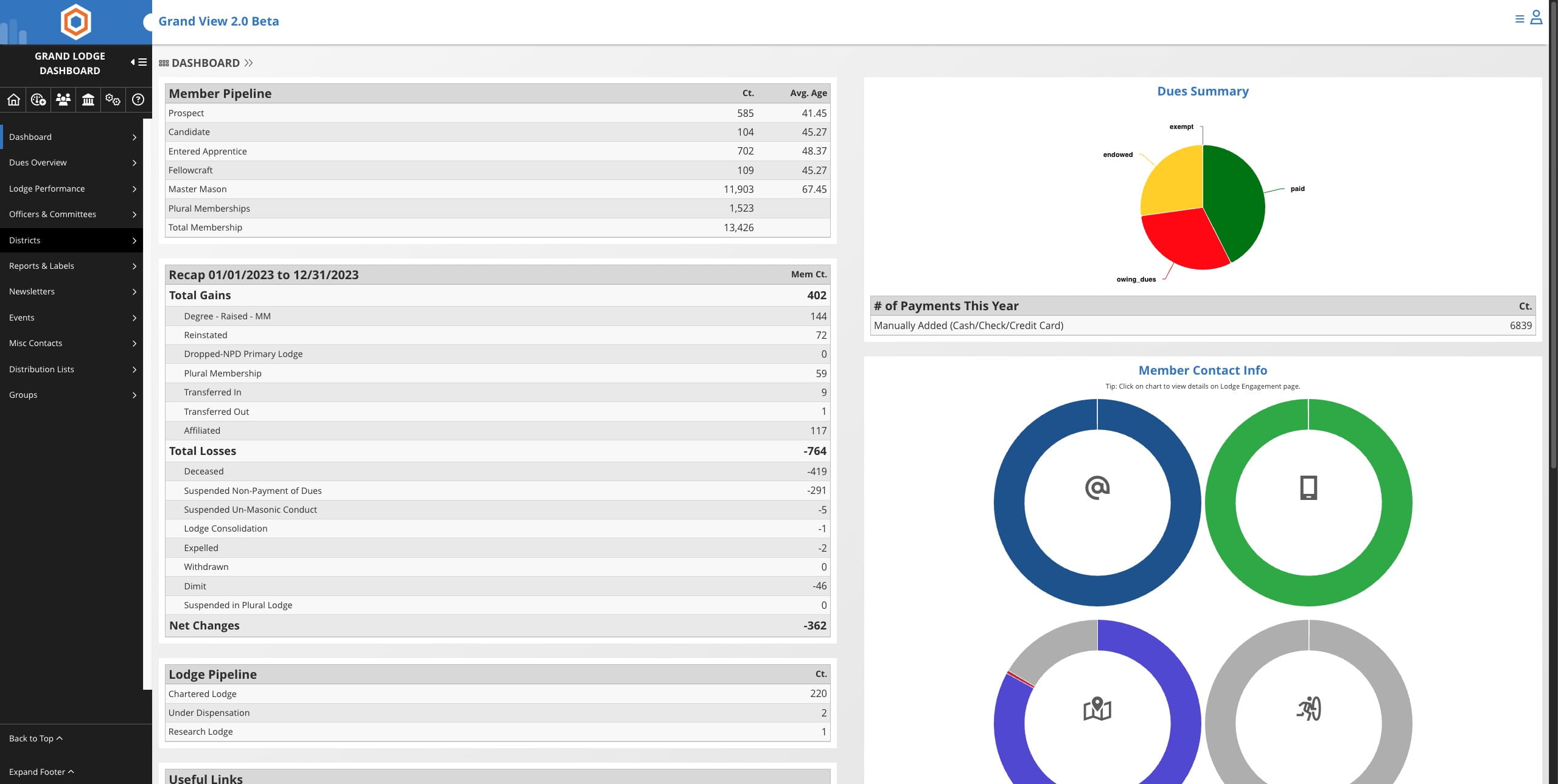
Click on "Districts"

2
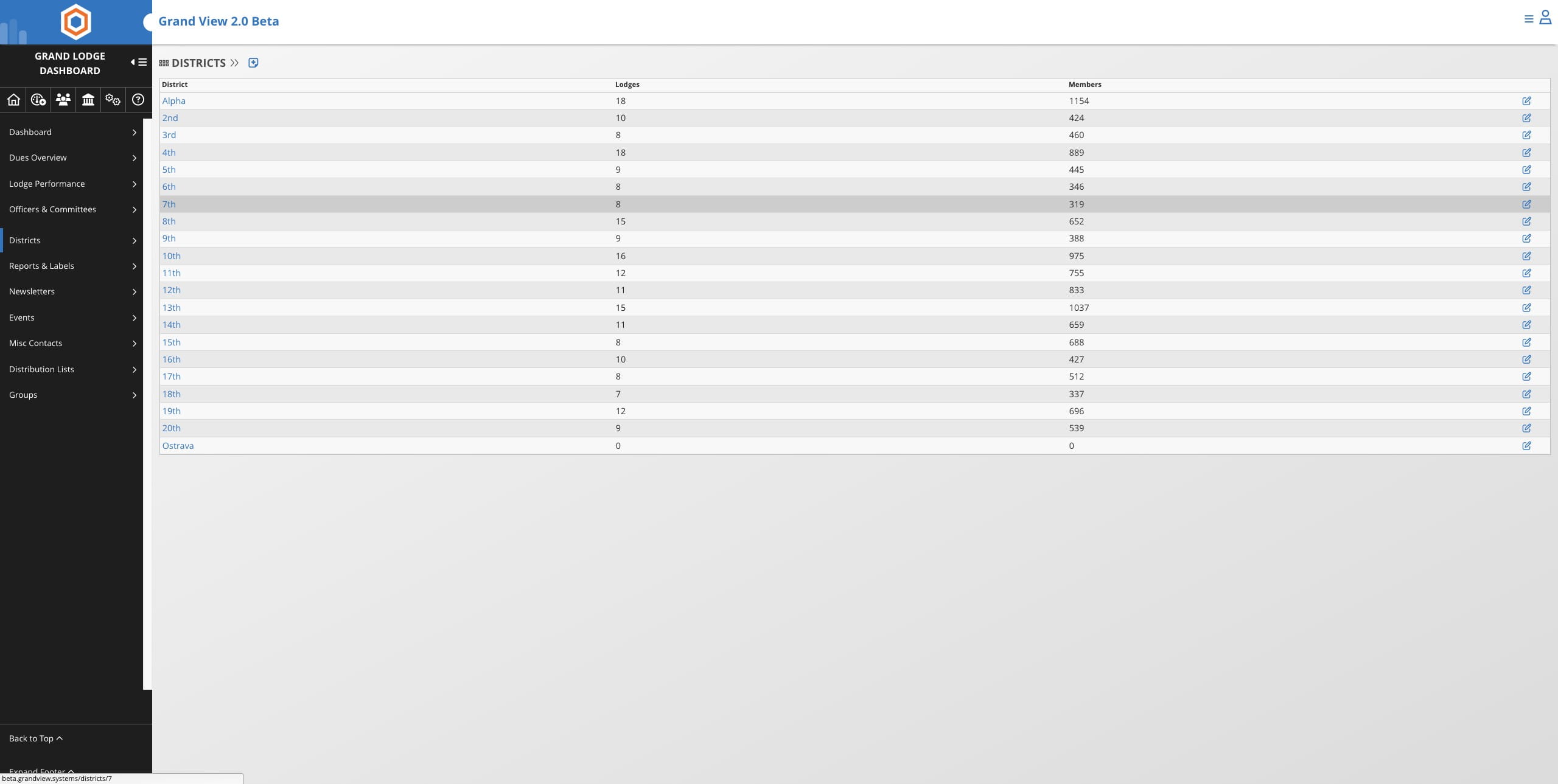
Select the district you wish to edit
3
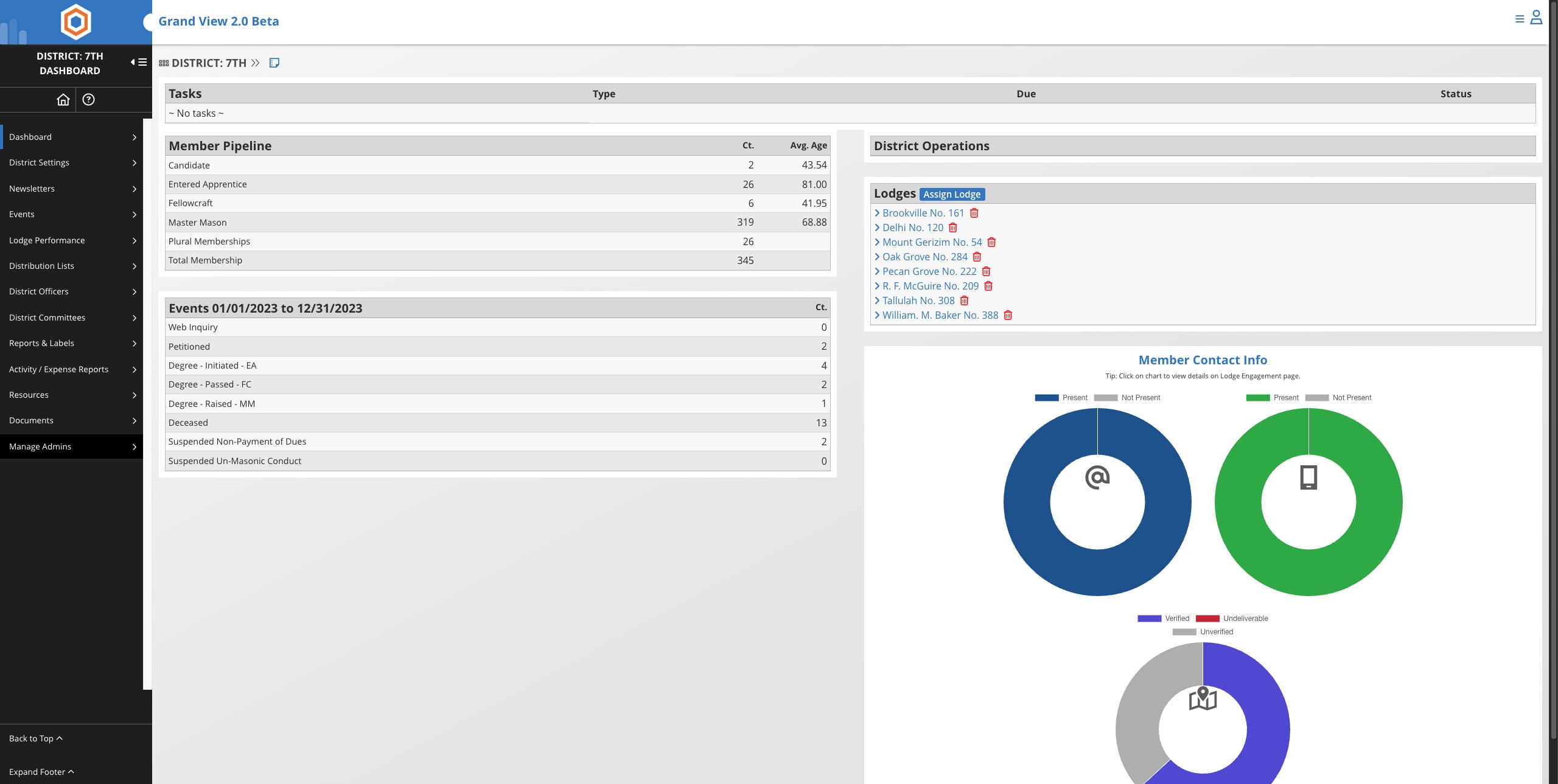
Click on "Manage Admins"
4
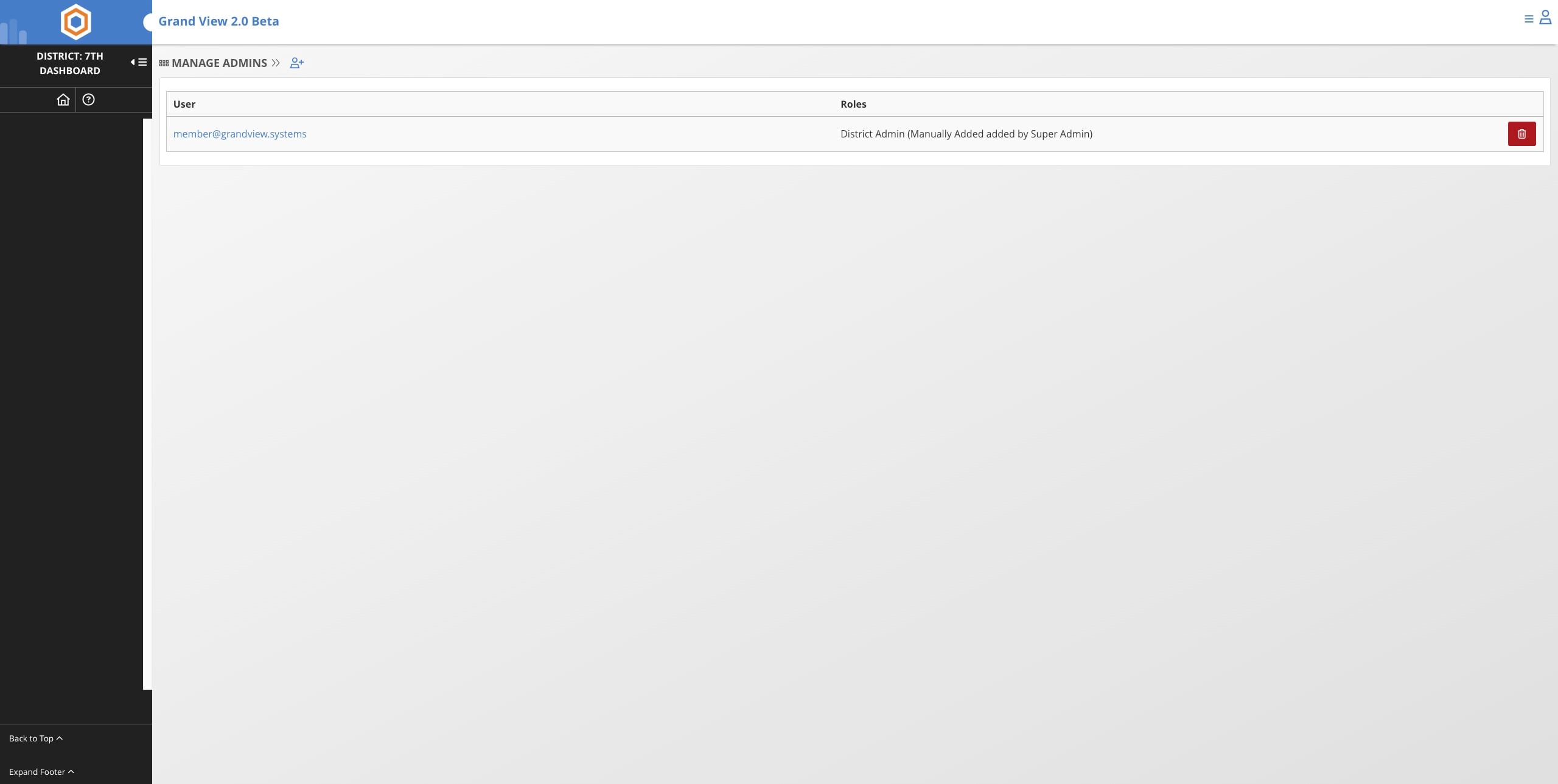
Click on the red trash can icon to remove the admins current permissions
5
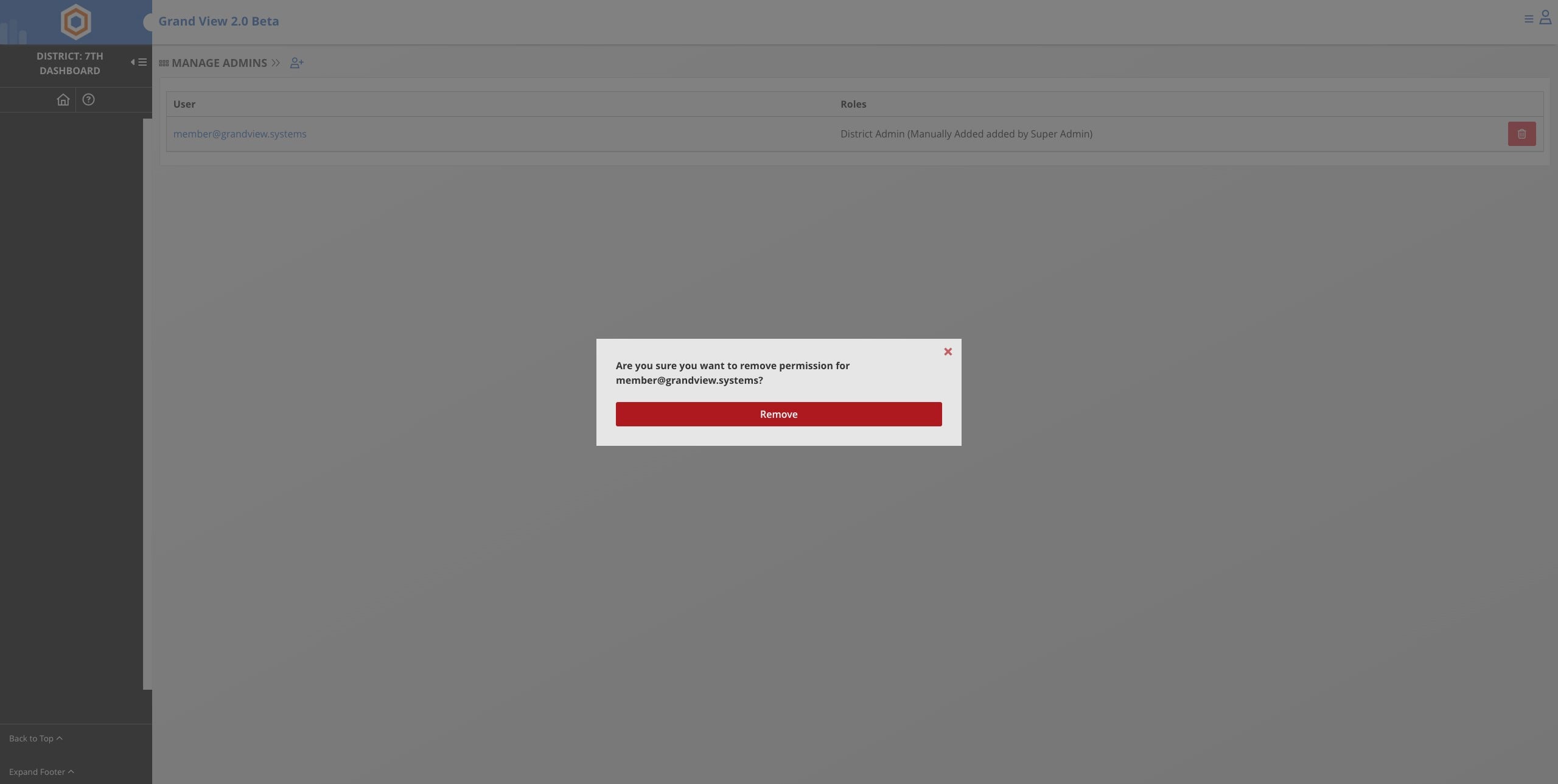
Click Remove
6
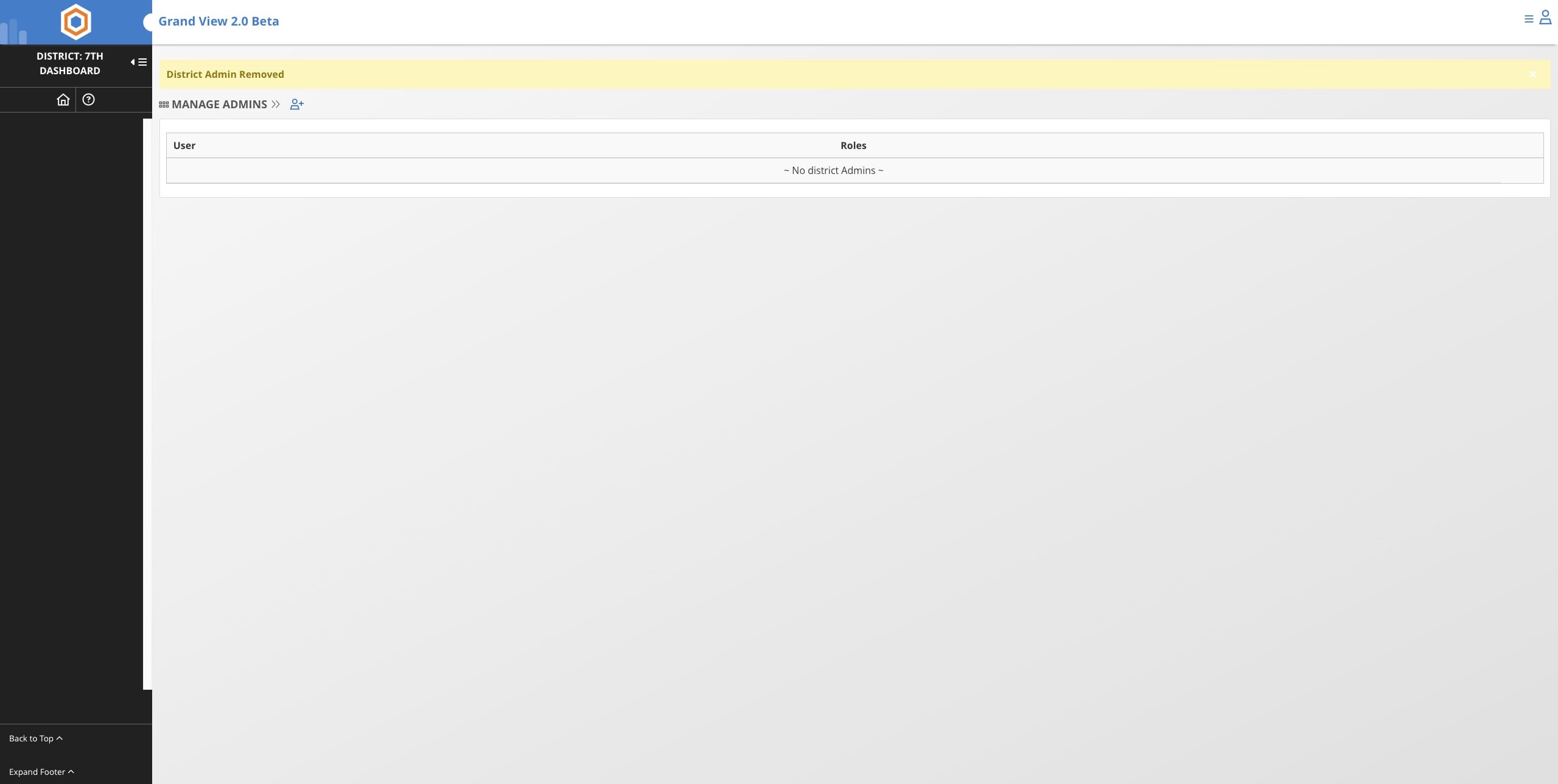
Click the Add icon
7
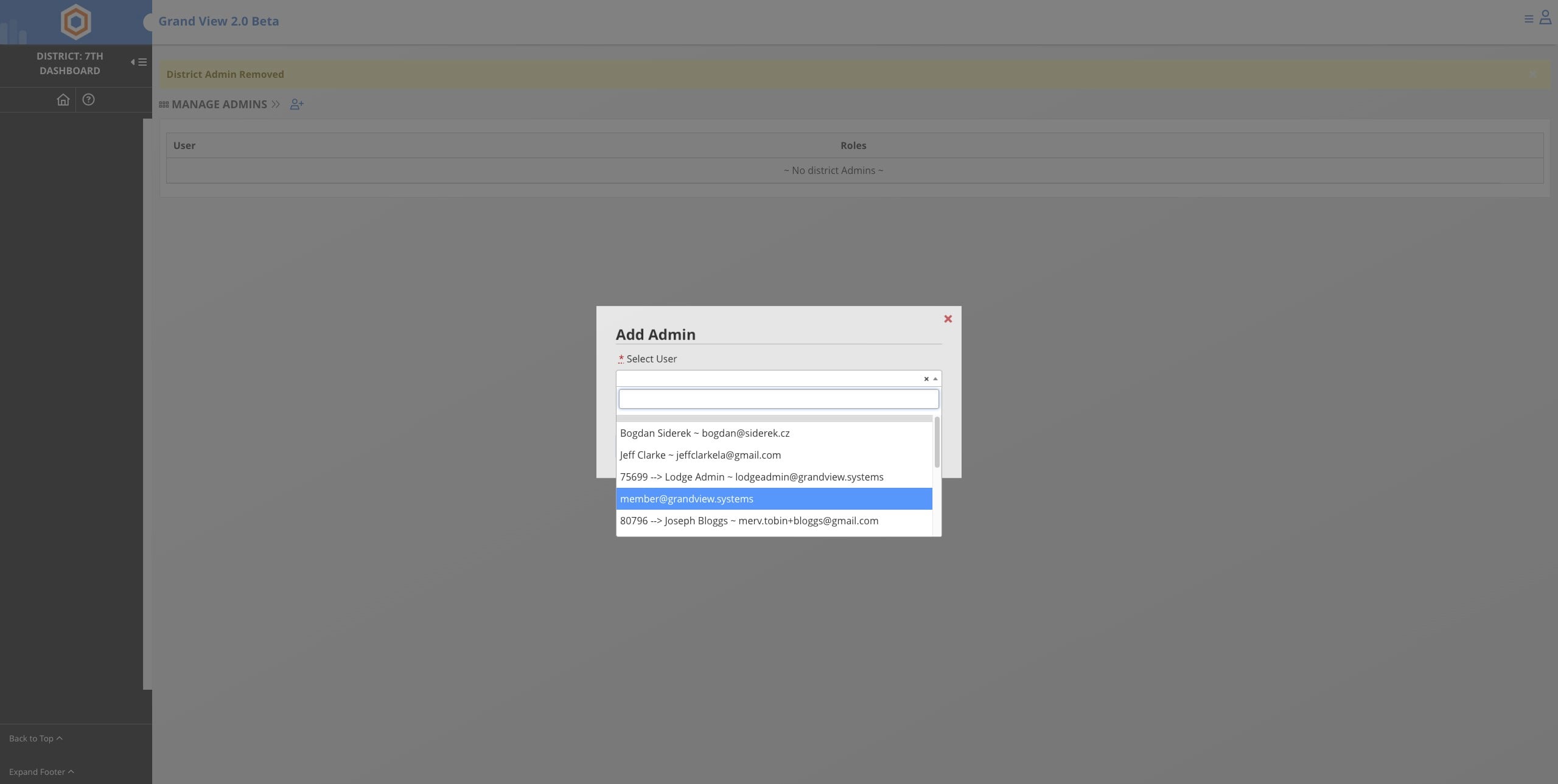
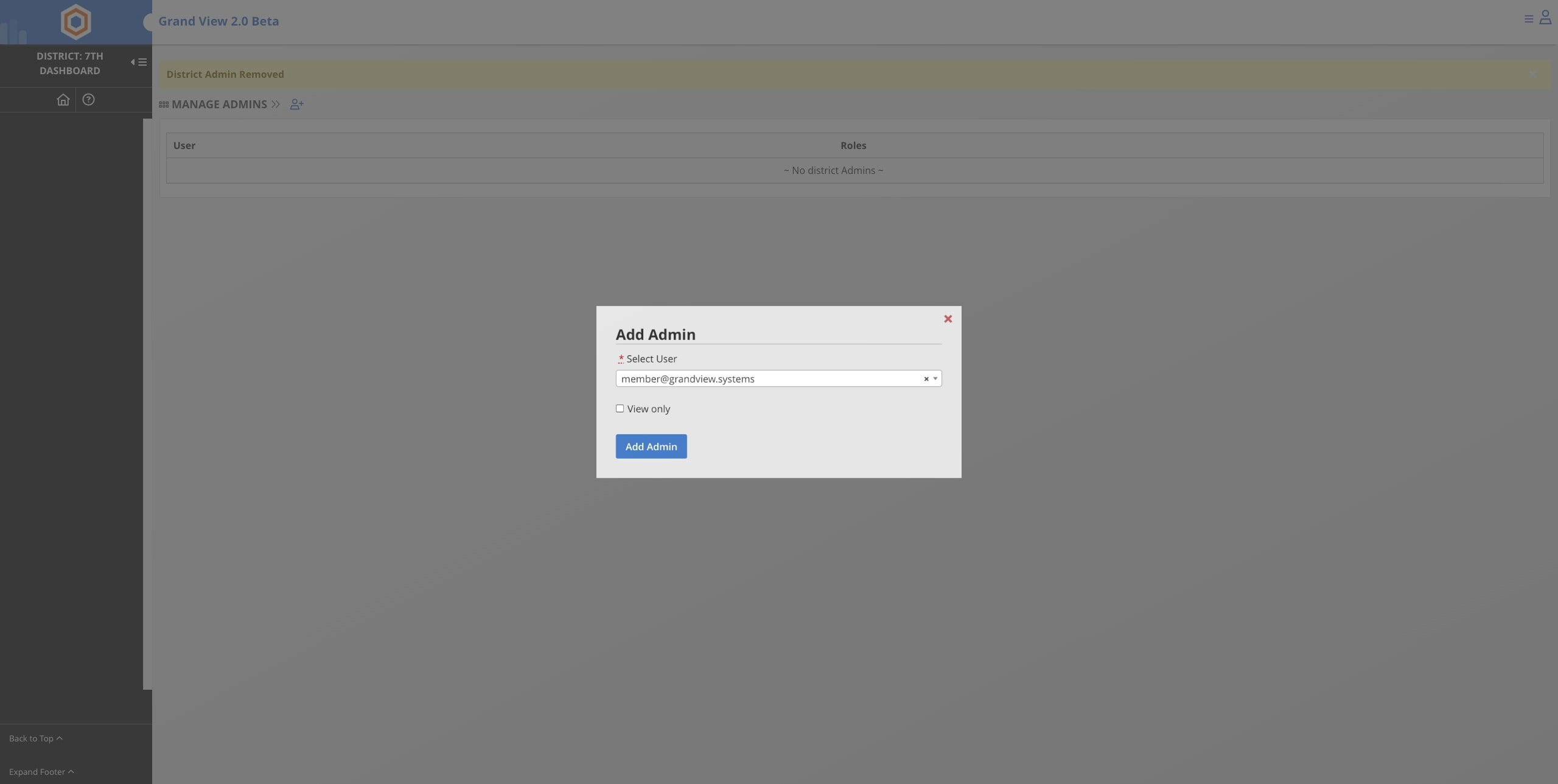
Select the name from the dropdown
8
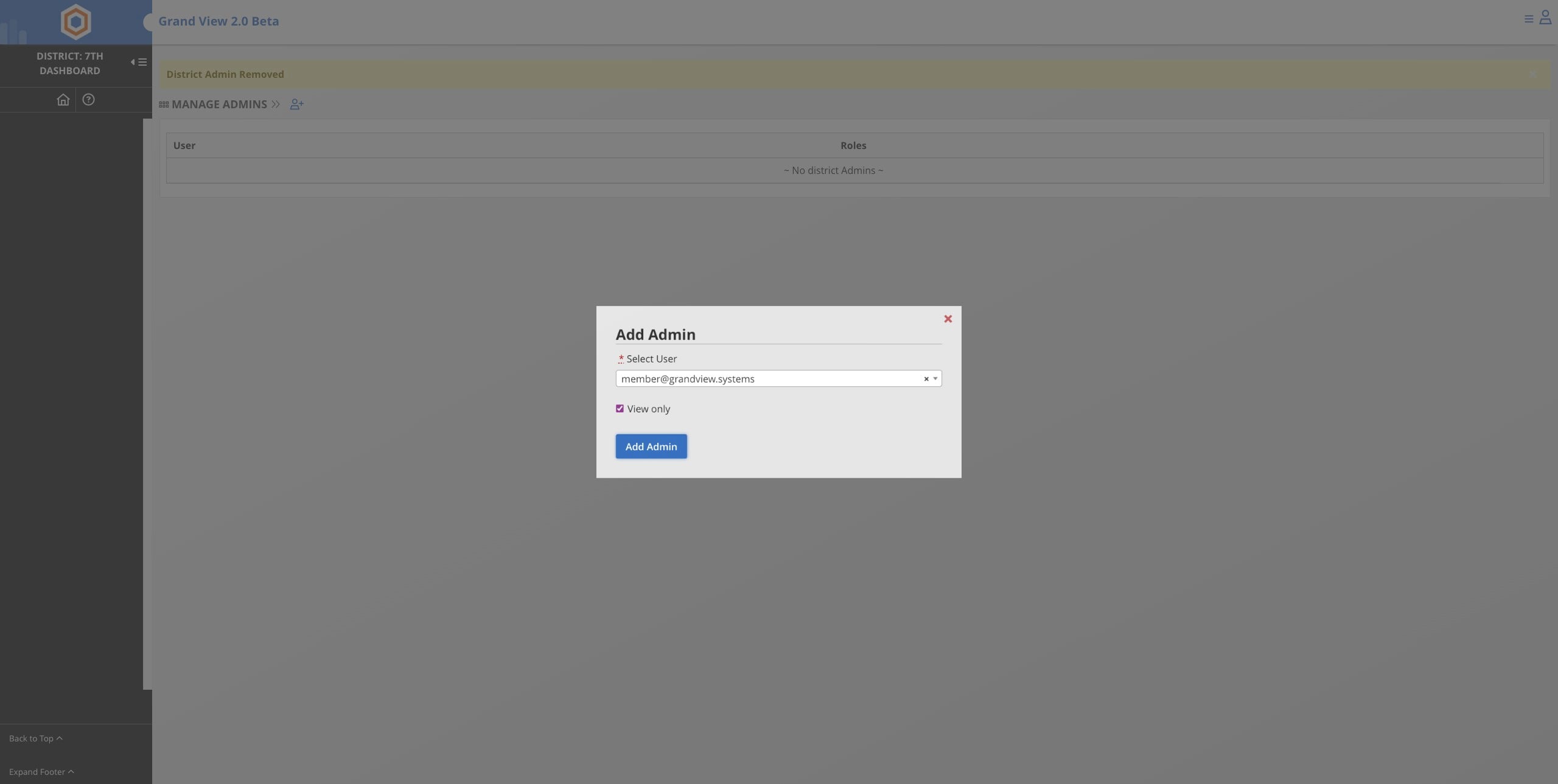
Select View Only
9
Click Add Admin
10
Done 🚀