Change the Status of a Member to Life Member
Learn how to update a member's status to Life Member (or Perpetual Member, depending on your jurisdiction) by navigating to their profile, accessing the Perpetuals section, and completing the required form.
Jun 16, 2026●
1
From the member's profile
2
Click on "Perpetuals"
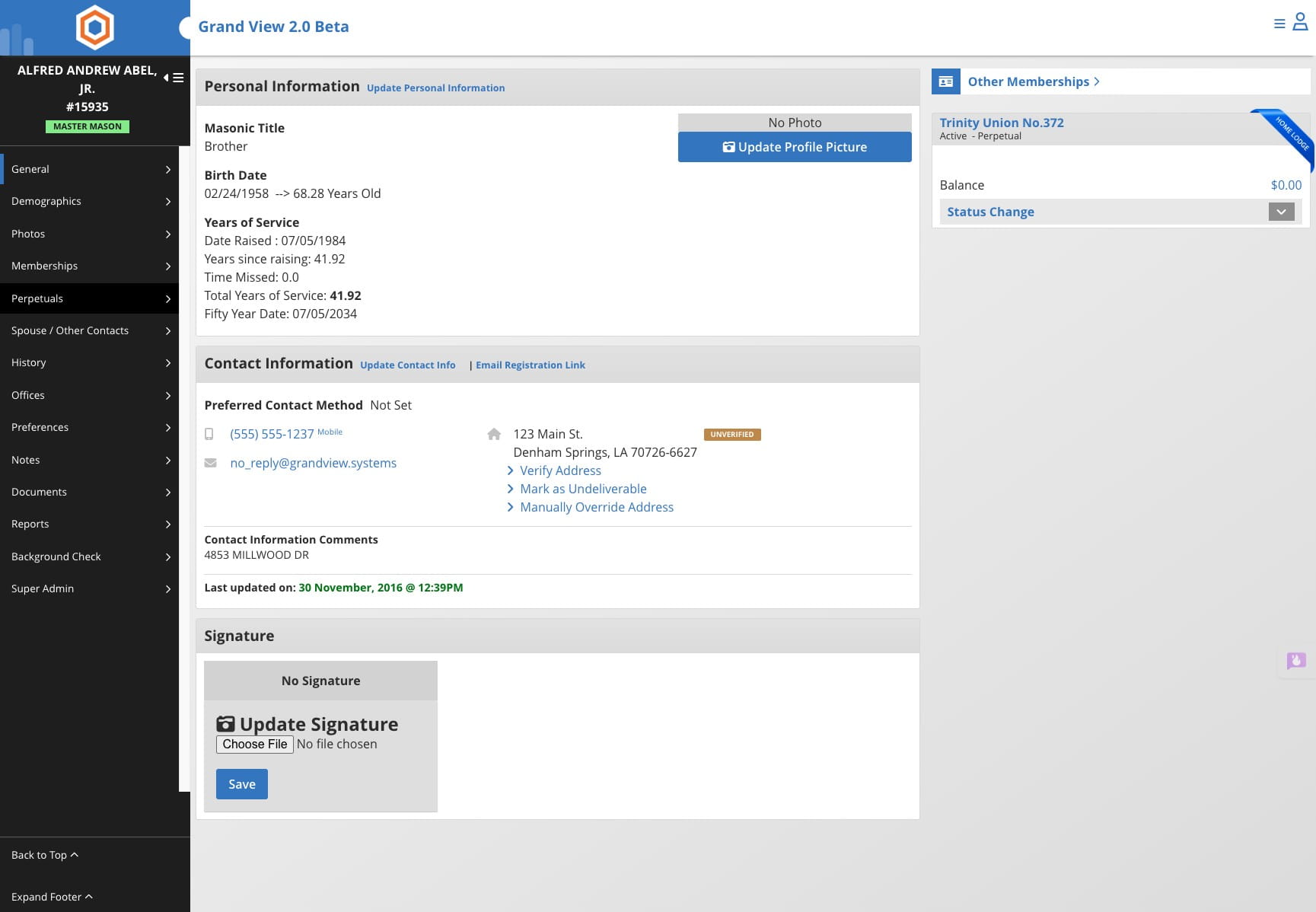

Depending on your jurisdiction this membership may be called something different. If your jurisdiction uses the Life Membership instead of Perpetual the menu option will be Life Membership.
3
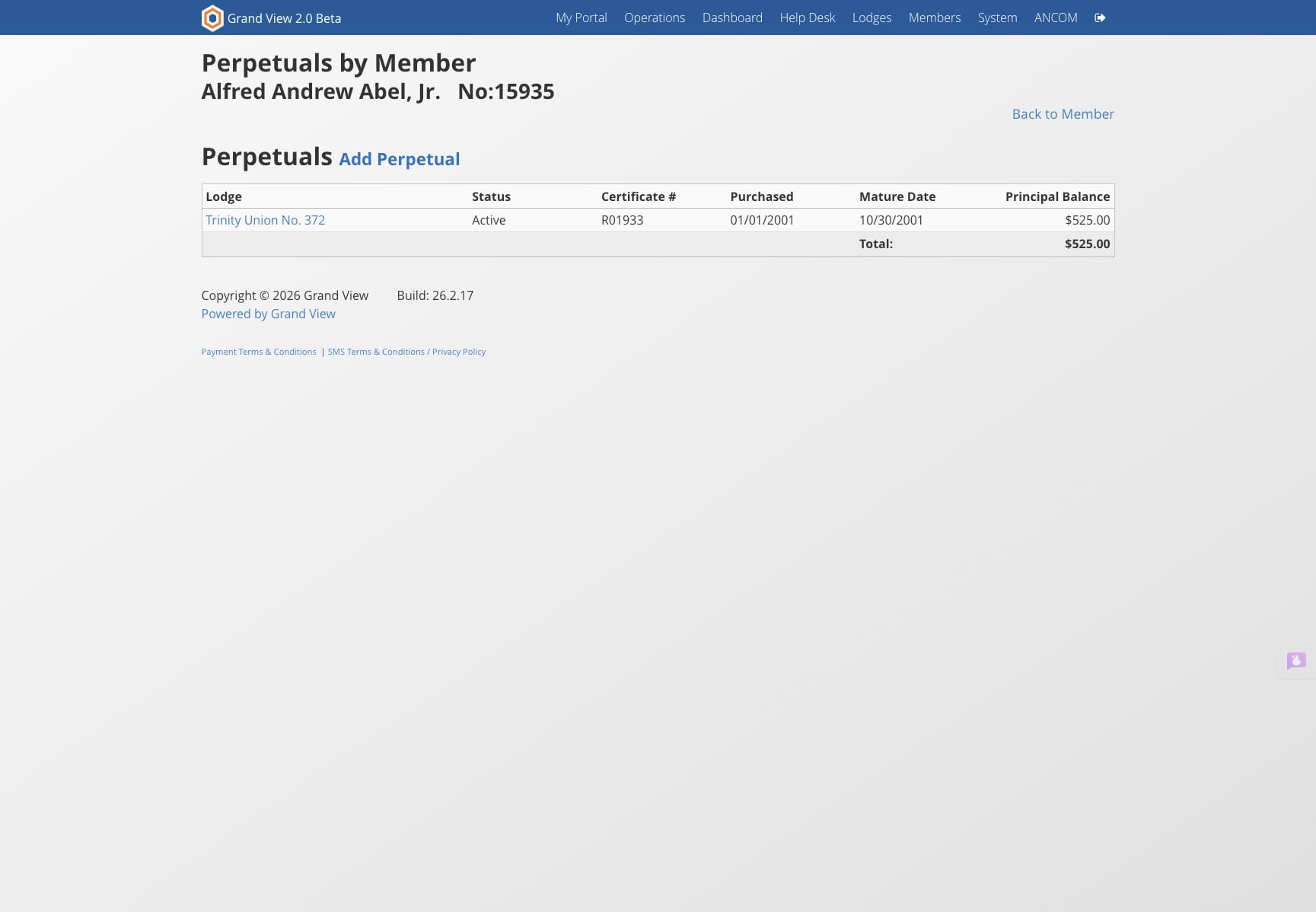
Click on "Add Perpetual"
4
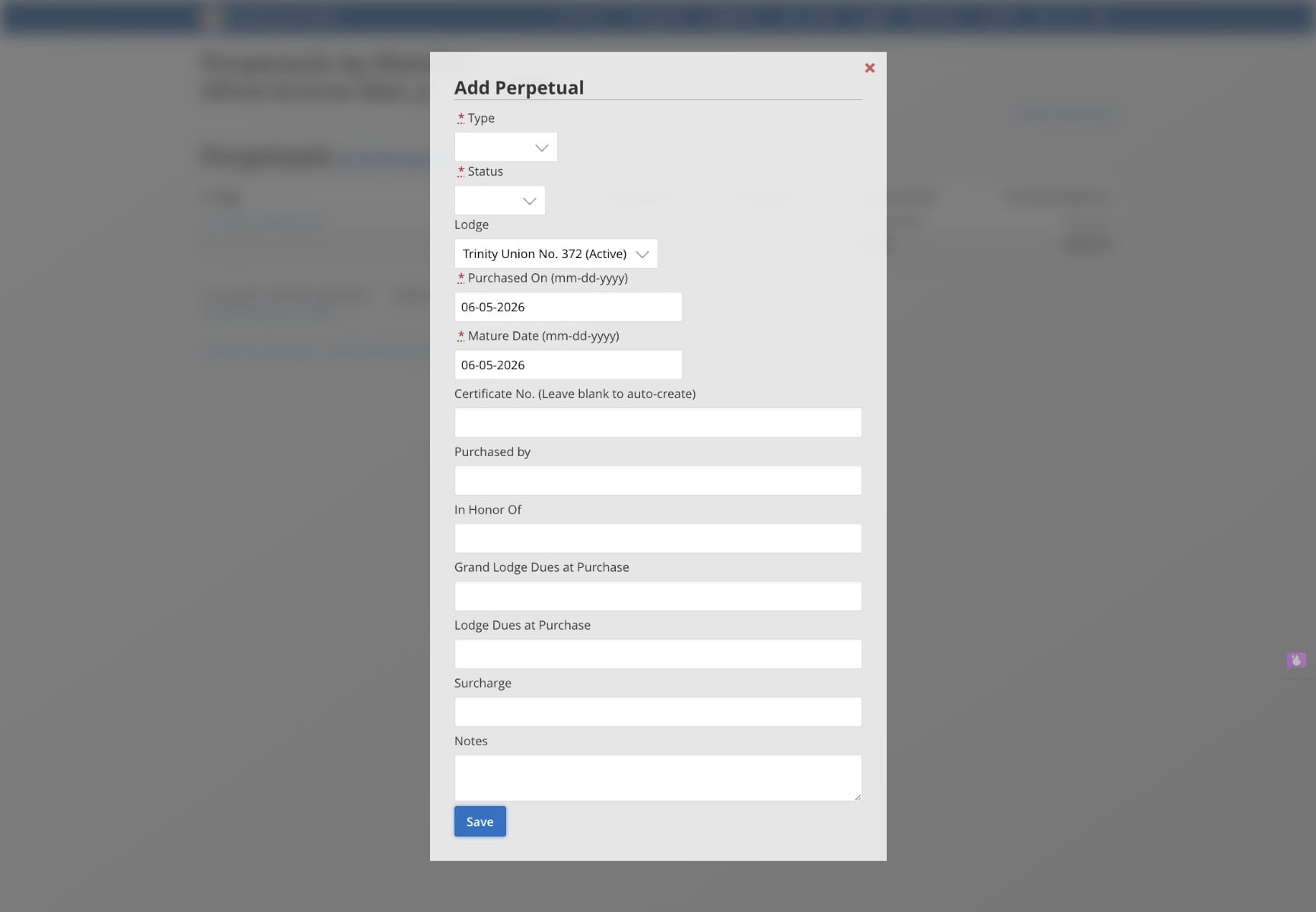
Complete the form and click on "Save"