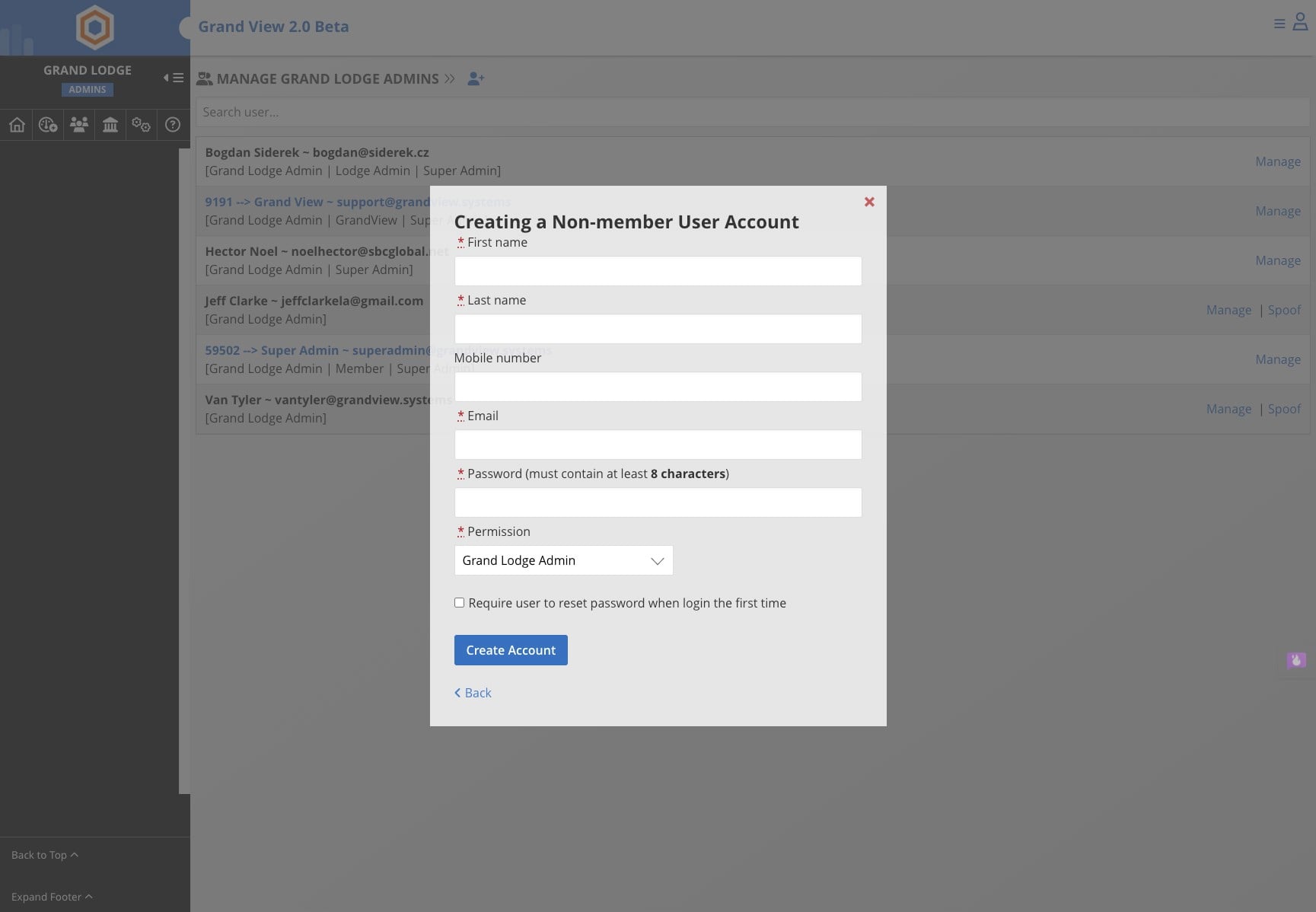
Create User Account at the Grand Lodge Level for Office Staff (Non-member)
Click here to edit the description
Jun 05, 2026●
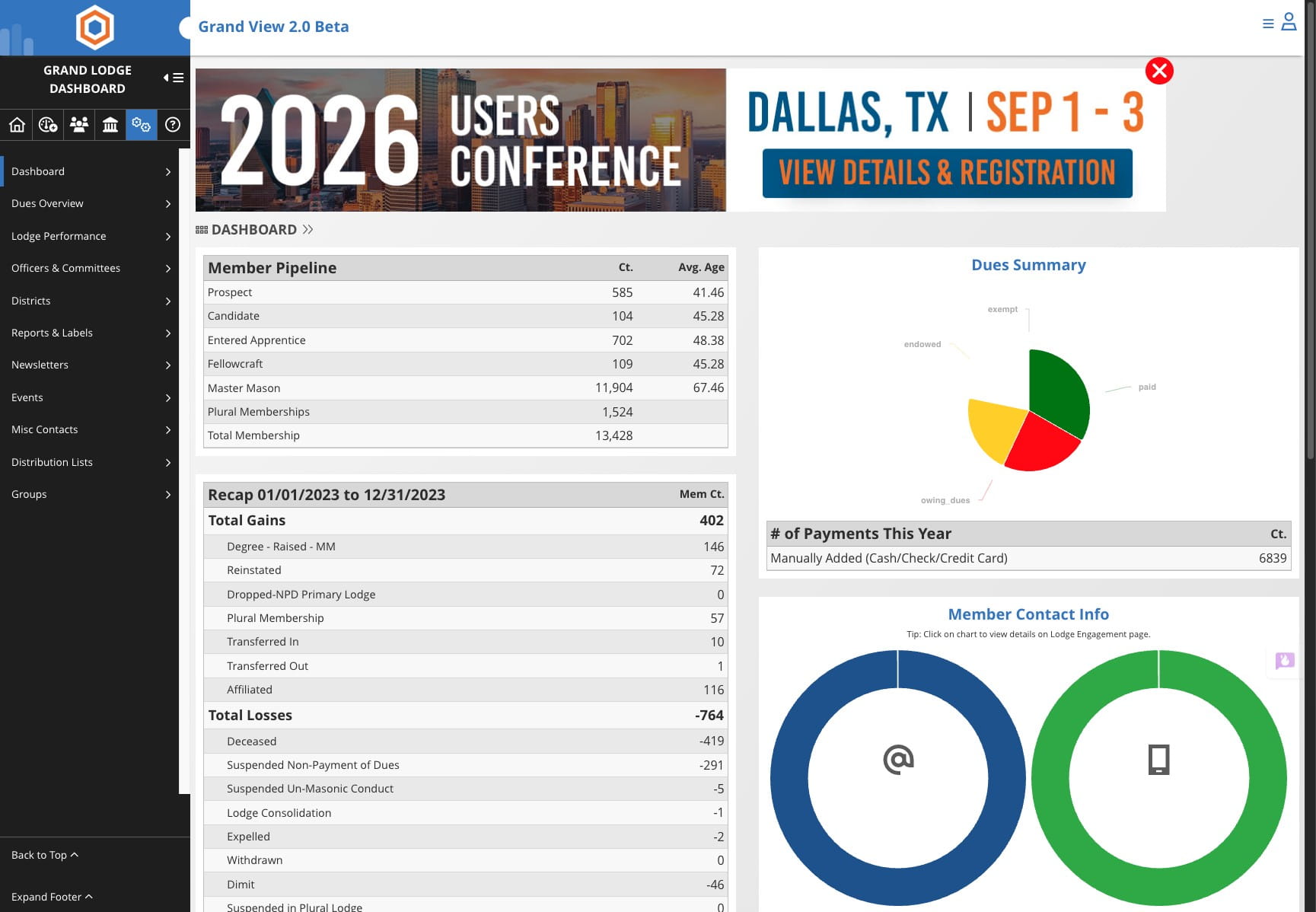
From the Grand Lodge Dashboard
1
Click on "System Configuration"

2
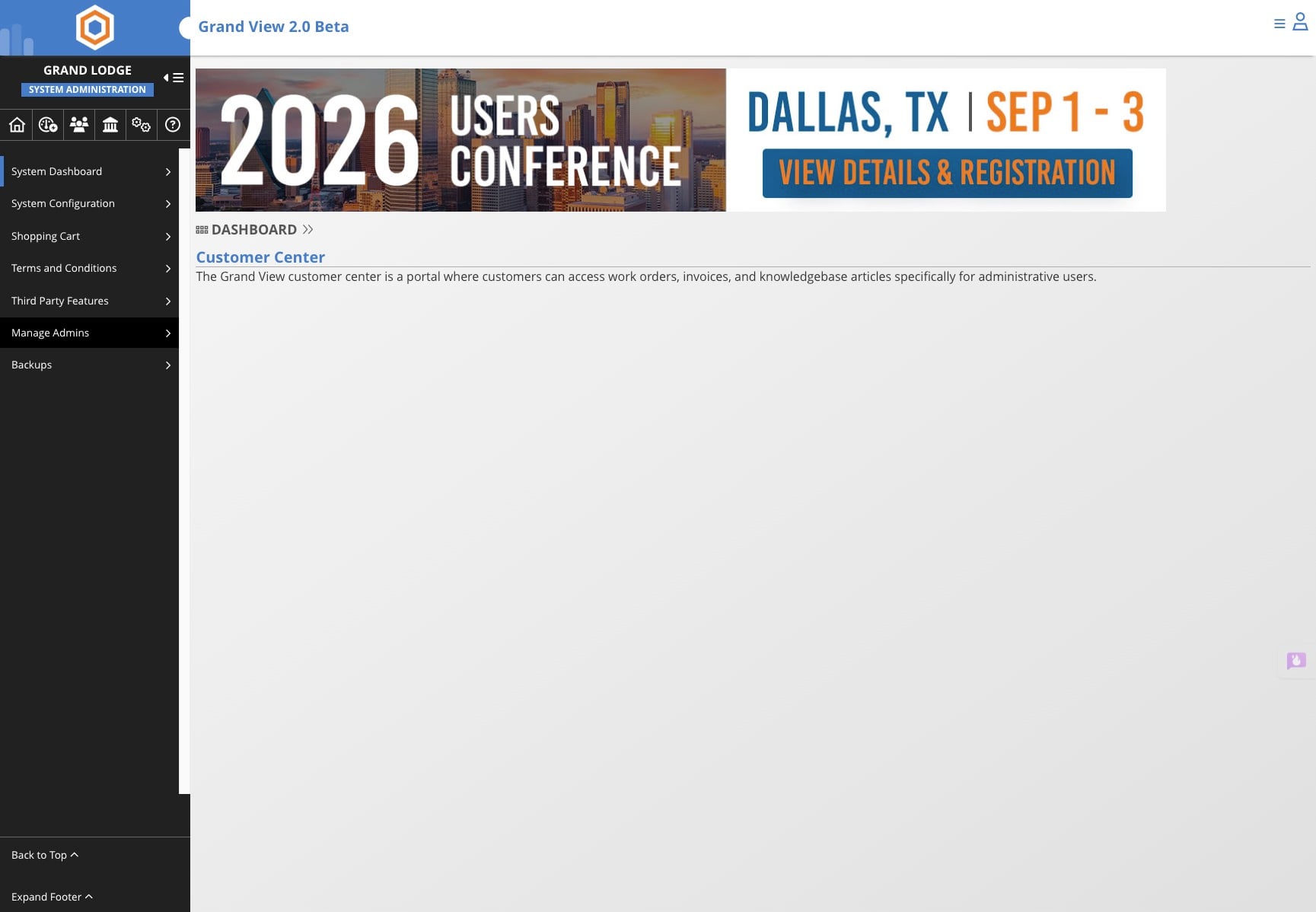
Click on "Manage Admins"
3
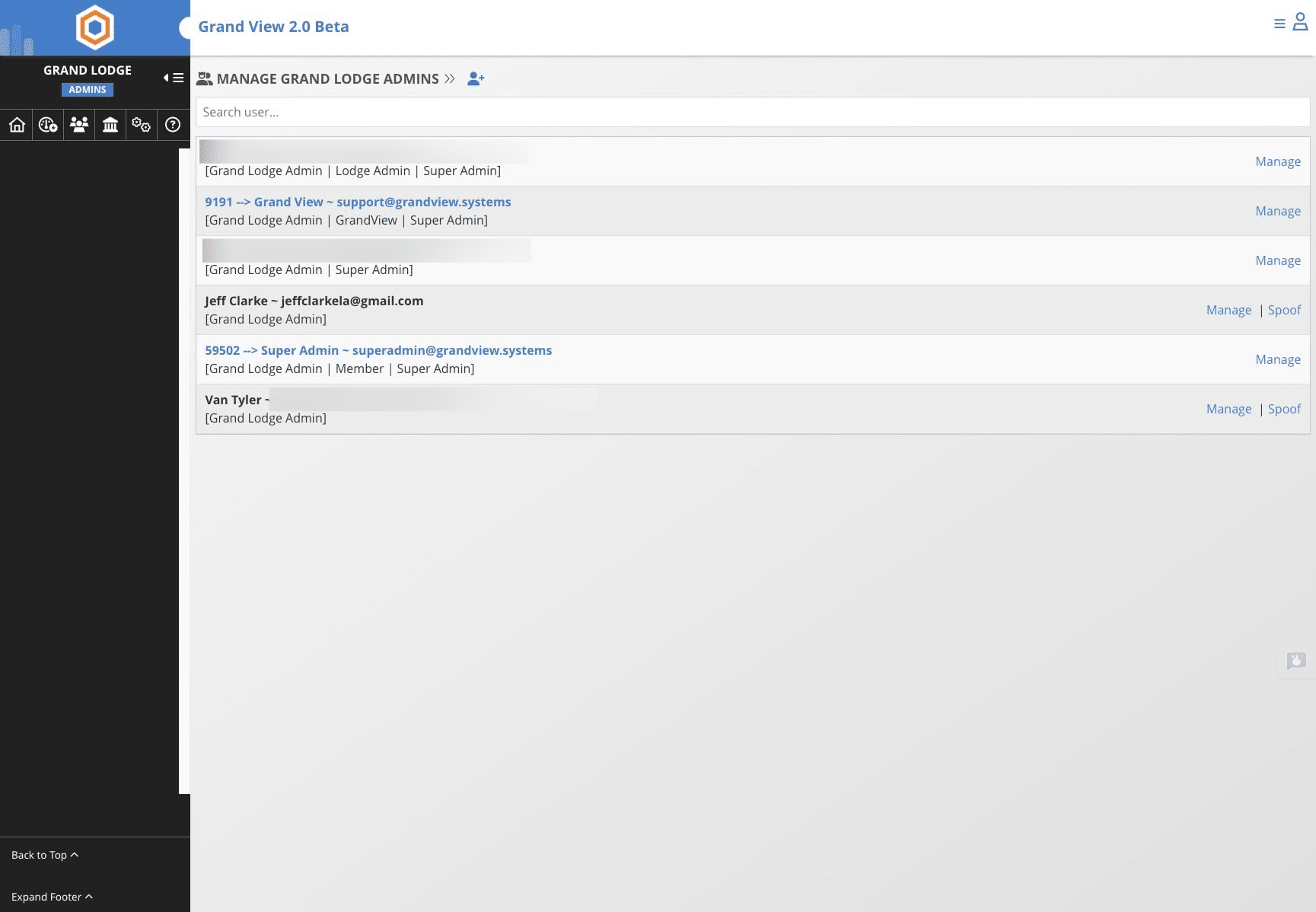
Click on + icon
4
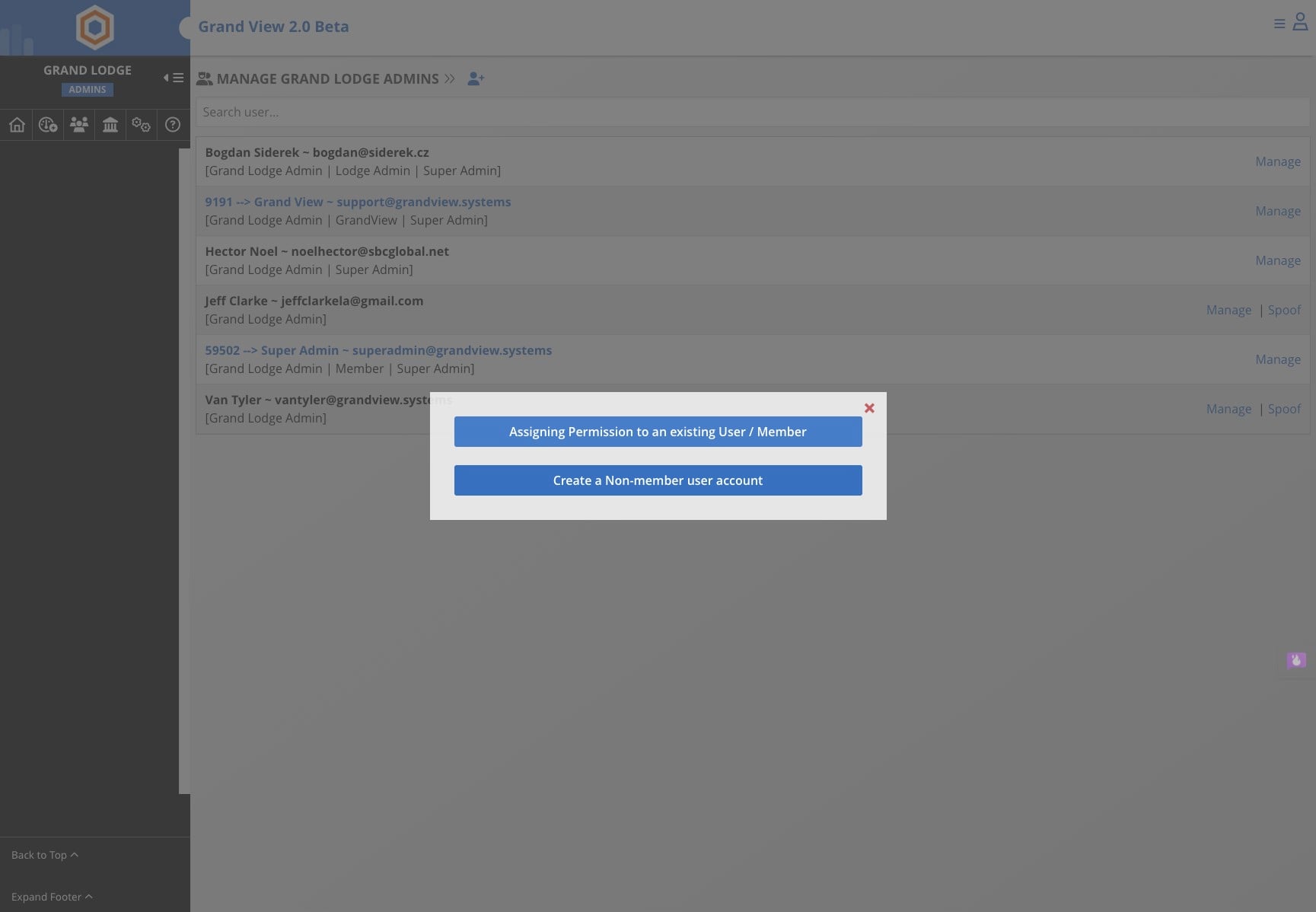
Click on "Create a Non-member user account"
5
Add the contact information for the staff member and click "Create Account"