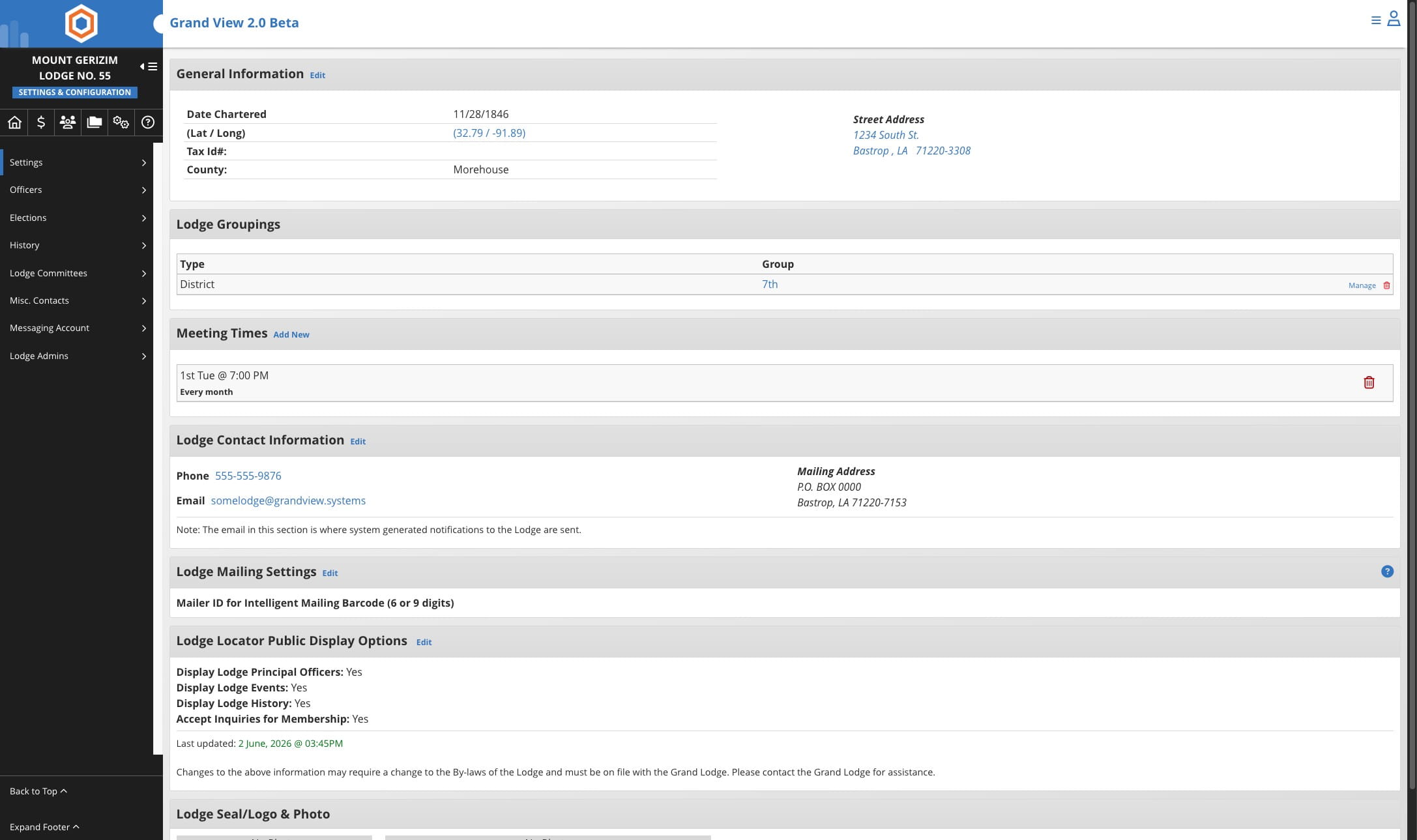
Edit Lodge Number
Whether updating a Home Lodge (Blue Lodge), Home Chapter (Royal Arch/OES), Home Temple, Home Commandery, or any other Masonic body, simply follow these same steps to update a member's home affiliation quickly and accurately.
Jun 02, 2026●
1
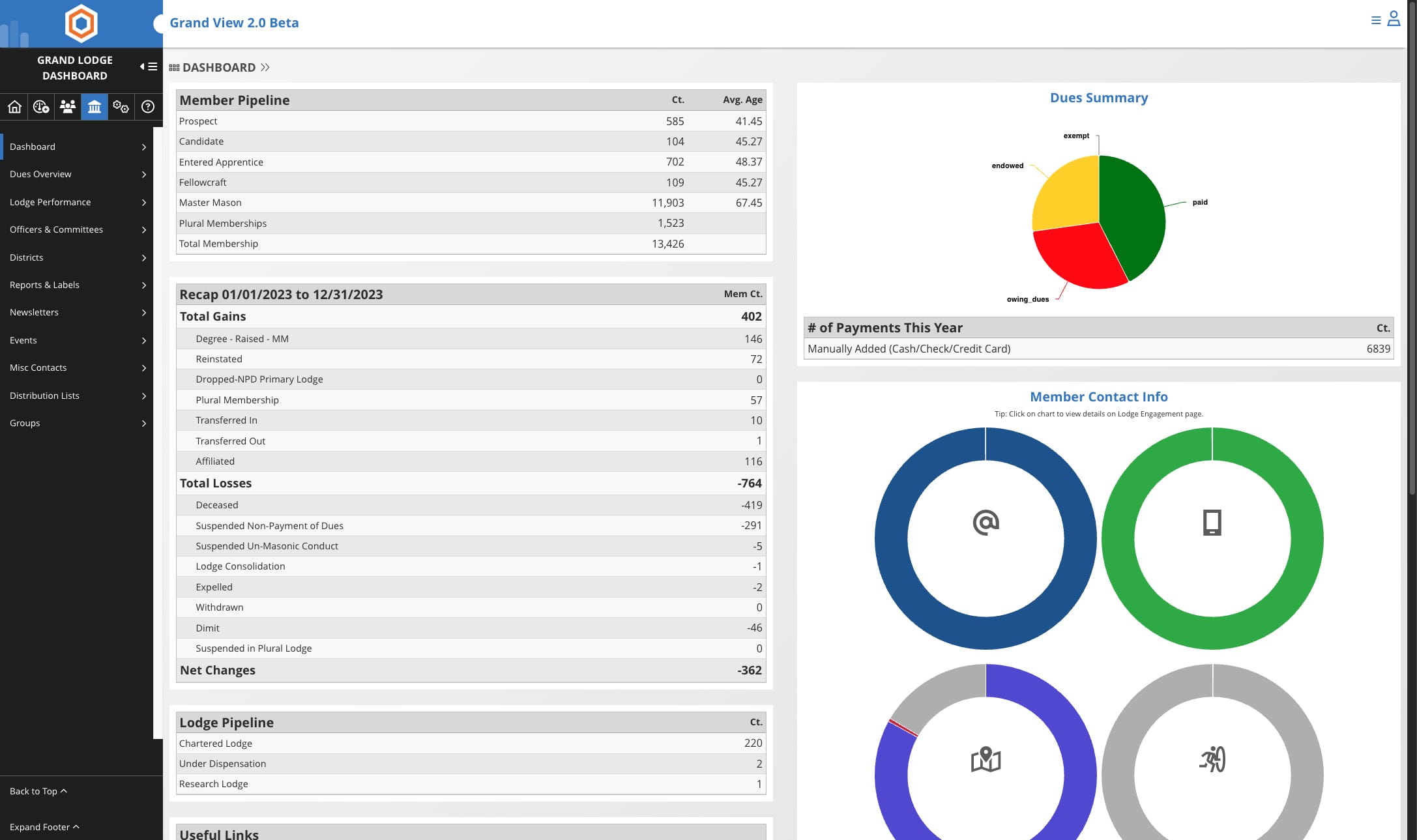
Click the Lodges icon

2
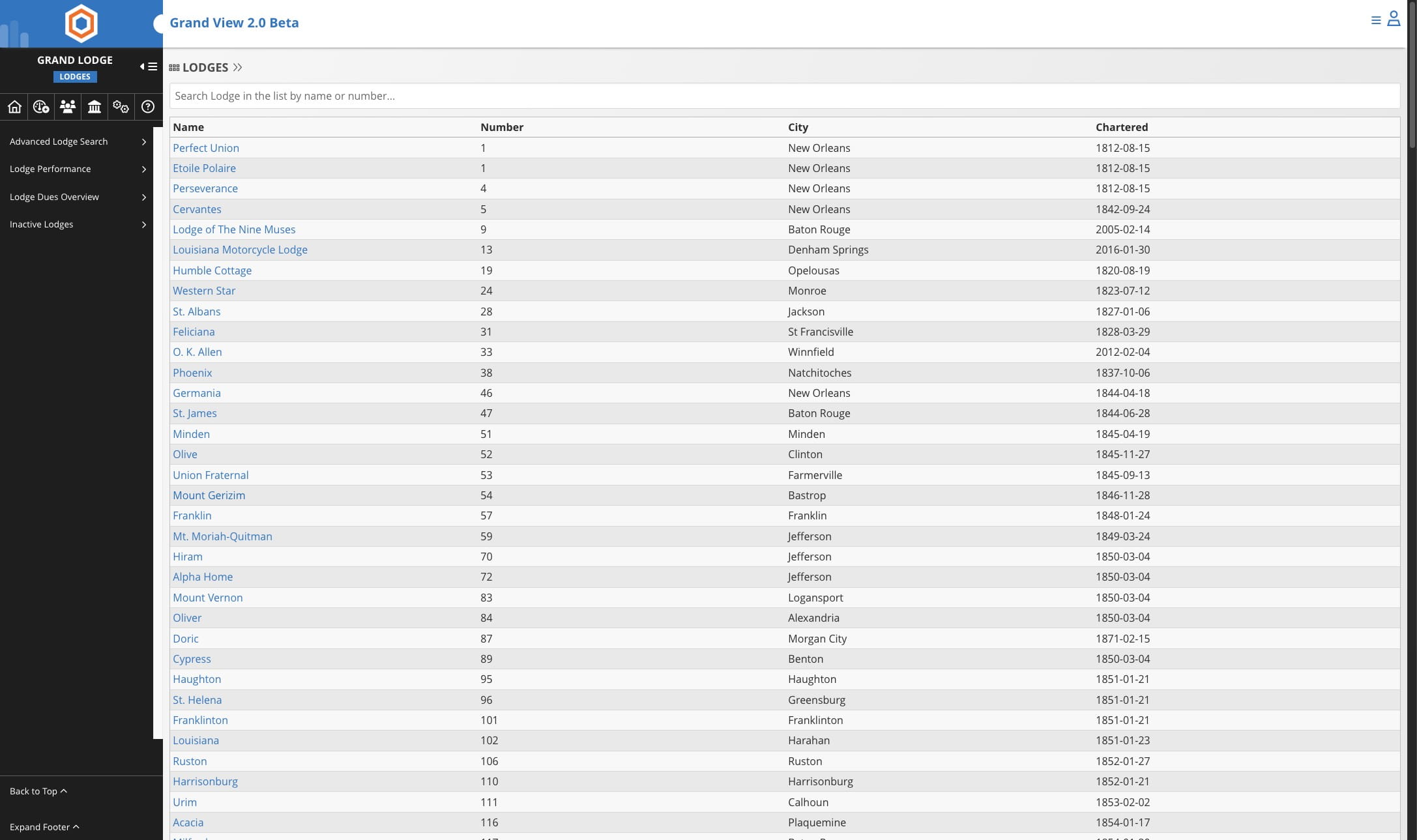
Select the lodge you wish to edit
3
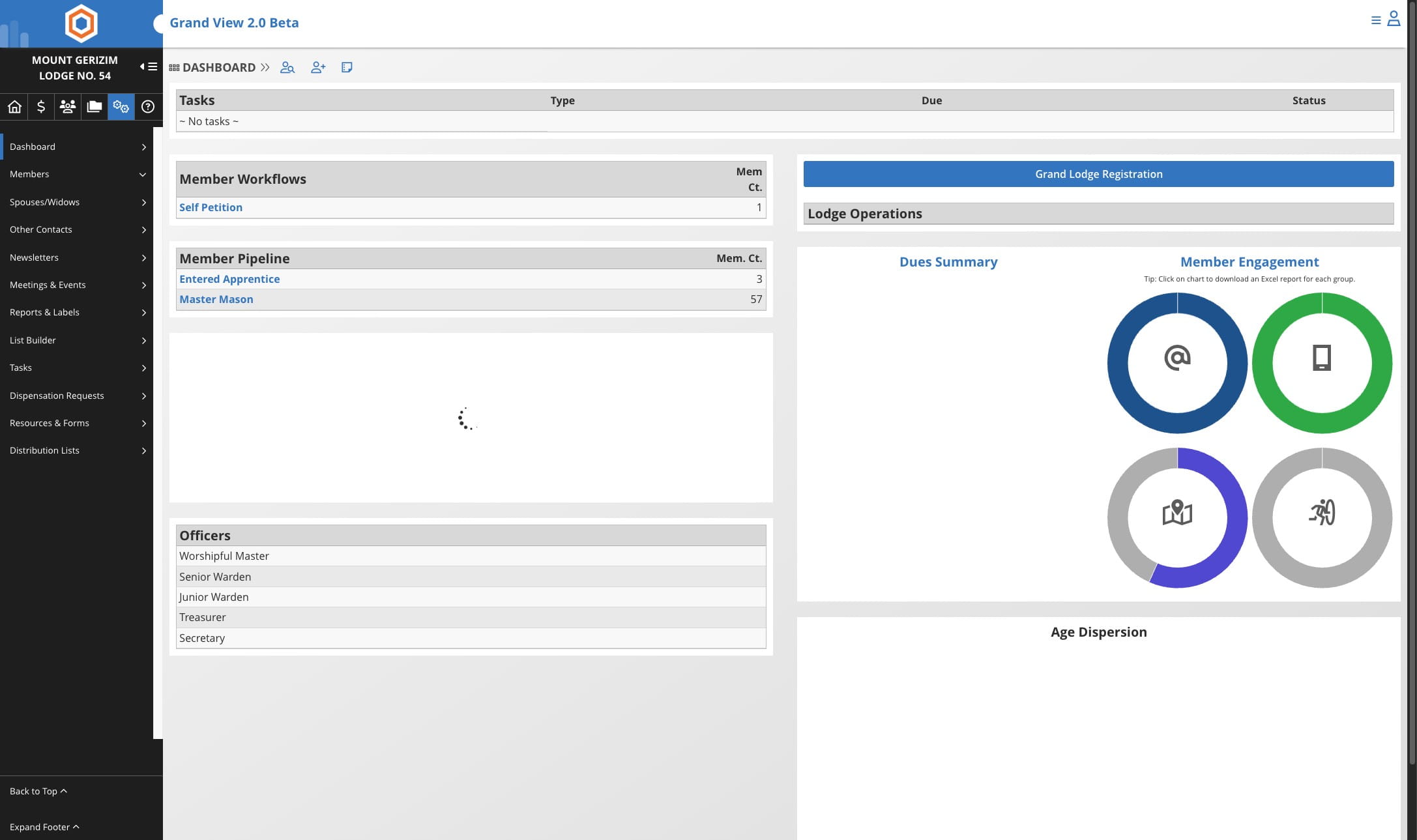
Click on Settings
4
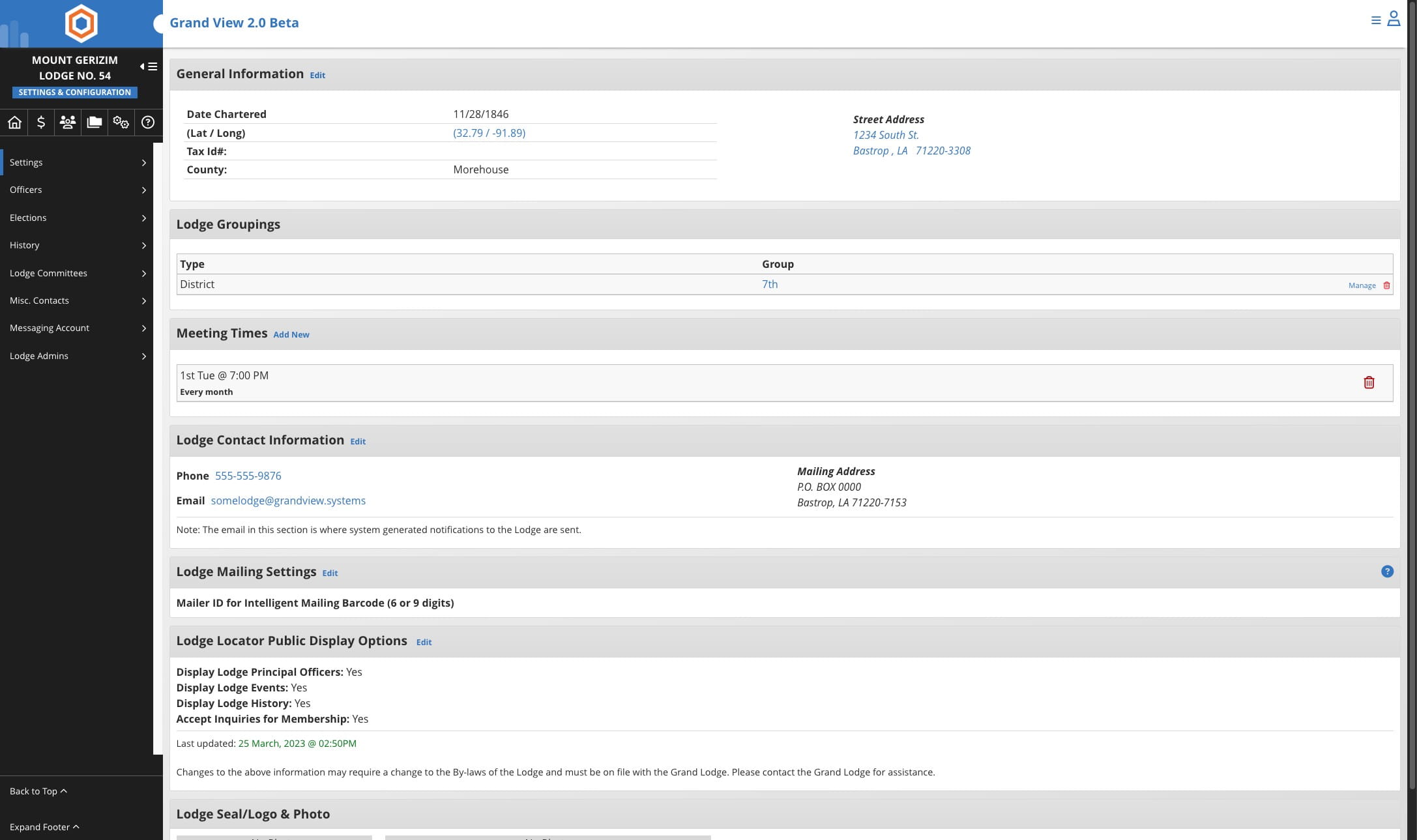
Click on "Edit" next to General Information
5
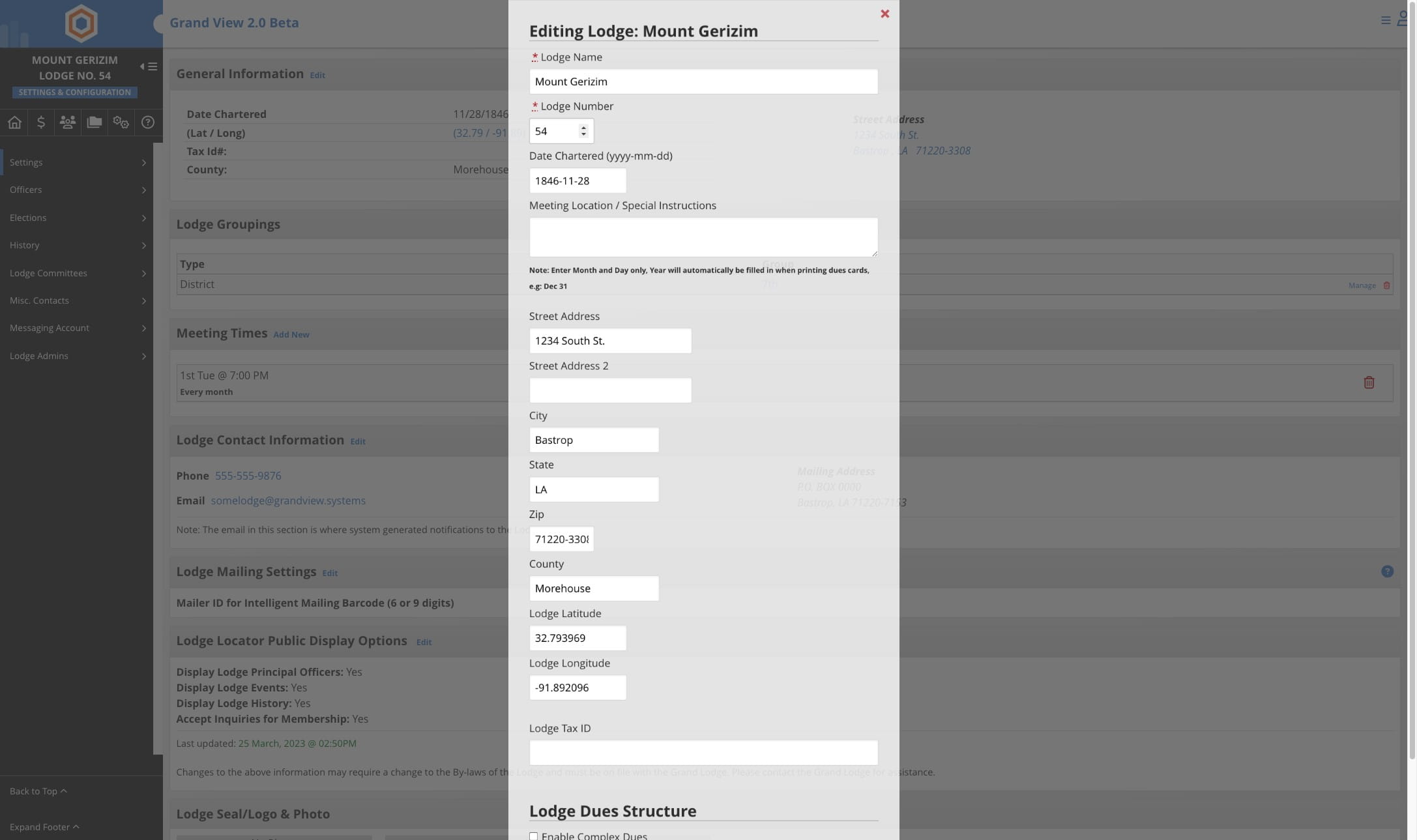
Update the number
6
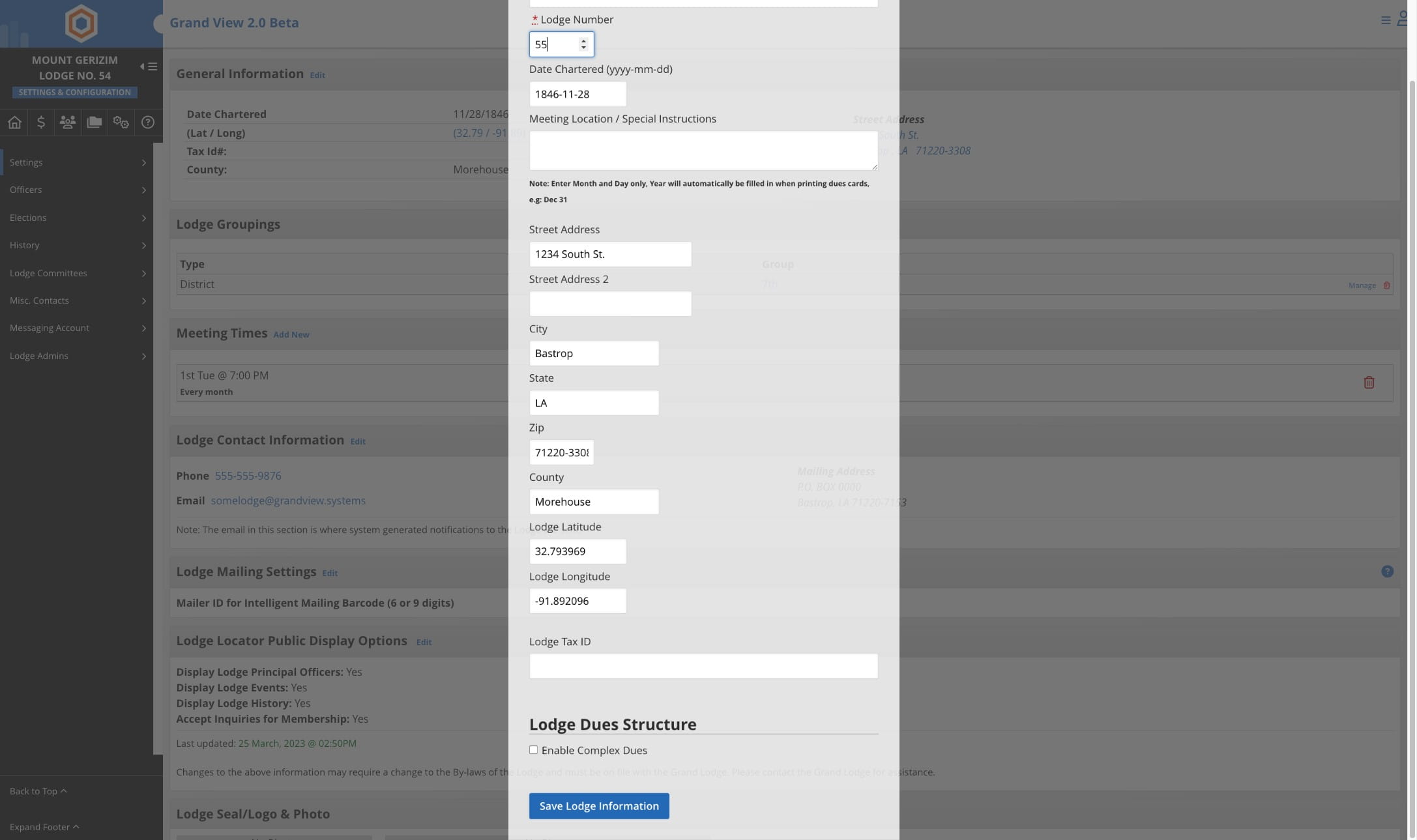
Click on Save Lodge Information
7
Done 🚀