Edit Return Period After Creation
Learn how to edit an existing return period after it has been created. This guide walks you through accessing the Annual Return page via the Operations Dashboard, locating the desired return period, updating key details such as dates, fees, and lodge visibility, and saving your changes.
Jun 30, 2026●
1
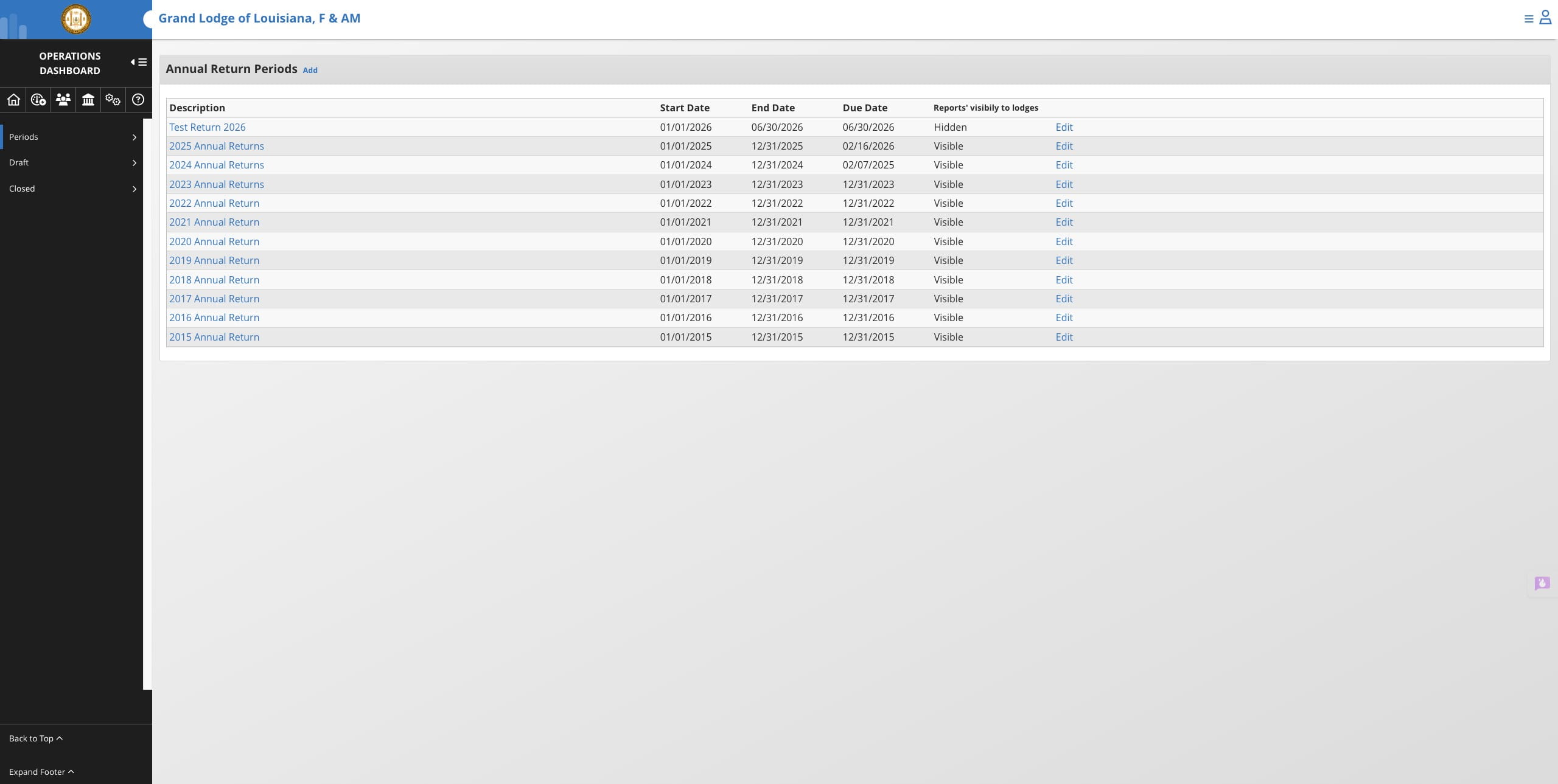
From the Annual Return page via Operations Dashboard
2
Find the return period you wish to modify and click on "Edit"

3
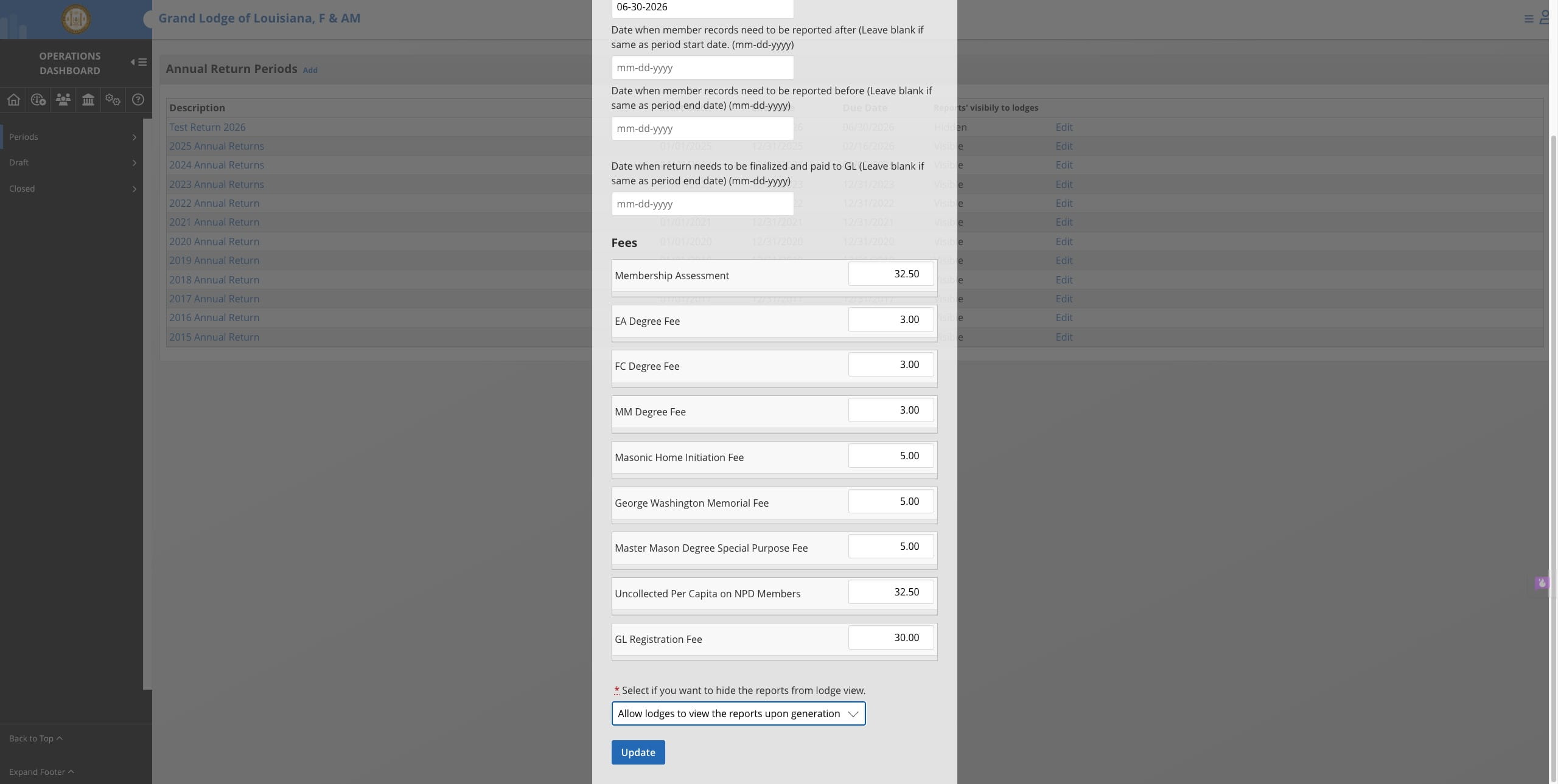
Make any necessary changes to dates, fees, and lodge visibility
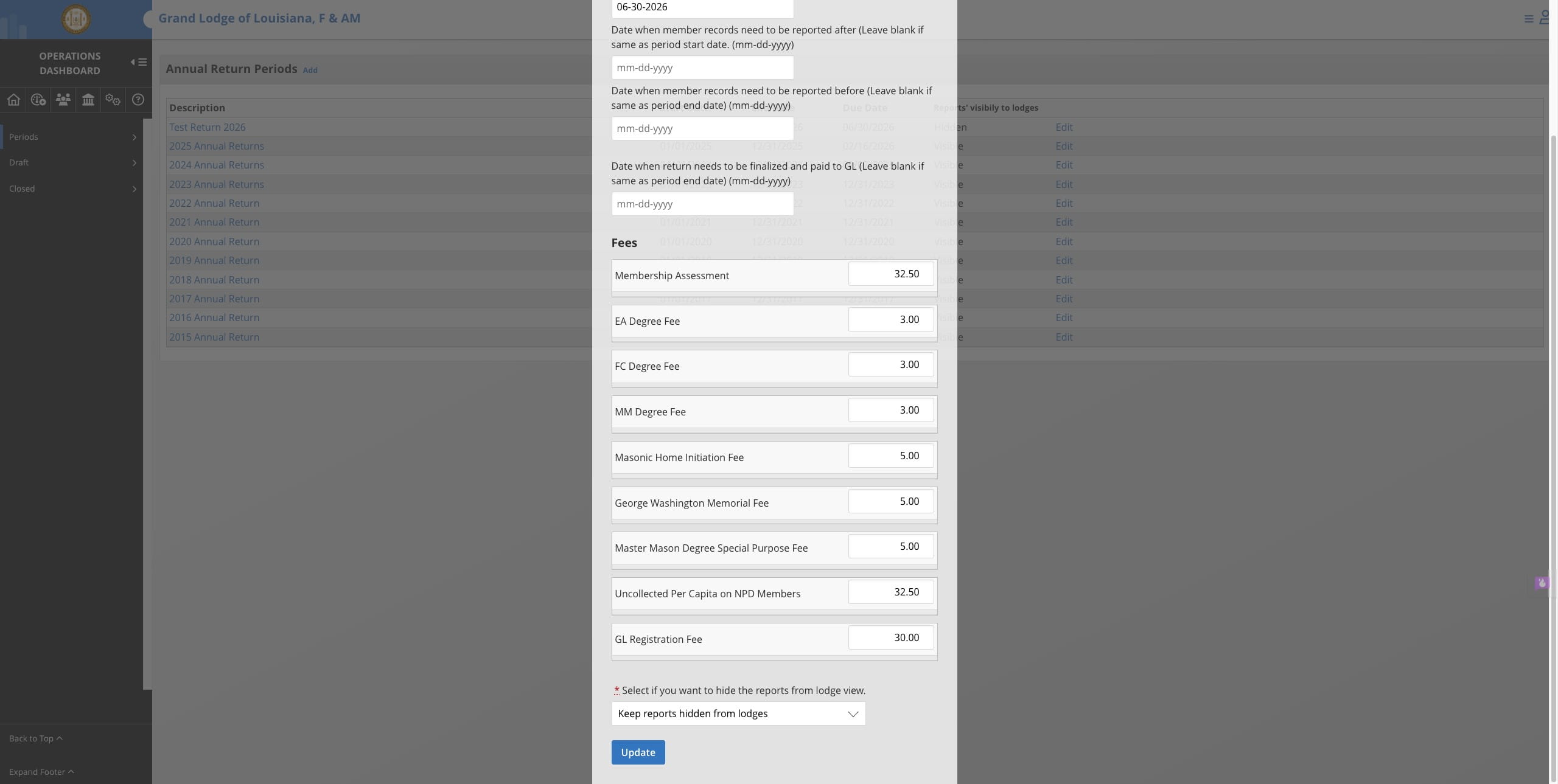
4
Click on Update to save changes