Generate Membership Reports
Jun 02, 2026●
This report is in a spreadsheet format and includes member’s names, IDs, pertinent dates, and contact information.
1
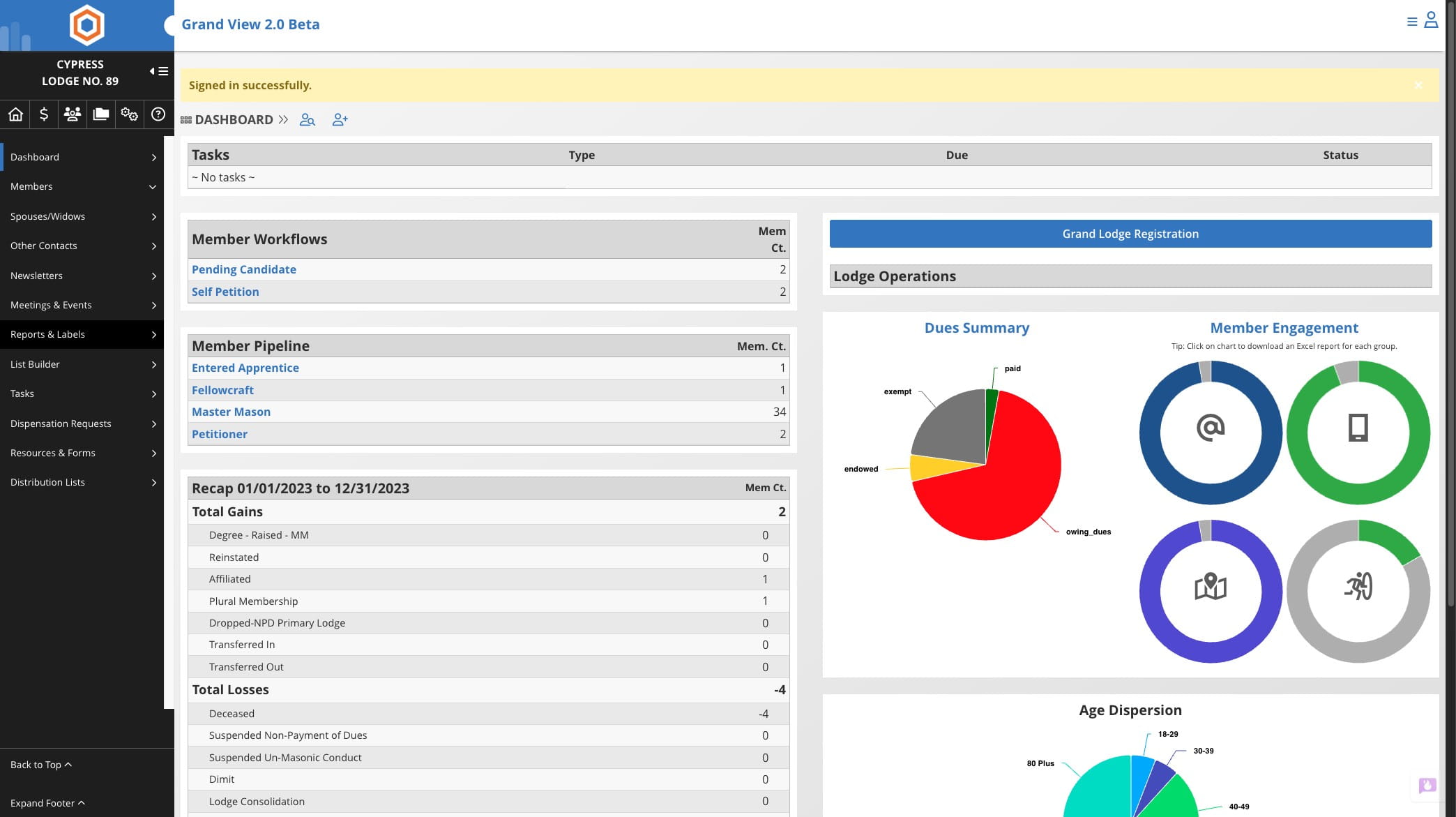
Click on "Reports & Labels"

2
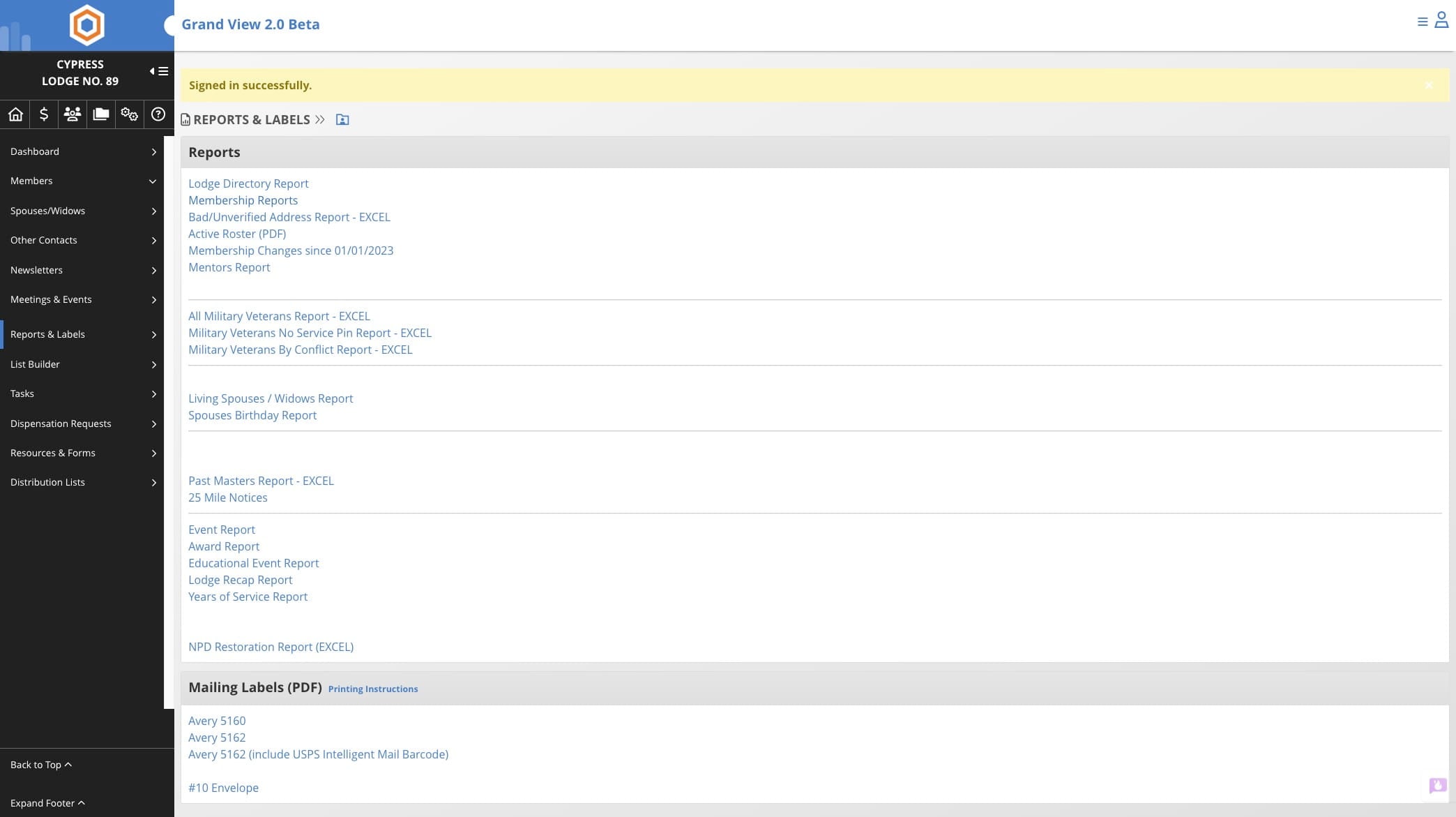
Click on "Membership Reports"
3
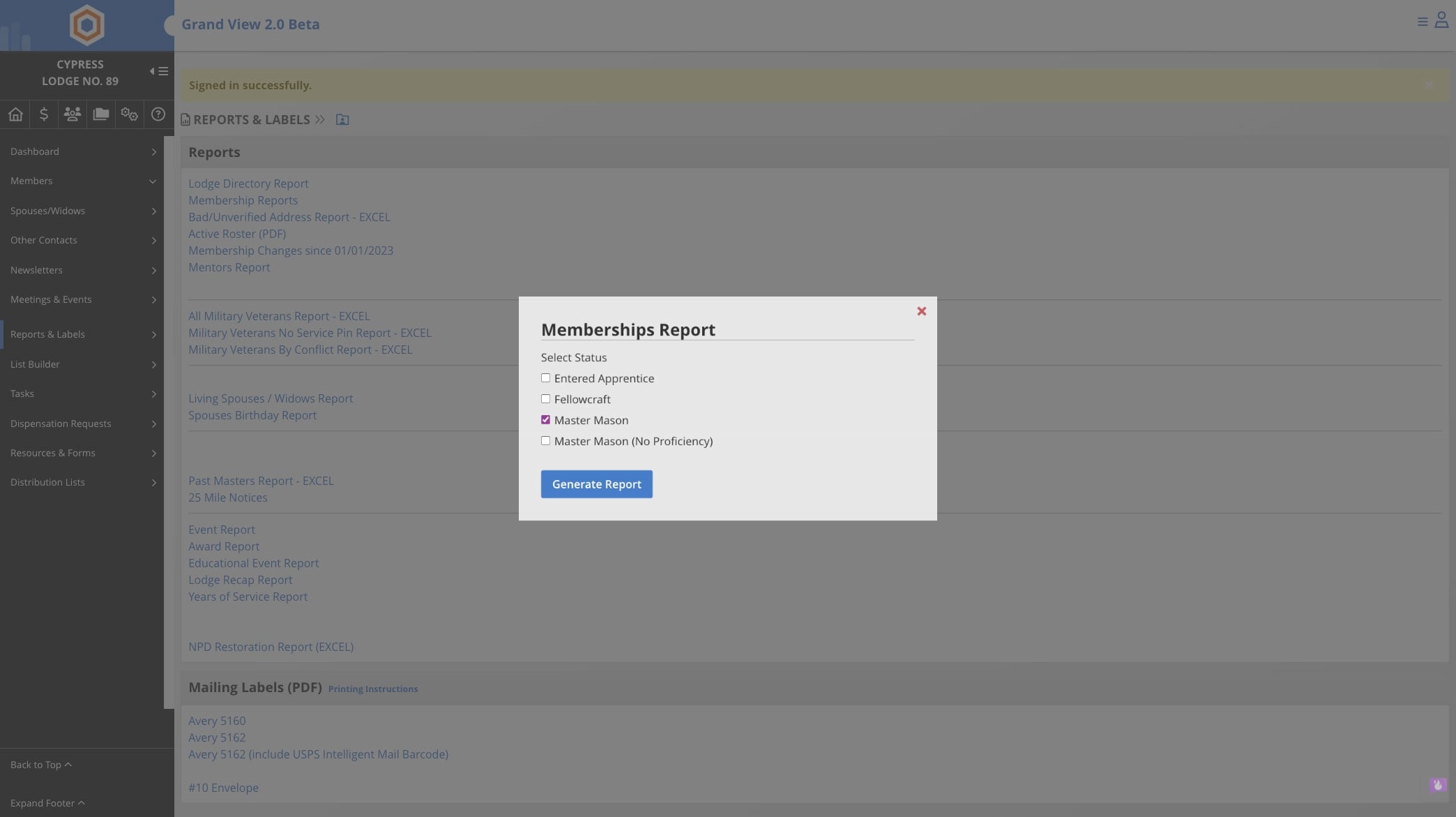
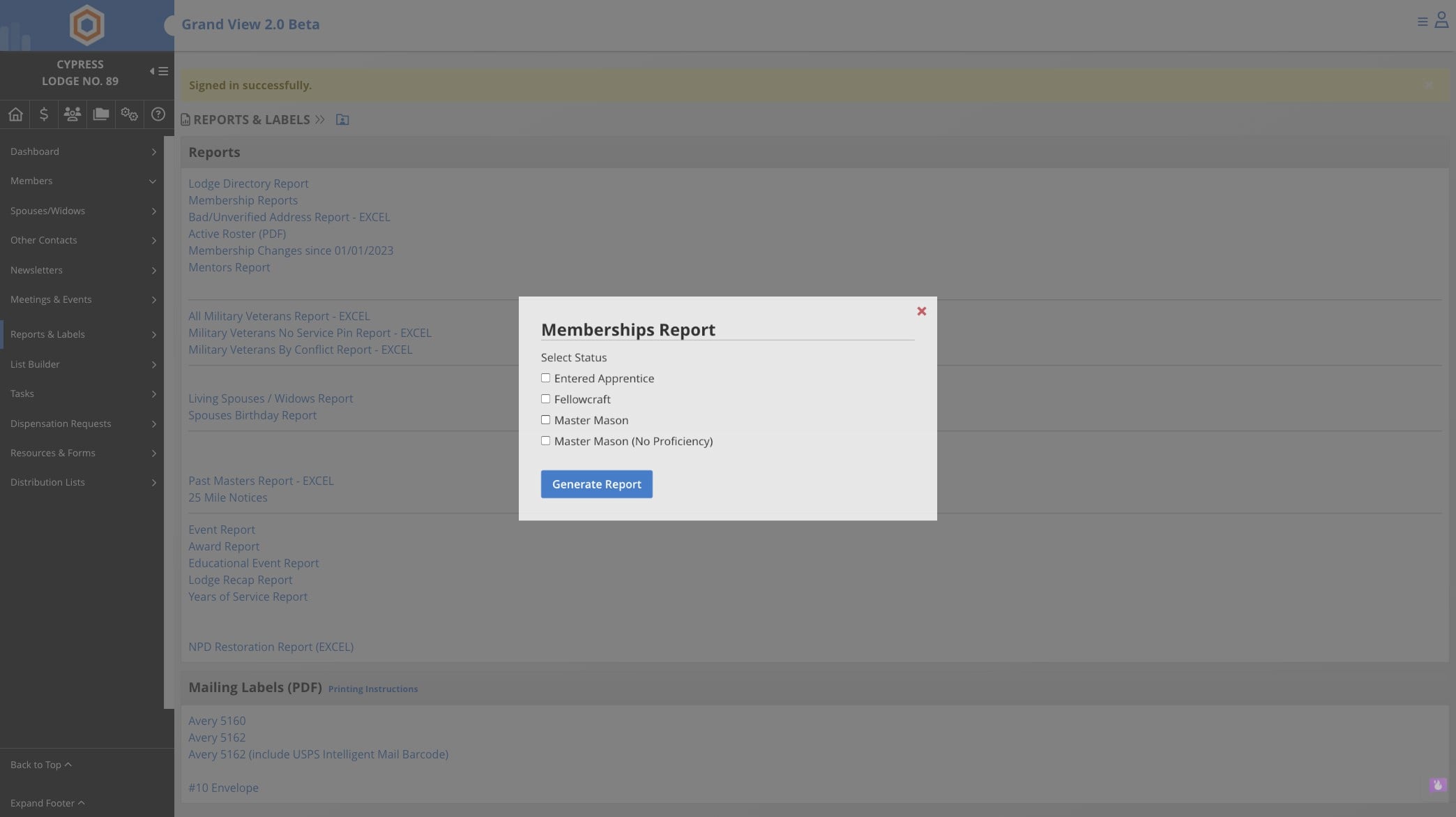
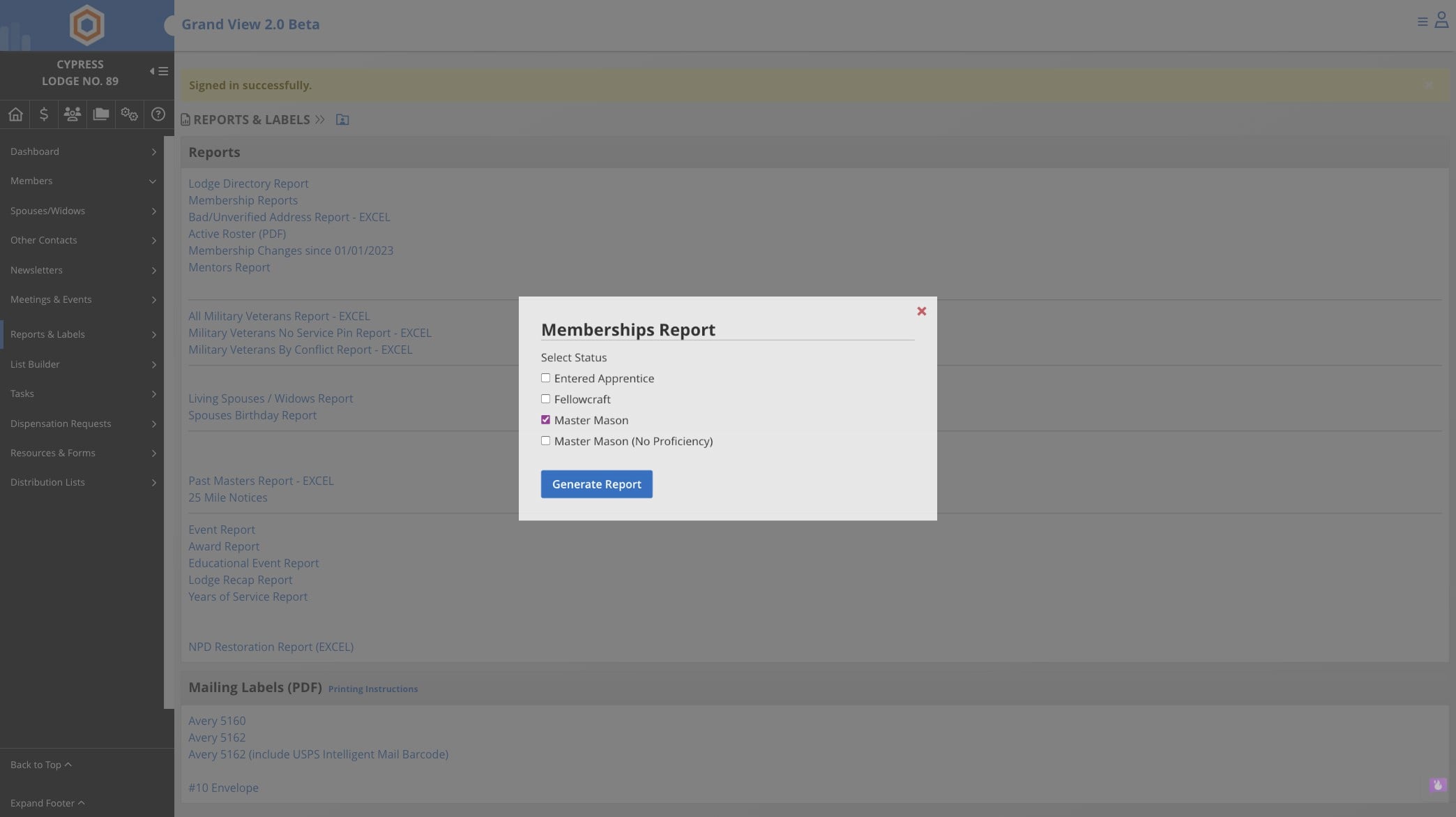
Select options you wish to report
4
Click "Generate Report"
5
Report will download to your computer.