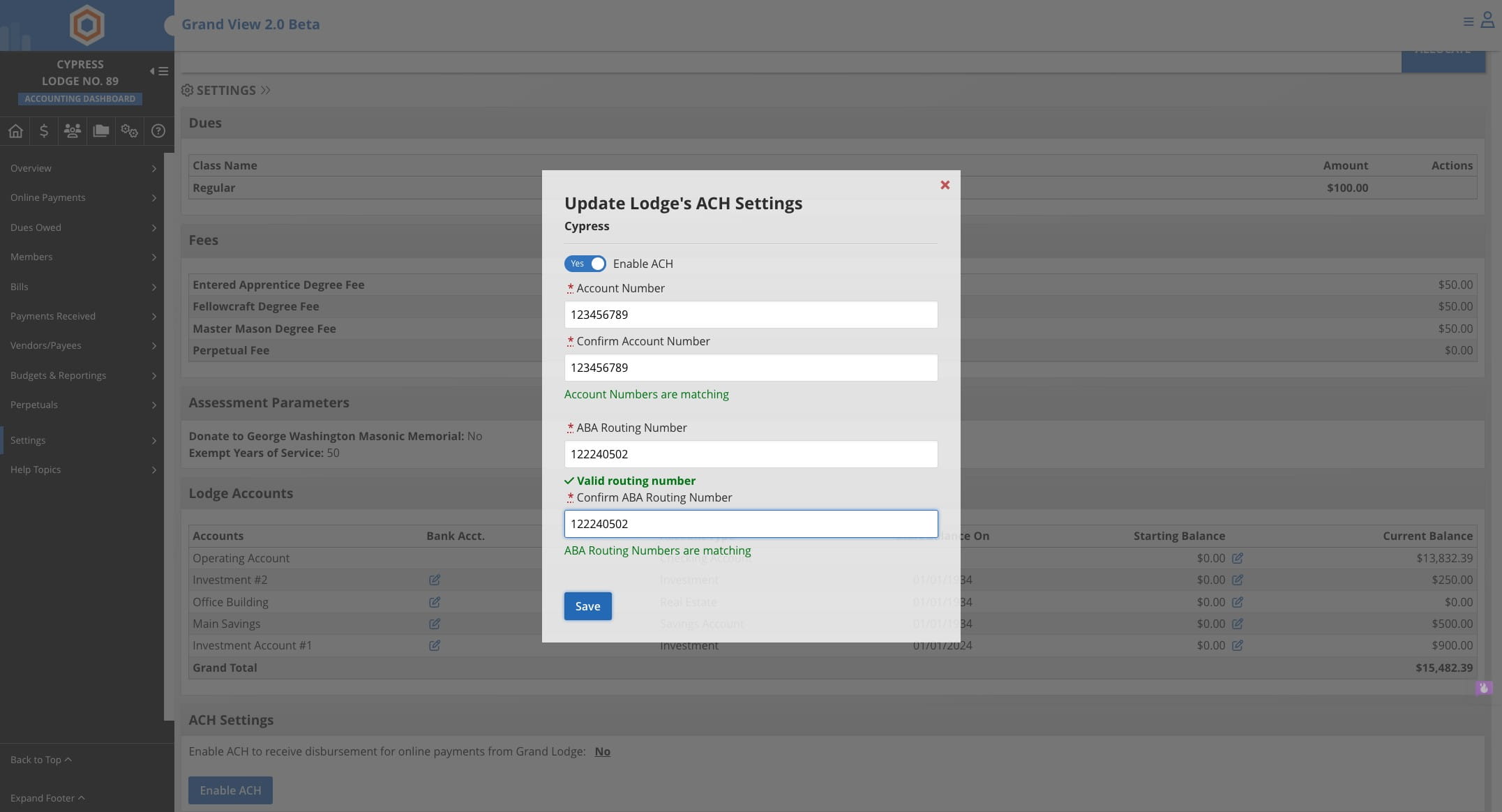
Setting Up Lodge ACH
This guide walks you through the process of configuring ACH (Automated Clearing House) payment settings for a Lodge to receive funds from Grand Lodge. The 11-step tutorial covers navigating to the lodge dashboard, accessing accounting settings, enabling ACH functionality, and securely entering bank account and routing number information to complete the setup.
Dec 15, 2025●
1
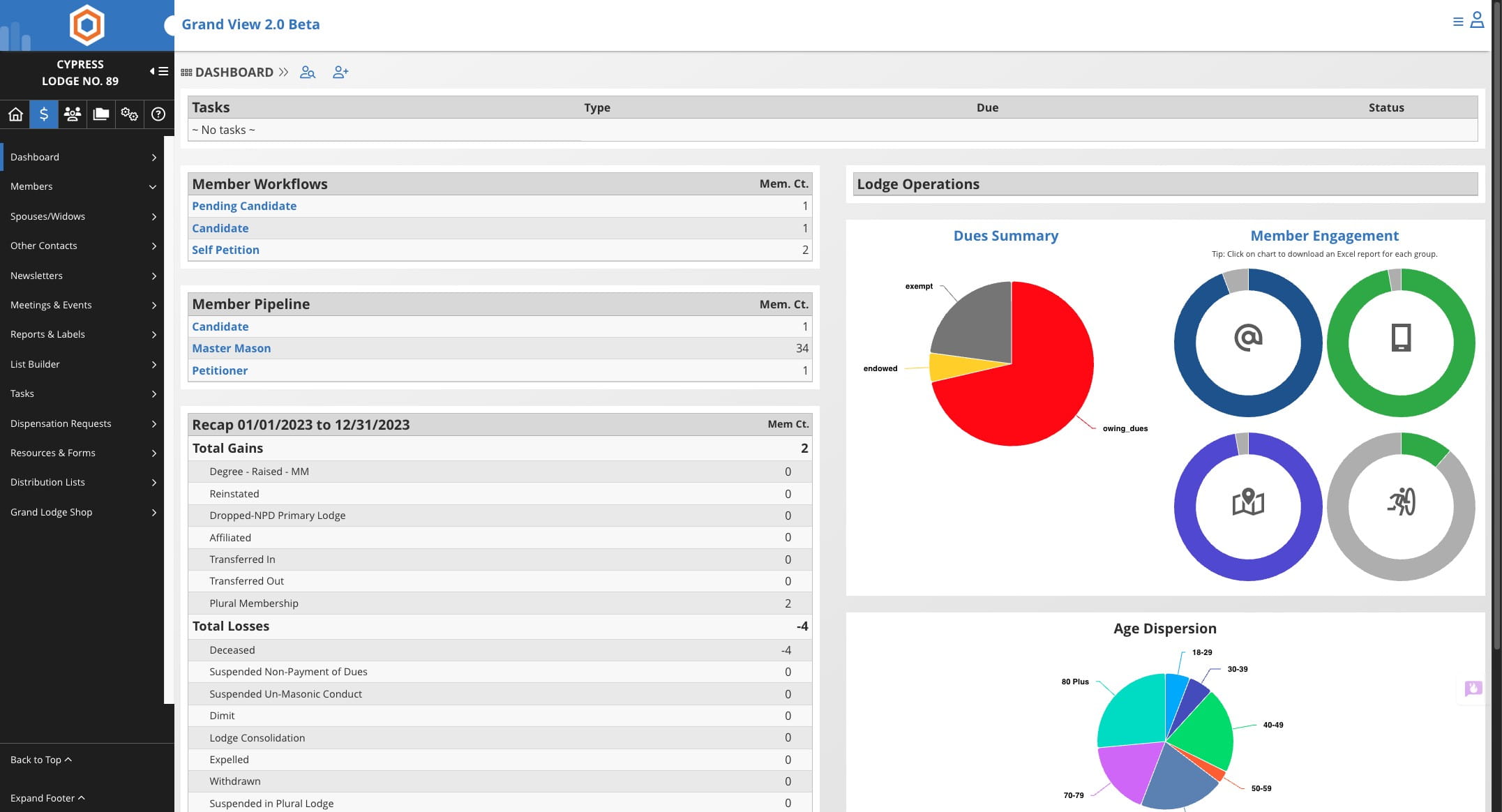
Navigate to lodge dashboard
2
Click this Accounting tab ( $ )

3
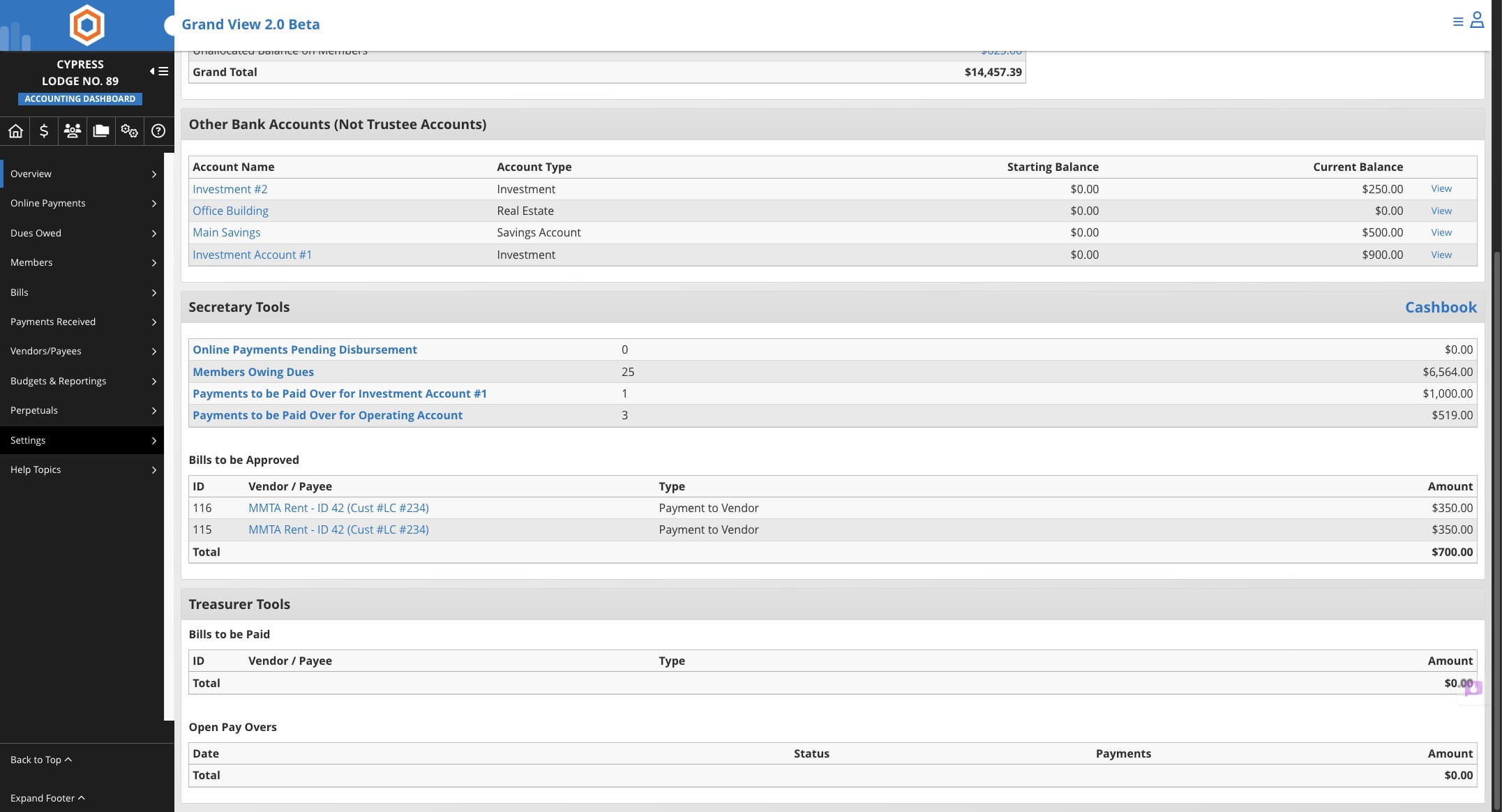
Click on "Settings"
4
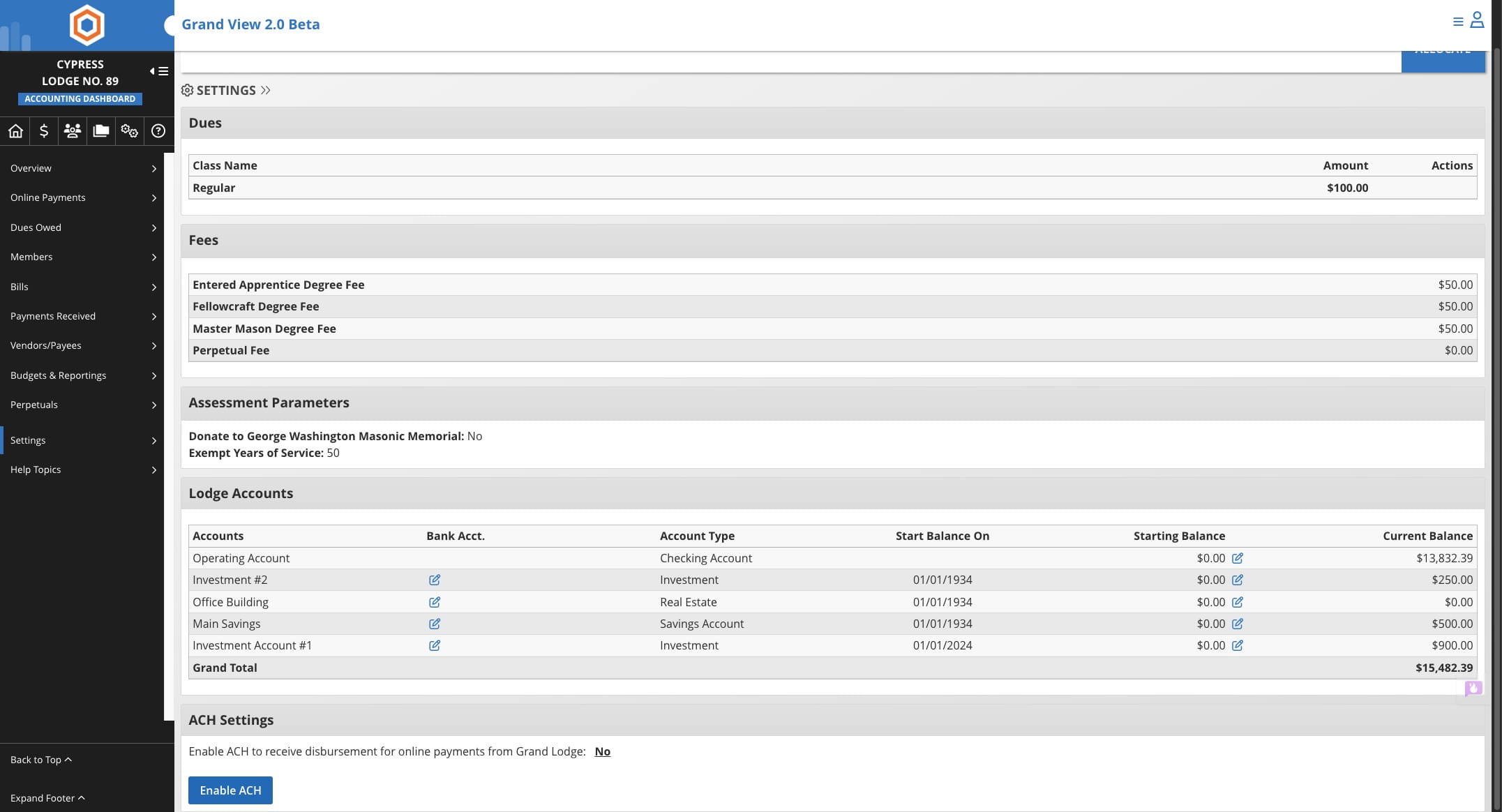
Click on "Enable ACH"
5
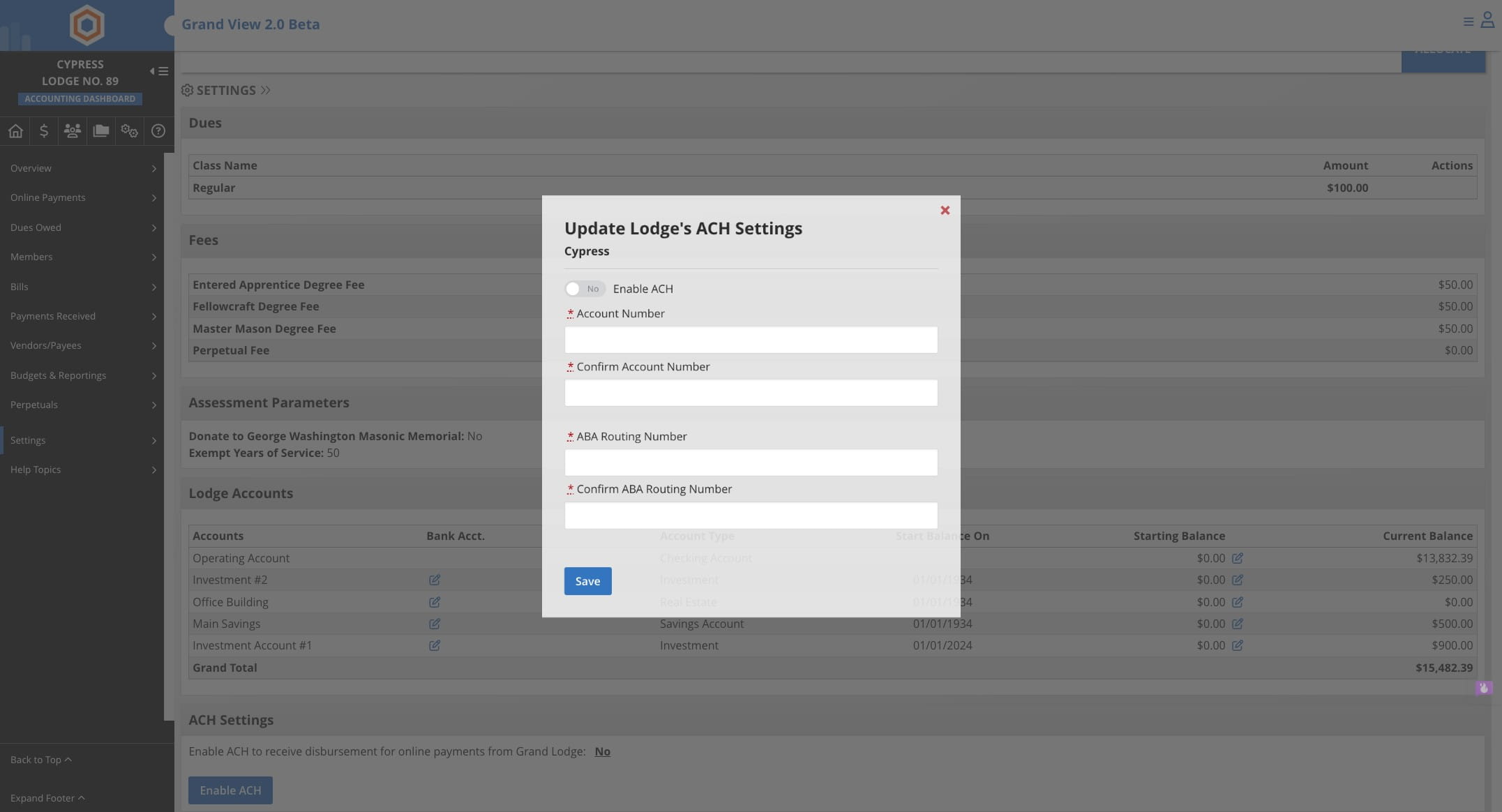
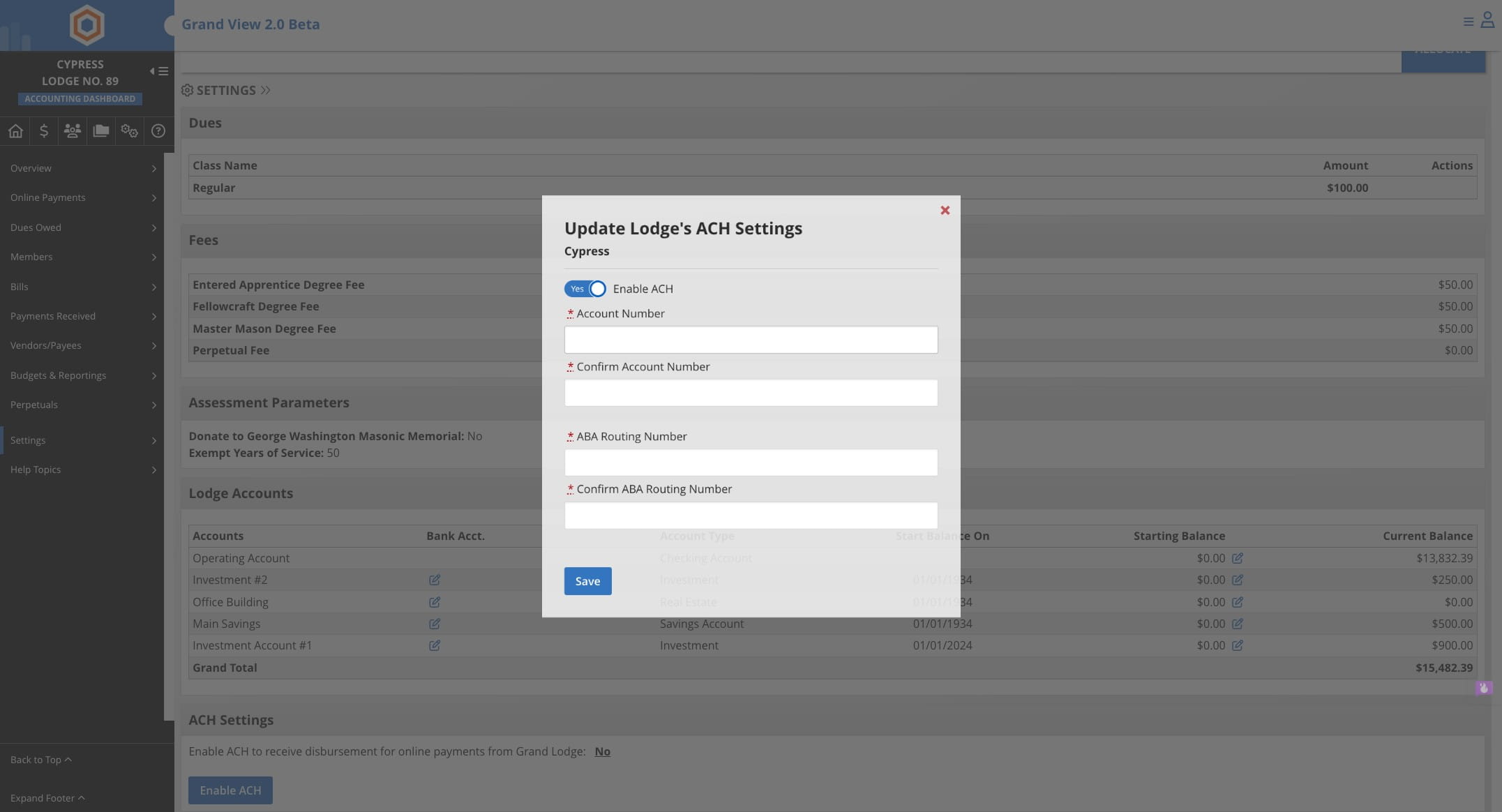
Click on "Yes"
6
Enter Account Number
7
Press cmd + c
8
Press cmd + v
9
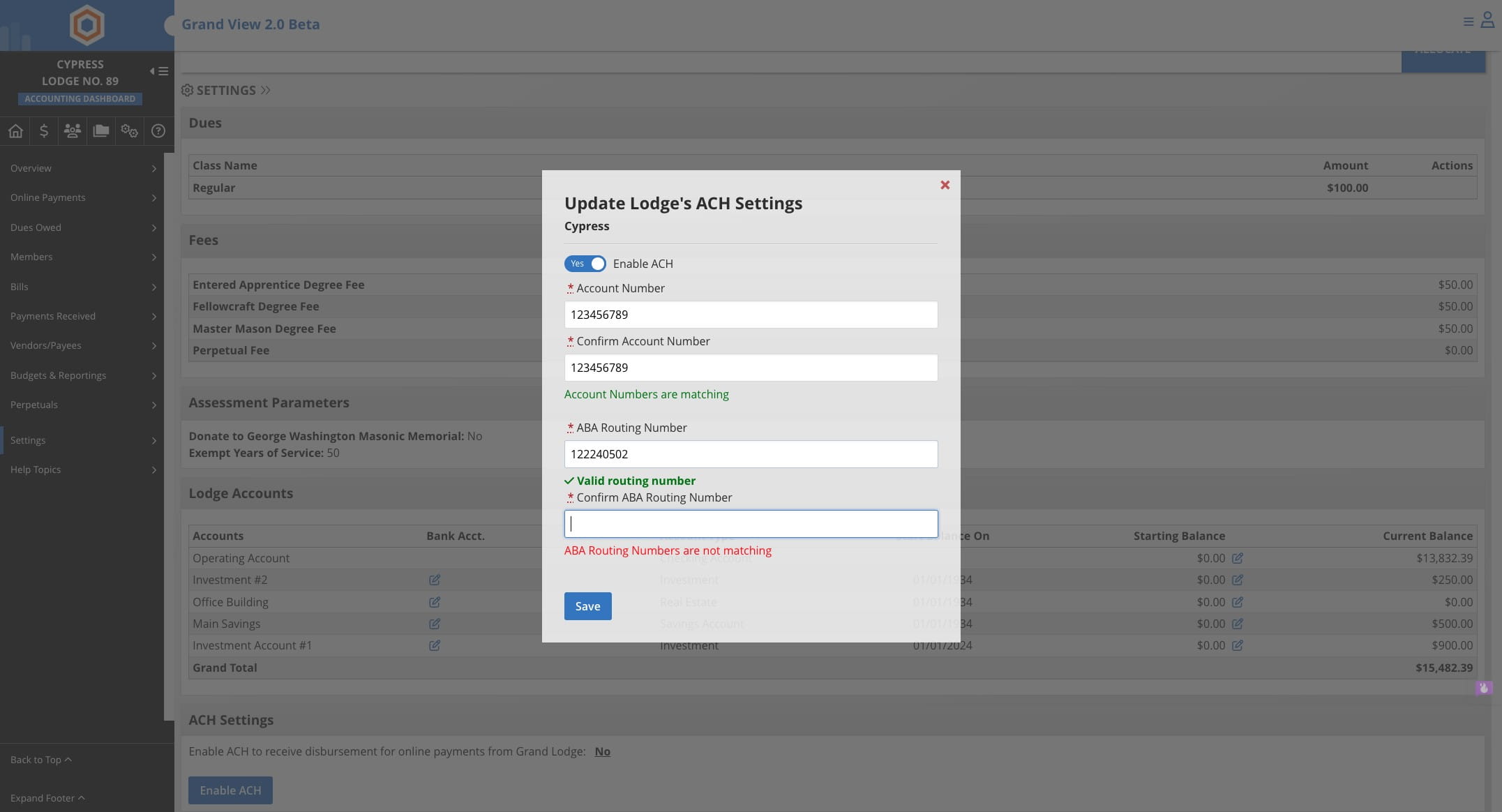
Enter Bank Routing Number and Confirm
10
Press cmd + v
11
Click Save