

Creating Annual Election & Special Election
Learn how to create annual and special elections in your lodge management system, including setting up election details, adding officers, and installing them with proper permissions.
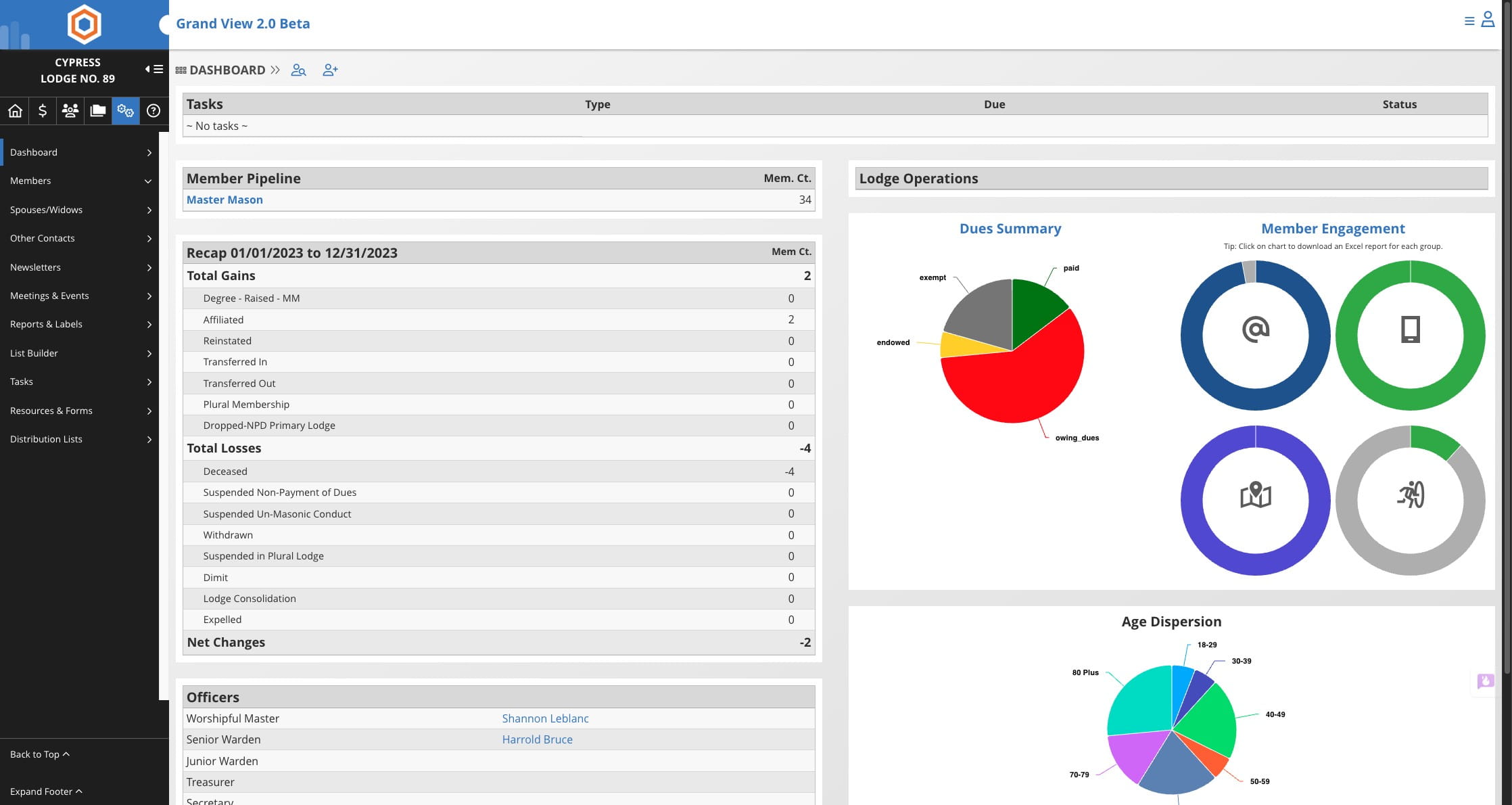
Click on the Settings icon

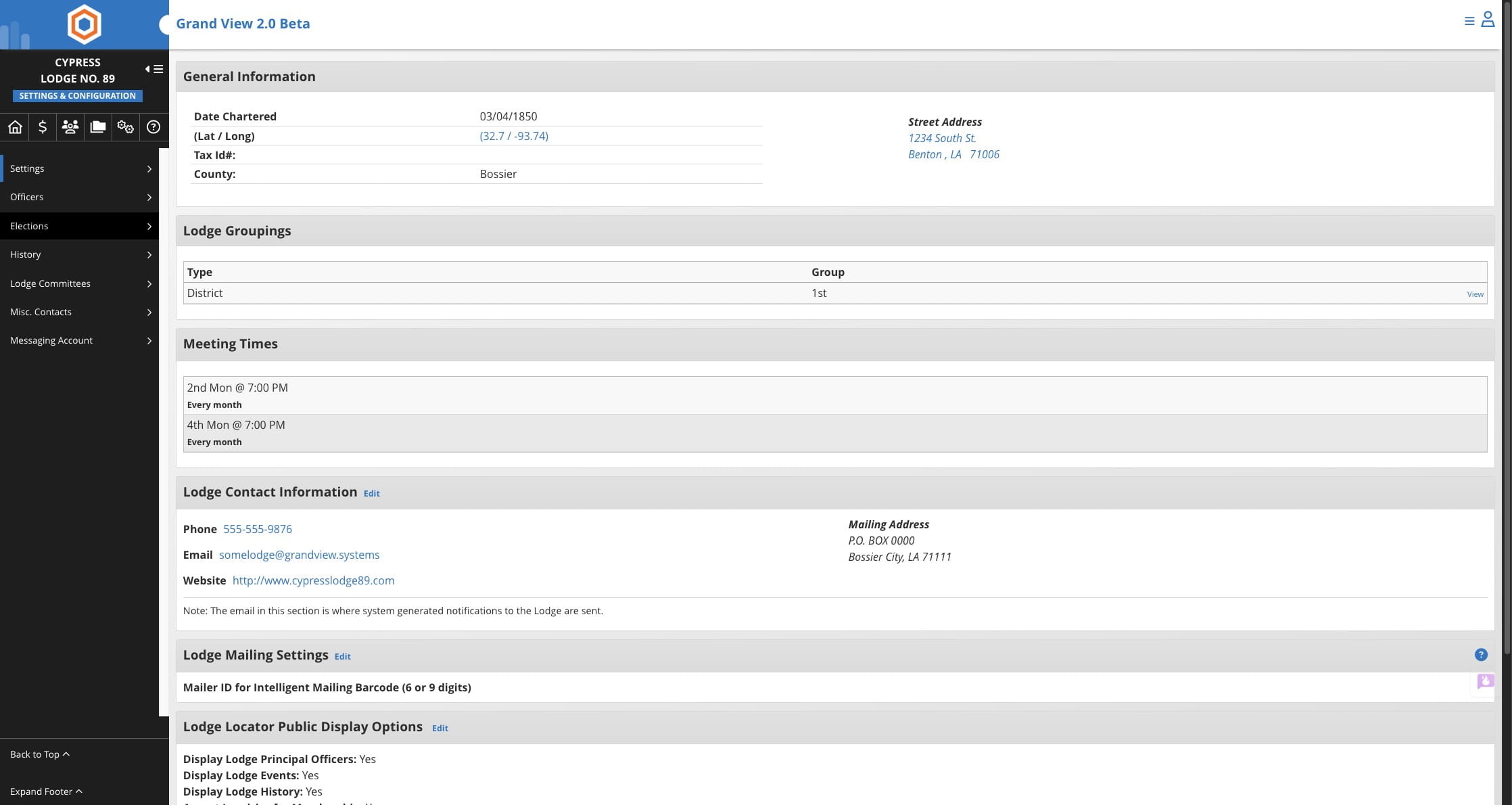
Click on "Elections"
Click on the + icon to create a new election
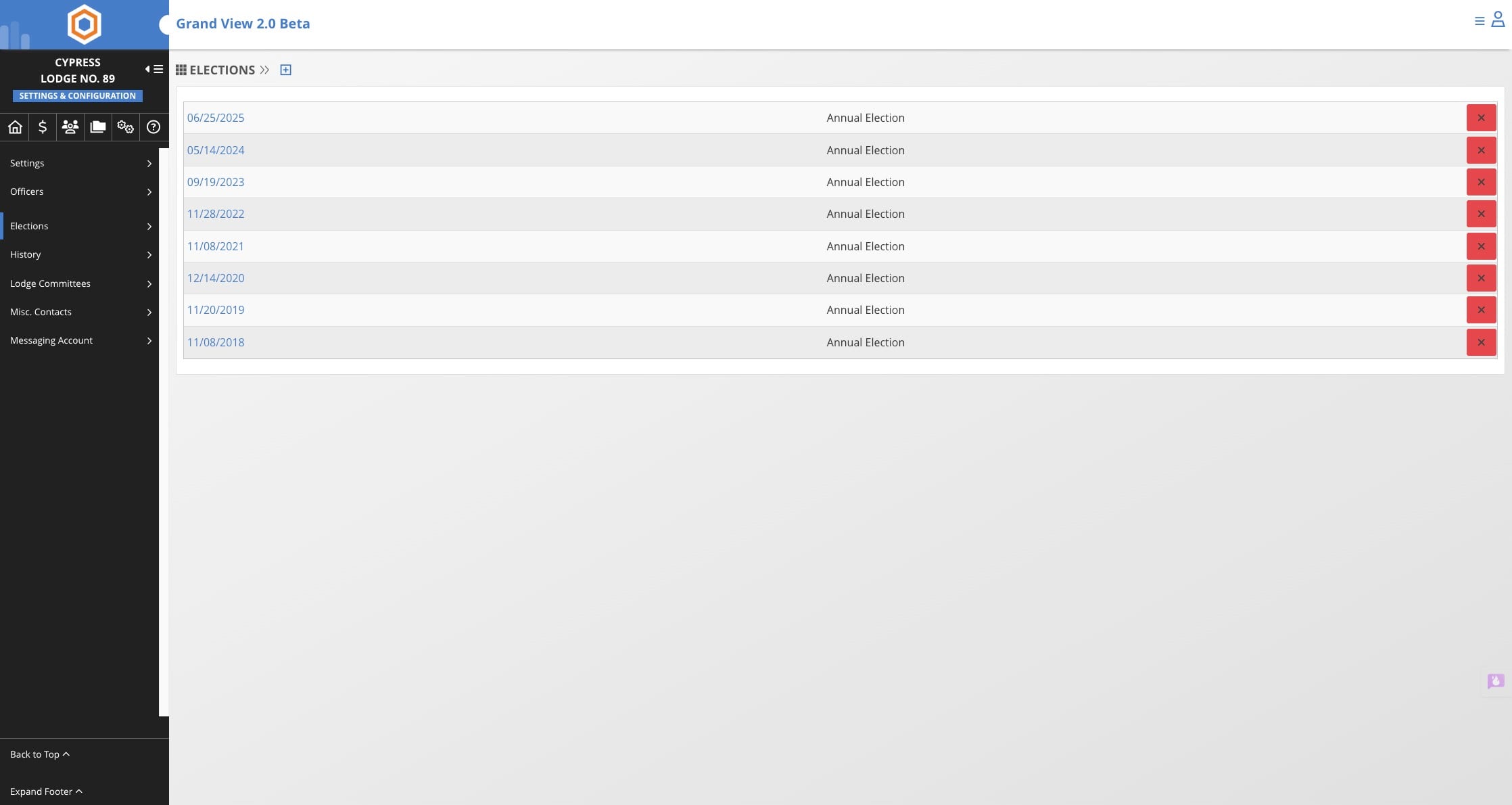
If you navigate away from the election page before you are finished you can access it again by going to Settings -> Elections and then select the election date you wish to modify.
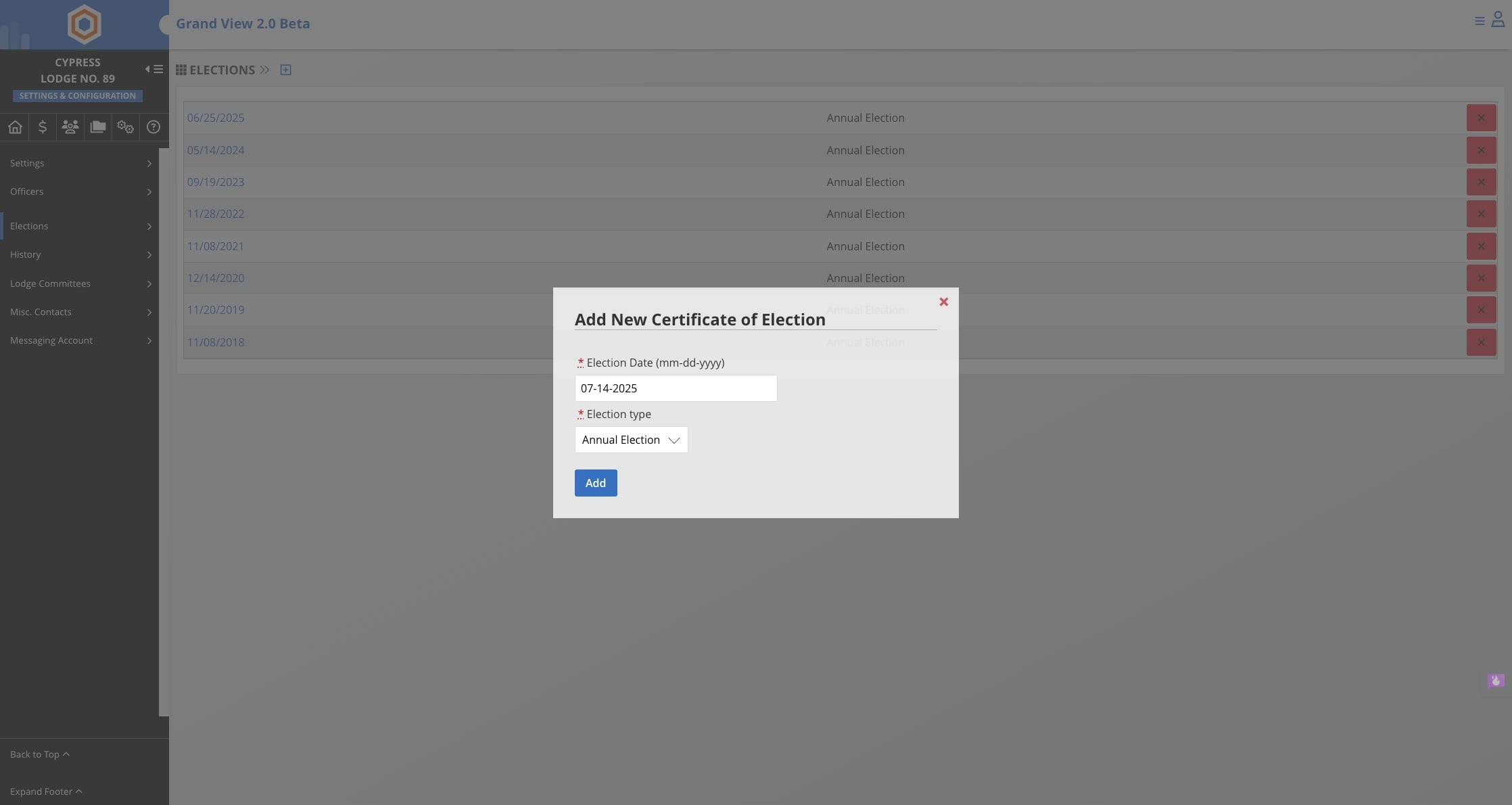
Enter the election information. Note: you can select Annual Election or Special Election. Once complete click Add
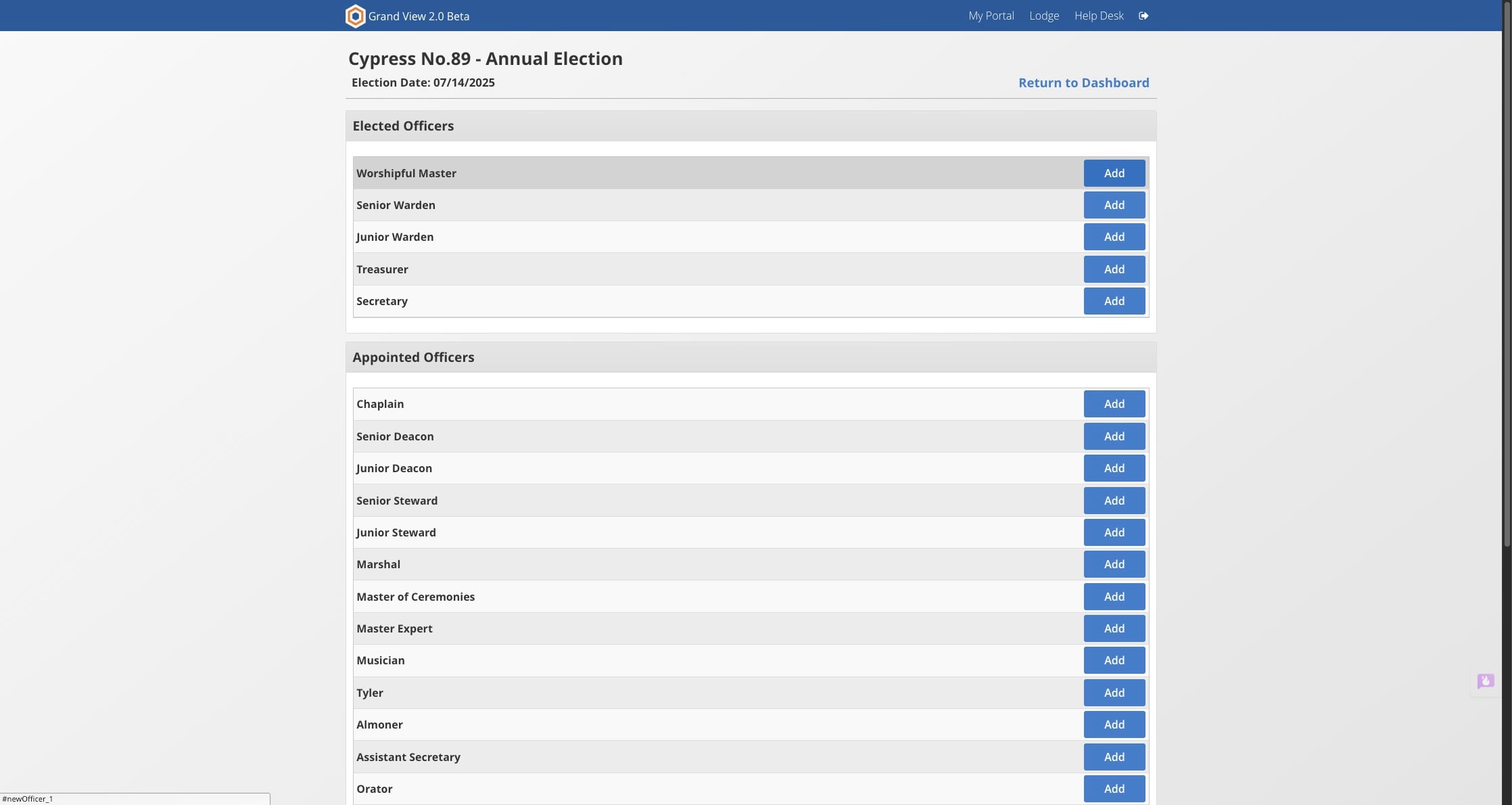
After the election is created you will be taken to a screen to add the officers. Click on "Add" next to the officer
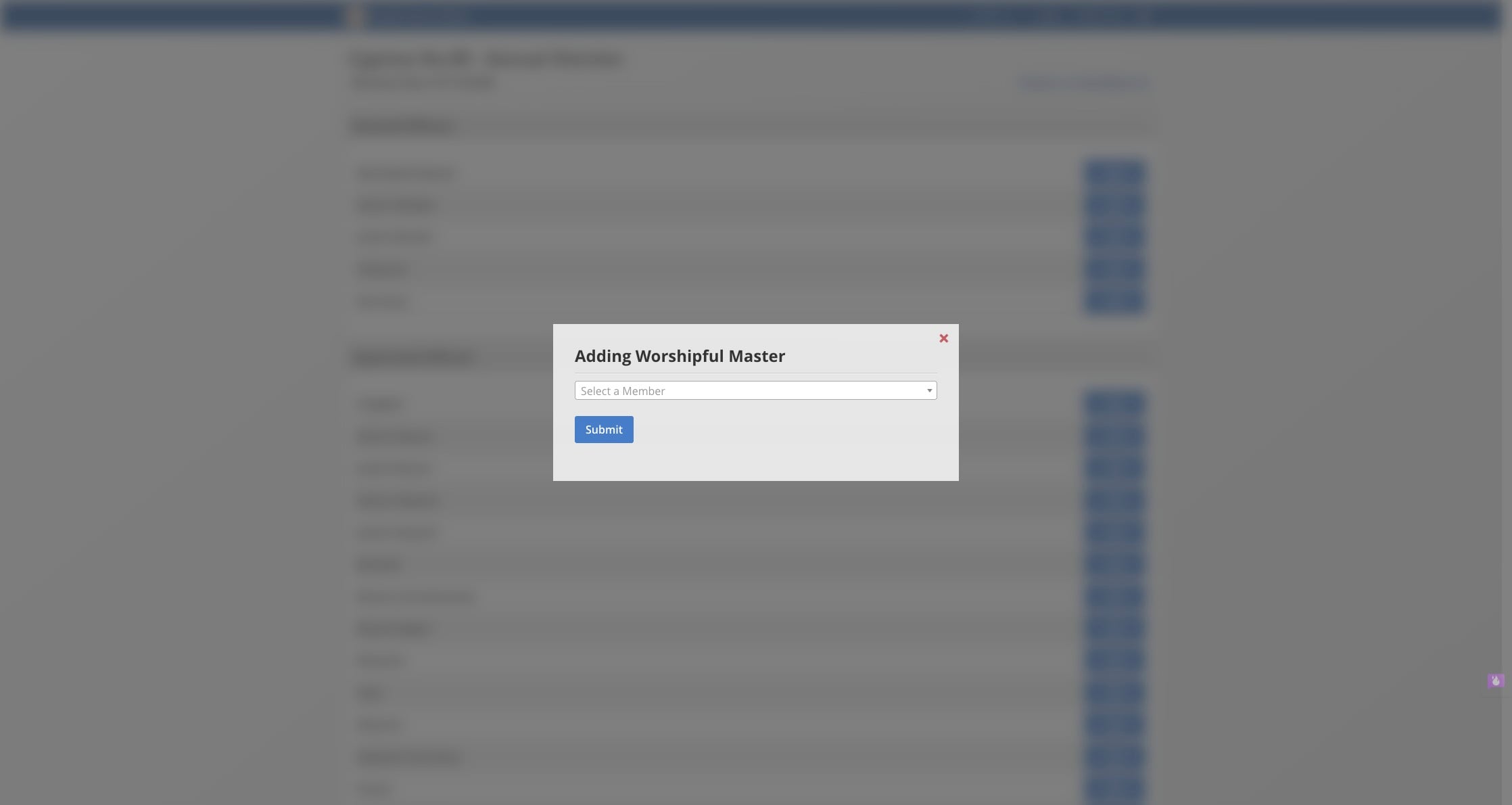
Click on "Select a Member" and select the name of the member from the list
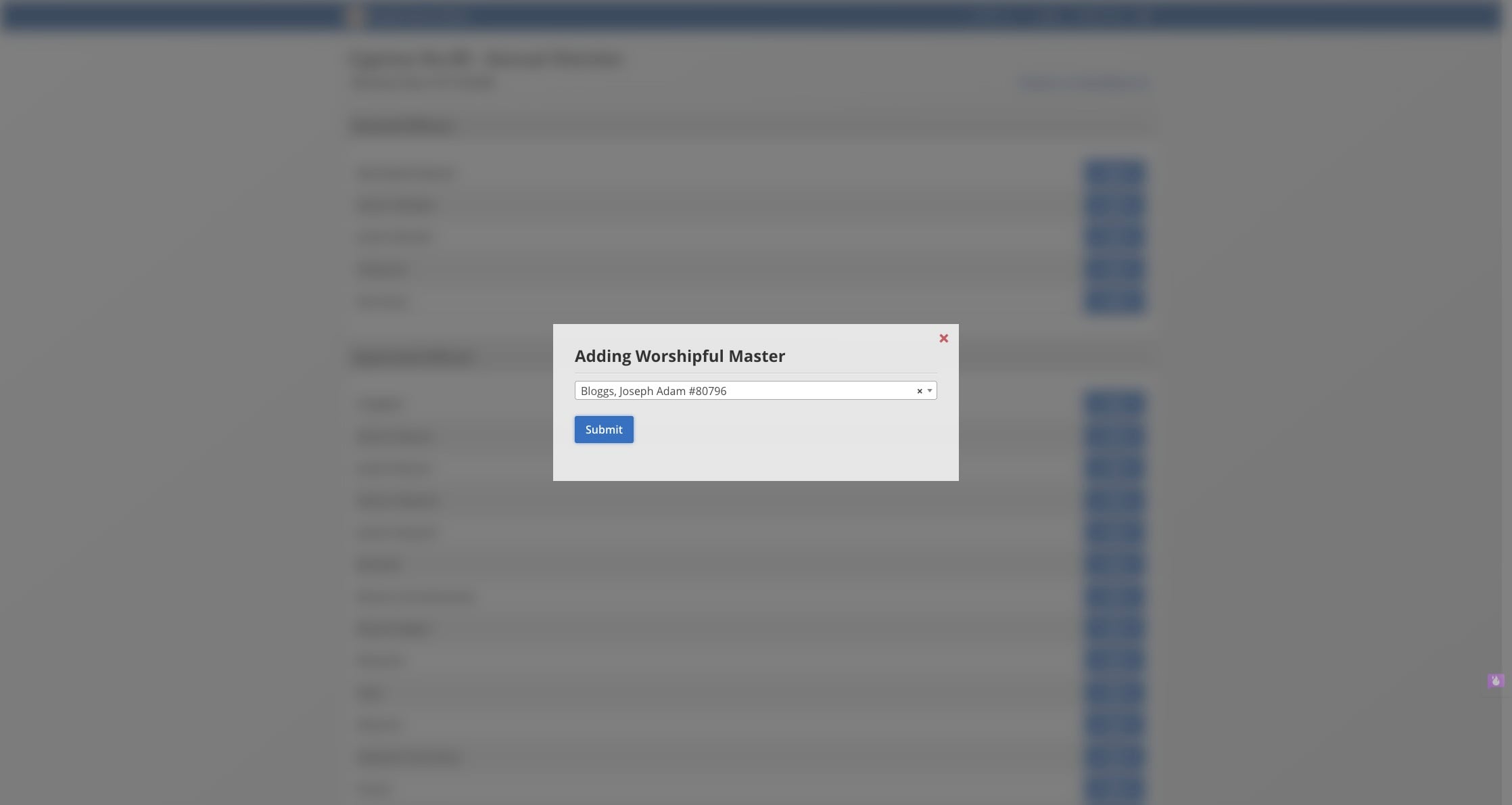
Once the name is selected click "Submit"
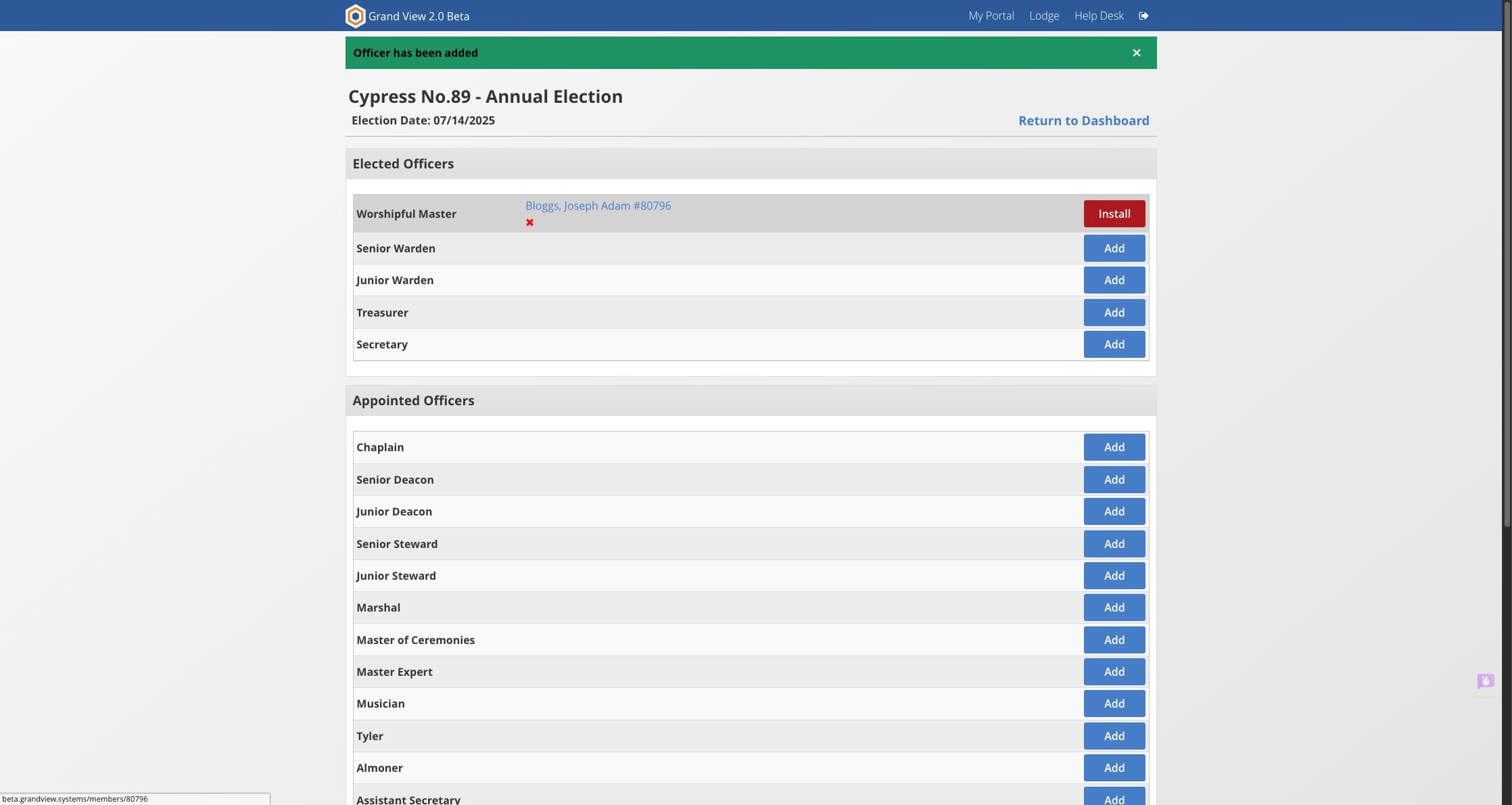
Once the officer has been added they will need to be Installed in order to receive permissions and to have the office added to their record. Click on "Install"
Add the date of installation and click on "Install"
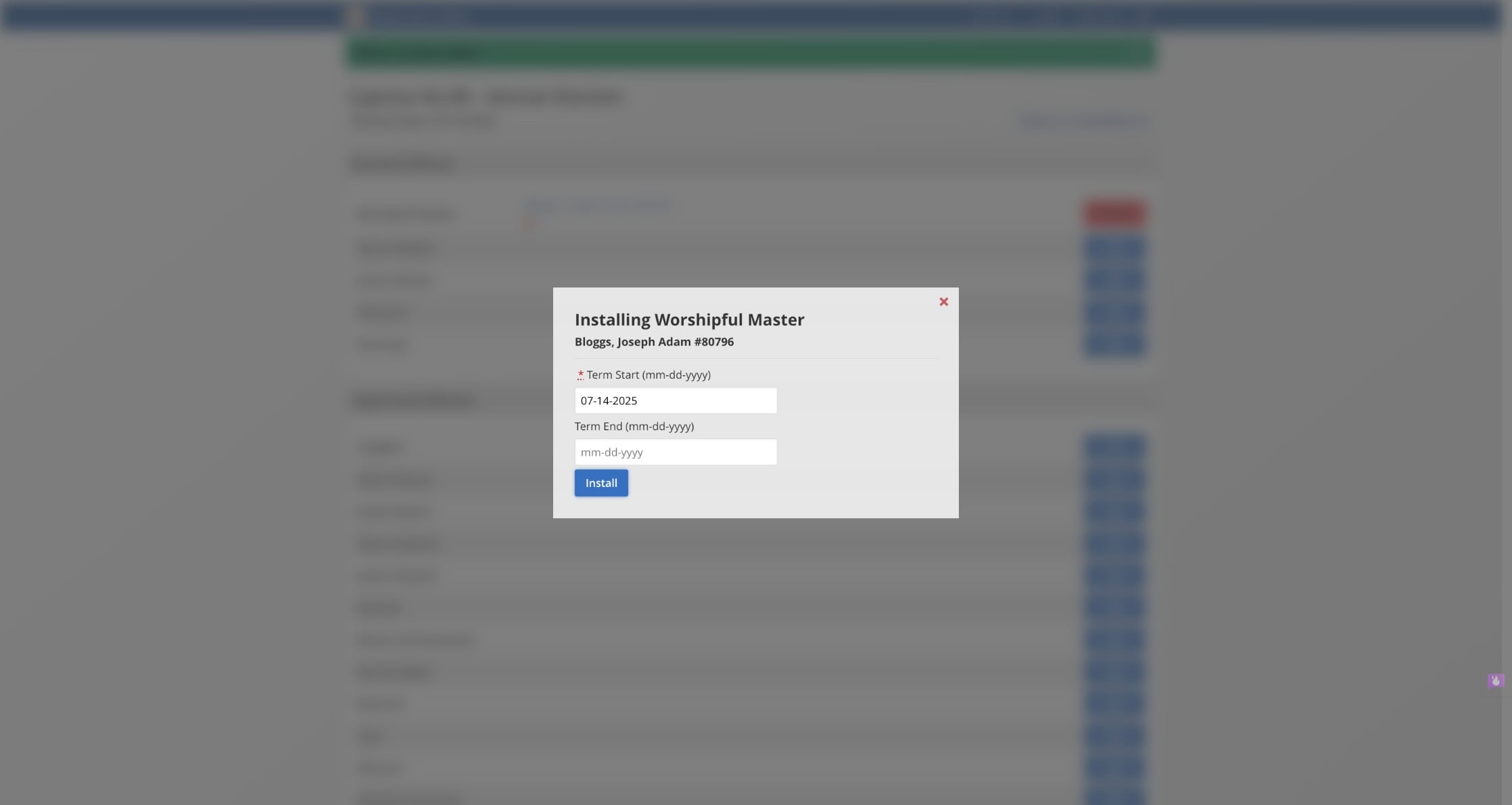
End dates are not required but are helpful for offices that do not have Lodge Admin positions. Avoid adding an end date for Lodge Admin officers such as secretary and treasurer.