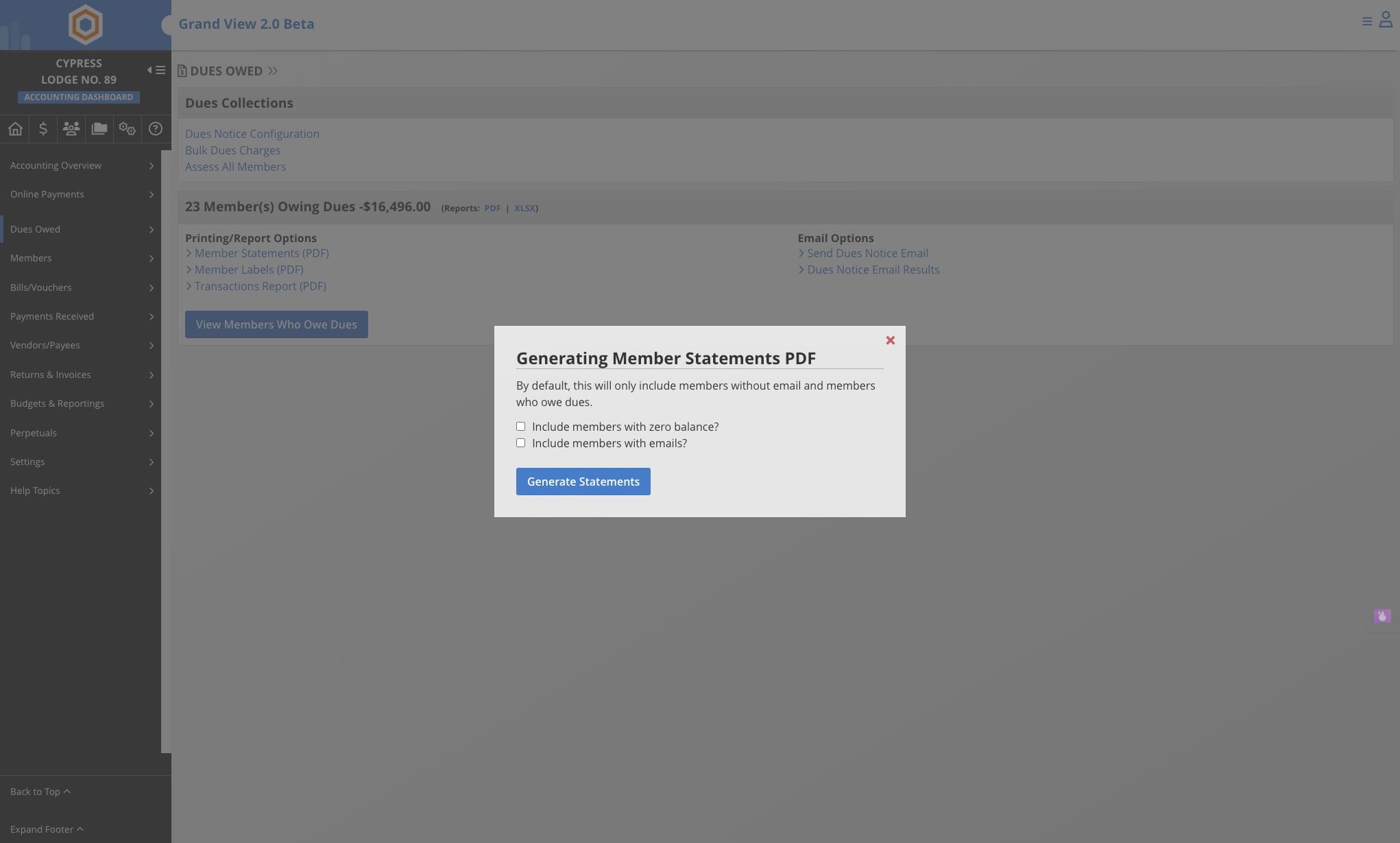
Print Dues Notices
Learn how to generate and download “Dues Owed” member statements from the Lodge Dashboard, including options to include zero-balance members and members with or without email addresses on file.
Jun 22, 2026●
1
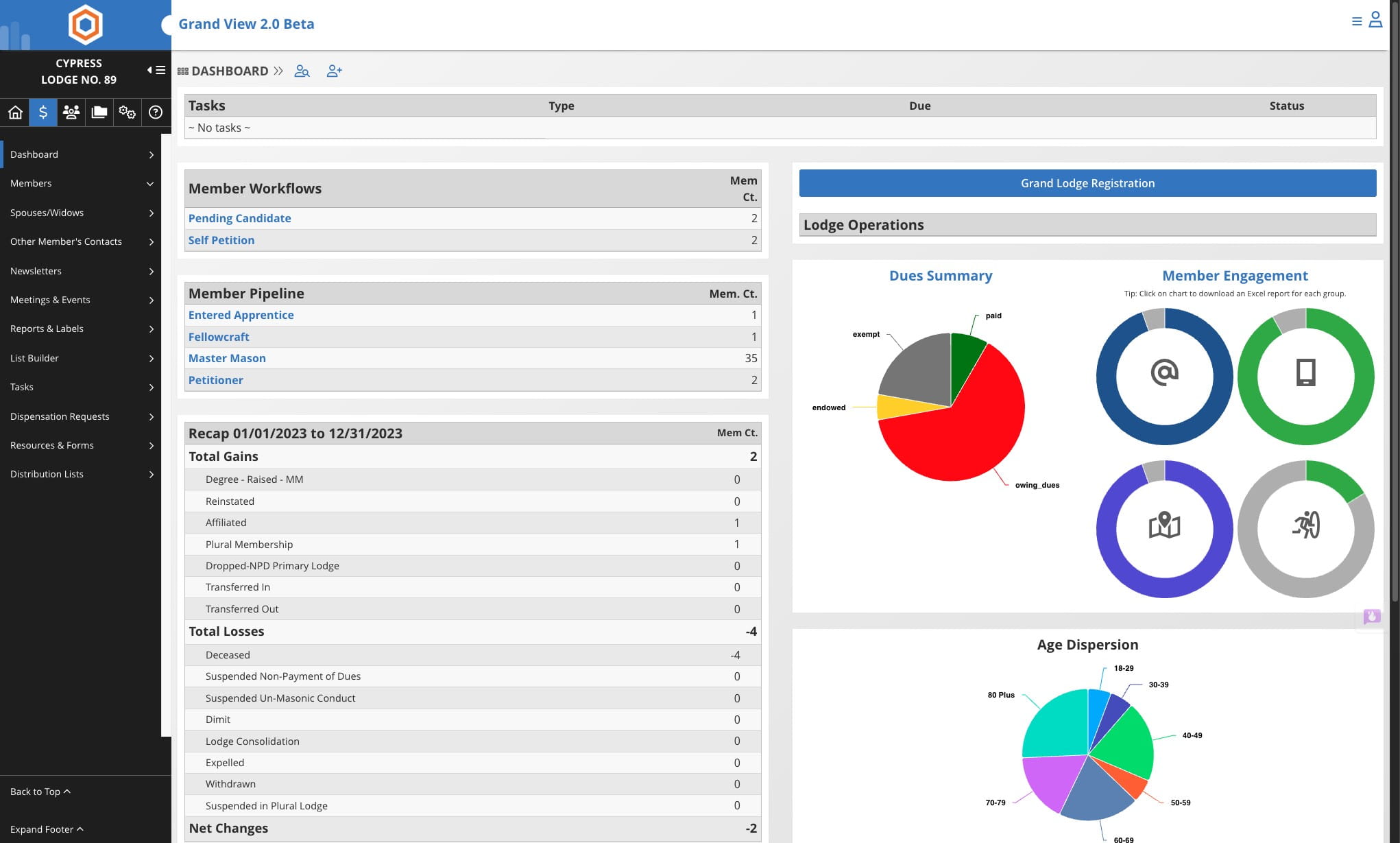
From the Lodge Dashboard
2
Click on the Accounting Icon

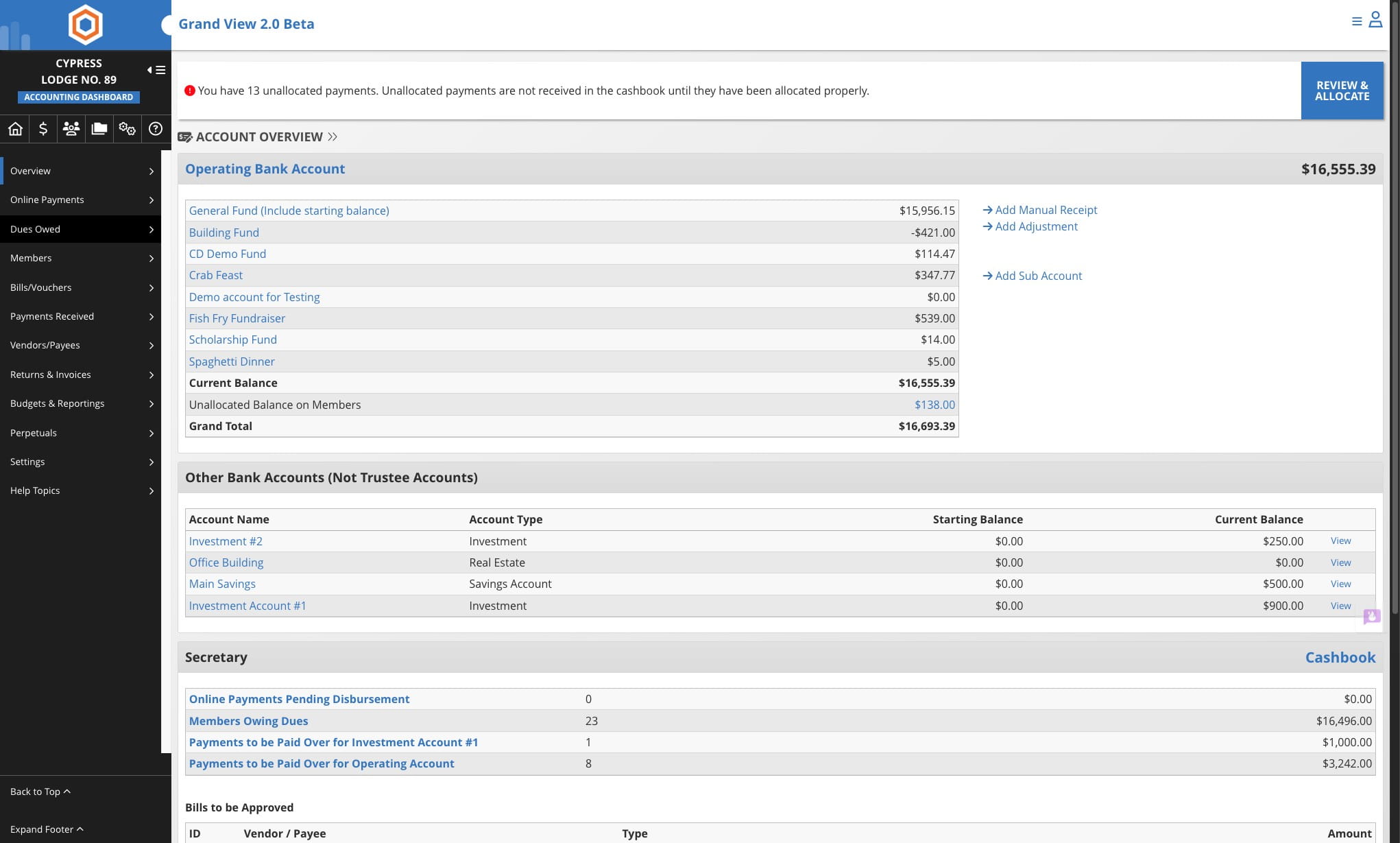
3
Click on "Dues Owed"
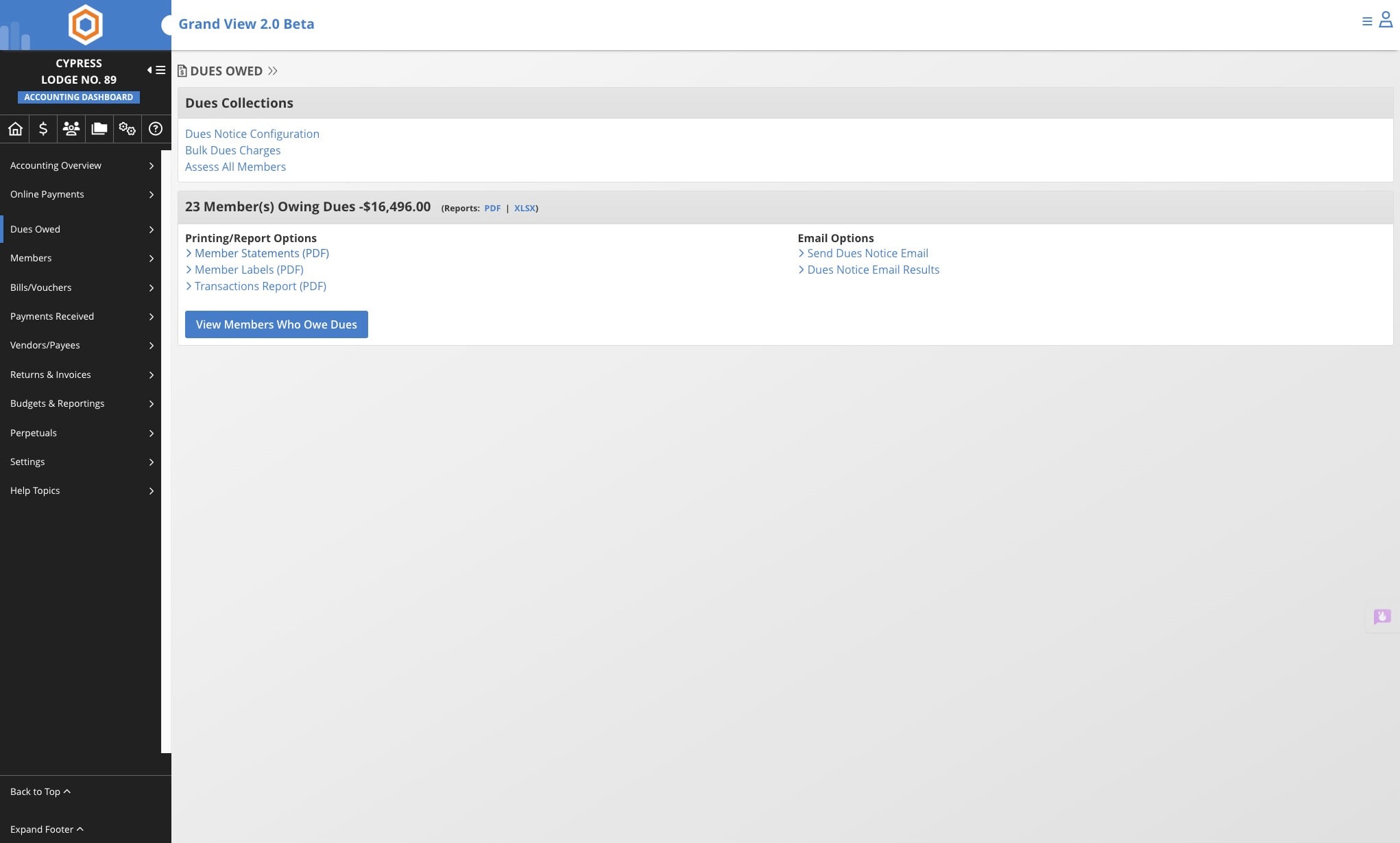
4
Click on Member Statements
5
By default the system will generate PDFs for all members owing who DO NOT have email addresses on file.
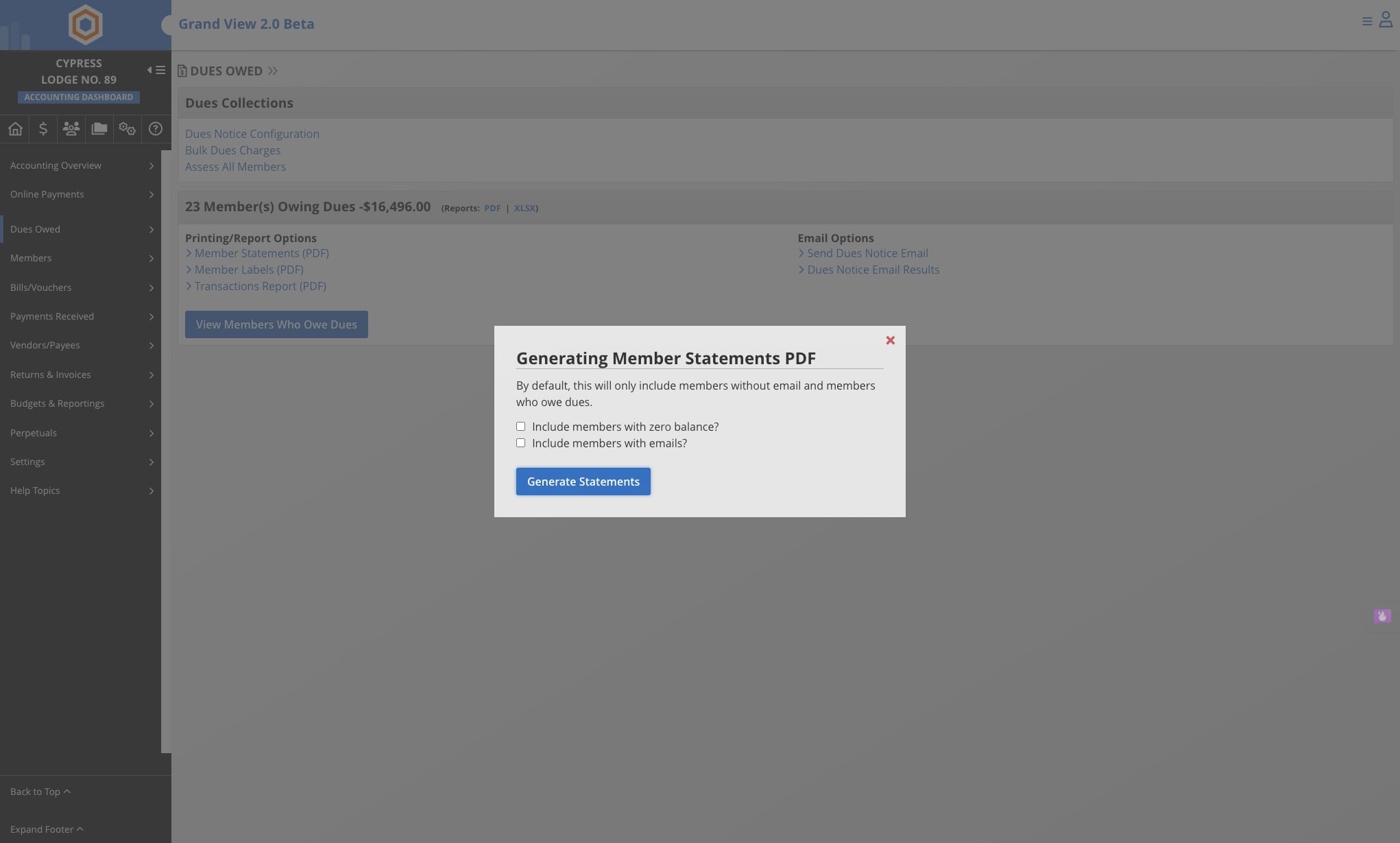
Or you can select on one of the following:
- Include Members with zero balance - to print out statements of all members including ones with zero balances
- Include Members with email- to print out statements for members who have email addresses on file
6
Click on “Generate Statements.” The PDF will download to your computer, open the file in Adobe Reader or your preferred PDF reader. If you don’t have Adobe installed, you can grab it free at: https://get.adobe.com/reader/