

Set up Years of Service Exemptions
Jun 02, 2026●
1
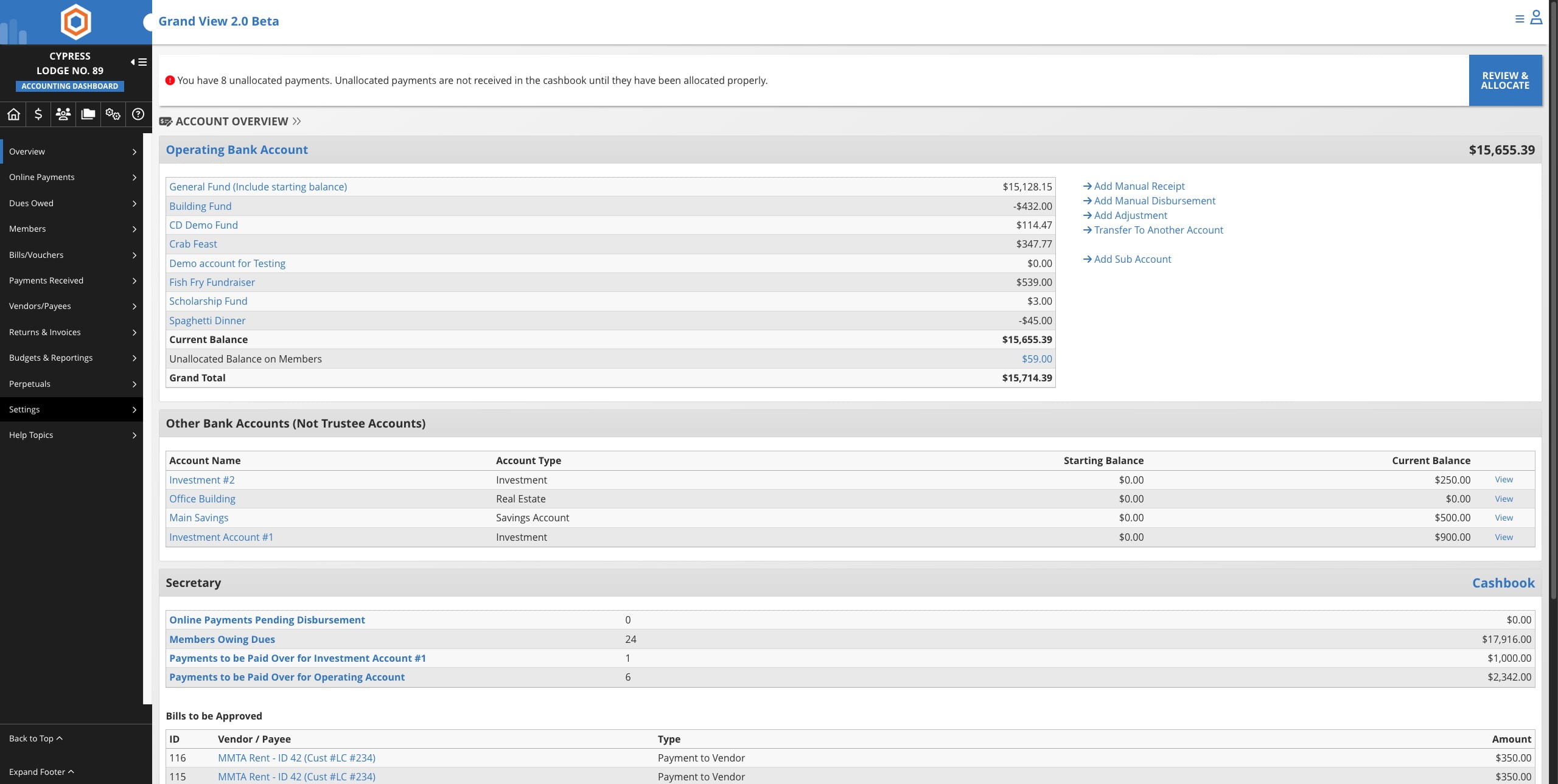
Click on the Accounting icon


2
Click on "Settings"
3
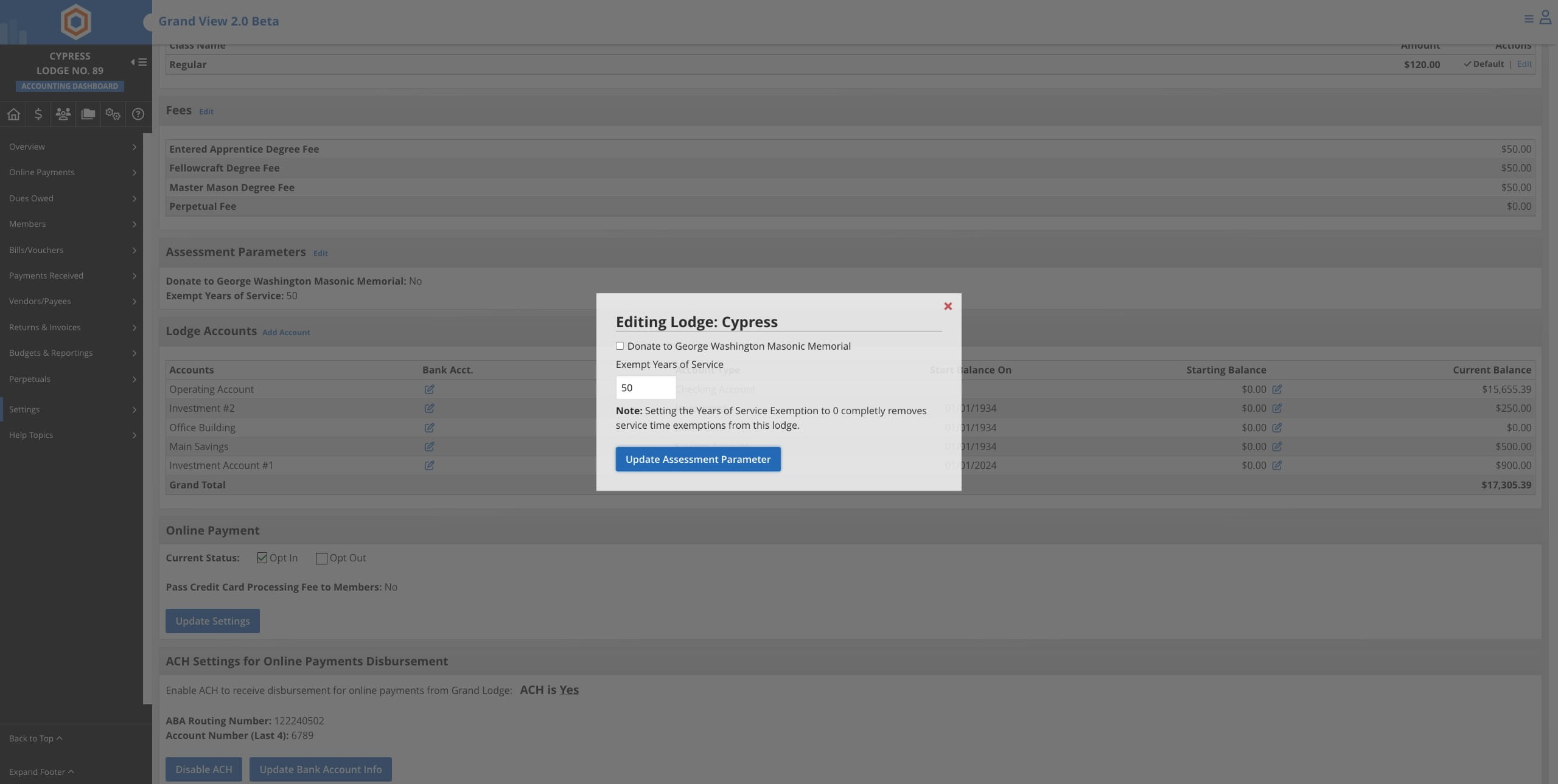
Click on "Edit" next to Assessment Parameters

4
Update the years of service and click on Update Assessment Parameter
5
Done 🚀
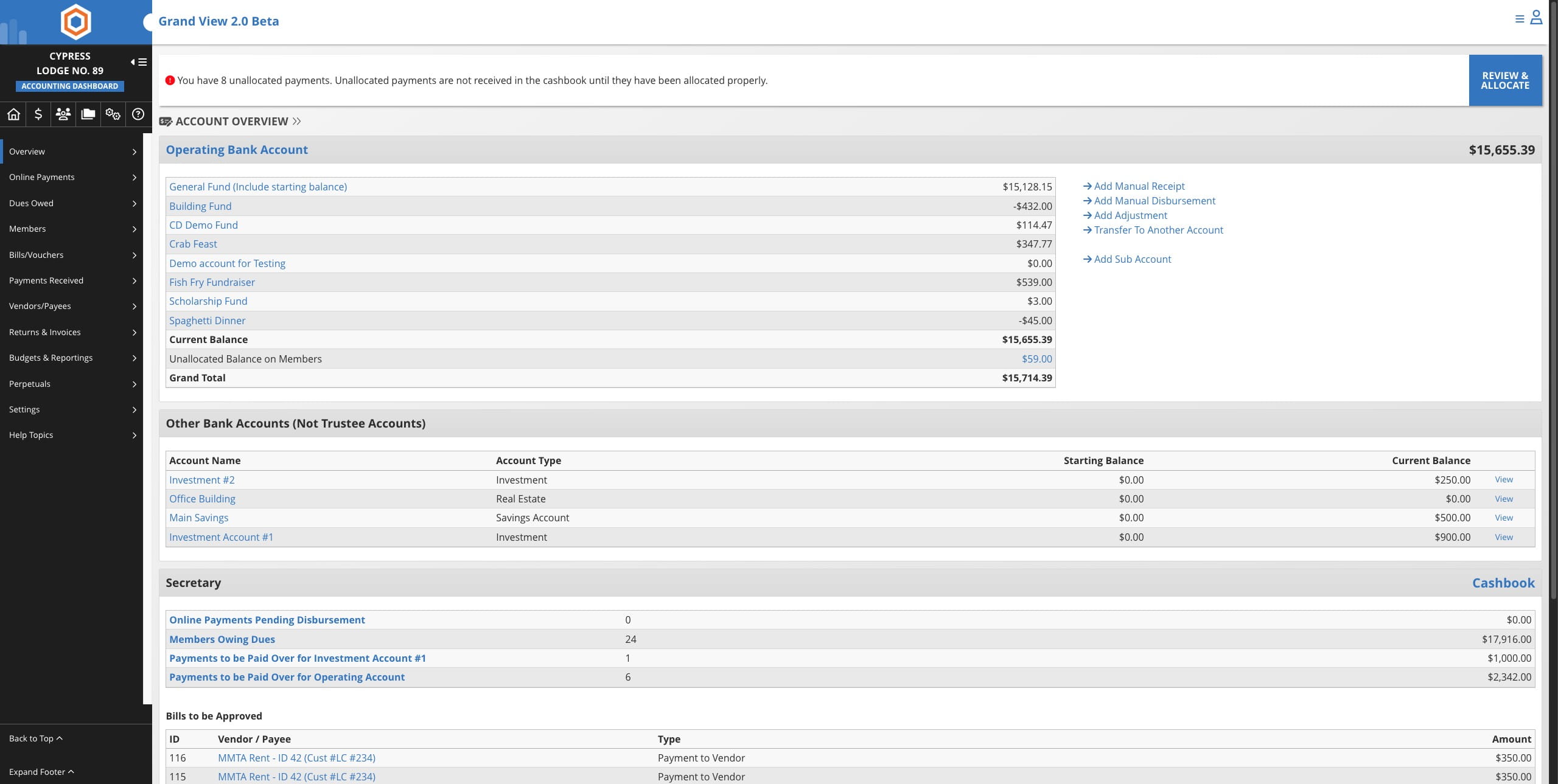
Click on the Accounting icon
Click on "Settings"
Click on "Edit" next to Assessment Parameters
Update the years of service and click on Update Assessment Parameter
Done 🚀