How to Make a Purchase in the Grand Lodge Shop
A step-by-step guide showing how to purchase items from the Grand Lodge Shop, covering everything from adding items to your cart through completing checkout and submitting your order.
Sep 26, 2025●
1
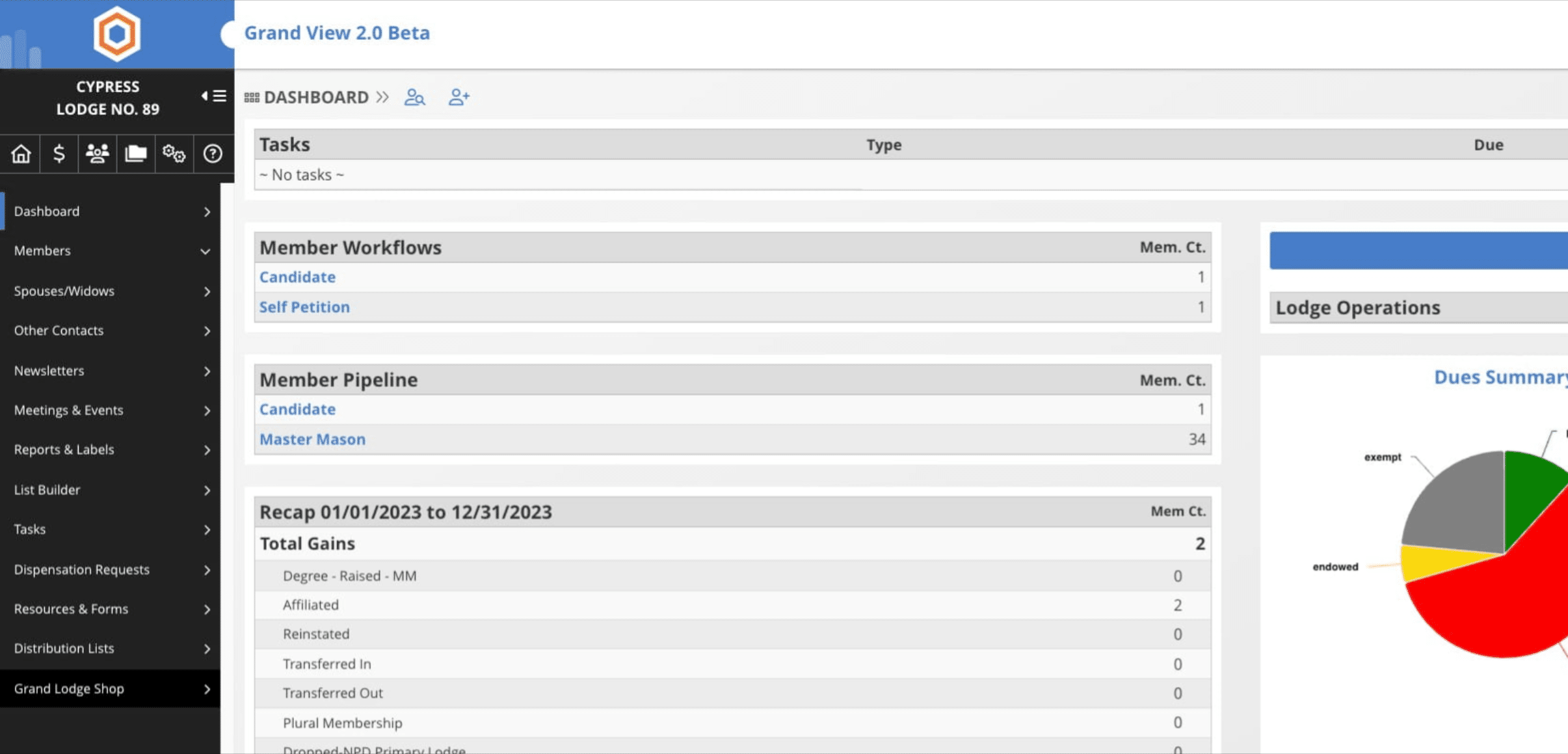
Click on "Grand Lodge Shop"

2
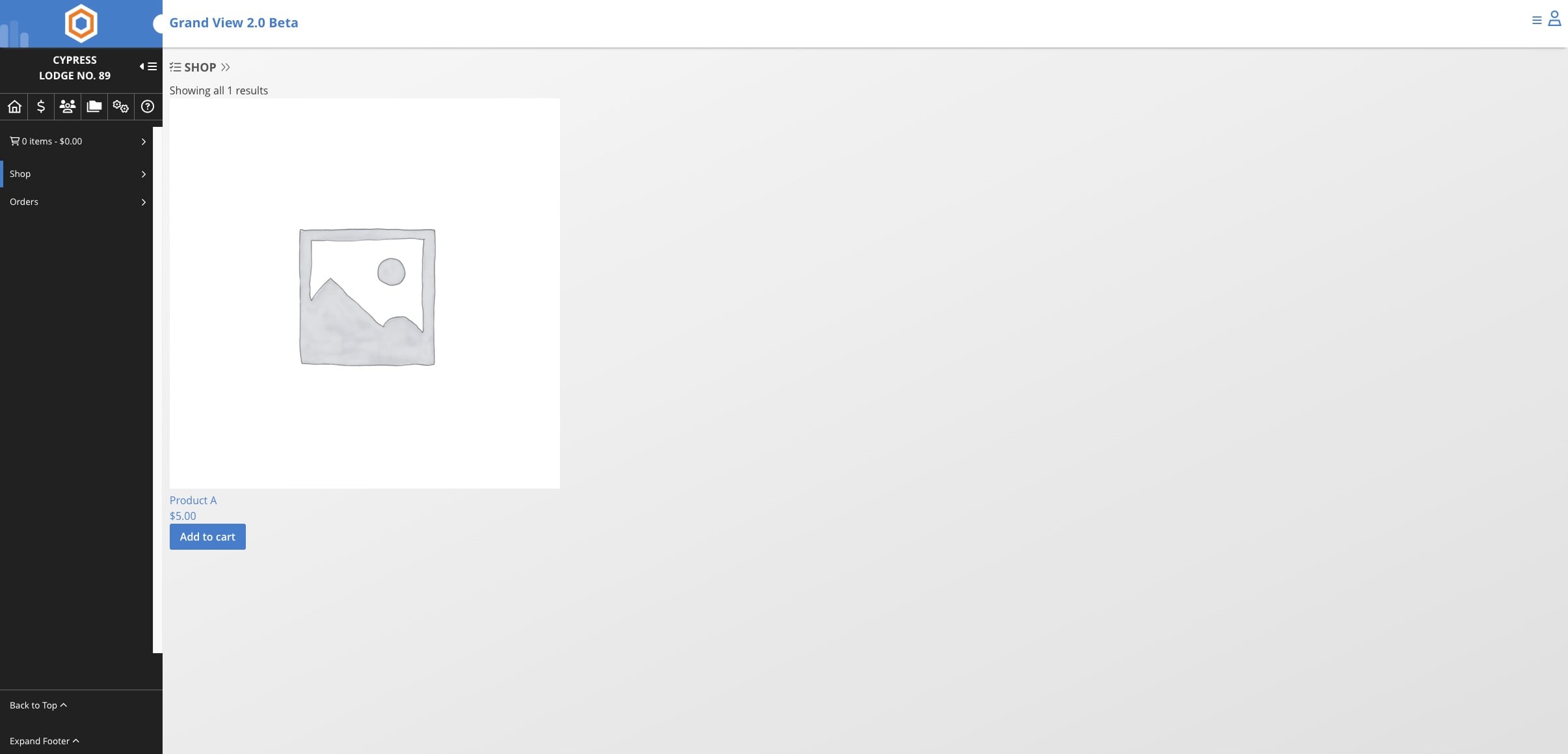
Select items by clicking on "Add to cart"
3
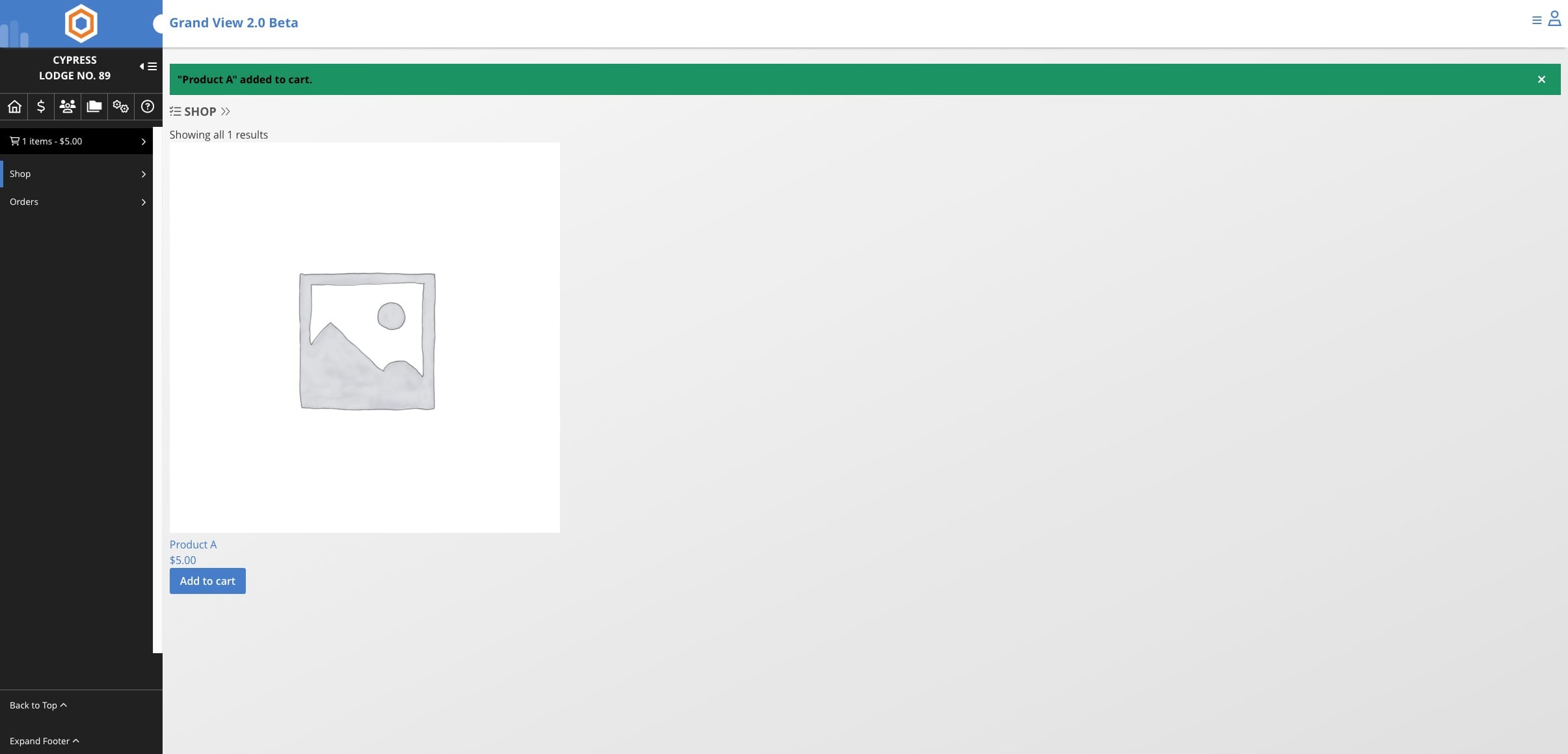
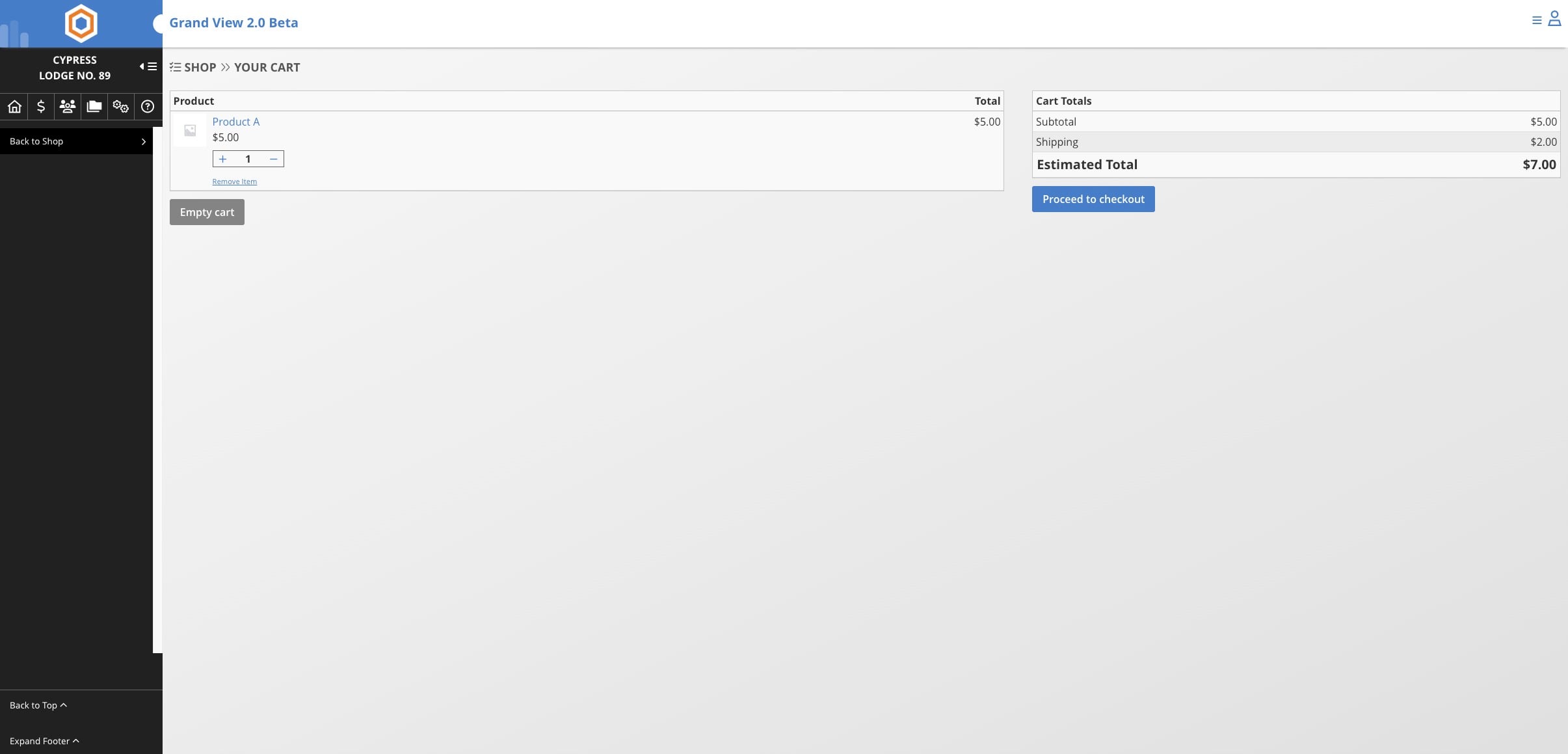
View your cart to checkout
4
Click on "Proceed to checkout"
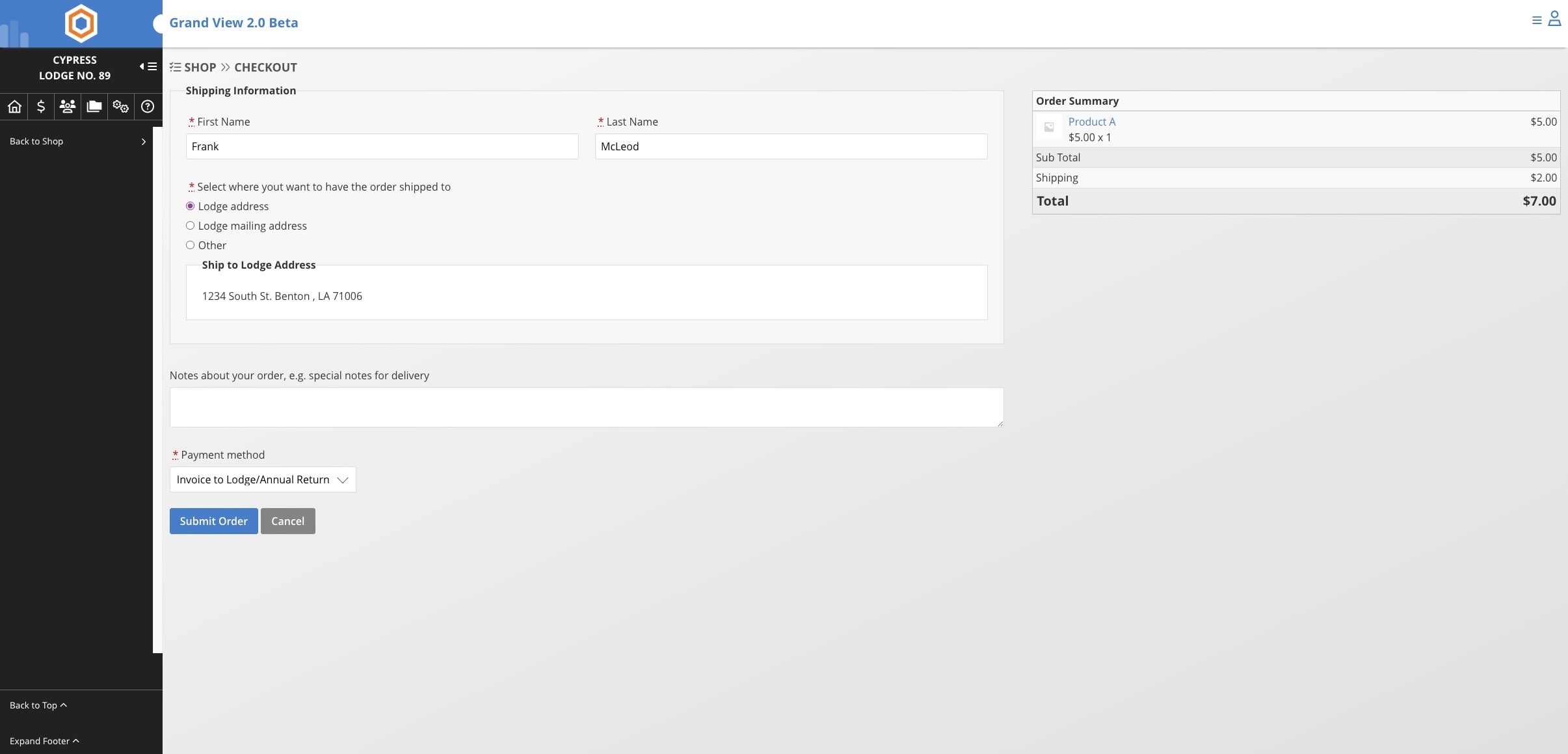
5
Verfiy your information and select a mailing address. Finally select a payment method.
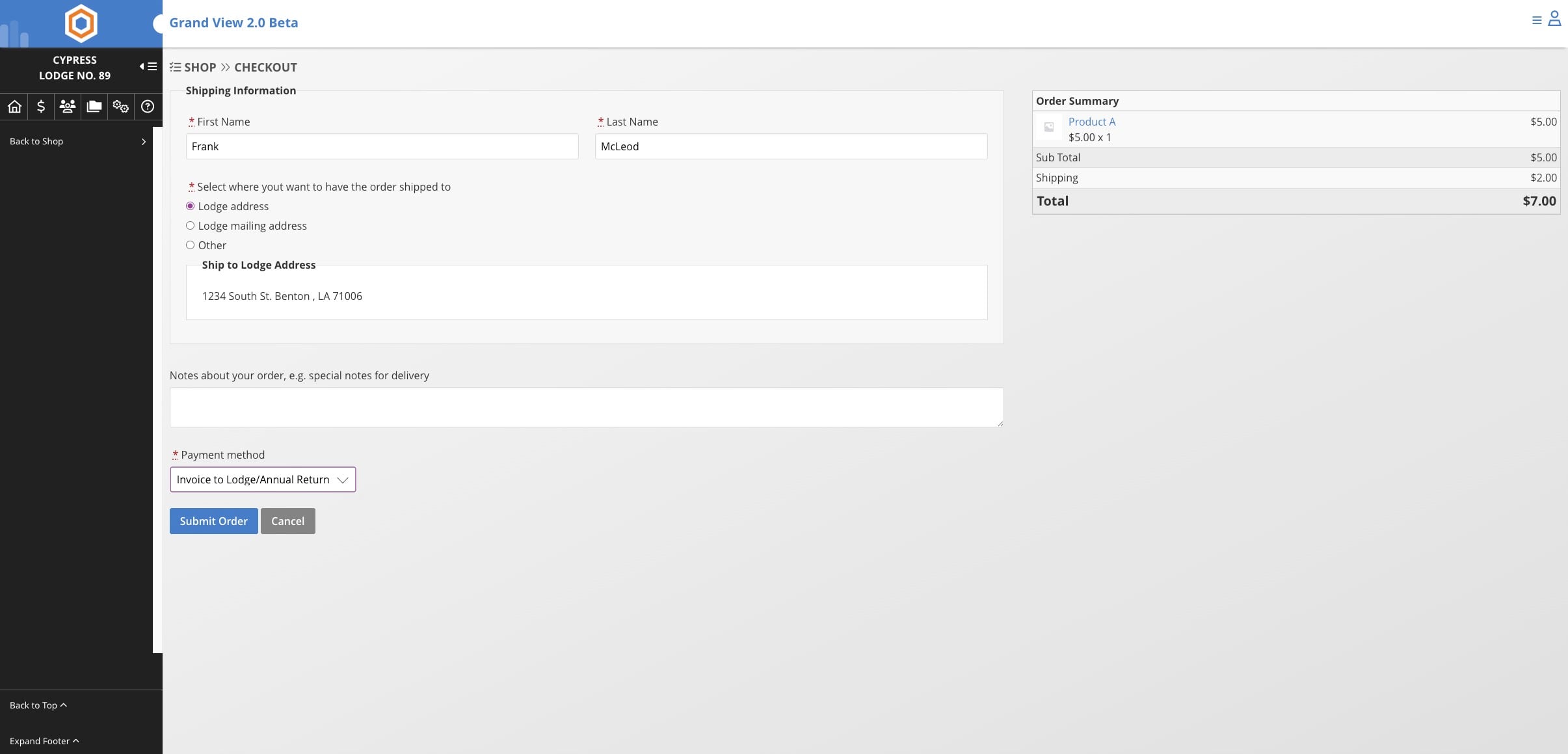
If your jurisdiction/organization takes online payments you will have the option to pay online. Otherwise it will be invoiced to the Lodge/Chapter or added to the Annual Return.
6
Click on "Submit Order"