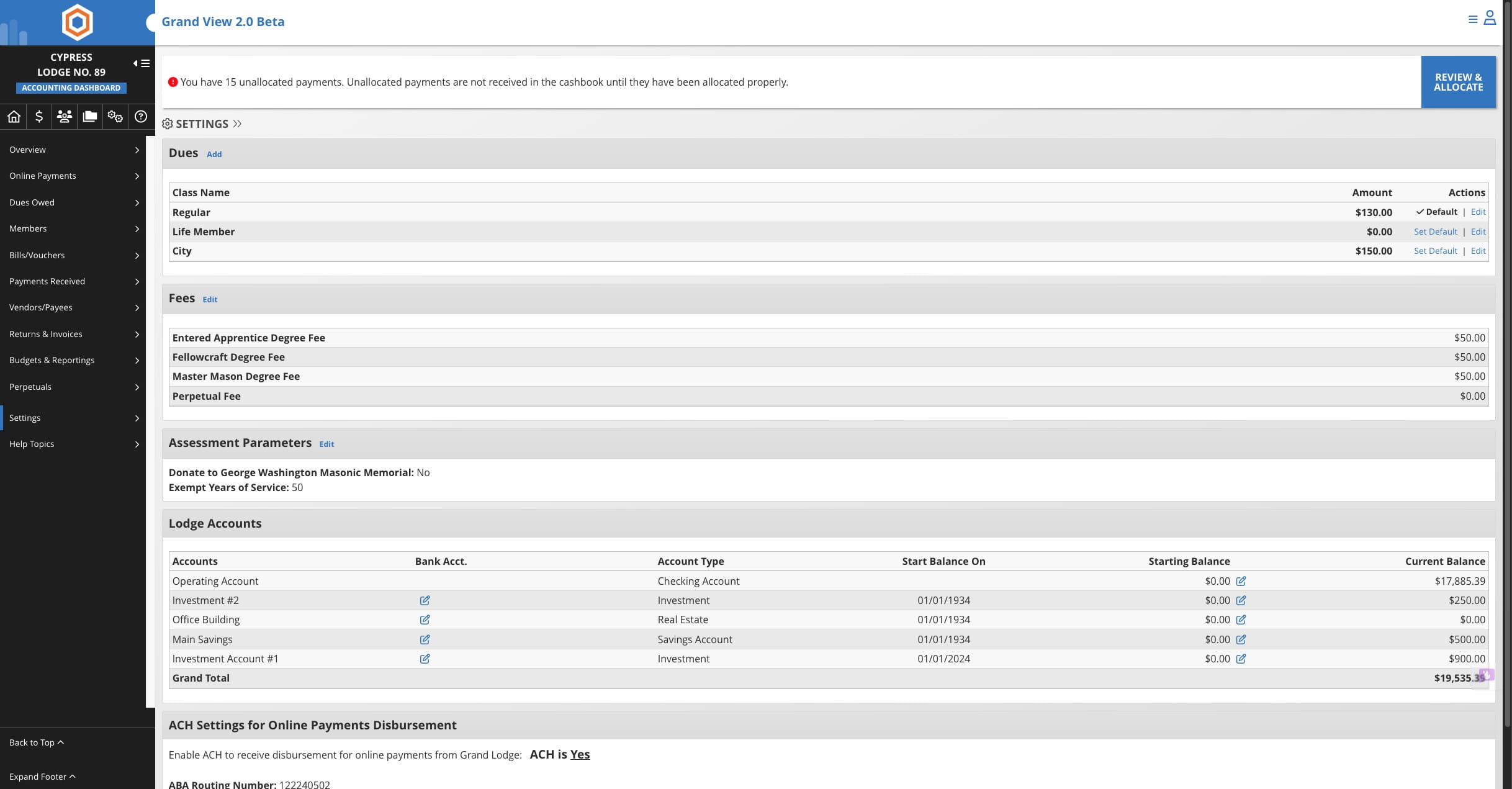
Update Member Annual Dues Amounts
Learn how to update the annual dues amounts charged to members. This step-by-step guide walks secretaries through navigating to the Settings menu, making the necessary edits, and saving your changes.
Jul 22, 2026●
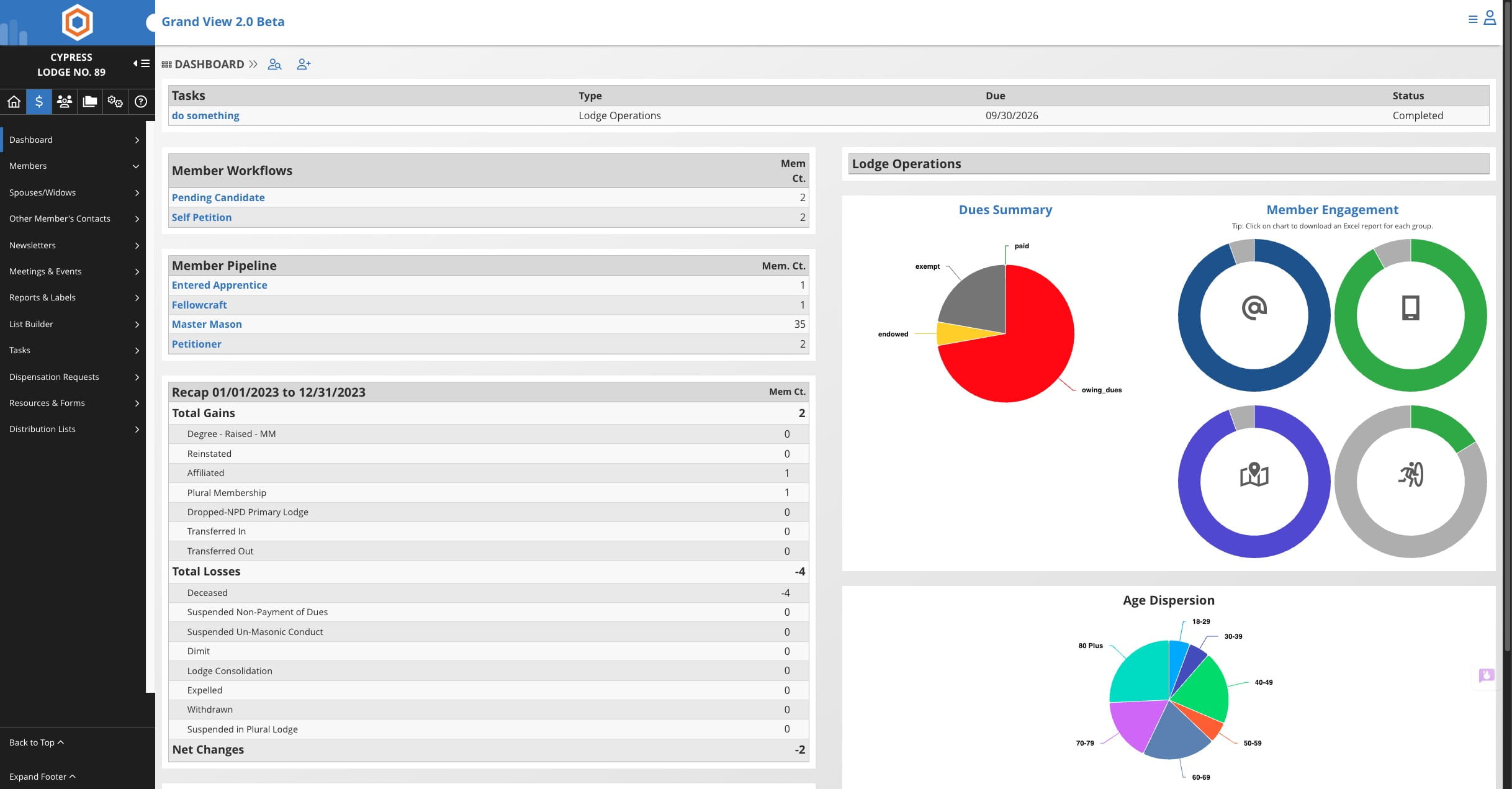
1
Click this icon

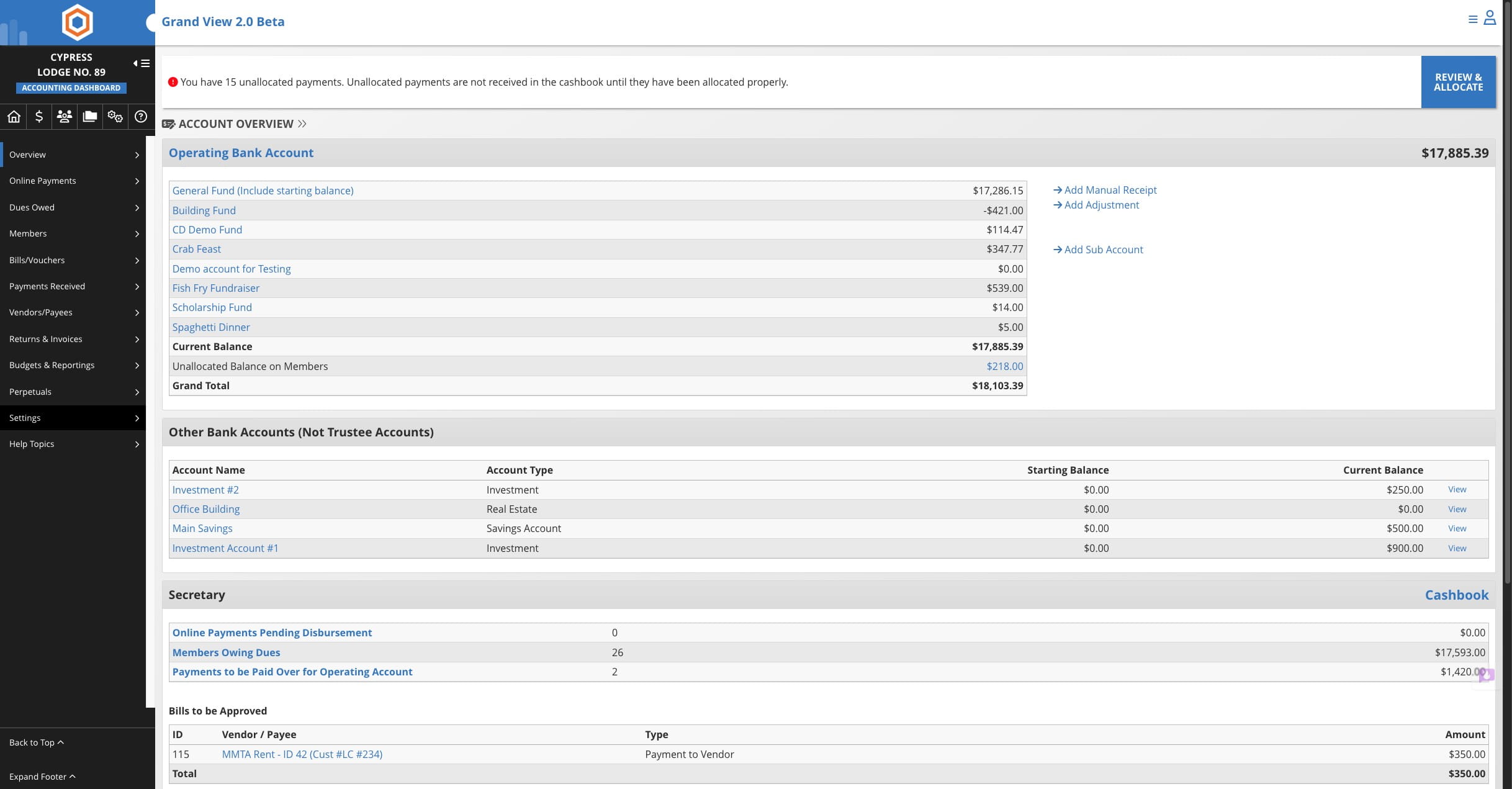
2
Click on "Settings"
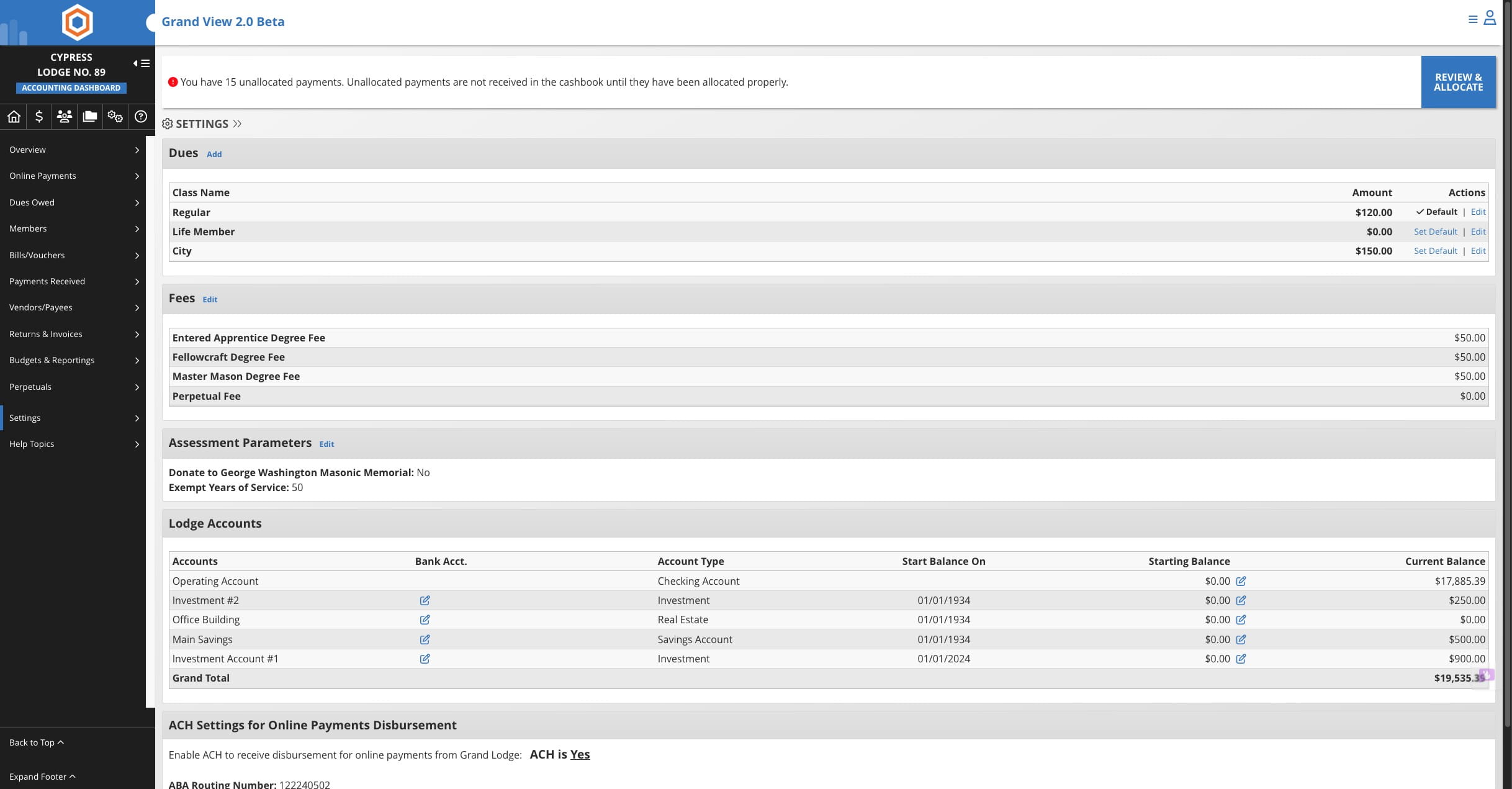
3
Click on "Edit"
4
Make Changes
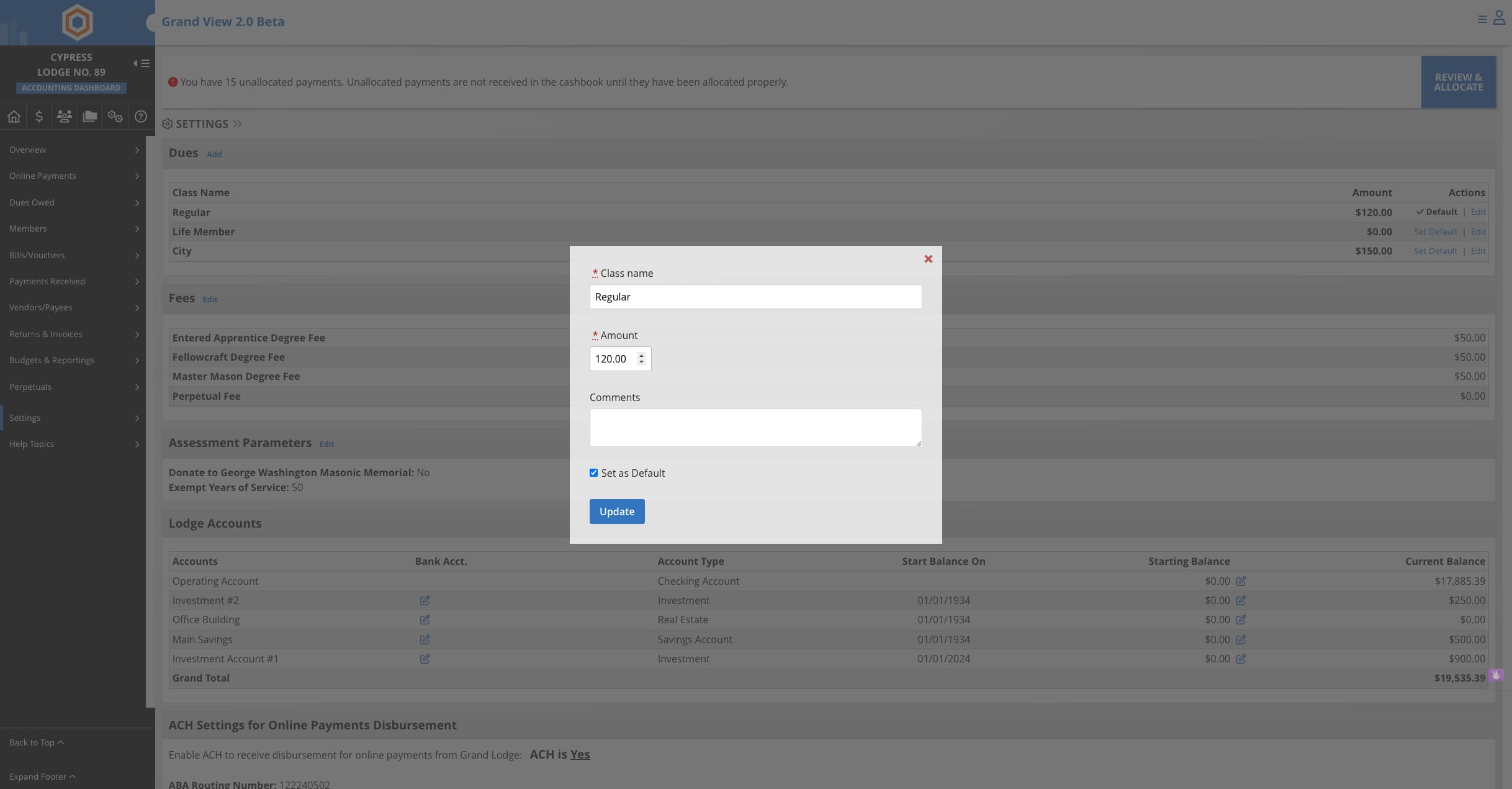
5
Click Update
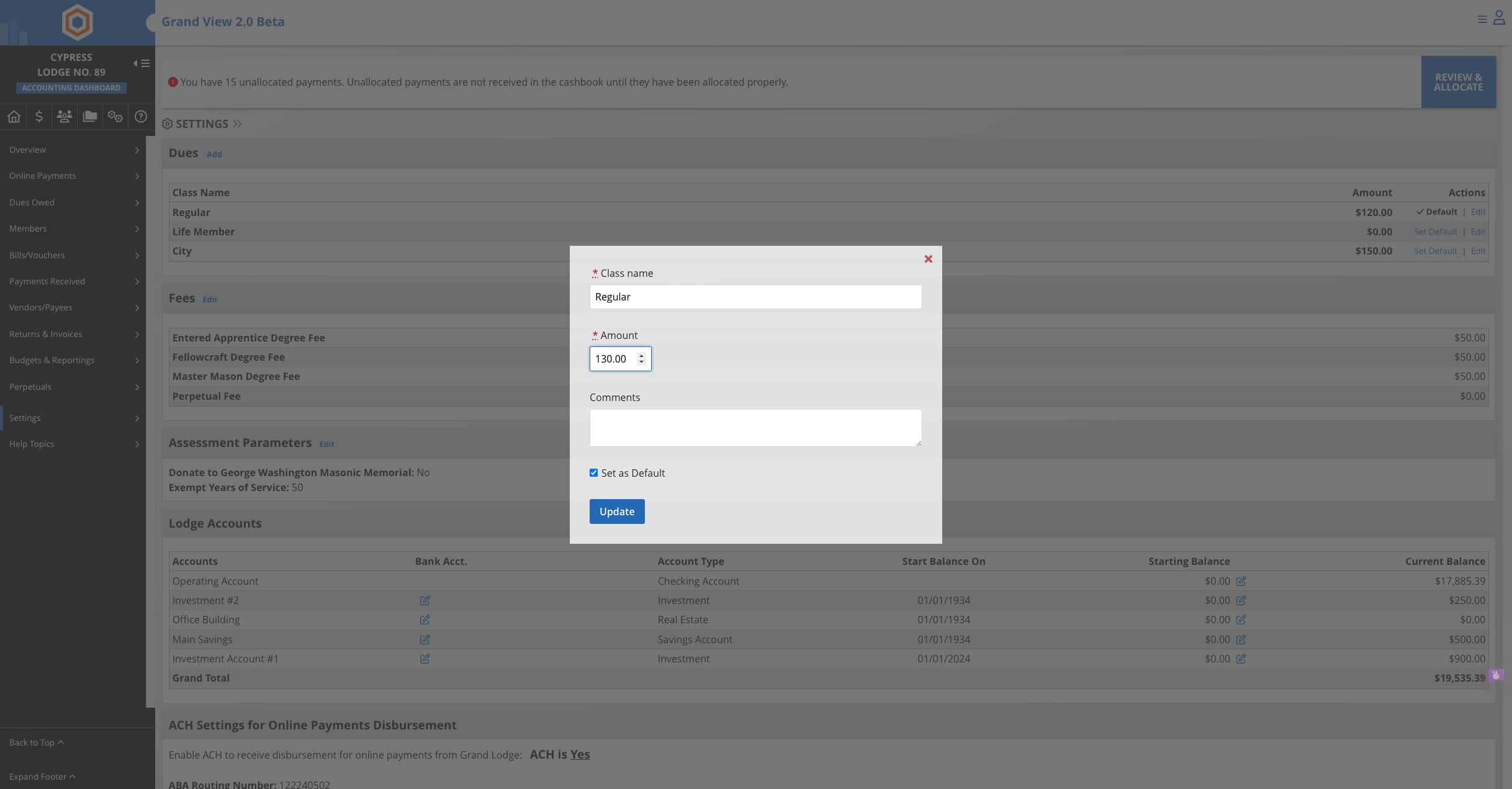
6
Repeat steps to update additional dues classes.