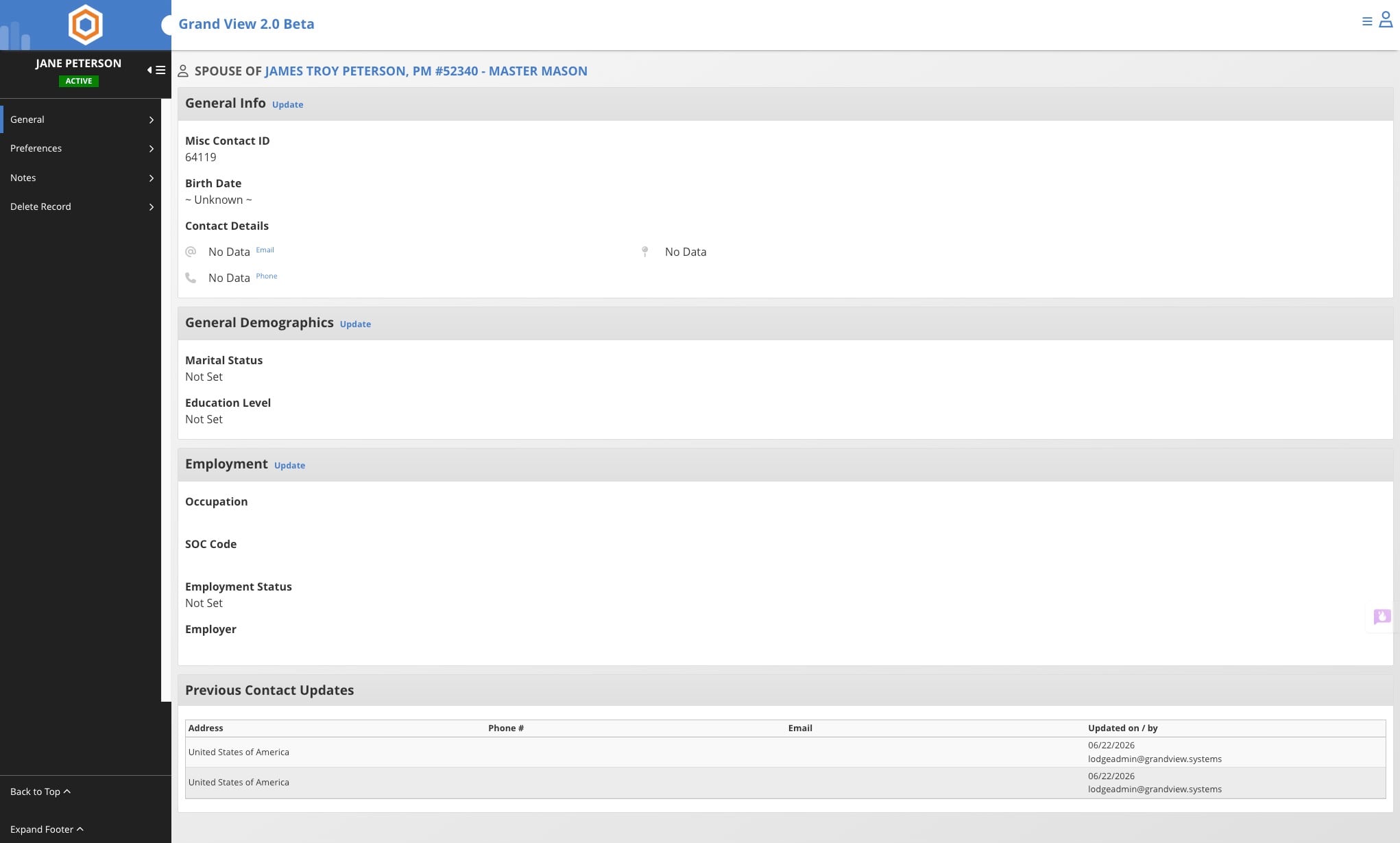
Update or Add information for a Member's Spouse
This guide walks you through the steps to update or add spouse and contact information for a lodge member. It covers how to navigate to a member's profile, add new spouse or contact details, and edit existing contact information using the Lodge Dashboard.
Jun 22, 2026●
1
From the Lodge Dashboard
2
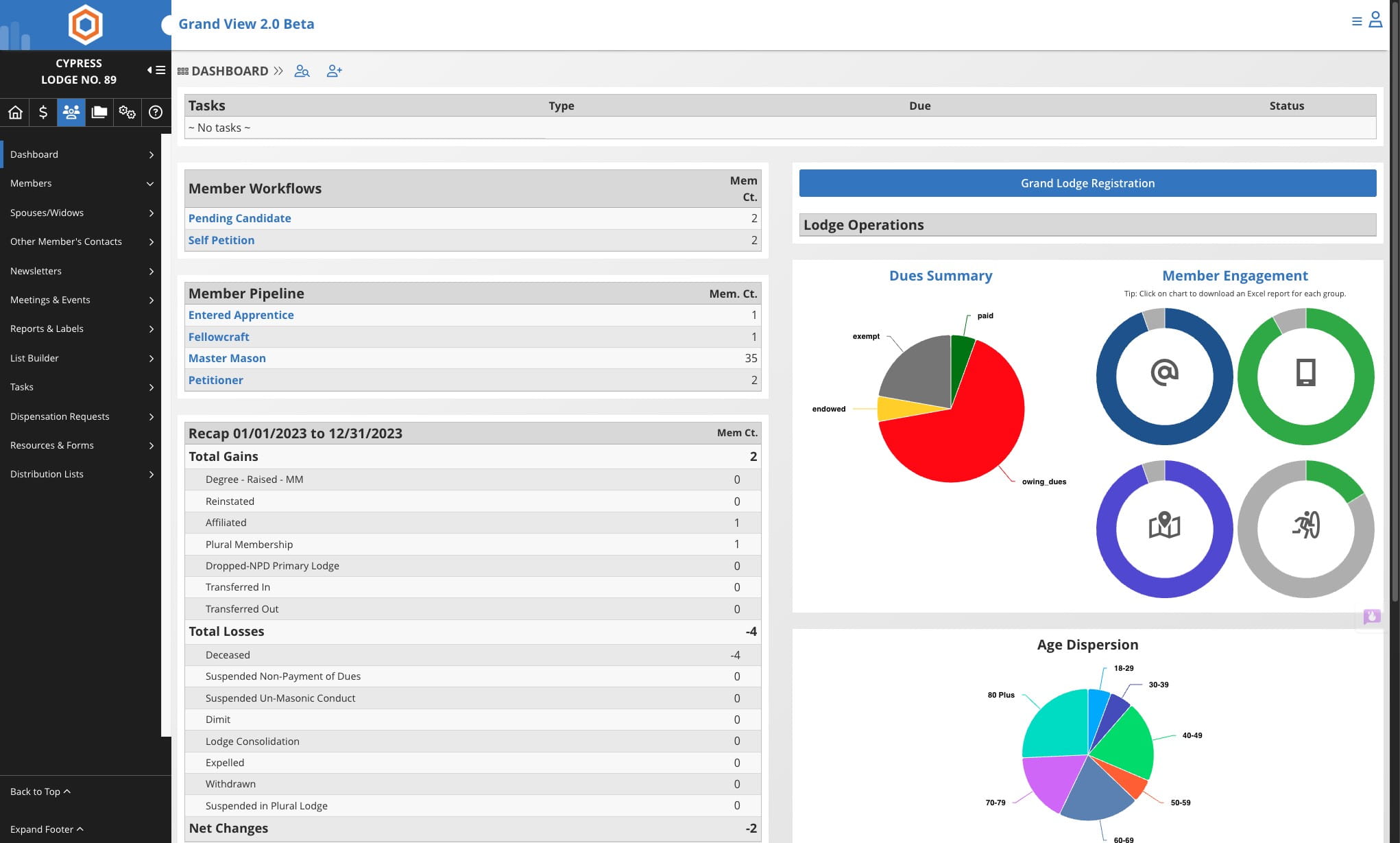
Click on Member icon

3
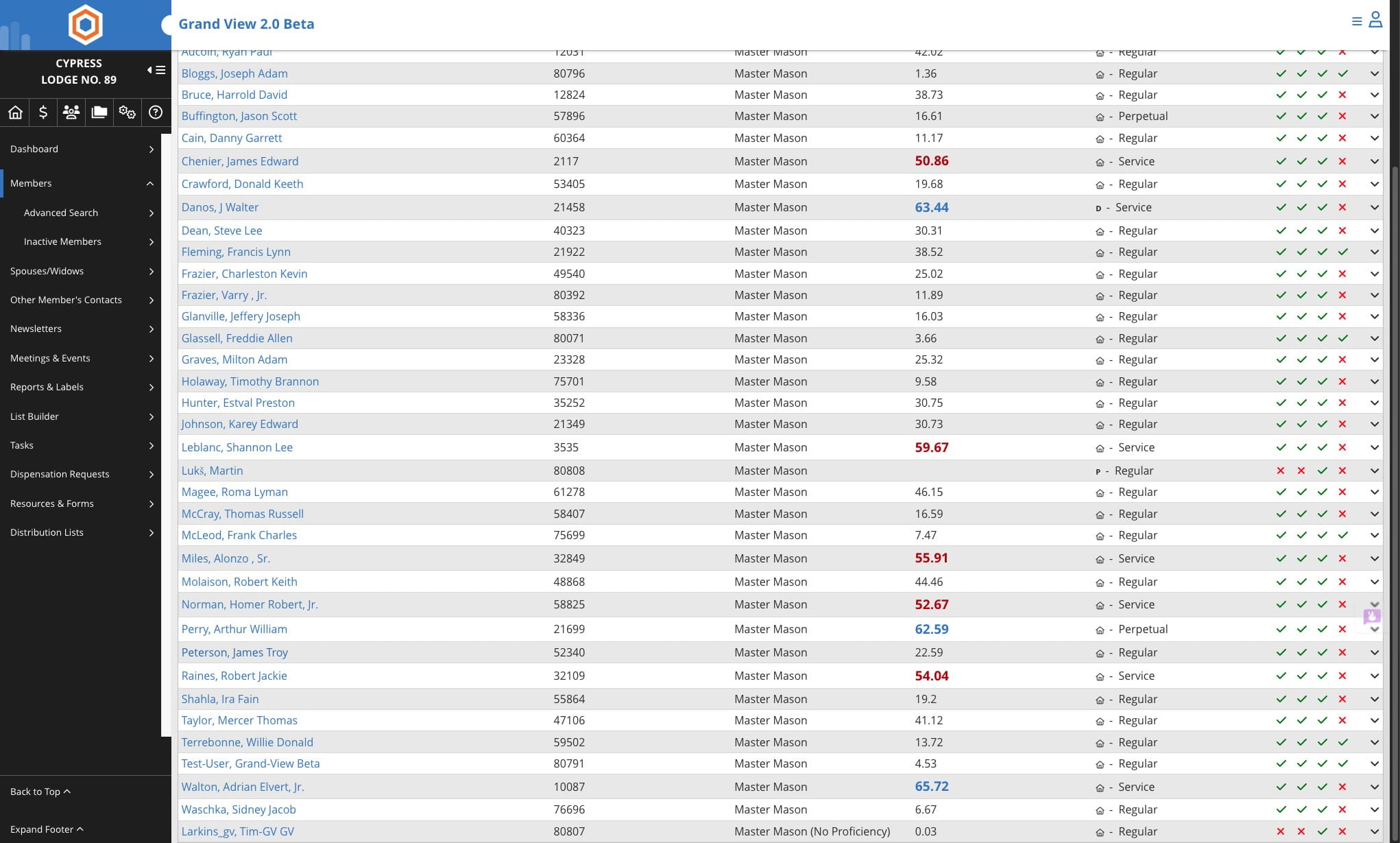
Select the member you wish to update
4
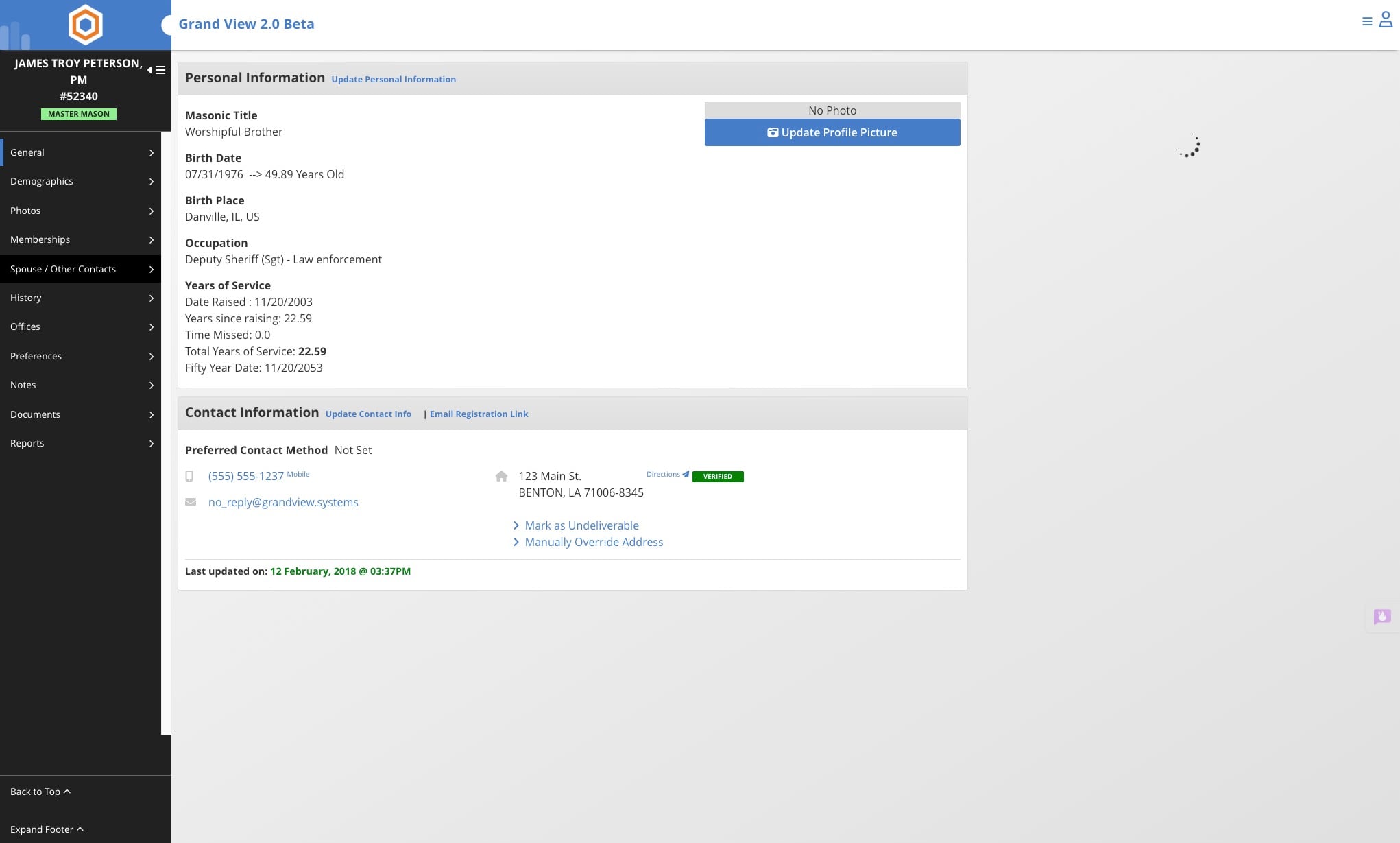
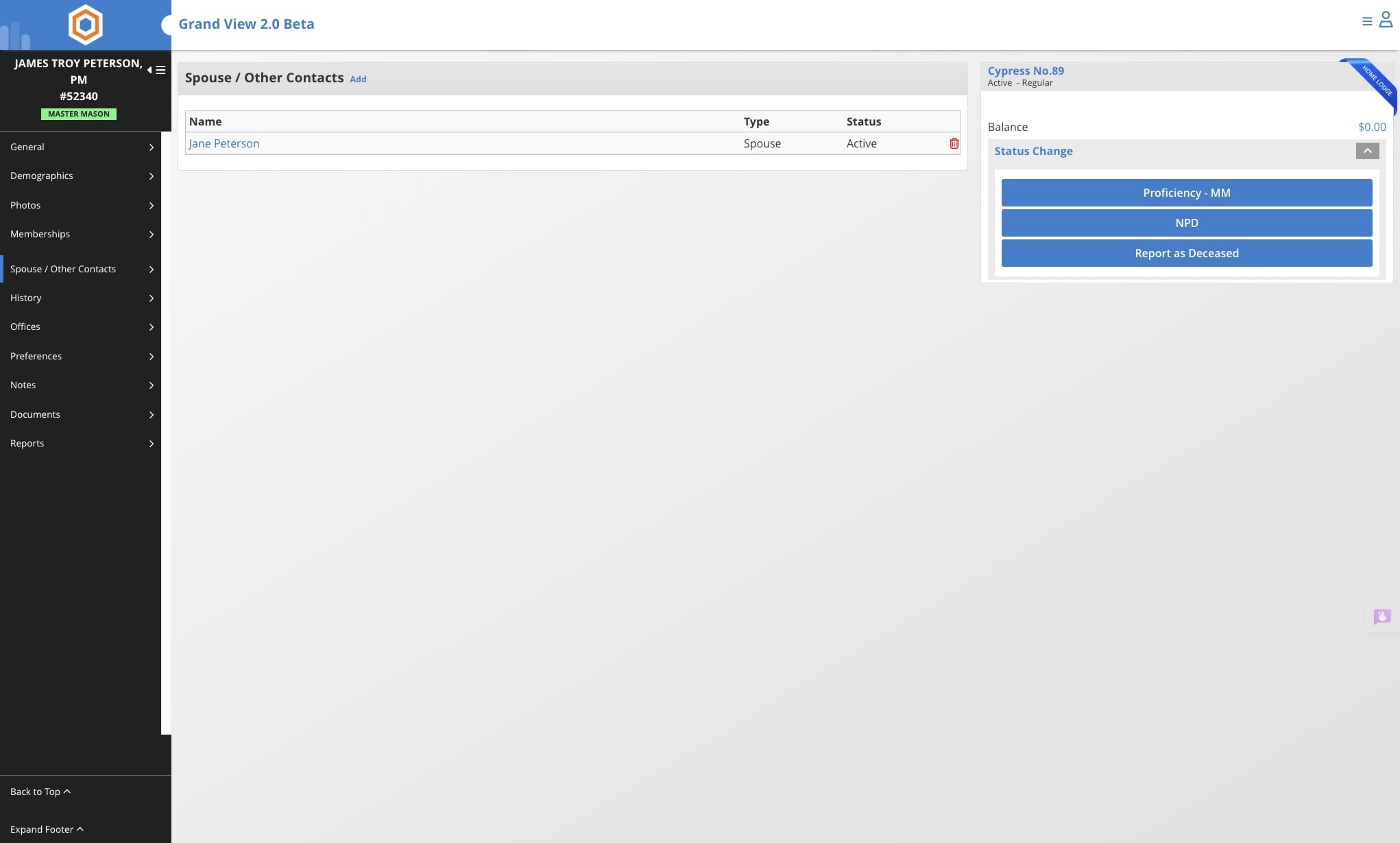
Click on "Spouse / Other Contacts"
5
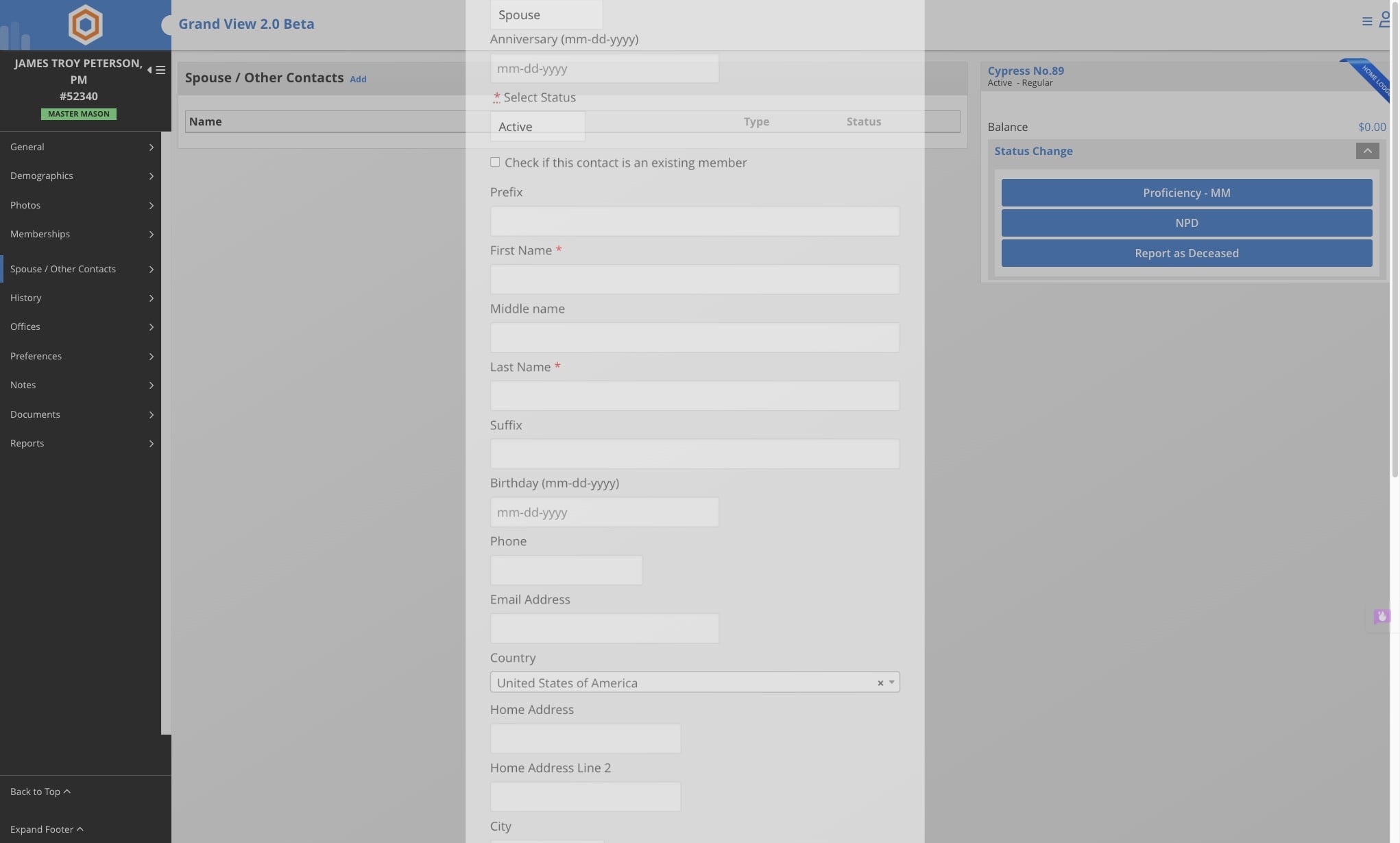
Click on "Add"
6
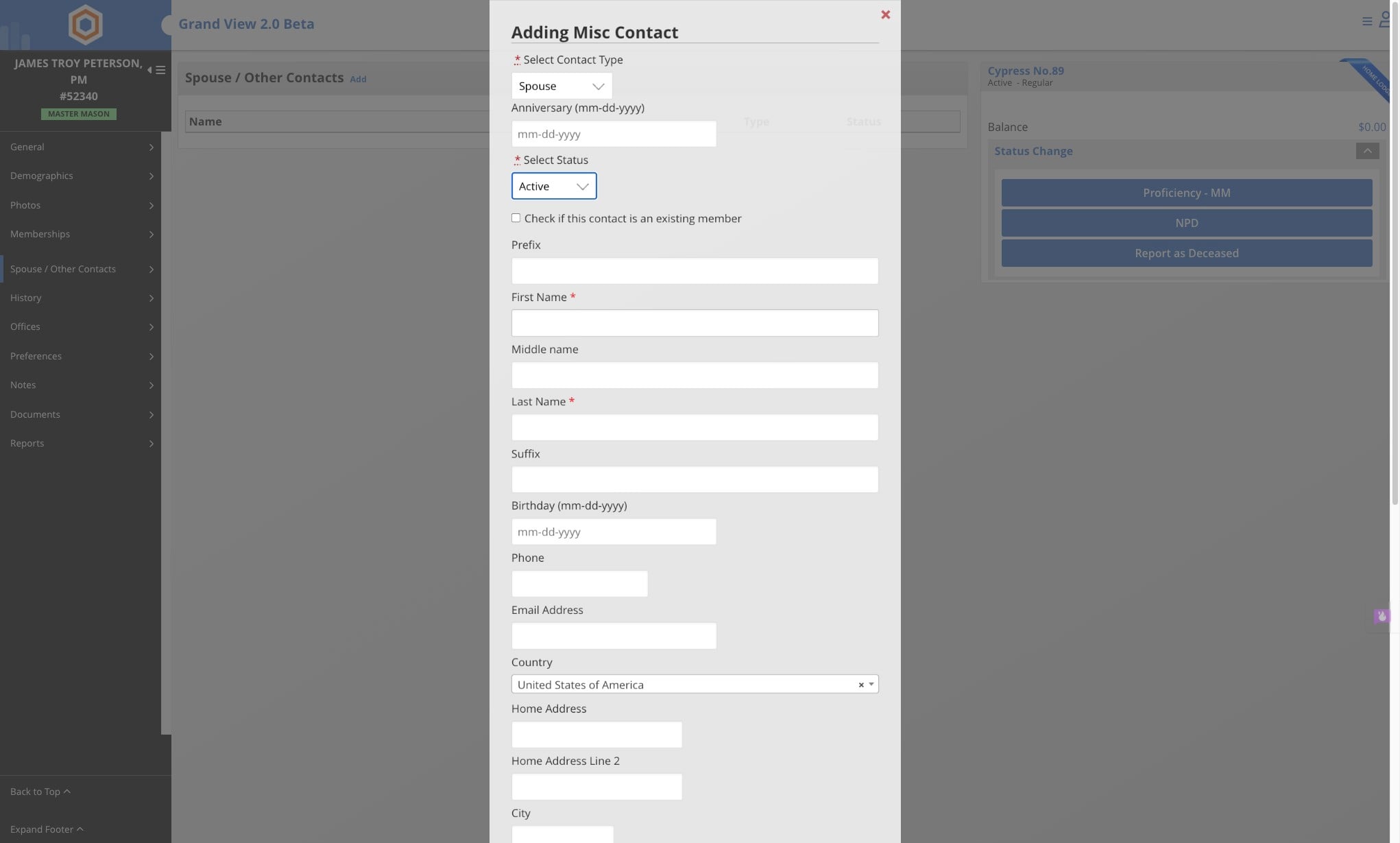
Select the necessary status
7
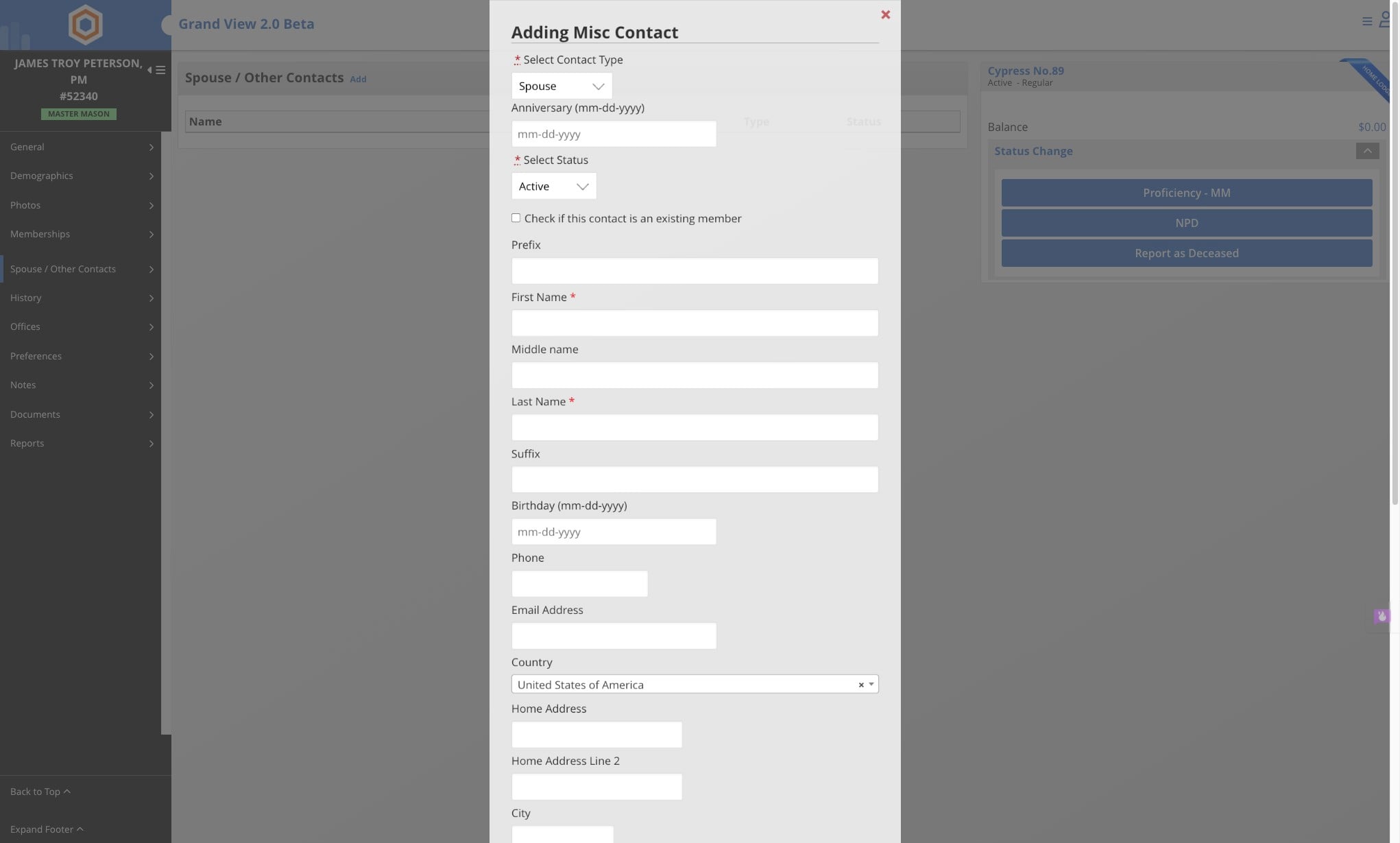
Enter the information for the contact and click on Save
To Edit Existing Spouse or Contact
8
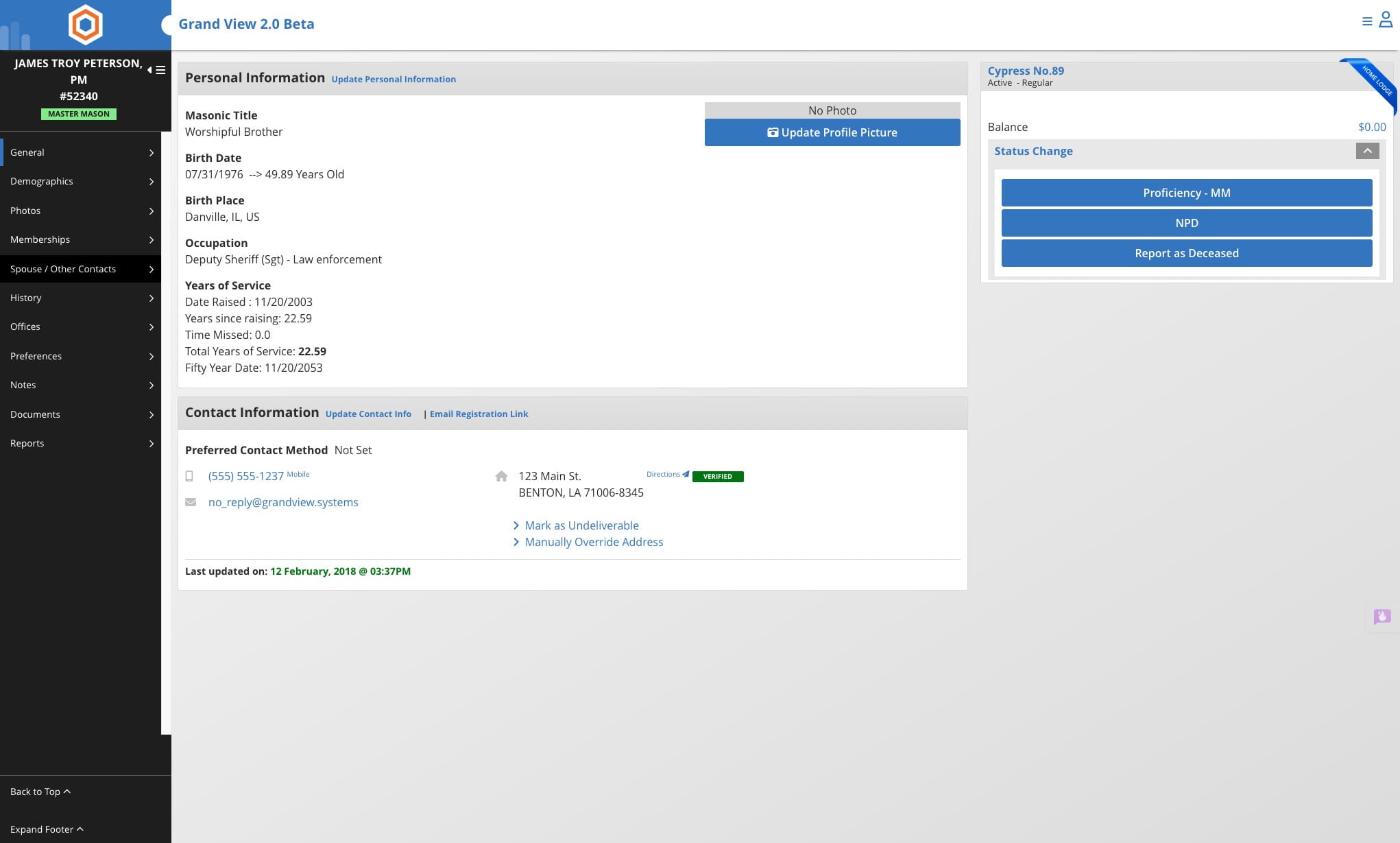
Click on "Spouse / Other Contacts"
9
Select name you wish to modify
10
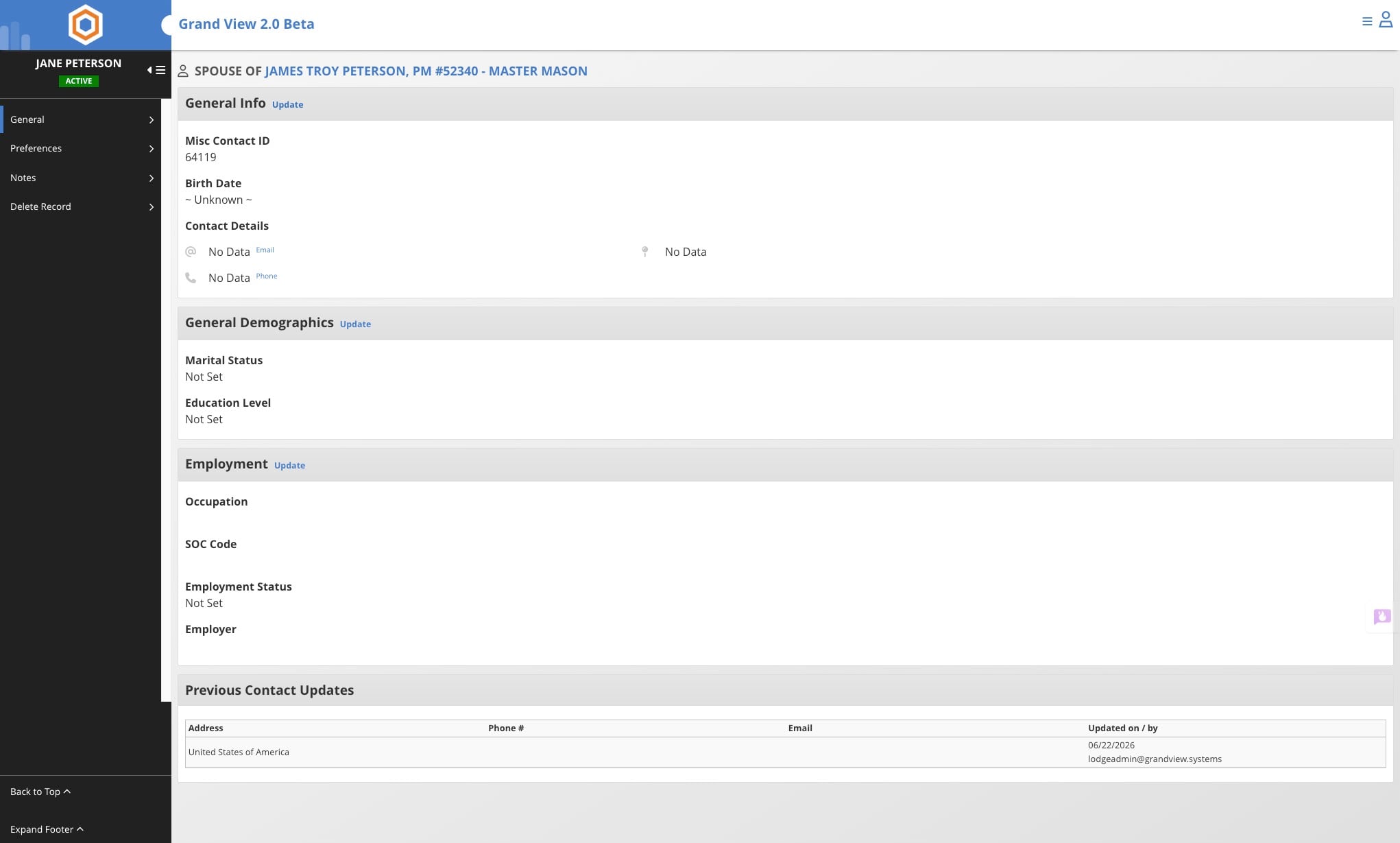
Click on "Update"
11
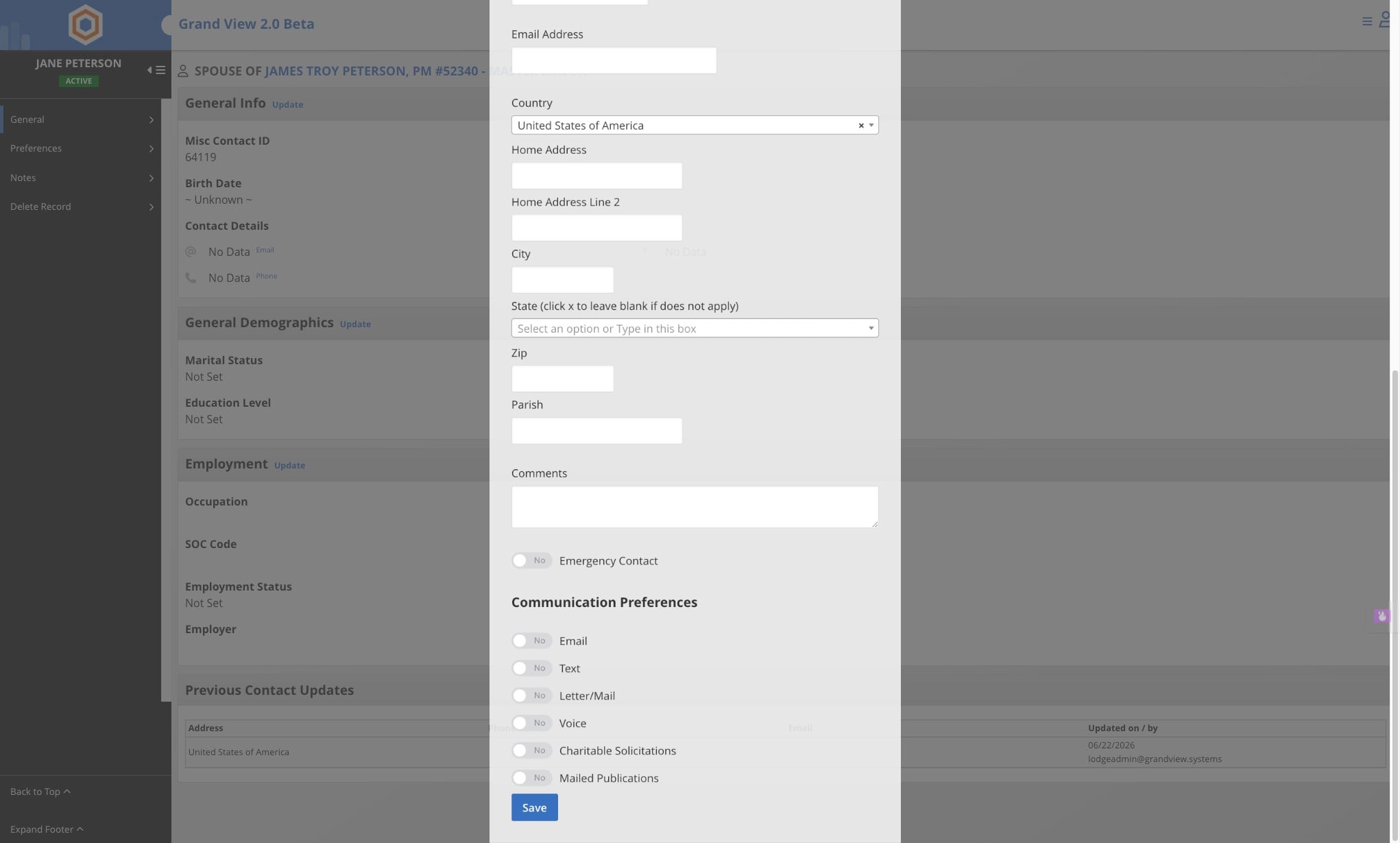
Make the necessary updates and click Save
12
Done 🚀