

View Email Analytics
Learn how to access and download email analytics for your newsletters in Grand Lodge. This guide walks you through locating your newsletter, viewing its analytics, and interpreting the email delivery results.
Jun 24, 2026●
1
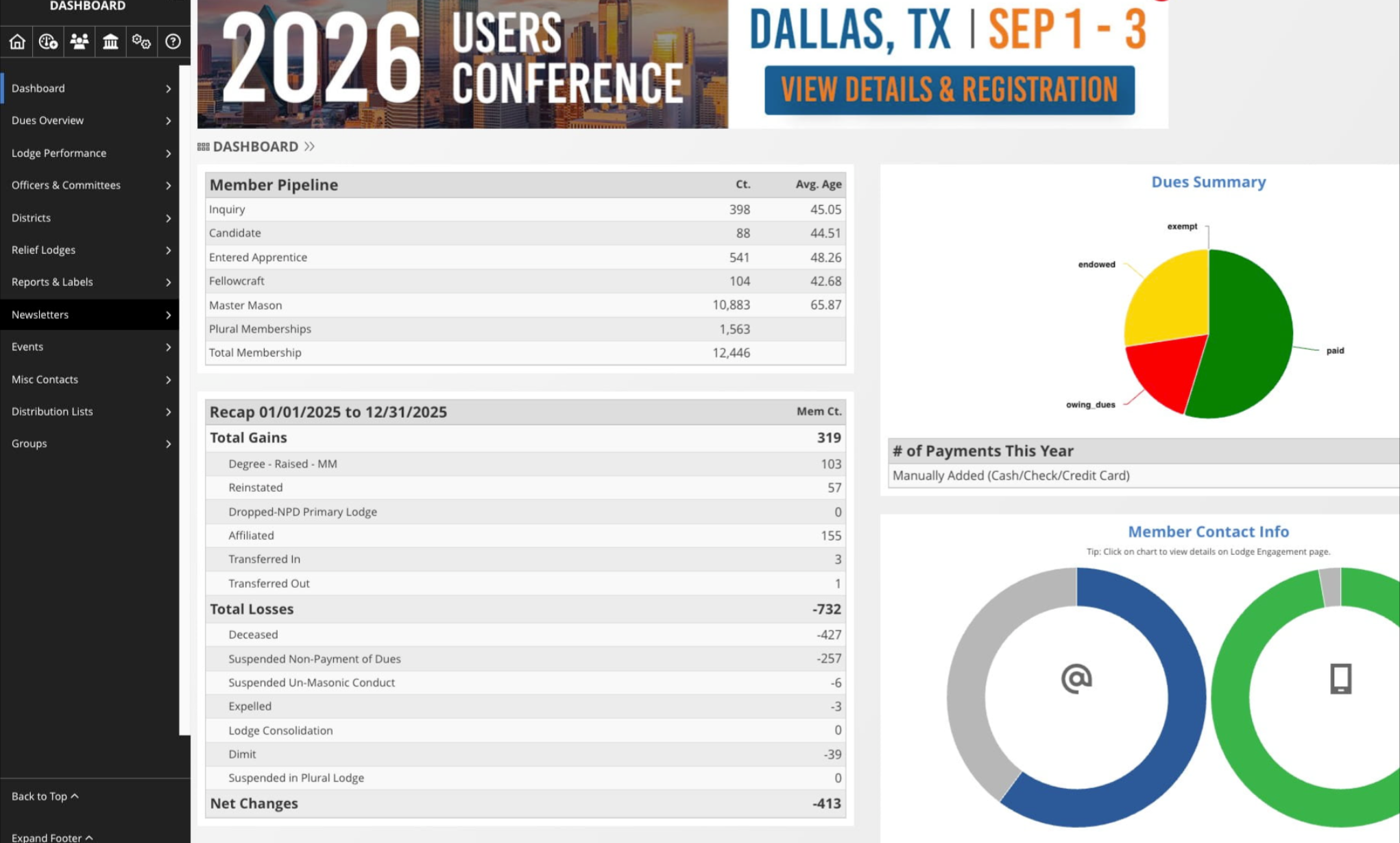
From the Grand Lodge dashboard
2
Click on "Newsletters"

3
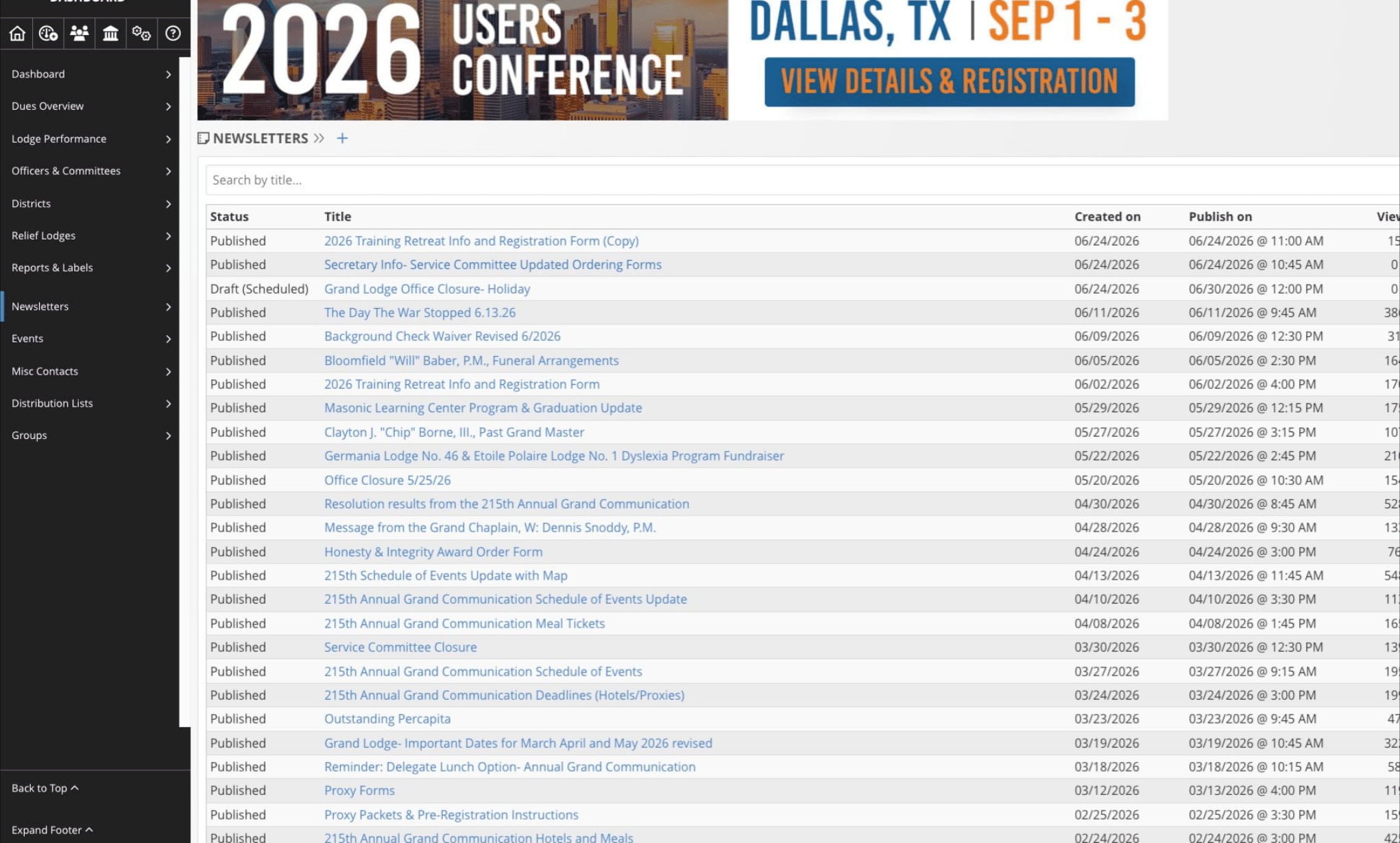
Choose the newsletter you'd like to review analytics for
4
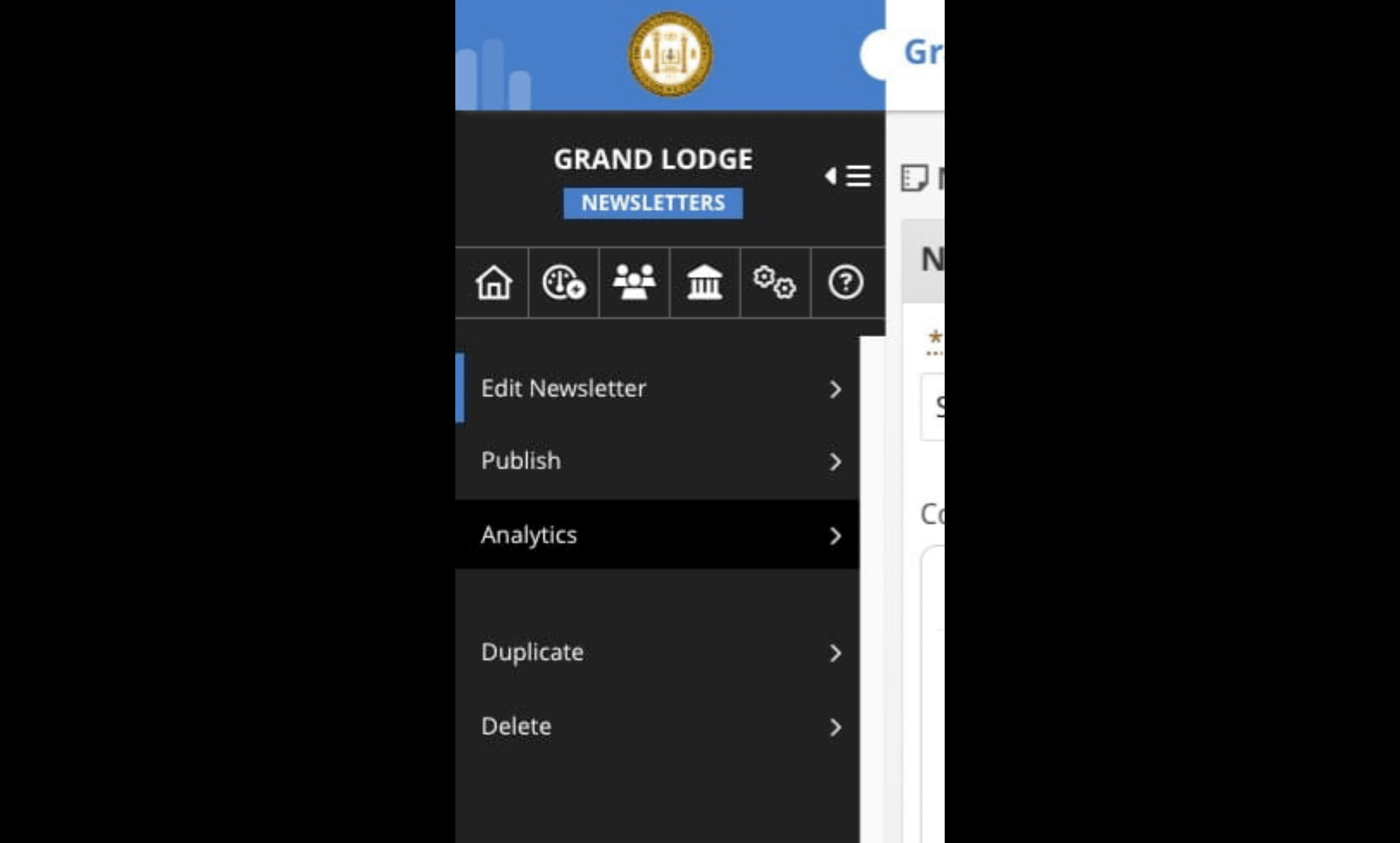
Click on "Analytics"
5
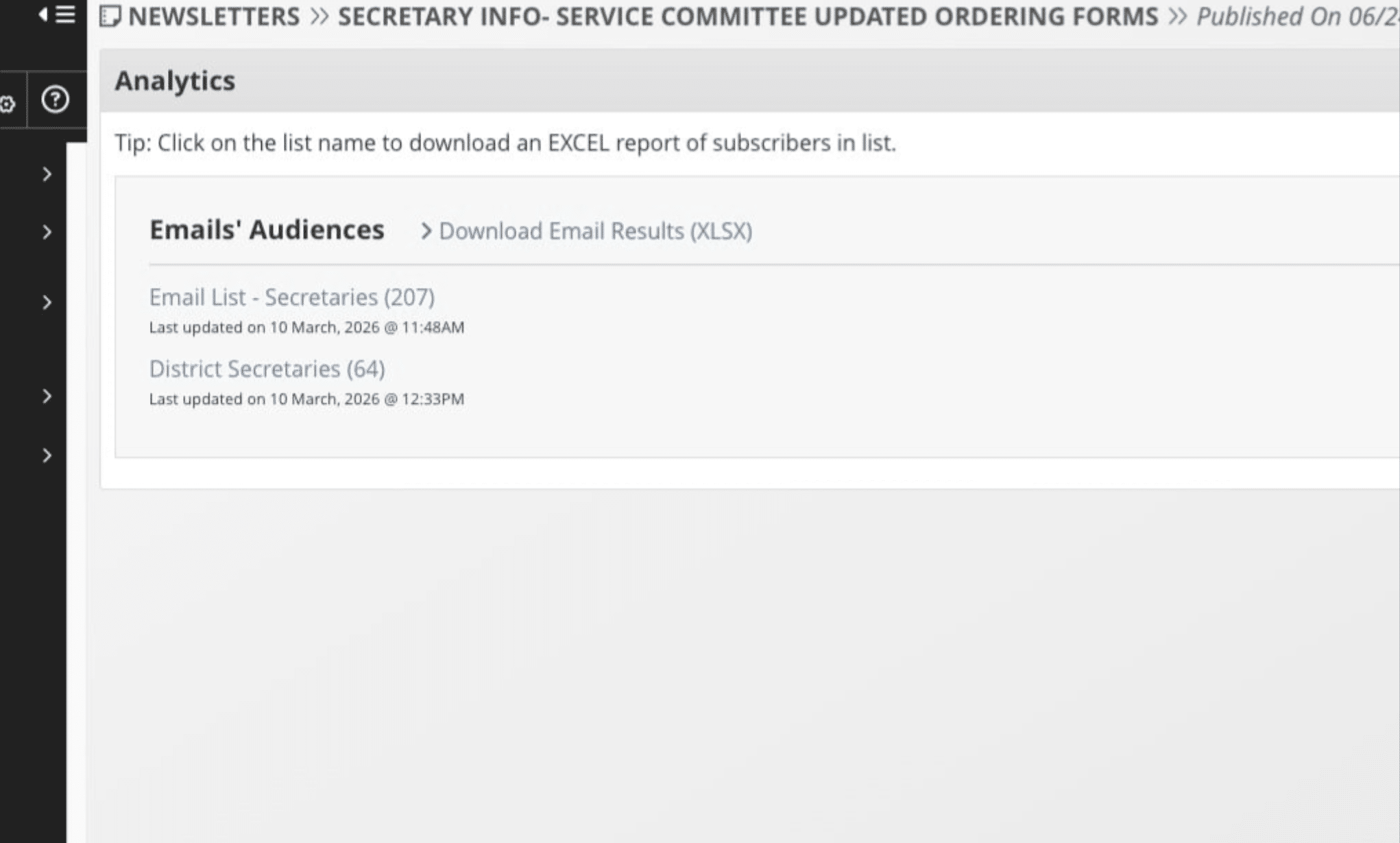
Click on Download Email Results
6
The file will download to your computer. Open the file to view the analytics.
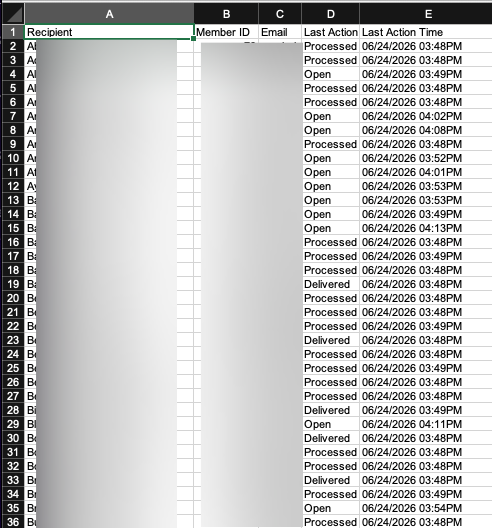
7
You can visit this help article to understand the different statuses https://help.grandview.systems/articles/understanding-email-delivery-results