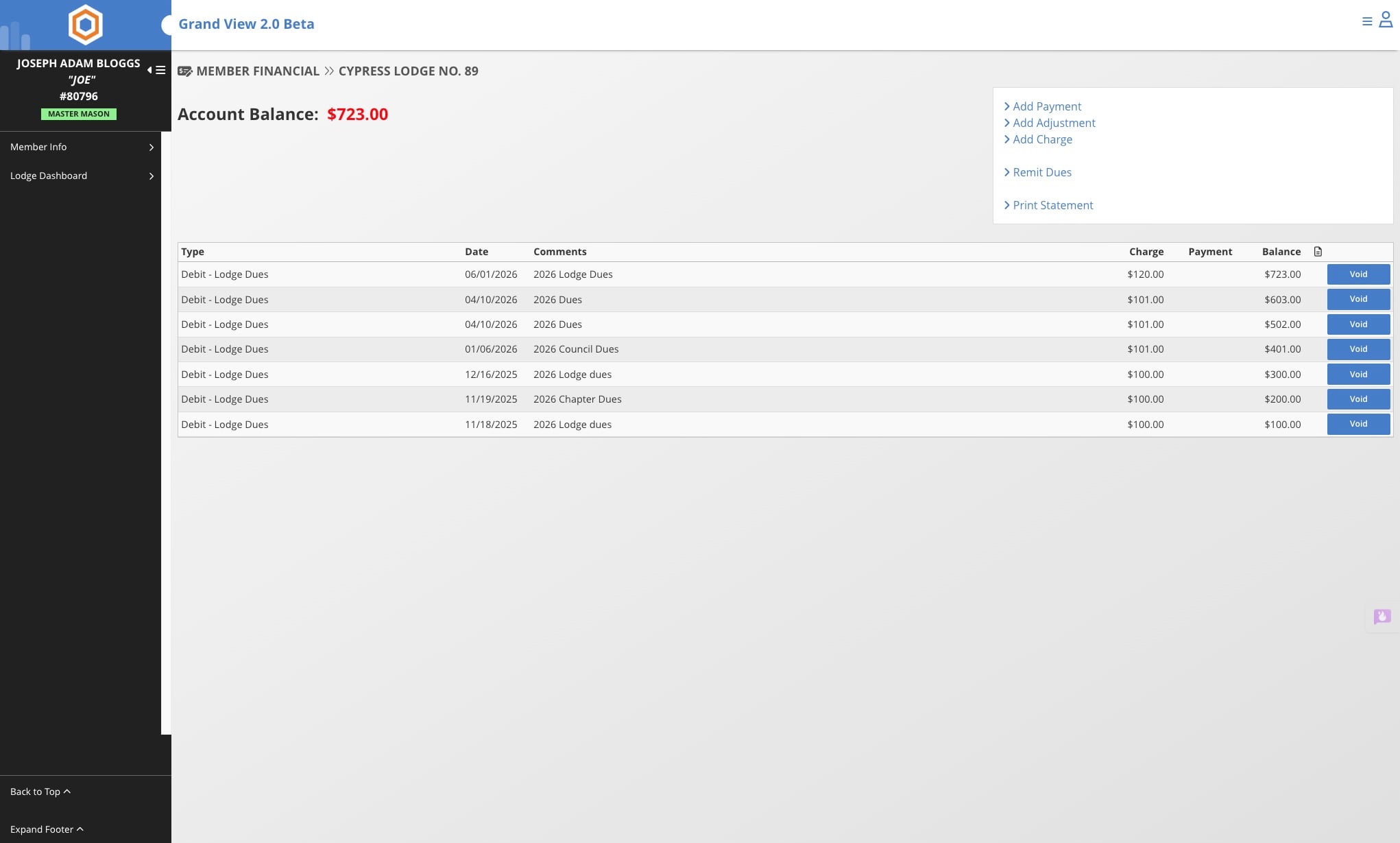
Voiding Member Transactions
This guide walks you through the process of voiding member transactions, including how to locate the transaction, apply a void, add comments, and understand the impact on a member's account balance.
Jun 22, 2026●
1
Navigate to the member's record
2
Click on the amount shown
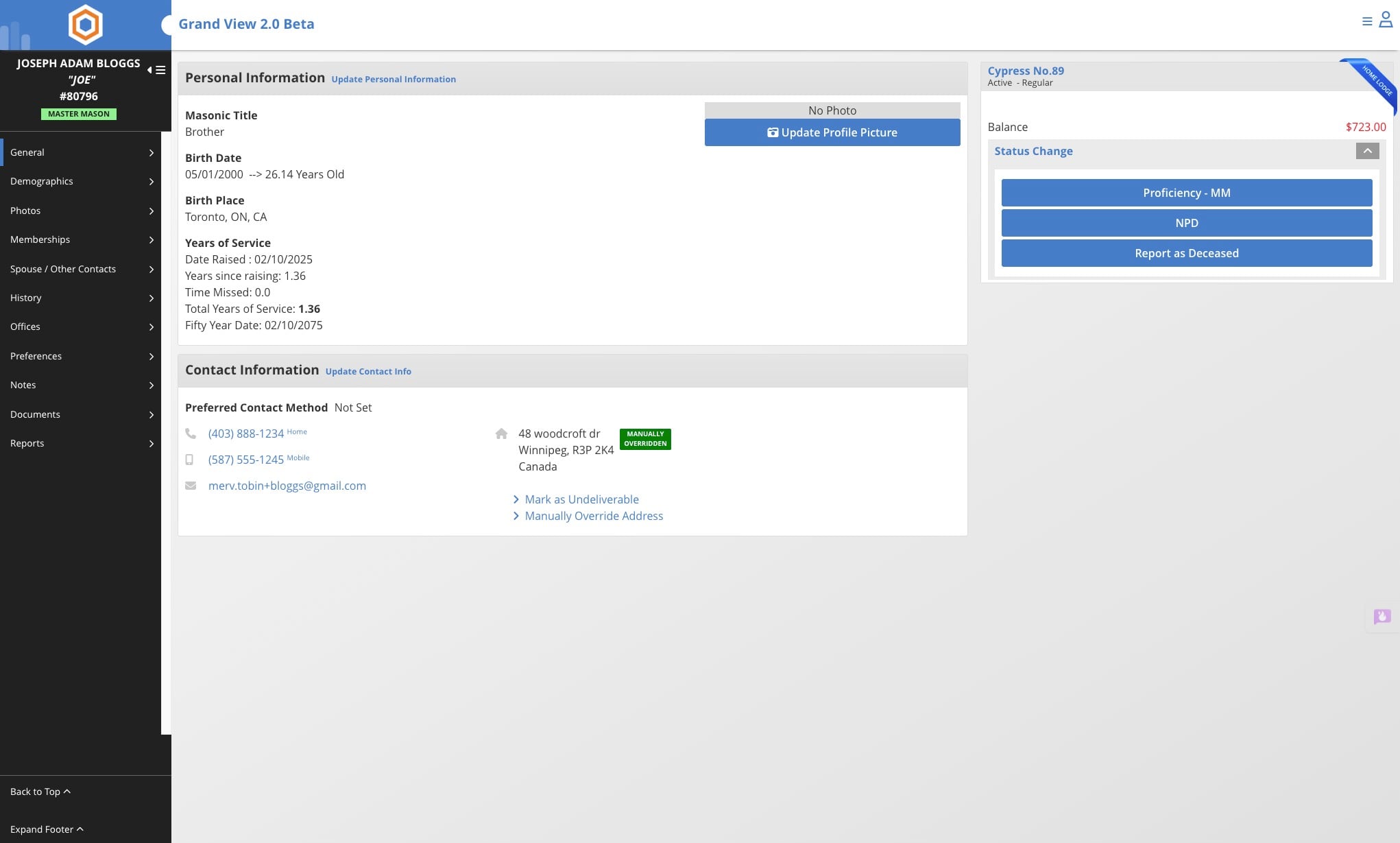

3
Find the transaction you wish to void and click on "Void"
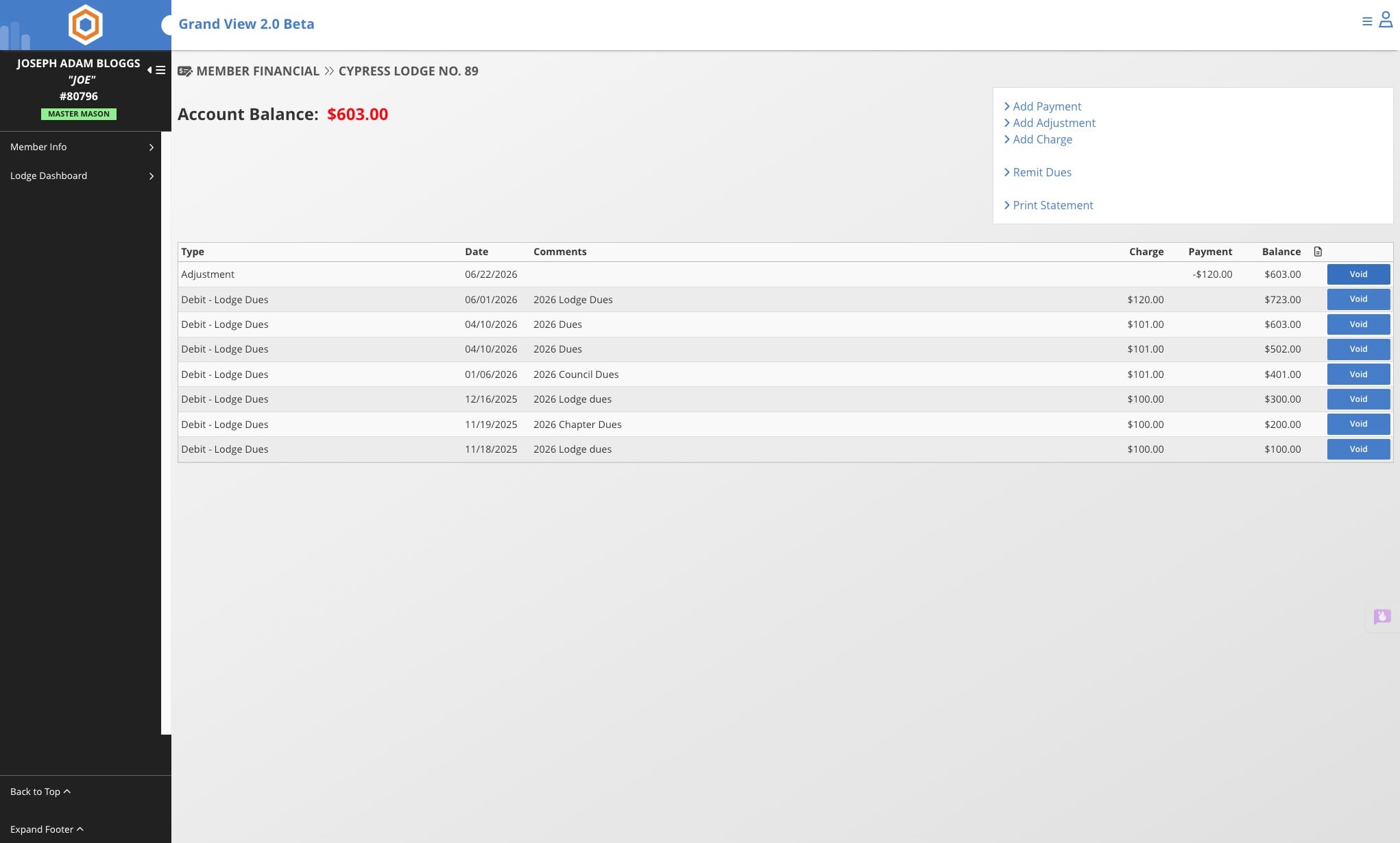
If a transaction is a part of a payment, every transaction in that payment will be voided if you continue. If you void transactions this way, you will have to re-apply the payment to a member.
4
Enter in any comments on the void and click "Voiding"
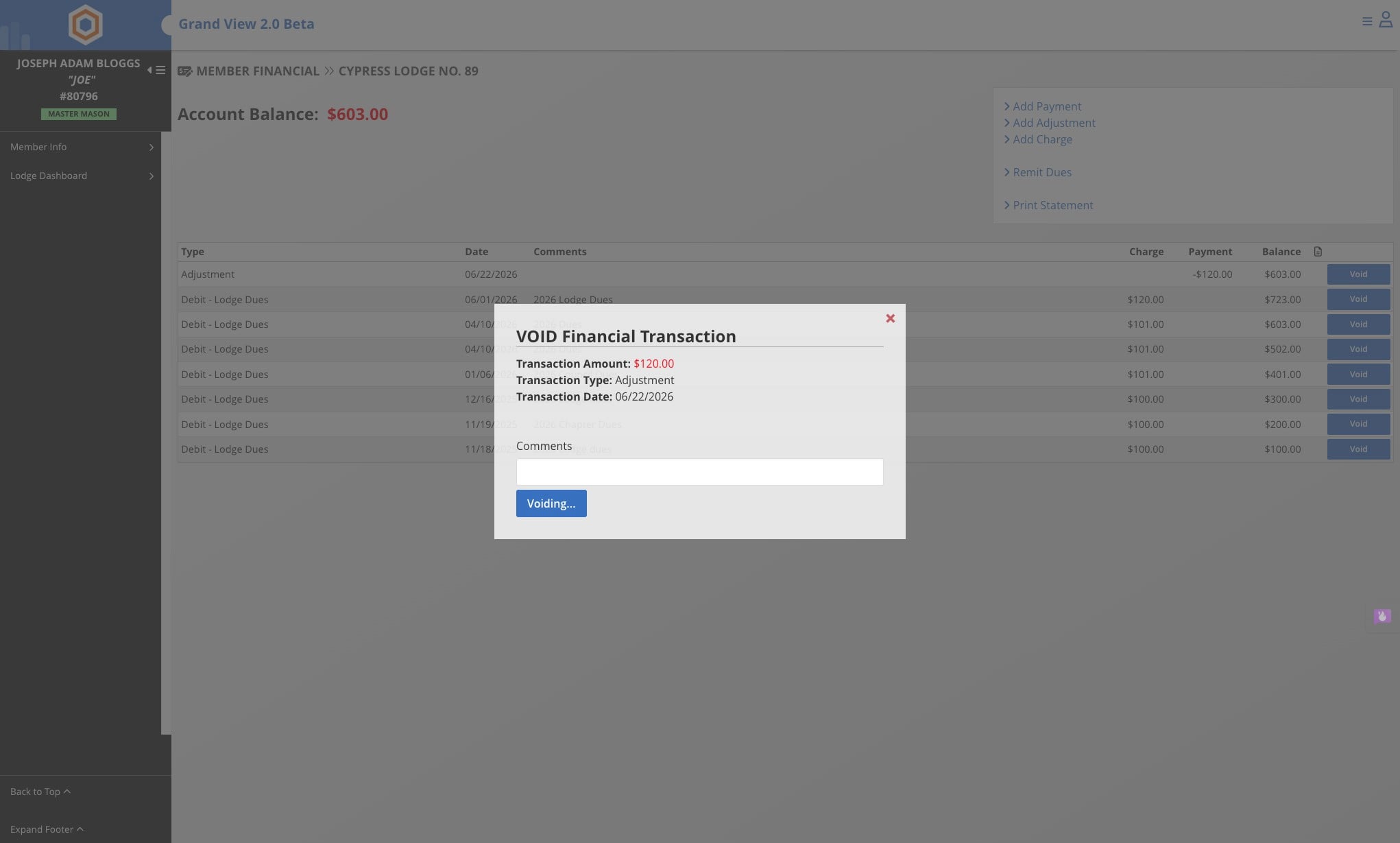
5
The voided transaction(s) will drop off of the member's account and will no longer affect their balance.